You think you know browser automation until your headless scripts need to survive flaky logins, rotating anti-bot walls, and 100 concurrent sessions. Working across different tech companies, we have shipped scrapers, RPA flows, and AI agents that only became stable after adding stealth fingerprints, CDP reconnects, and sticky residential proxies. Most teams discover reliability gaps during production spikes, not from a quick POC. From our experience in the startup ecosystem, the fastest wins come from: 1) persisting auth state across runs, 2) streaming a login step for human-in-the-loop, 3) budget-watching bandwidth and browser-hour burn.
According to Gartner's latest market analysis, RPA software revenue reached 3.8 billion dollars in 2024, up 18 percent year over year, with UiPath, Microsoft, and Automation Anywhere leading the pack, a useful proxy for enterprise automation demand that touches browser flows too (Gartner Magic Quadrant for RPA, 2025). In minutes, you will learn when to pick serverless browser infrastructure, when a no-code bot saves money, and when open source gives you the most control.
Browserbase

Serverless managed browser infrastructure that spins up secure sessions and plugs into developer tooling. Integrates with Playwright, Puppeteer, Selenium, or its Stagehand framework.
Best for: Teams building AI agents or high-concurrency workflows that need managed sessions, observability, and programmatic control.
Key Features:
- Native compatibility with Playwright, Puppeteer, Selenium, and Stagehand, per Browserbase documentation
- Session Inspector and session replay for debugging, per Browserbase documentation
- Automatic CAPTCHA handling and residential proxies, per Browserbase documentation
- Browser extensions and file uploads within sessions, per Browserbase documentation
Why we like it: Strong observability and session-level debugging cut triage time, and devs can switch frameworks without rewriting flows.
Notable Limitations: Reported outages from third-party status trackers, plan-level caps on session creation, and a public complaint about support and account actions. Evaluate against your SLOs and incident tolerance.
Pricing: Free tier available. Developer plan 20 dollars per month, Startup 99 dollars per month, overages at 0.12 to 0.10 dollars per browser hour and 12 to 10 dollars per GB proxy, with Scale on custom terms. Verified here: Browserbase plans and overages.
Browserless

Browsers-as-a-Service for Playwright or Puppeteer, with options for stealth, CAPTCHA solving, persistent sessions, screenshots, PDFs, and screen recording. Browserless uses unit-based pricing, where a "Unit" is a block of browser time of up to 30 seconds per connection.
Best for: Data and automation teams that need anti-bot features, PDF or image rendering, and session persistence at scale.
Key Features:
- Built-in stealth routes, CAPTCHA solving and residential proxies, per Browserless documentation
- Persistent sessions with configurable TTL, cookies and cache reuse, per Browserless documentation
- Screenshot and PDF REST endpoints, plus screencast support, per Browserless documentation
Why we like it: Clear APIs for screenshots and PDFs reduce custom code, and persistent sessions cut repeat logins and bandwidth.
Notable Limitations: Very small volume of public third-party reviews, REST one-shot endpoints do not persist state unless you use the Sessions API, and community reports occasionally note timeouts that require tuning.
Pricing: Free tier (1,000 units per month), Prototyping 25 dollars per month (20,000 units), Starter 140 dollars per month (180,000 units), Scale 350 dollars per month (500,000 units), Enterprise custom. Verified here: Browserless pricing.
Lindra
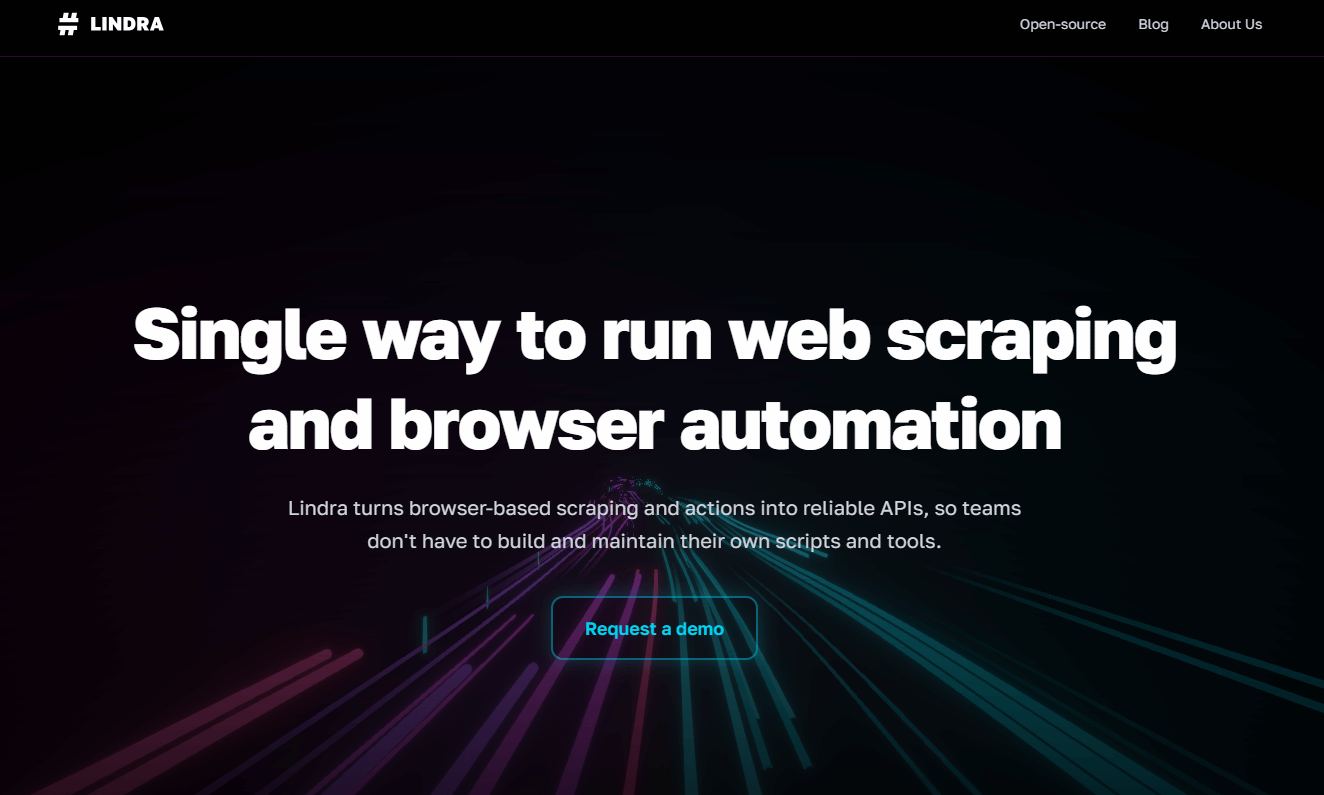
Open-source browser agent platform focused on turning websites into programmable workflows or APIs. Built to run locally or with a managed browser backend.
Best for: Teams that want full control, versioning in Git, and the option to pair agents with their own LLM stack.
Key Features:
- Open-source browser agent with scriptable actions and workflows, per Lindra materials
- Can run locally for full control or connect to managed browsers, per Lindra materials
- Programmable architecture for API-like interactions with sites, per Lindra materials
Why we like it: OSS gives you fine-grained control over prompts, retries, and evaluation, and it avoids per-minute billing during development.
Notable Limitations: Like many open-source agents, success rates vary by model, prompts, and site changes, and production hardening needs engineering time. Community results on web-agent evals show wide variance across frameworks, so expect tuning.
Pricing: Open source, no license fee. Any hosted or managed options are not publicly priced. Pricing not publicly available.
Axiom.ai

No-code Chrome extension to build browser bots for scraping, data entry, and routine web actions, with templates and integrations.
Best for: Operators, analysts, and founders who need repeatable browser tasks without writing code.
Key Features:
- Visual builder with templates for scraping and data entry, per Axiom materials
- Integrations with Zapier and Make, plus webhooks and API on higher tiers, per Axiom materials
- Cloud and desktop runs with scheduling and concurrency by plan, per Axiom materials
Why we like it: Fastest path to value for non-developers, especially when paired with spreadsheets and no-code workflows.
Notable Limitations: Runtime hour caps and cloud single-run limits can constrain heavy workloads, community posts describe memory pressure on very large loops, and advanced flows may still need CSS selector tuning.
Pricing: Free trial includes 2 hours of runtime. Starter 15 dollars per month, Pro 50 dollars per month, Pro Max 150 dollars per month, Ultimate 250 dollars per month, with runtime and concurrency limits by tier. Verified here: Axiom pricing. Public listing shows 4.6 rating across 200+ reviews on the Chrome Web Store, useful for sentiment checks (Chrome Web Store listing).
Browser Automation Tools Comparison: Quick Overview
| Tool | Best For | Pricing Model | Highlights |
|---|---|---|---|
| Browserbase | Managed, scalable sessions for AI agents and RPA | Subscription plus usage overages | Observability, session replay, CAPTCHA and proxies |
| Browserless | Rendering, PDFs, screenshots, stealth and persistence | Unit-based subscription | CAPTCHA solving, residential proxies, Sessions API |
| Lindra | Open-source agent workflows and APIs | Open source, infra costs | Local control, scriptable agent, LLM flexibility |
| Axiom.ai | No-code browser bots for ops teams | Tiered subscription | Visual builder, templates, Zapier and Make |
Browser Automation Platform Comparison: Key Features at a Glance
| Tool | Persistent Sessions | CAPTCHA Options | Screenshots or PDF |
|---|---|---|---|
| Browserbase | Yes, with connect and replay | Yes, plan dependent | Via frameworks and recordings |
| Browserless | Yes, with Sessions API and reconnect | Yes, built-in options | Native screenshot and PDF endpoints |
| Lindra | Scripted state, model dependent | Model and flow dependent | Scripted actions via agent |
| Axiom.ai | Session reuse per run, plan dependent | Manual or step based | Capture via steps or desktop runs |
Browser Automation Deployment Options
| Tool | Cloud API | On-Premise or Air-Gapped | Integration Complexity |
|---|---|---|---|
| Browserbase | Yes | No public self-host | Low, CDP with Playwright or Puppeteer |
| Browserless | Yes | Yes, Docker image and self-host | Low to medium, REST or CDP |
| Lindra | Local or paired with managed browsers | Yes, run locally | Medium, agent config and prompts |
| Axiom.ai | Yes, cloud runs | Desktop app, local desktop only | Low, visual builder |
Browser Automation Strategic Decision Framework
| Critical Question | Why It Matters | What to Evaluate |
|---|---|---|
| Do you need long-lived authenticated sessions? | Reduces repeated logins and CAPTCHA loops | Session TTL, reconnect APIs, replay |
| How strict are anti-bot defenses on target sites? | Impacts success rates and cost | Stealth, proxies, human-in-the-loop |
| What is your concurrency and bandwidth profile? | Drives overage spend | Browser-hour rounding, proxy GB rates |
| Who builds and maintains flows? | Affects speed and TCO | No-code vs code vs OSS |
Browser Automation Solutions Comparison: Pricing and Capabilities Overview
| Organization Size | Recommended Setup | Monthly Cost | Annual Investment |
|---|---|---|---|
| Solo or small team | Axiom.ai Pro for routine tasks, add Browserless Prototyping for PDFs | 75 to 125 dollars, based on tiers | 900 to 1,500 dollars |
| Startup, data team | Browserbase Startup for 500 hours plus 5 GB proxies, add Browserless Starter for PDFs | ~240 to 300 dollars plus overages | ~2,900 to 3,600 dollars plus overages |
| Enterprise, security focus | Browserless self-host plus Enterprise license or Browserbase Scale with SOC 2 and SSO | Contact vendors | Contact vendors |
Notes: Where ranges appear, they are derived from publicly listed plan prices and exclude overages, which can materially change totals. Verify on each pricing page before purchase.
Problems & Solutions
-
Problem: Auth flows keep expiring during multi-phase automations, leading to re-logins and higher proxy costs.
Solution: Use persistent sessions to retain cookies and cache, then reconnect between stages. Browserless documents persisted session data by plan and reconnect behavior, which avoids blank browser starts and reduces bandwidth (Browserless session persistence docs). For rendering or reporting, its screenshot and PDF endpoints are purpose-built to run fast without extra code (Browserless API reference). If your target sites hard-block automation, combine stealth modes with residential proxies as described in independent tutorials and vendor-agnostic guidance (Azion Browserless guide). -
Problem: AI agents must navigate complex sites at scale, and developers need to debug failures quickly.
Solution: Use managed browsers with CDP support and replay. Browserbase publishes incident history on a public status domain and is tracked by third-party monitors, which is helpful when you are setting SLOs and escalation paths (Browserbase status incident example, IsDown uptime summary). Its docs highlight integrations with Playwright and Selenium and emphasize cost controls like session reuse and per-minute rounding, which matter at scale (Browserbase cost guide). Teams should pressure-test session creation caps against bursty workloads. -
Problem: Need to turn a website into an internal API quickly without committing to a paid cloud.
Solution: Start with an open-source browser agent. Community benchmarks show wide variance in web-agent success rates across projects, which means you must evaluate prompts, models, and retries on your own stack (Skyvern WebVoyager note). This path is cost-effective for development, then you can add a managed browser backend later. -
Problem: Non-technical teammates need weekly exports from a SaaS, but engineering time is scarce.
Solution: Axiom.ai's Chrome extension is suited for visual scraping and form steps, and it is well reviewed on the public marketplace, which is a quick signal for fit on simpler tasks. Be aware that runtime and concurrency are tier-limited, and very large batch loops may require tuning or breaks to avoid browser memory pressure, as discussed by users in community threads (user report on memory pressure). -
Problem: CAPTCHA walls block automations during checkout or login.
Solution: Combine stealth routes with residential proxies and human-in-the-loop fallbacks. Third-party and vendor-agnostic write-ups explain that rotating or sticky residential IPs and conditional solve flows materially improve pass rates on protected sites, though you trade increased latency and cost for success (residential proxy best practices).
Conclusion: What To Pick And Why
If your priority is scale and observability for developer-built flows, start with managed browsers, then optimize costs with session reuse and proxy hygiene. If your priority is quick wins for business users, a no-code bot is the cheapest way to capture value. For teams that want maximum control or to pair with in-house LLMs, open source can shine, but expect more engineering time and variable success on live sites, which current community benchmarks make clear (Web-agent results discussion). As automation budgets expand with broader RPA adoption, the buyers who win will match tool class to job, not the other way around, anchored by market data like the 3.8 billion dollar RPA software revenue figure in 2024 (Gartner Magic Quadrant for RPA, 2025).