
Most teams discover that version chaos explodes during late-stage manuscript revisions, not from lab meeting feedback. Watching projects stall for simple reasons like unsynced .bib files, missing LaTeX packages, and unclear edit history is a recurring pattern. The biggest collaboration mistakes happen when reviewers edit offline copies, when citations are added without a shared database, and when figures or code cannot be reproduced alongside the text. In a market where collaboration software revenue hit $33.9 billion in 2022, teams now expect real-time editing, traceable comments, and curated references in one flow, as covered by Computerworld's summary of IDC data - and that pressure rewards platforms that reduce switching costs (Computerworld citing IDC).
This guide covers three tools that consistently deliver cross-team reliability, reference integrity, and reproducibility. You will learn how to choose among LaTeX-first editing, preprint-friendly authoring, and group citation management, with verified pricing, noted limitations, and decision criteria that map to research team size and compliance needs.
Overleaf
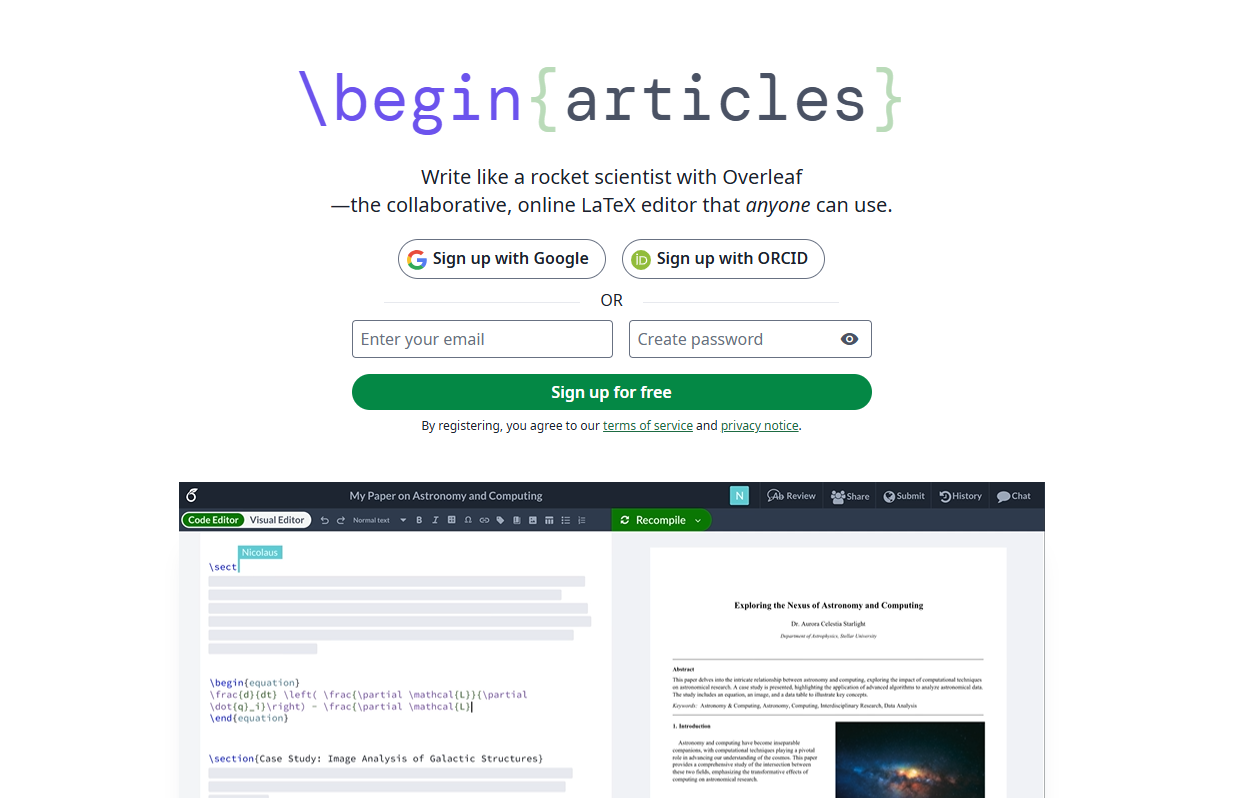
Cloud-based collaborative LaTeX editor with real-time coauthoring and an always-on preview. Designed for research manuscripts, theses, and technical documents where LaTeX control and team comments matter.
Best for: LaTeX-heavy manuscripts, multi-author technical papers, and thesis workflows.
Key Features:
- Real-time collaboration, comments, and track changes, per Overleaf documentation.
- Version history and Git-based workflows for external editing, with GitHub and Dropbox integrations visible on third-party listings (Capterra Overleaf listing).
- Multiple TeX engines and cloud compilation, commonly referenced in university guides (Harvard IQSS Overleaf guide, Wikipedia Overleaf).
Why we like it: It fixes the classic "which .tex is latest?" problem and gives collaborators a single source of truth with change review before submission. Teams that keep citations in BibTeX or CSL enjoy fewer merge headaches.
Notable Limitations:
- Free plan restricts collaborators to one per project and excludes track changes, GitHub/Dropbox integrations, and full document history - frequent user complaints (Capterra Overleaf listing).
- Some reviewers cite performance or cost concerns on large projects.
- Track changes is tied to paid tiers, noted repeatedly in reviews.
Pricing: Overleaf offers a free plan (1 collaborator per project, basic compile timeout). Paid individual plans include Student at $10/month and Standard at $21/month (10 collaborators per project, track changes, GitHub/Dropbox integrations, full history, priority support). A 7-day free trial is available on paid plans. For institutional or on-prem needs, Overleaf offers self-hosted editions per vendor documentation; contact vendor for a custom quote. Always verify current plan names and prices at overleaf.com/user/subscription/plans.
Authorea
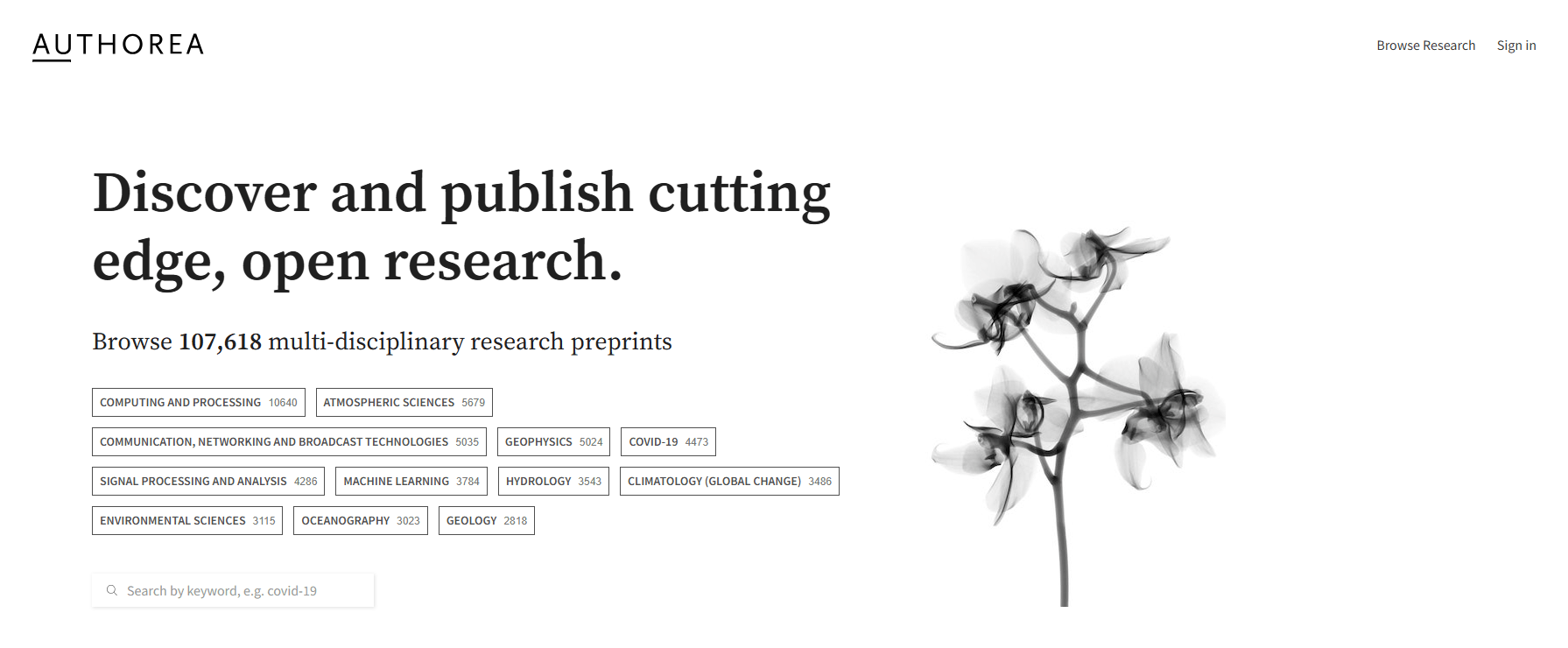
Online collaborative research writing and publishing platform oriented to rich media, data, and code. Built for authoring articles and preprints with embedded figures and computational notebooks.
Best for: Teams that want manuscript drafting together with preprint workflows and reproducible figures or code.
Key Features:
- Supports executable research objects like Jupyter, enabling code and data alongside text (Wikipedia Authorea).
- Integrated "Under Review" preprint program with DOIs and status tracking for participating journals (Wiley overview of Under Review, Wiley "5 Things to Know").
- Private or public projects with multi-author editing and automatic reference formatting, noted in independent summaries.
Why we like it: If your paper includes live plots or runnable analysis, Authorea reduces friction between drafting and demonstrating results. The Under Review flow shortens the path to early visibility with a citable DOI.
Notable Limitations:
- Vendor documentation discourages very long documents, a constraint to consider for theses or books.
- Some LaTeX packages are only partly supported, per vendor help articles, which can affect complex templates.
- Pricing transparency is limited on independent review sites (GoodFirms profile).
Pricing: Pricing not publicly available. Contact Authorea for a custom quote. A free option is referenced on third-party listings.
Zotero
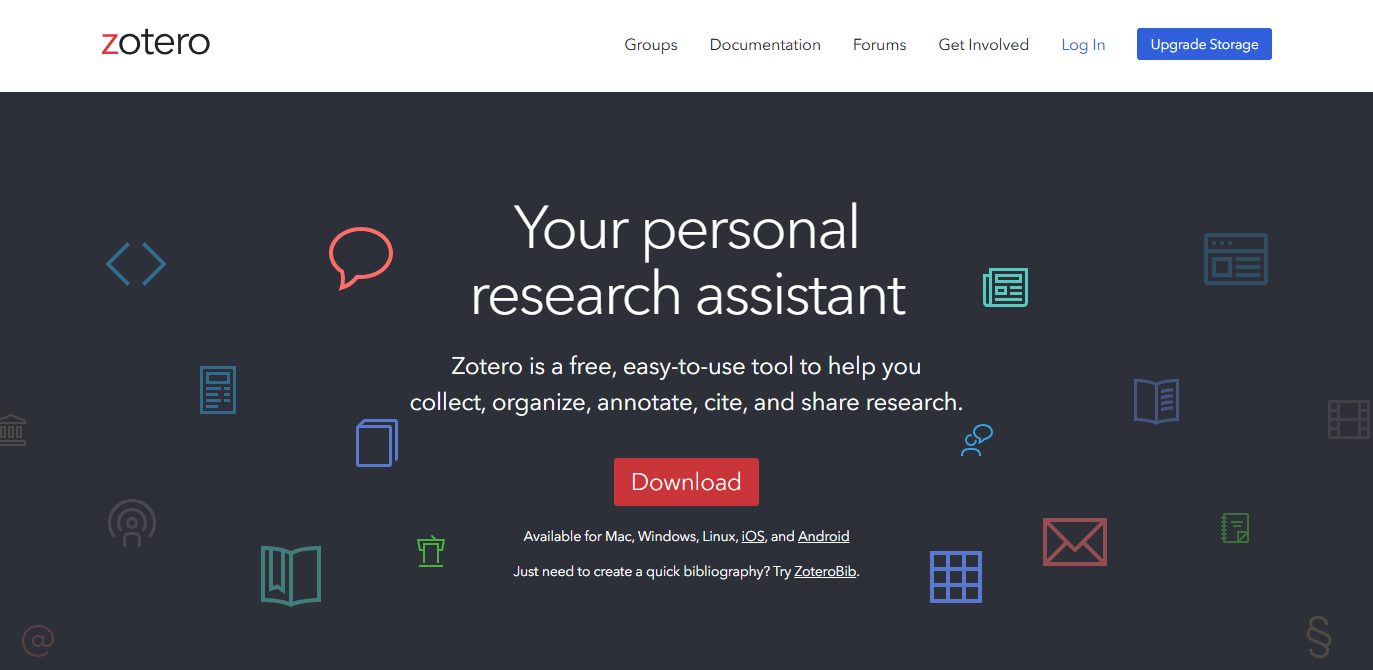
Open-source reference manager with group libraries, PDF annotation, and word-processor plugins. Excellent for shared citation databases that power collaborative writing across tools.
Best for: Labs and writing teams that need a shared, curated reference library with reliable cite-while-you-write across Word, Google Docs, and LaTeX.
Key Features:
- Group libraries, browser capture, and word-processor plugins, widely documented in independent reviews and encyclopedic sources (Wyse review, Wikipedia Zotero).
- Web API for integrations and automation, cited by third-party reviewers.
- Open-source with optional cloud storage, covered by libraries and reference guides (UCL Library Guide, CUNY GC Library Guide).
Why we like it: You can centralize citations and notes once, then write anywhere. Group libraries and reliable plugins remove half the grunt work around references and bibliography formatting.
Notable Limitations:
- Free storage is limited to 300 MB, so large PDF libraries may require a paid tier or external WebDAV.
- Some reviewers note a learning curve for advanced workflows (SciJournal review).
- Occasional performance and memory complaints appear in community discussions and reviews.
Pricing: Core app is free. Storage tiers: 300 MB free, 2 GB at $20/year, 6 GB at $60/year, and unlimited at $120/year, confirmed by Zotero's own documentation and multiple university library guides. Institutional plans are also available. Verify current tiers before purchase (Zotero storage page, ITQlick pricing summary).
Collaborative Research Writing Tools Comparison: Quick Overview
| Tool | Best For | Pricing Model | Highlights |
|---|---|---|---|
| Overleaf | LaTeX-first manuscripts and technical reports | Free tier; paid from $10/month (Student) or $21/month (Standard) | Real-time LaTeX editing, GitHub and Dropbox integrations on paid plans, broad academic adoption |
| Authorea | Drafting with data, code, and preprints | Not publicly listed; free option referenced | Jupyter support and Wiley Under Review with DOIs and status display |
| Zotero | Shared citations, notes, and PDFs across teams | Free core app; storage from $20/year | Group libraries, browser capture, word-processor plugins, and Web API |
Collaborative Research Writing Platform Comparison: Key Features at a Glance
| Tool | Real-time Coauthoring | Preprint/DOI Workflow | Group Libraries and Cite-While-You-Write |
|---|---|---|---|
| Overleaf | Yes, with comments and review modes per documentation | Export supported; preprint workflow depends on target journal | Works via BibTeX, CSL, and plugins in external editors |
| Authorea | Yes | Yes, Wiley Under Review assigns DOIs and shows status | Citation tools included, but platform is manuscript-centric |
| Zotero | Indirect - pairs with editors rather than live text coauthoring | Exports to preprint servers via references and files | Yes, strong group libraries and plugins across editors |
Collaborative Research Writing Deployment Options
| Tool | Cloud / Self-Host | On-Premise | Integration Complexity |
|---|---|---|---|
| Overleaf | Cloud SaaS; Git-based workflows supported on paid plans | Yes, Community Edition and Server Pro per vendor documentation | Low to medium; GitHub and Dropbox connectors on paid tiers (Capterra Overleaf listing) |
| Authorea | Cloud only | No public on-prem edition | Low; web editor with embedded media and code |
| Zotero | Desktop app with optional cloud sync; Web API available | Yes, local-only libraries with no sync | Low to medium; broad plugin ecosystem (Wyse review) |
Collaborative Research Writing Strategic Decision Framework
| Critical Question | Why It Matters | What to Evaluate | Red Flags |
|---|---|---|---|
| Do we write primarily in LaTeX or rich text? | Dictates editor choice and template support | Native LaTeX capabilities, reviewer tools, template availability | Manual merges, no track changes, unstable compilation |
| Will we post a preprint with a DOI during review? | Early visibility and citation tracking | Preprint options, DOI assignment, policy alignment with target journal | No DOI, unclear embargo or journal compatibility |
| How will we share and govern citations? | Prevents broken references and style drift | Group libraries, plugin quality, CSL support, API access | Local-only libraries, no group roles, brittle plugins |
| Do we have institutional or air-gapped needs? | Security and compliance can rule out cloud-only | On-prem options, SSO, offline operation | No deployment path beyond public cloud |
Collaborative Research Writing Solutions Comparison: Pricing & Capabilities Overview
| Organization Size | Recommended Setup | Monthly Cost | Annual Investment |
|---|---|---|---|
| Solo researcher or graduate student | Overleaf Free for drafting, Zotero Free (300 MB) for citations | $0 | $0 |
| Small lab, 3-8 coauthors, heavy PDFs | Overleaf Standard for lead author plus Zotero 6 GB storage for the shared library | About $26, based on $21 Overleaf Standard and $5 monthly equivalent for 6 GB Zotero storage | About $261, based on $199/year for Overleaf Standard and $60/year for Zotero 6 GB (overleaf.com/user/subscription/plans, Zotero storage page) |
| Department or center with compliance needs | Overleaf self-hosted edition per vendor documentation, Zotero group libraries with institutional storage | Pricing not publicly available for Overleaf on-prem or Authorea enterprise | Contact vendors for quotes; verify SSO and offline requirements in procurement |
Problems & Solutions
-
Problem: Last-minute submission changes create version sprawl and merge conflicts.
Solution with Overleaf: Real-time collaboration with inline comments and track changes consolidates edits in one project, and external editors can round-trip through GitHub when needed. University guides and third-party listings document core capabilities and integrations (Harvard IQSS Overleaf guide, Capterra Overleaf listing).
-
Problem: You need to show reproducible figures or code during peer review without breaking the writing flow.
Solution with Authorea: Embed notebooks and data with the manuscript, then post a preprint with a DOI and visible review status through Wiley's Under Review program for eligible journals. This preserves provenance and lets readers run the analysis (Wikipedia Authorea, Wiley overview of Under Review).
-
Problem: Citations drift across drafts, and collaborators add inconsistent references.
Solution with Zotero: Use a shared group library and word-processor plugins so all authors cite from the same source and regenerate the bibliography reliably. Open documentation and independent reviews confirm group libraries, plugins, and an API for deeper workflows (UCL Library Guide, Wyse review).
The Bottom Line
If your team writes primarily in LaTeX, start with Overleaf for a single live manuscript and predictable review, then keep your citations stable with a shared Zotero library. If your manuscript needs live data or code and you want a citable preprint during review, layer in Authorea where the Under Review program applies. Collaboration spending has grown to tens of billions, so your goal is not more tools - it is fewer handoffs that cause delays. Pick the platform that removes the most friction from your actual workflow (Computerworld citing IDC, Wiley overview of Under Review).