

Field service management (FSM) software is the operating system for businesses that send technicians into the field to install, repair, and maintain equipment, across trades like HVAC, plumbing, electrical, garage door, appliance repair, and locksmith work. It runs everything that happens between the phone call and the paid invoice: scheduling, dispatching, customer records, estimates, and payments, usually from one mobile-first platform.
Most owners do not go shopping for that software because they love it. They go because the spreadsheet, the group text, and the standalone invoicing app stopped scaling somewhere around the fourth or fifth technician.
Three things tend to decide outcomes for a field service business: how much of the business one platform can run before you start bolting on extra tools, how the pricing behaves as you add technicians, and how much of the front office the software can automate on its own. Get those right and most other decisions fall into place.
A reality check on the stakes. The global field service management software market is projected to reach roughly $6.2 billion in 2026 and to keep growing at a double-digit annual rate into the early 2030s, according to multiple 2026 industry forecasts, with North America the largest region. The pull is the same everywhere: owners want real-time visibility, mobile-first tools, and automation that takes work off the front desk.
This guide explains where each platform fits by team size and trade, when an all-in-one suite beats a lighter point tool, and how the pricing models compare once you account for users, add-ons, and onboarding. The picks below weigh breadth, ease of adoption, automation depth, and pricing transparency.
Field Service Management Software Comparison: Quick Overview
| Tool | Best For | Pricing Model | Highlights |
|---|---|---|---|
| Workiz | Growing teams running multiple crews and locations, 5 to 30+ techs | Tiered plans plus custom quotes | Built-in phone system, native Genius AI suite, payments and marketing in one console |
| Service Fusion | Dispatch-heavy shops wanting flat-rate, unlimited-user pricing | Flat monthly rate, unlimited users | Clean drag-and-drop dispatch, deep QuickBooks including Desktop |
| FieldPulse | Small to mid-size trades wanting depth without enterprise cost | Per-technician, quote-based | Real offline mode, custom forms, multi-location in base, open API |
| FieldEdge | Established HVAC and plumbing shops living in QuickBooks | Quote-only, per-seat | Flat-rate pricebook with upsell, real-time QuickBooks sync, tech scorecards |
| Jobber | Small home-service teams wanting simple, published pricing | Published tiers with user caps | Easy onboarding, top-rated mobile app, clean quoting and invoicing |
Workiz
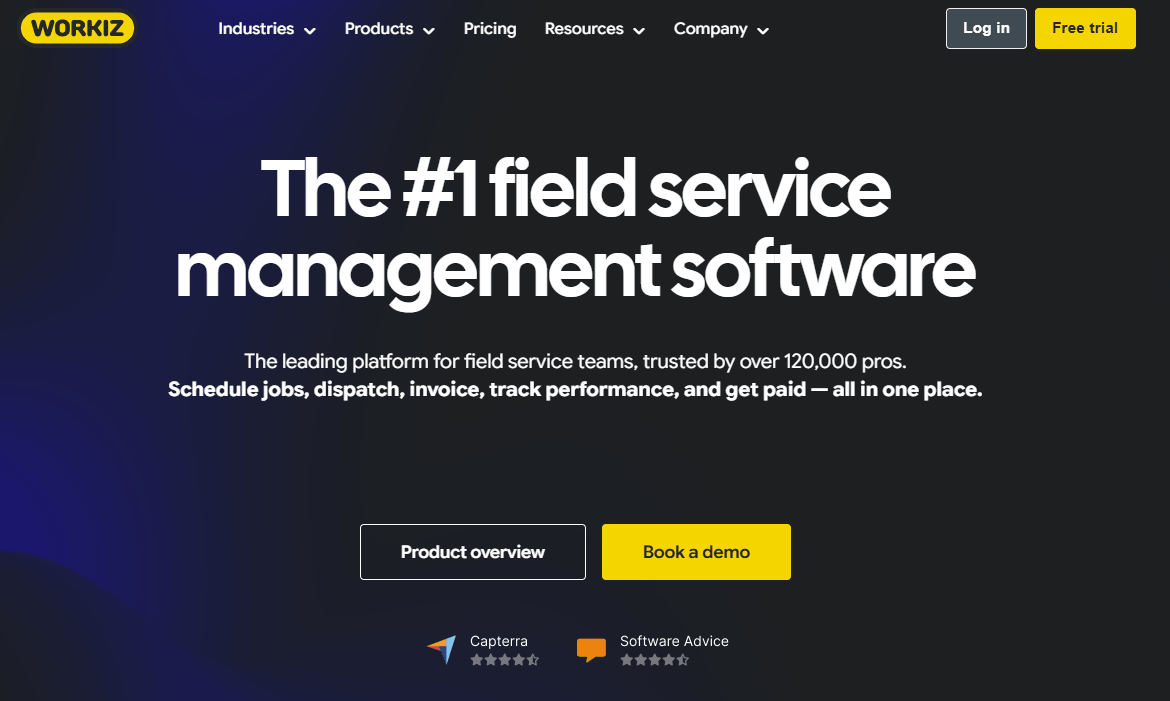
Workiz is an all-in-one field service management platform built for SMB residential service businesses running 5 to 30-plus technicians across six core trades: HVAC, plumbing, electrical, garage door, appliance repair, and locksmith.
Rather than stitching together a scheduler, a separate CRM, a third-party phone provider, an invoicing tool, and a marketing app, Workiz runs the full job lifecycle in one place: scheduling and dispatch, CRM, inventory, mobile field operations, branded estimates and invoicing, integrated payments and consumer financing through Workiz Pay, QuickBooks sync, lead management, and a built-in marketing engine.
Sitting on top is the Genius AI suite, which automates the front office and turns every customer interaction into usable data.
Best for:
Growing residential service businesses that have outgrown lightweight tools but do not want the cost, complexity, or multi-month rollout of an enterprise platform, and that want the phone system, payments, and marketing built in rather than bolted on.
Key features:
- Drag-and-drop scheduling and dispatch with route optimization, GPS tracking, and AI-suggested time slots (Genius Scheduling)
- Built-in phone and communication system with call recording, lead-source tracking, and SMS, with no third-party VoIP required
- Genius AI suite: Genius Answering (a 24/7 AI dispatcher that books jobs from missed calls), Genius Phone (call intelligence and dispatcher coaching), and Genius Leads (auto-extracts leads from inbound email)
- Workiz Pay for card, ACH, and Tap to Pay, plus consumer financing through Wisetack and Sunbit for big-ticket jobs
- Genius Marketing engine that segments by real job history and reports revenue per campaign, plus ad ROI tracking down to the dollar per channel
- No-code automation builder spanning scheduling, communication, follow-ups, invoicing, and marketing
Why we like it:
The differentiator is consolidation with real operational depth, not a starter kit. Tiered estimates, real-time inventory across warehouses and vans, service plans for recurring revenue, and a built-in phone system are the kinds of capabilities that usually force a shop onto either an enterprise platform or a stack of three to five separate tools.
Workiz reports that customers see an average 22 to 23 percent revenue lift, win three times more jobs, and reclaim more than 20 hours a week, and that more than 120,000 service pros use the platform across North America. Onboarding is hands-on and free, with most accounts live in days rather than months.
Notable limitations:
- The product fit is residential and light-commercial trades. Commercial-only operations, general contractors, and recurring services such as cleaning, lawn care, and pest control sit outside the sweet spot.
- Solo operators tend to underuse the platform's depth, so a one-truck shop may not need everything Workiz includes.
- As with any broad suite, teams that want the single deepest tool in one narrow function may still benchmark Workiz against a specialist point tool for that one capability.
Pricing:
Tiered subscription plans with custom quotes for larger teams. Contact Workiz for current pricing and a demo.
Service Fusion
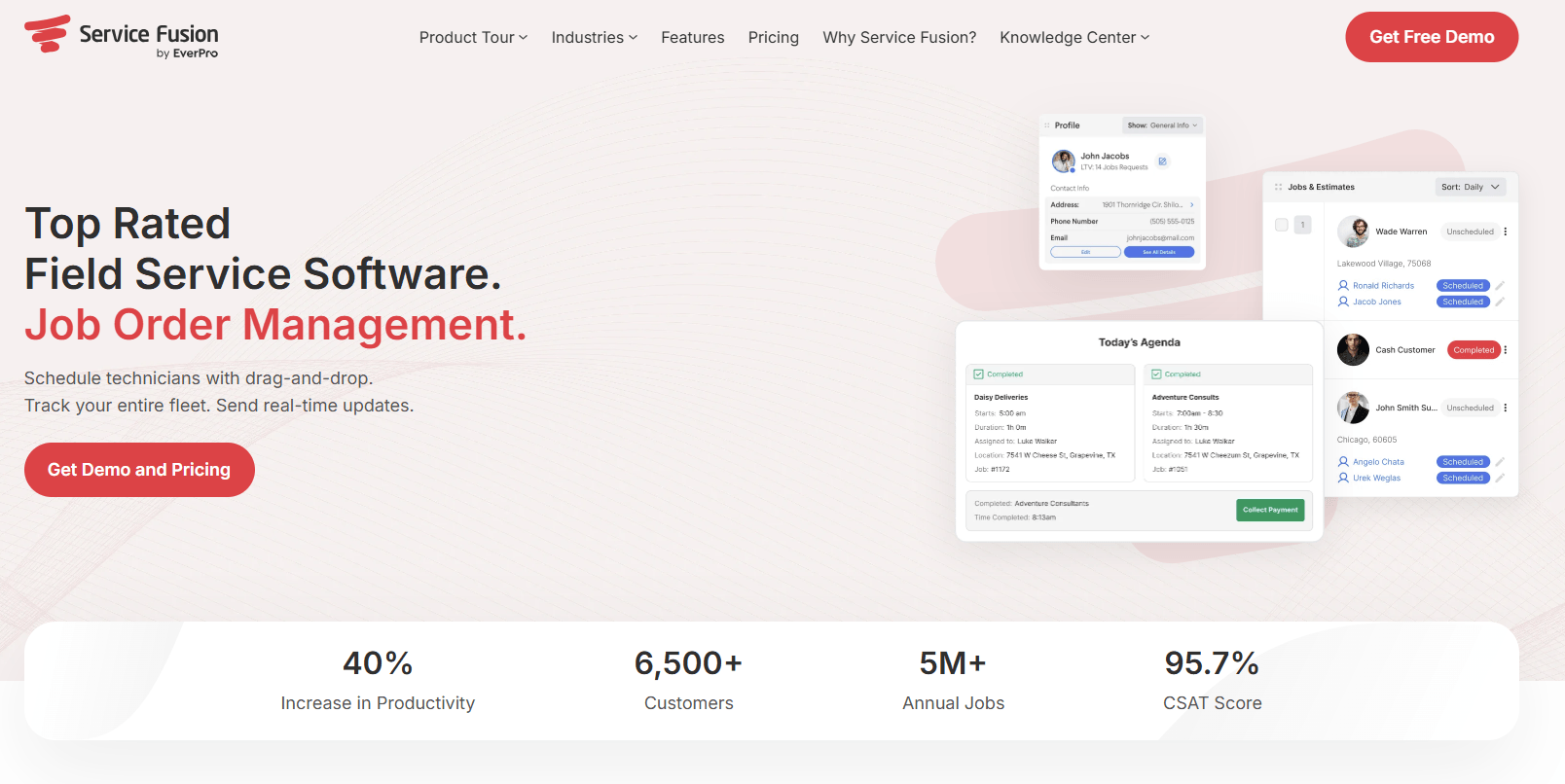
Service Fusion is field service management software for small to mid-size contractors in trades like HVAC, plumbing, electrical, garage door, and appliance repair. Its defining trait is a flat-rate pricing model with unlimited users, which appeals to shops that are adding office and field staff and do not want a per-seat bill that climbs with every hire.
Best for:
Dispatch-heavy shops, roughly 3 to 50 technicians, that want predictable flat-rate software costs, unlimited users, and a clean dispatch-to-payment workflow.
Key features:
- Drag-and-drop dispatch board with scheduling and real-time technician updates
- Customer management, estimates, invoicing, and a strong QuickBooks integration covering both Online and Desktop
- GPS fleet tracking and ServiceCall.ai VoIP available as add-ons
- Integrated payments and a technician mobile app
Why we like it:
The flat-rate, unlimited-user model is the standout, and it clearly favors shops with eight or more users. The dispatch board is one of the cleaner implementations in its price range, and QuickBooks support, including Desktop, is a real draw for contractors with established accounting workflows.
Notable limitations:
- Several features owners expect to be included, such as job photo uploads, inventory, and job costing, sit in higher tiers or as add-ons, and GPS is an extra cost on every tier.
- There is no free trial, and access requires a paid plan after a sales demo.
- Reviewers consistently flag a dated mobile app and limited offline access, plus performance that can slow at high job volumes.
Pricing:
Flat monthly rate with unlimited users. Public figures cluster around $208 to $533 per month across three tiers (Starter, Plus, Pro) on annual billing, with GPS and VoIP sold separately. The vendor quotes after a demo, so confirm your number with add-ons itemized.
FieldPulse
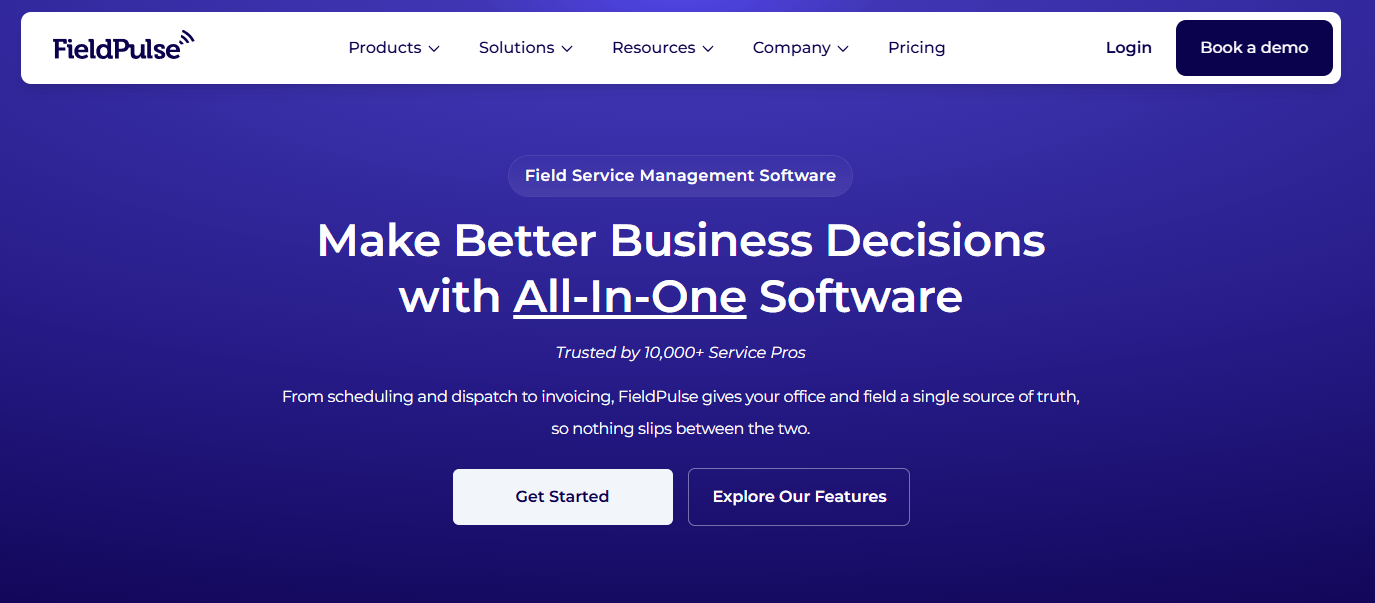
FieldPulse is a cloud and mobile field service platform founded in Dallas in 2015, serving HVAC, plumbing, electrical, and other trades. It targets the gap between Jobber's simplicity and ServiceTitan's cost: more operational depth than entry tools, without an enterprise price tag. A 2025 Series C raise has funded a push into AI and sales tooling.
Best for:
Small to mid-size trades, roughly 3 to 25 technicians, that want all-in-one job management, reliable offline mobile, and features like custom forms and multi-location in the base offering.
Key features:
- Scheduling, dispatch, CRM, estimates, invoicing, and payments in one app
- A real offline mode that syncs when connectivity returns, plus a well-rated mobile app
- Custom forms, a flat-rate pricebook, ClearPath guided job workflows, and 60-plus prebuilt reports
- QuickBooks Online sync and an open API, with multi-location management available
Why we like it:
FieldPulse packs deep operational features such as offline mobile, custom equipment forms, multi-location, and an open API into its base offering rather than gating them behind enterprise tiers, and it carries some of the strongest combined review scores in the category. US-based onboarding and support earn repeated praise.
Notable limitations:
- US pricing is quote-based with no published tier ladder, which frustrates straight comparison shopping.
- Workflow automation and reporting feel underpowered once a team scales past roughly 15 to 30 technicians, and AI features (Operator AI, Chat AI) are paid add-ons focused on inbound communication rather than dispatching intelligence.
- QuickBooks Desktop is not supported, only Online.
Pricing:
Per-technician and quote-based. Independent estimates put it at roughly $40 to $115 per technician per month depending on tier (Essentials, Professional, Enterprise) and add-ons such as VoIP and AI. A free trial is available through sales.
FieldEdge
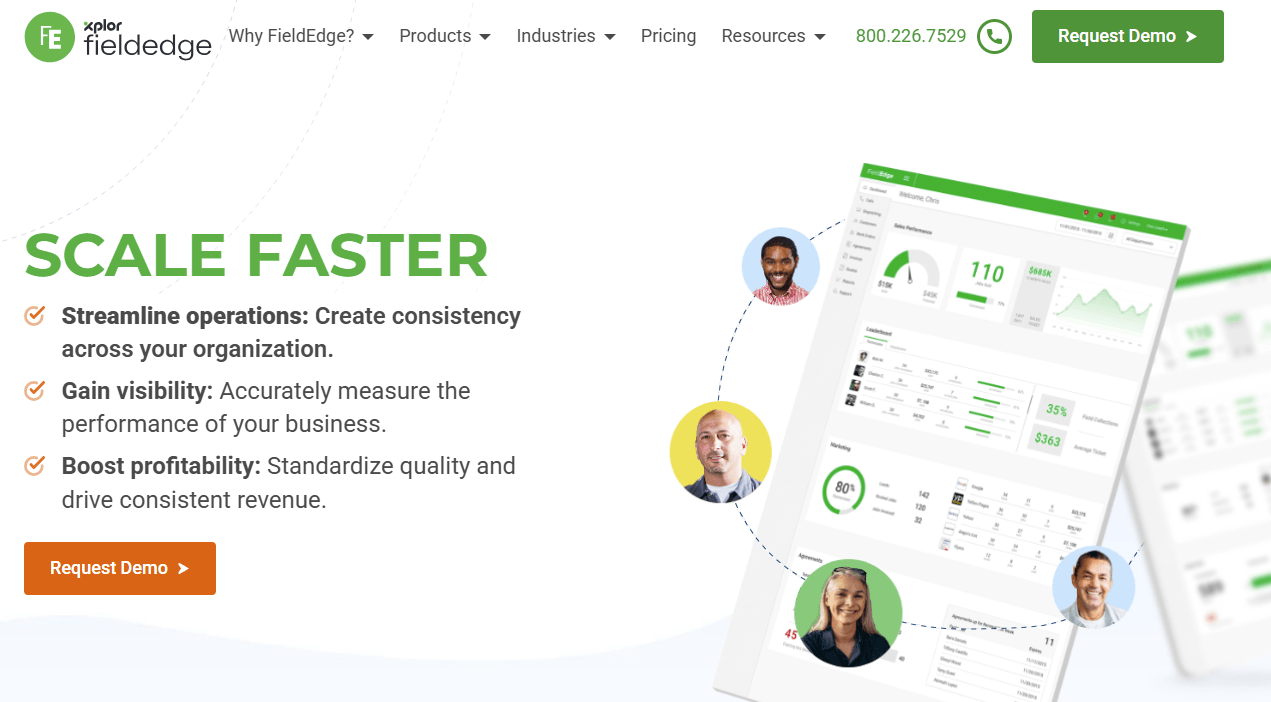
FieldEdge, formerly dESCO and now part of Xplor, is a trade-specific FSM platform with a long history serving HVAC, plumbing, and electrical contractors. Its reputation rests on a deep, real-time QuickBooks sync covering Desktop and Online, and a flat-rate pricebook built for presenting good-better-best options in the home.
Best for:
Established HVAC and plumbing shops, generally 5 to 50 technicians, that run their accounting in QuickBooks and want flat-rate selling with technician performance tracking.
Key features:
- Visual dispatch board with skill- and location-based assignment
- Flat-rate pricebook with upsell workflow (Coolfront integration) and customer equipment history
- Service agreement module for recurring maintenance with automated renewals
- Real-time, two-way QuickBooks sync including Desktop, plus technician revenue scorecards
Why we like it:
For trade contractors who have built their financial workflows around QuickBooks, the real-time sync is a genuine differentiator, since many competitors dropped Desktop support. The flat-rate pricebook and per-technician revenue reporting give managers ServiceTitan-style selling structure at a lower platform cost.
Notable limitations:
- The mobile app feels dated, with more taps required than newer tools for routine field tasks.
- Pricing is quote-only with setup fees, and common add-ons such as advanced reporting and inventory push the real monthly cost well above headline figures.
- Fit narrows outside HVAC and plumbing, and support quality draws mixed feedback.
Pricing:
Quote-only and per-seat. User reports put it at roughly $100 per office user and $125 per technician per month across three tiers (Select, Premier, Elite), plus setup fees commonly in the $500 to $2,000 range.
Jobber
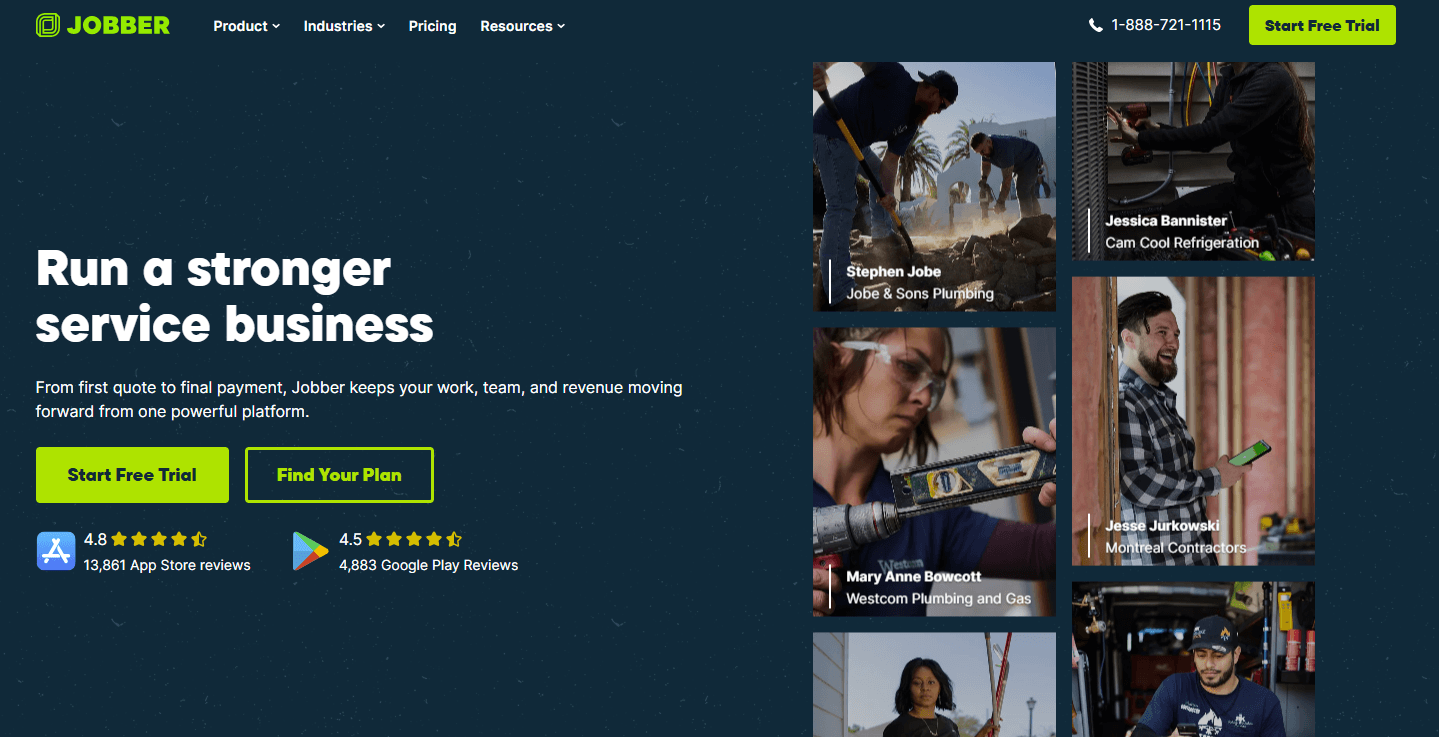
Jobber is one of the most recognized names in field service software, used by more than 250,000 home-service professionals. It covers scheduling, quoting, invoicing, and client communication with a polished, easy-to-learn interface, and unlike most competitors it publishes its pricing.
Best for:
Solo operators and small home-service teams, generally under 10 technicians, in trades like HVAC, plumbing, electrical, cleaning, and landscaping that value simplicity and a strong mobile experience.
Key features:
- Scheduling, quoting, invoicing, and a Client Hub customer portal
- Highly rated iOS and Android apps, with an offline mode added in early 2026
- Automated reminders and follow-ups, two-way texting on higher tiers, and a built-in website builder
- QuickBooks integration, Tap to Pay, and an AI Receptionist available as an add-on
Why we like it:
Jobber is hard to beat on ease of use and mobile experience, and published, transparent pricing makes evaluation straightforward. For a small crew getting off whiteboards and spreadsheets, the quoting-to-payment workflow is clean and quick to adopt.
Notable limitations:
- Per-user pricing with tier-based user caps means costs can jump in steps as you hire, and advanced features sit behind higher tiers or paid add-ons.
- It is a generalist tool, so multi-trade or asset-heavy operations often hit limits on custom workflows, inventory, and reporting as they scale past 10 to 15 users.
- There is no built-in phone system; call answering relies on the paid AI Receptionist add-on or a separate service.
Pricing:
Published, tiered, with user caps. Roughly $39 per month for solo Core up to about $599 per month for the top team plan (up to 15 users), with additional seats around $29 each and the AI Receptionist as a separate add-on. Exact figures vary by region and billing term.
Field Service Software Comparison: Key Features at a Glance
| Tool | Pricing Model | Built-in Phone / VoIP | Native AI & Automation |
|---|---|---|---|
| Workiz | Tiered plus custom | Yes, built in | Yes, native Genius suite |
| Service Fusion | Flat rate, unlimited users | Add-on (ServiceCall.ai) | Limited |
| FieldPulse | Per-tech, quote-based | Add-on (Engage VoIP) | Add-on (Operator AI) |
| FieldEdge | Quote, per-seat | No, via integrations | Limited |
| Jobber | Published tiers, user caps | Add-on (AI Receptionist) | Add-on (AI Receptionist) |
How to Choose: A Decision Framework
Start with how much of the business you want one platform to run. The core trade-off is consolidation versus best-in-one-function depth.
An all-in-one suite like Workiz folds scheduling, CRM, phone, payments, and marketing into one login, cutting tool spend and duplicate entry. A lighter tool like Jobber wins on simplicity for a small crew but needs add-ons as you grow. Map your current tools, then count how many a single platform would absorb.
Next, weigh pricing against how you plan to hire. Per-user pricing (Jobber, FieldEdge, FieldPulse) is predictable but climbs as you add seats. Flat-rate, unlimited-user pricing (Service Fusion) favors shops past roughly eight users.
Whatever the headline number, price the setup you will run, with add-ons such as GPS, VoIP, AI, and onboarding itemized. Quote-only vendors rarely surface those upfront.
Then scrutinize automation and speed to value, where daily margin is won or lost. Ask what the software does on its own: answer missed calls, book jobs, trigger follow-ups, attribute revenue. Native automation compounds over time; bolted-on integrations rarely do. Test onboarding too, since a platform that takes months to adopt costs you the time you bought it to save.
On sizing, solo operators and crews under roughly 10 techs fit a simple tool like Jobber, or FieldPulse for more depth. Growing residential shops of 5 to 50 technicians are the core fit for Workiz. QuickBooks-centric HVAC and plumbing shops lean toward FieldEdge, and dispatch-heavy teams wanting unlimited users at a flat rate look at Service Fusion. Most pricing here is quote-based, so confirm your real cost first.
Selecting Your Field Service Management Software Partner: Critical Decision Factors
Choosing FSM software is less about a feature checklist than about which vendor fits how your business runs and where it is headed. A few factors carry the most weight.
Total cost at your real headcount. The sticker price rarely matches the bill. Per-seat models scale with hiring, flat-rate models reward larger teams, and quote-only vendors often add setup fees and gate must-have features behind add-ons. Build the quote at the team size and feature set you will run in 12 months, not the one you run today.
Consolidation versus tool sprawl. Every separate app is another login, another contract, and another place data can fall out of sync. Decide which functions you want native, such as phone, payments, marketing, and financing, and which you are comfortable integrating, then weigh how many tools each platform lets you retire.
Adoption and onboarding. The best platform is the one your dispatcher and technicians use. Mobile app quality, learning curve, and hands-on onboarding matter more than a long feature list, because unused capability is wasted spend.
Trade and team fit. Residential trades, commercial operations, and recurring services have different workflows. Confirm the platform is built for your trade and your size, since a tool aimed at solo operators and one built for mid-market shops behave very differently at 15 technicians.
Automation and growth headroom. Look past what the software stores to what it does on its own, and whether it will still fit once you have doubled your technician count. Native automation and AI that take work off the front office are where a platform turns from record-keeping into a growth lever.
The Bottom Line for Field Service Management Software in 2026
Start with fit, not features. If you run a small, simple operation and want transparent pricing and a frictionless mobile app, Jobber is a reasonable first stop.
If you live in QuickBooks and sell flat-rate HVAC or plumbing work, FieldEdge earns a look. Want unlimited users at a flat rate for a dispatch-heavy shop? Service Fusion fits. Want operational depth at a mid-tier price? FieldPulse is a credible pick.
For a growing residential shop weighing margin against capability, though, the most complete answer is usually a consolidated one. A fair question follows: if a lighter tool costs less per month, why pay for an all-in-one platform at all?
The answer is what surrounds the scheduling. Bought piecemeal, you pay for a scheduler, a phone provider, a marketing tool, a payments processor, and a financing partner separately, each with its own login, contract, and data silo, plus an office manager stitching them together by hand.
Workiz puts scheduling next to a built-in phone system, payments, financing, marketing, and a native AI suite in one console, with one data set and one bill. A missed call, a booked job, and the follow-up that wins the next one become the same workflow rather than three disconnected tools.
For an owner, the value is less any single feature than the consolidation around it: fewer tools to manage, less duplicate entry, and an automation layer that compounds as the business grows.
Whatever the shortlist, the deciding test is the same. Price the real configuration at the headcount you are growing into, watch for add-ons and onboarding time, and weigh how much of the front office each platform can run on its own. That is the time and margin you are buying back.