
ChatGPT is still the default login, and the default login is no longer automatically the right tool. The brief wants sources, or the draft already lives in Gmail, or the files cannot go to OpenAI at all. That is the fork this page is for.
In January, an r/ChatGPT post titled "How many have done this" showed ChatGPT's own cancel-subscription screen. People were already walking away from the default.
ChatGPT in 2026 is still the consumer assistant most founders already have open. Paid reasoning is GPT-5.6 Sol, OpenAI's higher-reasoning model on Plus and Pro. GPT-5.6 Luna is the lighter default on Free and Go. Codex lives in the same login. Business adds SSO and a no-training default.
Six hosted products sit below. After those, two apps run on a machine you operate.


You are on ChatGPT

Claude
Claude is the writing and agent product you open when the job is long documents, Projects, and Artifacts. Cowork is Claude's desktop workspace for research and documents. Claude Code is the terminal and IDE agent on the same paid seat. Consumer defaults are Claude Sonnet 5 on Free and Pro, and Claude Opus 5 on Max. Context is 200k on those plans, and 500k on the default model for Enterprise.
On Hacker News, cmiles8 wrote that swapping OpenAI for Claude "required updating about 15 lines of code." kromokromo said the full transition stuck because Cowork fit the workflow. The API move is cheap, and the habit is what you are actually buying.
Best for: Founders leaving ChatGPT for long docs, Cowork, Claude Code, and small-team SSO with no training.
Key features:
- Cowork for research and documents, plus Claude Code in the terminal, desktop, and IDE.
- Unlimited Projects, Research, and Claude for Microsoft 365 on Pro.
- One usage pool across web, desktop, mobile, and Claude Code.
- Team Standard and Team Premium for shared seats, with Enterprise on an annual contract.
Why we like it: Claude is the switch for long docs, Cowork, Claude Code, and small-team SSO with no training. One paid seat covers chat plus the terminal and IDE agent.
Notable limitations:
- Heavy coding burns the same weekly cap as writing, because usage is one pool.
- Consumer and Team plans are hosted only. There's no official self-host path on those seats.
Pricing:
- Free is $0.
- Pro is $17 a month with annual subscription ($200 billed up front), or $20 billed monthly.
- Max starts at $100 a month (5x or 20x Pro usage).
- Team Standard is $20 per seat per month billed annually, $25 monthly, for 2 to 150 seats.
- Team Premium is $100 per seat per month billed annually, $125 monthly.
- Enterprise is $20 per seat plus usage at API rates, billed annually. Education is Quote.
Google Gemini
Google Gemini writes in the Google tabs you already have open: Gmail, Docs, Chrome, and Search. Consumer models on the subscriptions page are 3.6 Flash and 3.1 Pro. The subscription is a Google One and Workspace bundle (storage, YouTube, and the Gemini app), so a founder already paying for Drive can treat it as the suite tax they were going to pay anyway.
On the same Hacker News thread, kivle left ChatGPT Plus for Gemini Pro because the subscription also covers image and video, a real reason to pick Google when the work is already in the suite.
Best for: Companies whose briefs, mail, and files already sit in Google Workspace.
Key features:
- Gemini in Gmail, Docs, Chrome, and Search on the paid Google AI plans.
- Jules and Antigravity, Google's coding agents, at entry limits on Pro and higher limits on Ultra.
- Image and video generation on the paid plans, plus storage from 15 GB on Free up to 5 TB on Pro and 20 TB on Ultra.
- Usage in the Gemini app is compute-based and refreshes every 5 hours, until a weekly cap.
Why we like it: The same Google bill covers the Gemini app, the Workspace side panel, and the Drive storage you already bought.
Notable limitations:
- Gemini in Gmail and Docs is 18+, so a mixed-age workspace cannot treat the consumer page as a company rollout.
- Features are country- and language-gated. Ultra's YouTube Premium individual plan is over 40 countries only.
- The consumer page does not promise Gemini in Docs for every seat in the company.
Pricing:
- Free is $0 with a Google Account, and 15 GB of storage.
- Google AI Plus is $4.99 a month, 400 GB, and Gemini in Gmail and Chrome.
- Google AI Pro is $19.99 a month, 5 TB, Jules and Antigravity at entry limits, and YouTube Premium Lite.
- Ultra starts at $99.99 a month (5x vs Pro) or $199.99 (20x), with storage starting at 20 TB.
Perplexity

Perplexity sells cited answers. Market, competitor, and paper research land with sources attached. Paid plans add deep research, model choice across labs, and Computer, Perplexity's agent that can use a browser. Comet Assistant and Comet Agent are the browser helpers on Pro and Max. You are hiring the citation layer, and it will not replace Codex.
Best for: Founders whose daily job is market, competitor, or paper research that has to show sources.
Key features:
- Citations in every answer on Free, with deep research on paid plans.
- Model choice across labs on Pro, plus Model Council on Max, which runs several models and compares the answers.
- Computer access, Comet Assistant and Comet Agent, and document or app creation on Pro and Max.
Why we like it: You are paying for answers that show their work. ChatGPT can search, and Perplexity makes the cited answer the default.
Notable limitations:
- A weak replacement for Codex or Claude Code.
- Pro Computer credits are a bonus pile. Max is the recurring Computer plan.
- Enterprise Pro and Enterprise Max are Quote.
Pricing:
- Free is $0, with limited daily usage and basic models.
- Pro is $20 a month, with expanded Computer, 4,000 bonus credits, deep research, and model choice.
- Max is $200 a month, with maximum Computer, 35,000 bonus credits, 10,000 monthly credits, frontier models, Model Council, and the highest Comet Agent access.
- Enterprise Pro and Enterprise Max are Quote.
Grok
Grok is the xAI login for live web and X. Grok 4.6 ships real-time search on Free, so you can try that job before you pay. Imagine, Grok's image and video generator, and Grok Build, the coding agent, sit on the same SuperGrok login as chat. This is the hosted switch when the company does not live in Google or Microsoft.
Best for: People who need live web and X, plus image and video, without already paying for a Google or Microsoft suite.
Key features:
- Grok 4.6 with live web and X search on the free plan, plus voice and connectors.
- Imagine for image and video, and Grok Build, on the same SuperGrok subscription.
- SOC 2 Type I and II named on Free, so the free trial is not a toy login with no compliance story.
- Enterprise adds SSO, SCIM, data residency, and volume pricing.
Why we like it: You can try live web and X on Free before you pay. Image, video, and chat then share one SuperGrok login.
Notable limitations:
- Team admin (SSO and SCIM) sits on Enterprise, which is Custom.
- Imagine and Build share the SuperGrok login with chat, so video spend shows up in the same product.
Pricing:
- Free is $0.
- SuperGrok is $30 a month.
- SuperGrok Plus is $100 a month, with 1080p video, higher usage across Chat, Imagine, Voice, and Build, priority, and early access.
- Enterprise is Custom.
Microsoft 365 Copilot
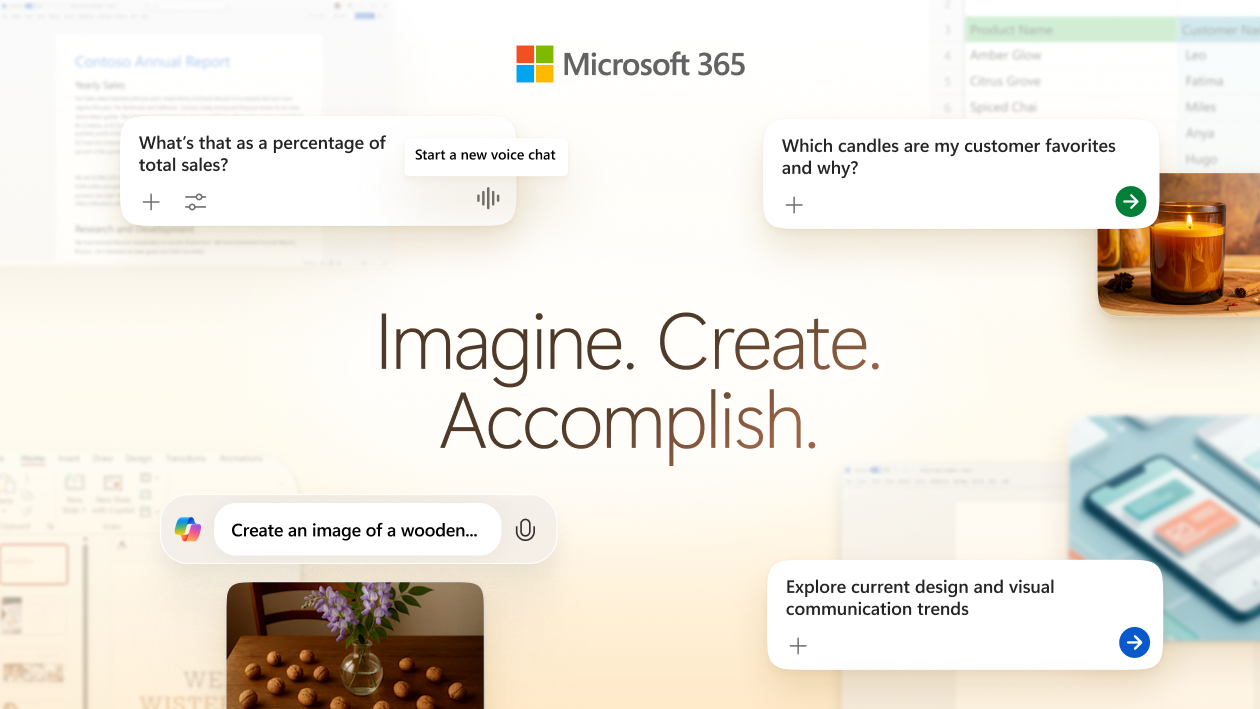
Microsoft 365 Copilot lives in Word, Excel, PowerPoint, Outlook, and Teams. Copilot Chat is already on for eligible Entra users (Microsoft's identity system) with a qualifying Microsoft 365 subscription. The paid add-on adds Work IQ, Copilot's grounding layer over tenant mail, files, and meetings, plus in-app Copilot and Researcher / Analyst / Facilitator. Models on the compare table are the latest OpenAI GPT-5X, with priority on the paid add-on. This is Microsoft Graph (the tenant's mail and files) plus Office, not a standalone chat window with a connector.
Claude for Microsoft 365 is billed by Anthropic. Work IQ still lives on this add-on.
Best for: Companies on Microsoft 365 that want the assistant inside Word, Excel, Outlook, or Teams, on tenant mail.
Key features:
- Copilot Chat included for eligible Entra plus Microsoft 365 tenants, with web-grounded chat and Copilot in Outlook.
- Work IQ grounding in tenant mail, files, and meetings on the add-on.
- Copilot in Word, Excel, PowerPoint, Outlook, and Teams, plus Researcher, Analyst, and Facilitator.
Why we like it: The assistant types in the Office file you already share, on the tenant mail you already search. Start with the included Chat seat, and buy the add-on only for people who work inside those files on tenant data.
Notable limitations:
- The add-on needs a qualifying Microsoft 365 base license. There's no trial for Microsoft 365 Copilot.
- Don't dual-pay this add-on and a ChatGPT Business seat for the same Office user unless they also need Codex.
Pricing:
- Copilot Chat is included at no extra cost for eligible Entra users.
- The Microsoft 365 Copilot add-on is $30.00 per user per month, paid yearly, and needs a qualifying Microsoft 365 license.
Mistral Vibe
Mistral Vibe is Mistral's chat and coding agent. Le Chat is the former name, and conversations, settings, and plans carry over. You run Vibe on the web, in Vibe CLI with Devstral (Mistral's coding model), in Vibe for IDE (VS Code and JetBrains), and on mobile. Open-weight models and self-host are an official path.
Best for: Teams that want a cheaper public Pro, agents in the browser, CLI, and IDE, and a later self-host option.
Key features:
- Vibe on web, CLI (Devstral), IDE, and mobile.
- Pro includes all-day coding, long-running tasks, and monthly API credits.
- Team adds a shared workspace, 30 GB per user, domain verification, and data export.
- Self-host and private deploy on the Enterprise path, with SAML SSO, audit logs, and white label as Custom.
Why we like it: The public Pro undercuts a ChatGPT Plus seat, and self-host stays on the menu if you later want the models on a box you operate.
Notable limitations:
- Enterprise is Custom. Connectors are beta.
- Free coding is limited.
- Commercial self-host needs a Mistral license. Open-weight models such as Mistral 7B are Apache 2.0 for research and individual use.
Pricing:
- Free is $0, with limited messages, web search, and coding sessions, plus $10 a month in API credits.
- Pro is $14.99 a month, plus $30 a month in API credits.
- Student Pro is $5.99 a month for verified students, max 12 months, and only if they have not used Vibe or Le Chat before.
- Team is $24.99 per user per month.
- Enterprise is Custom (private deploy, custom models, SAML SSO, audit logs, white label).
The hosted options end here. The last two run on a machine you operate.
LM Studio
Reddit pick From r/LocalLLaMA
LM Studio is a ChatGPT-shaped desktop window that runs local models. You discover and download weights (the homepage names gpt-oss, Llama, Qwen, DeepSeek, and Gemma4), chat, and optionally serve them on OpenAI-like endpoints on the machine or the network. It runs on macOS, Windows, and Linux, with MLX on Apple Silicon, plus MCP servers (tool plugins for the local chat). If you want the familiar window and the weights on the laptop, this is the desktop app on that path. r/LocalLLaMA is where that conversation lives.
It's a closed-source desktop app from Element Labs, licensed for personal and internal business use. Free for work still means you don't get the source.
Best for: Founders who want the ChatGPT-shaped window offline, on a laptop, without a cloud seat.
Key features:
- Local chat with models you download, plus a Hugging Face search inside the app.
- A local OpenAI-like server, on the machine or the network, plus MCP servers.
- Headless deploy through llmster, LM Studio's core without the GUI, so you can start in the app and later run the same engine on a box.
- Free for home and work use. No subscription on the homepage or docs.
Why we like it: You keep the familiar chat window and you drop the cloud bill, with RAM and GPU as the real cost. It's still a single-user desktop, so multi-user document chat belongs in AnythingLLM.
Notable limitations:
- Closed source. You operate the weights.
- Local model quality is not Claude Opus 5 or GPT-5.6 Sol.
Pricing: LM Studio is free for home and work use. No subscription. Cloud keys, if you paste any, are billed by those providers.
AnythingLLM
GitHub gem MIT self-host
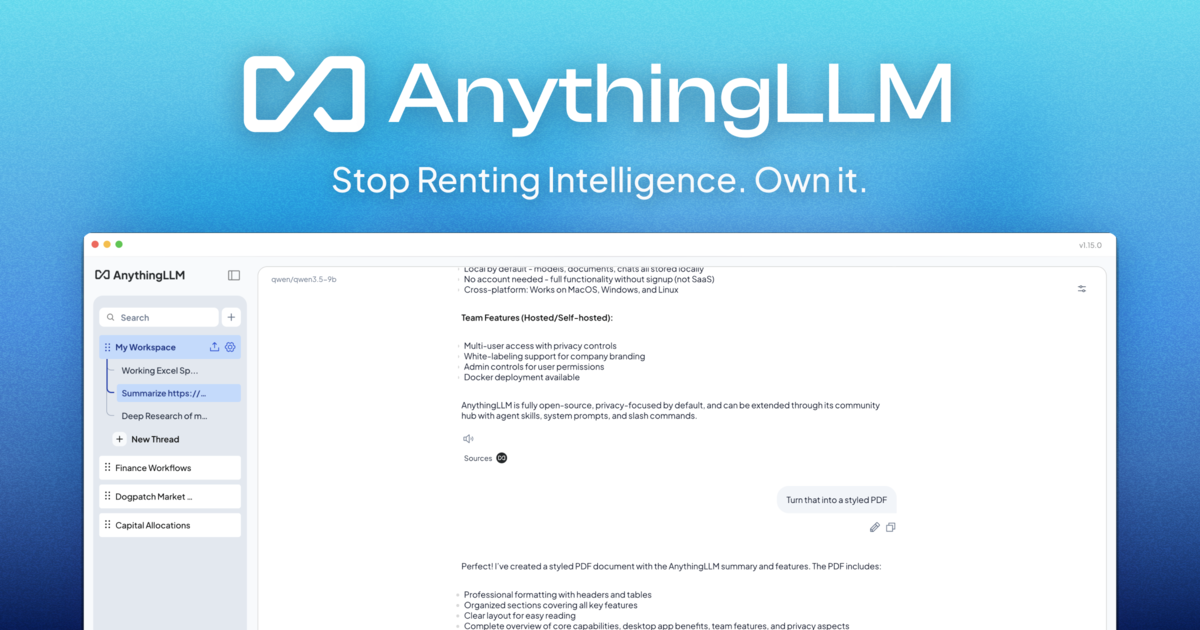
AnythingLLM is the all-in-one app that lets you build a private, fully featured ChatGPT without compromises. You connect a local or cloud model, ingest your documents, and start chatting. Built-in agents, multi-user workspaces on Docker, source citations, a no-code agent builder, and an embeddable chat widget (Docker only) sit in the same product. Desktop runs on Mac, Windows, and Linux. The job it takes is a private ChatGPT whose files stay on the machine you operate.
Best for: Teams that want chat with their own docs and agents on hardware they operate.
Key features:
- Chat with your documents, with source citations.
- Built-in agents and a no-code agent builder.
- Multi-user workspaces and an embeddable chat widget on the Docker path.
- Desktop for on-device use with no accounts, no API keys, and no token limits, or self-host with Docker.
Why we like it: It's chat with your docs on a box you run, not a thin wrapper around someone else's API. The founder path is the free desktop or Docker install. Hosted plans exist if you want a private instance and you bring a model key.
Notable limitations:
- You operate Docker or the desktop app. Local model quality is hardware-bound.
- Hosted Basic starts above a ChatGPT Plus seat. Desktop and self-host are the cheaper path.
- If you point it at a cloud model, the retrieved chunks leave the box. Use a local model if the files cannot leave.
Pricing:
- Desktop is Free.
- Self-host with Docker is Free.
- Hosted Basic is $50 a month for a private instance, custom subdomain, document chat, and agents. You bring a model API key.
- Hosted Pro is $99 a month, with higher performance and a 72-hour support SLA.
- Enterprise is Quote (on-premise, custom SLA, SSO, and role-based access).
Stay on ChatGPT or pick a lane
| If you need | Use |
|---|---|
| Codex, the default consumer stack, or a Business workspace with SSO | Stay ChatGPT |
| Long docs, Cowork, Claude Code, and small-team SSO with no training | Claude |
| Briefs already in Gmail and Docs | Google Gemini |
| Cited market, competitor, or paper research | Perplexity |
| Live web, X, or image and video | Grok |
| Word, Excel, Outlook, or Teams on tenant mail | Microsoft 365 Copilot |
| A cheaper public Pro, plus a later self-host path | Mistral Vibe |
| The ChatGPT-shaped window, offline, on a laptop | LM Studio |
| Chat with your own docs and agents on hardware you operate | AnythingLLM |
Leave ChatGPT when the job is long writing, cited research, live web and X, or a file that already lives in Google or Microsoft. Leave to a machine you operate when the files cannot go to OpenAI. Stay when the product is Codex plus the default login, and Plus or Business is already the seat you want.
Frequently asked questions
Is Plus cheaper if I pay for a year?
No. Plus costs $20 per month and is billed monthly. Annual billing starts with Business.
Do ads show up on the paid seats?
OpenAI is testing ads on Free and Go. Plus, Pro, Business, Enterprise, and Education do not show them. Confirm the live policy if that is why you would upgrade.
When is the Google or Microsoft seat the real alternative?
When the draft already lives in Gmail and Docs, or when the file is a Word or Excel object on tenant mail. The default chat login will not ground those surfaces the way those add-ons do.
Can a local desktop app replace the hosted seat?
For drafts that cannot go to OpenAI, yes. For Codex, the consumer stack, and a Business workspace with SSO, no. Local quality is a hardware bill.
 Written by StartupStash
Editorial team
StartupStash is an editorial team. Each Top Tools shortlist is researched by a writer who works in that category, then checked against first-party product pages and public prices before it goes live.
 Reviewed by Manaal
Content Manager, Startup Stash
Reads the shortlist, the priced claims, and the sourcing before a piece goes live.
How this page is checked
We read first-party product pages, dated changelogs, and AWS Marketplace when a listing exists. Catalog counts stay vendor claims.
