
IT Service Management (ITSM) is the practice of aligning IT service delivery with business needs—so the right services are delivered reliably, efficiently, and with a consistent end-user experience. ITSM tools help teams manage requests, incidents, changes, assets, and knowledge in an organized way, making it easier to maintain service quality as organizations scale.
There are dozens of ITSM platforms on the market, ranging from lightweight service desks to enterprise-grade ITIL-aligned suites.
In this top tools list, we’re exploring the top 31 IT Service Management tools, highlighting common features and where to find them. And because many ITSM platforms overlap with support workflows, these tools are often just as essential as customer service software—especially for internal operations.
1. Wolken

Wolken, a service management solution, assists you in achieving more and increasing the efficiency of your company. The tool assists you in efficiently raising and tracking consumer requests. Wolken has a backend scheduler that checks whether various conditions are met at regular intervals. It performs essential adjustments such as modifying the case status, changing the priority of the tickets raised, allocating the case to a different agent, and so on.
Key Features:
-
Create, edit, and publish knowledge articles for your customers' use.
-
A reviewer approves the articles written by your agents. They can be viewed by both your agents and consumers once they've been validated.
-
Use relevant keywords to search any article in the database and get results in seconds.
Cost:
You can request a quote on their website.
2. Jira Service Desk
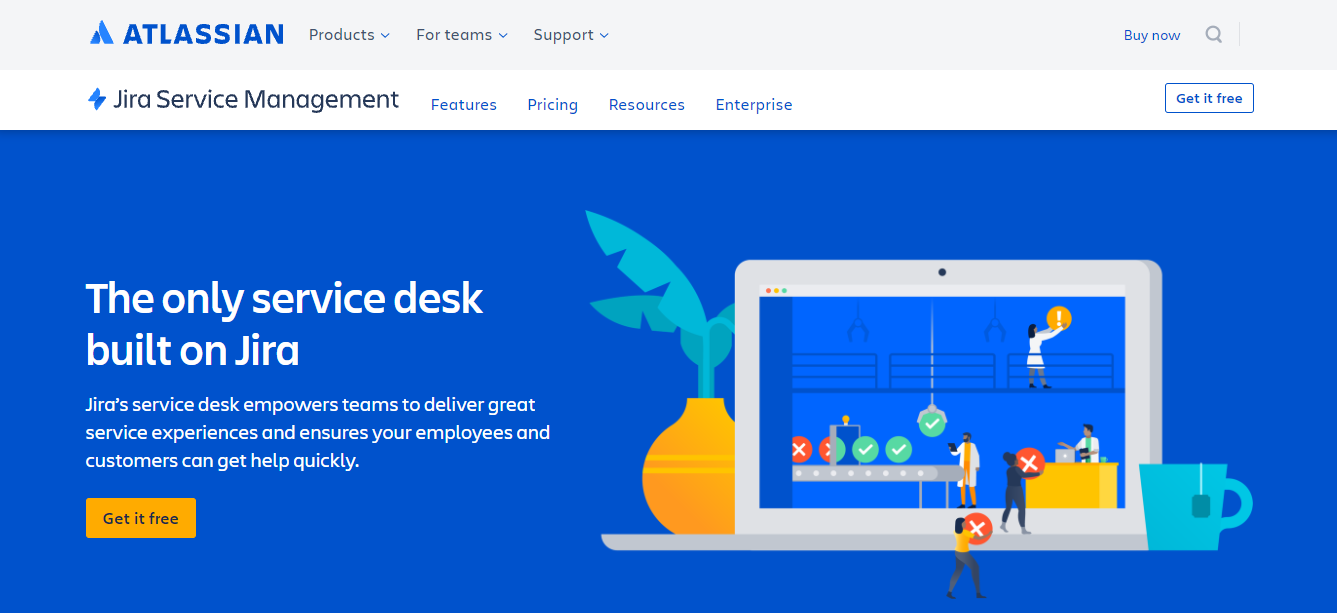
Jira Service Desk is an ideal solution for any team, including HR and Legal. By combining Confluence and Jira, you'll gain a knowledge base. This platform is accessible for both on-premise and cloud deployment. It's designed for teamwork and offers advanced automation.
The IT team or developers will benefit from integrating Jira Service Desk with Jira Software since they will have a single platform to fix incidents and push changes. Jira service desk can be tailored to your needs by selecting apps from the Atlassian Marketplace. There are around 800 apps available in the marketplace.
Key Features:
-
Make it simple for any team to set up a help desk. Showcase your services through an easy-to-use, intuitive gateway that allows your staff and consumers to receive support quickly and your teams to streamline incoming tasks.
-
Combine requests from email, chat tools, your help desk, and other sources. To track, triage, and assign incoming requests, set up queues.
-
Using a self-service site, enable employees to obtain answers to frequent questions. To deflect requests, use Confluence as a knowledge base that surfaces relevant content.
Cost:
Packages start at $20 per month.
3. Ivanti Neurons

Ivanti Neurons Help Desk Software is a customer support helpdesk software that can handle incoming ticket inquiries by email, online, social media, phone, or chat. Case management, self-service choices, and knowledge management, as well as workflow and automation features, are all included.
Key Features:
-
Optimize the performance of your IT assets throughout their lifecycle, while keeping track of contracts, warranties, and financial data to guarantee that assets are managed and safeguarded efficiently.
-
With real-time visibility of your assets, you can make your IT and user experiences more efficient and safe.
-
With automatic detection, diagnosis, and repair of endpoint issues, you can put troubleshooting on the back burner.
-
Increase the speed of resolves and provide more efficient and productive work environments.
Cost:
You can request a quote on their website.
4. Nilex

Nilex will enable you to keep track of your PCs, mobile devices, machines, properties, and coolers with Nilex maintenance, and handle error reporting, deviations, complaints, and cases. If you wish to include all processes and services without limitations, this is the solution for you. This software is designed specifically for middle and large businesses that deal with highly complicated business procedures on a daily basis.
Key Features:
-
Allows you to properly manage cases generated through various channels such as self-service, email, phone, and chat, among others.
-
Manage projects and tasks for your personnel, as well as keeping track of work phases and utilising implementation time.
-
Having all of your contracts in one place helps you to regulate access, monitor them, and receive automatic renewal and reminder notifications.
-
Negotiate customer expectations with the support team.
-
Improve the user experience and get the most out of social media data collection.
Cost:
Packages start at $25 per month,
5. BMC Helix ITSM

BMC Helix ITSM is a next-generation service management platform from BMC that converts the best-practice ITSM concepts you've come to expect from Remedy to deliver unrivaled ROI on your cloud of choice. The BMC Helix ITSM system includes multi-cloud capabilities, predictive service management, cognitive email analysis, and automated actions functionality, as well as operational and deployment efficiencies, and is ITIL4 compliant. It can be used in conjunction with DevOps tools such as Jira.
Key Features:
-
Auto-classification, assignment, and routing of issues provide predictive service management.
-
Embedded multi-cloud features to facilitate incident, change, and release coordination across cloud providers.
-
Jira and other key agile DevOps tools are integrated.
-
The user's email is analysed cognitively, and automatic actions are taken on their behalf.
-
Containerization improves operational and deployment efficiency.
Cost:
You can request a quote on their website,
6. Alloy Software

Alloy Software’s Service Desk is an IT service and asset management solution that helps businesses of all sizes manage their information technology. This system includes features including a completely integrated help desk, network inventory, and knowledge base, as well as ITIL standards like change and configuration management. Navigator also automatically generates linkages between relevant data while offering a holistic view of IT infrastructure components.
Key Features:
-
Optimize your processes and resources to deal with significant, routine, minor, and emergency changes.
-
With a uniform, pre-approved approach for managing minor modifications, you may save time and money.
-
Using a precise, quick approach for dealing with emergency changes, you may reduce service disruption and downtime.
-
Initiate change requests as a result of incidents and problems, and track them throughout their lifecycle.
-
Use one of our pre-configured change management workflows or create one of your own. To handle changes as your business requires, create custom kinds, statuses, and process phases.
Cost:
Packages start at $19 per month.
7. Instasoft

Instasoft is a one-of-a-kind change and configuration management specialist, offering not only the software support tools, training, and consulting you'd expect, but also the experience and resources to help you with all elements of your change and configuration management needs.
Key Features:
-
Dashboards make reporting simple by keeping you up to date in real time.
-
Suitable for all businesses, regardless of size or type.
-
All files and non-file-based configuration items can be recorded and controlled down to the individual Instances of each version.
-
Installation is minimal cost, upkeep is low cost, and licensing terms are flexible to meet your needs.
-
From the initial need to the post-implementation evaluation, full training and consulting expertise are offered.
Cost:
You can request a quote on their website.
8. InvGate Service Desk

InvGate Service Desk is extremely extensive in features. Ticketing, self-service, Knowledgebase, Asset Monitoring, Software Licensing, and Software Metering are some of the features available.
It has Ticket Management capabilities that will assist you in managing requests and resolving issues. Because Natural Language Technology is used in InvGate's Knowledgebase, it is generally accessible. InvGate's Service Level Management and SLAs will enable you to prioritize operations based on their impact, urgency, and alignment with service level targets.
Key Features:
-
InvGate Service Desk will provide you with improved access to data and information, allowing you to make better decisions and hence improve performance.
-
It will be easier to log, manage, and report IT issues with InvGate's Ticket Management functionalities.
-
Change Management features will assist you in managing changes effectively.
-
The problem management features will assist you in resolving reoccurring problems.
Cost:
You can request a quote on their website.
9. SunView Software

SunView Software assists businesses in transforming their business operations through digitalization and automation. It allows IT workers to acquire predictive insights, offer solutions, and assess user sentiment using Artificial Intelligence and Machine Learning.
Key Features:
-
Give team leaders and managers more control over their teams' operations, reports, and adjustments at any stage of the lifecycle.
-
With an easy-to-navigate UI and workflows that are straightforward to use and set up, you can save your staff time and headaches.
-
Increase end-user happiness by offering excellent self-service and a knowledge base that clients desire to utilize.
Cost:
You can request a quote on their website.
10. Hornbill Service Manager

Hornbill Service Manager is a full-featured IT Service Management Tool that implements service management techniques across your entire organization for enterprises of all sizes. Service Manager is a complex yet deceptively simple program to use, offering everything from end-user service portals, service catalogs, service portfolio capabilities, asset and configuration management, incident, problem, change, and release management, and more.
Key Features:
-
Bring a collaborative and efficient working style to your office.
-
It has a simple UI that is simple to use.
-
Customize the app to meet the demands of your company.
-
Make it easy for your staff to collaborate.
-
To share ideas, share boards with coworkers or teams.
Cost:
You can request a quote on their website
11. Cherwell

Cherwell Service Management is a complete service desk system that has been ITIL certified for eleven processes. Meet the organization's changing and expanding demands with fewer headaches and reduced expenditures. The system can be used on-premises or in the cloud. Multiple managed service providers can also provide the solution.
Key Features:
-
Create and set up automations for everyday chores and complicated workflows quickly and effectively without coding or scripting.
-
Extend your capabilities with pre-built integrations from the Cherwell Marketplace's mApps (merge-able applications).
-
Time to value is accelerated while the total cost of ownership is reduced thanks to easy administration, extensibility, quick updates, inclusive licensing, and a dynamic user community.
Cost:
You can request a quote on their website.
12. SolarWinds Web Help Desk

SolarWinds Web Help Desk centralizes and automates ticketing administration activities, allowing you to provide superior customer service. Organize tasks such as ticket assignment, routing, and escalation. For improved organization, link incident tickets to a single problem, tie problem tickets with IT assets, and track the history of asset service requests. You can also use their Dameware Remote Help software to support and troubleshoot end users with just one click, allowing you to move tickets from service requests to resolutions faster.
Key Features:
-
Ticketing automation.
-
Knowledge base that is centralized.
-
IT asset tracking and management.
-
Relational ticketing simplifies project and task management.
-
Active Directory and LDAP integration
-
SLAs are measured by reporting.
Cost:
Licenses start at $735.
13. BigPanda
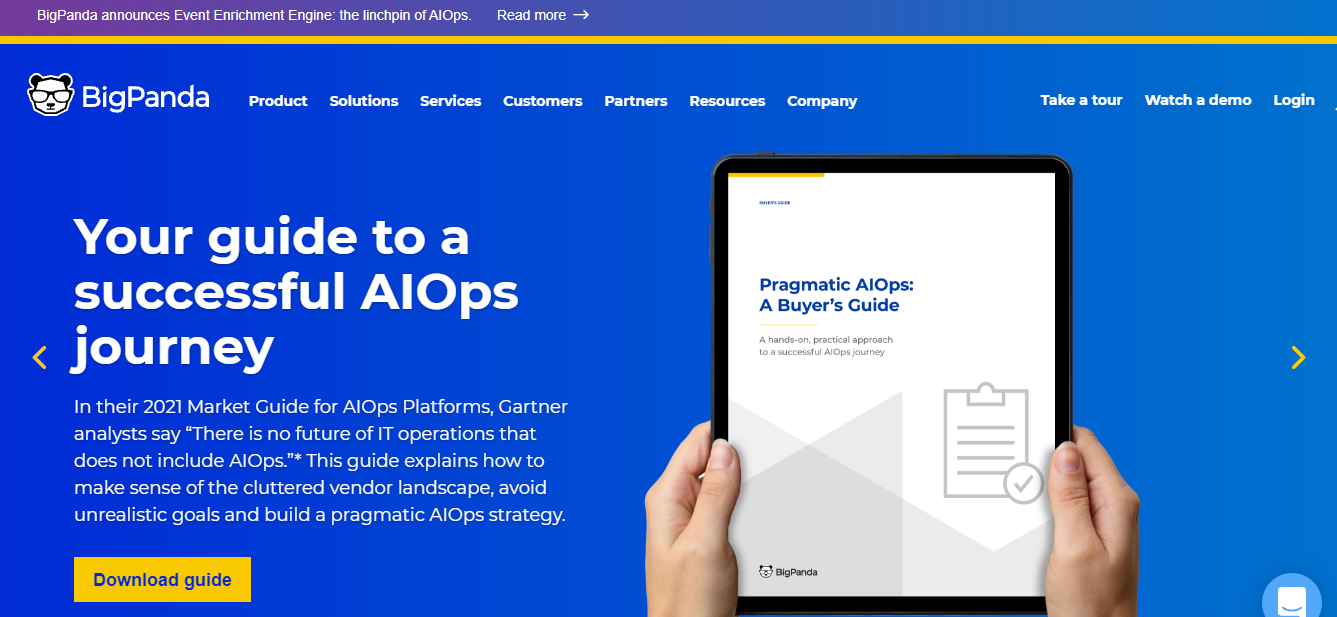
BigPanda is another popular IT service management software. This application aids IT operations and DevOps teams in detecting, investigating, and resolving IT events in a more efficient and effective manner. It adds cross-domain enrichment to AIOps-powered Event Correlation, Root Cause Analysis, and Automation to boost their performance.
Key Features:
-
Correlate data from observability, monitoring, change, and topology tools into a limited number of actionable insights to prevent outages sooner.
-
Increase the speed with which incidents are resolved by automatically detecting changes to infrastructure and applications that are the most likely cause of problems.
-
For speedier problem resolution, automate manual components of incident response, such as ticketing, notification, war room establishment, and other operations.
Cost:
You can request a quote on their website.
14. Zendesk

Zendesk is a support ticketing system and customer service software. It offers a live chat and message feature. The customer service plan will assist you in tracking, prioritizing, and resolving client tickets. Zendesk improves customer service. We create software to suit client needs, empower your team, and keep your company on track.
Key Features:
-
Customers will be able to reach you at any time if you provide support anyplace. No matter how they interact, the dialogue remains connected (over messaging, live chat, social, email, or voice).
-
Create a community forum and a help center that is integrated. Customers can handle issues at their own pace, which helps agents resolve issues faster.
-
Even as you grow, personalize the experience for each customer. To ensure that consumers never have to repeat themselves, use automation and AI-powered bots to gather context.
Cost:
Packages start at $49 per month.
15. Track-it!
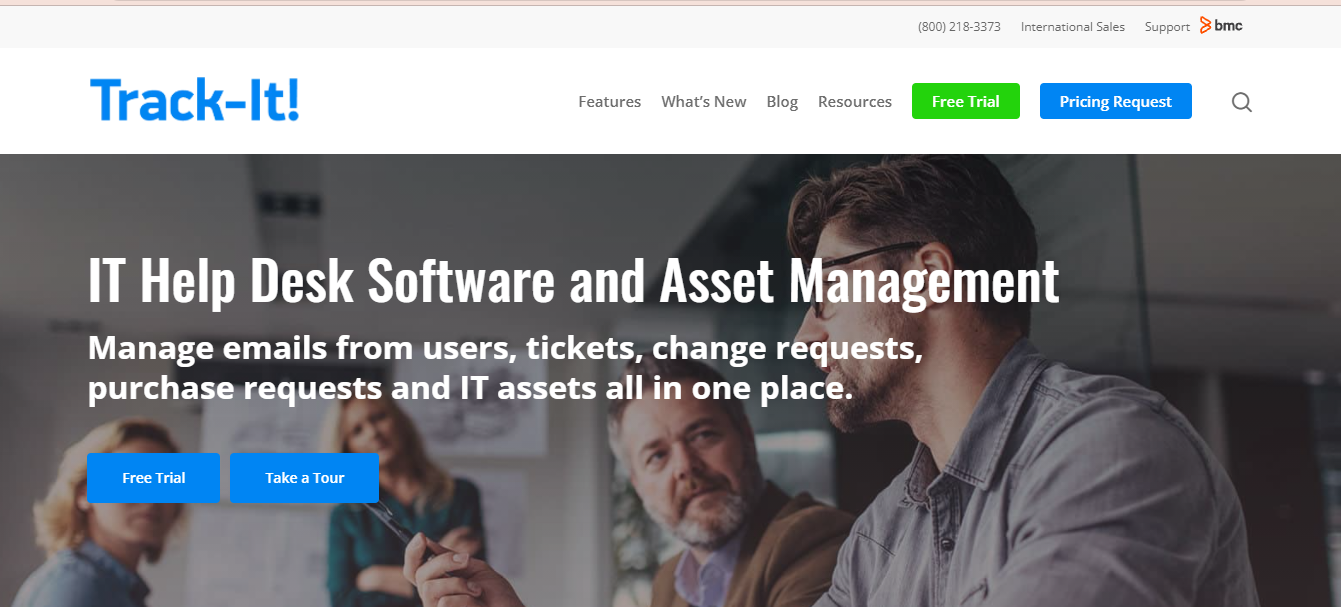
Track-It! is a newly rebuilt, fully web-based integrated Help Desk and IT Asset Management solution that is economical to purchase, easy to install and set up, and use for small to medium-sized businesses. Help Desk, Asset Management, Endpoint Management, Software Deployment, Patch Management, Change Management, Purchasing, Self Service, Dashboards, Reporting, SLAs, Business Rules, and more modules are included in Track-It!
Key Features:
-
Even from numerous mailboxes, convert all emails to tickets automatically. To save time, use automatic prioritizing and ticket assignment.
-
With all the information you need at your fingertips, you can cut down on wasteful spending and make wiser decisions.
-
End users can submit their own tickets, seek answers, and check the progress of current tickets, saving time.
-
One of the greatest strategies to eliminate difficulties, minimize downtime, control expenses, and maintain end-user happiness is to minimize changes and risks.
Cost:
You can request a quote on their website.
16. Barracuda
Barracuda will assist you in developing standardised service offerings with the goal of increasing your clients' security posture. MSPs can simply examine their customers' networks and recommend services that are .,.for them using the first RMM product with a built-in security assessment tool.
Key Features:
-
Identify vulnerabilities quickly, suggest solutions and services, fix problems, and show that you're keeping your clients safe.
-
Create services depending on your preferences or use out-of-the-box service plans to standardise services across your consumer base.
-
With over 150 brandable, customised reports, you can demonstrate your efforts, provide transparency, and discover areas for development.
-
Out-of-the-box monitoring and alerting for a wide range of applications and device types based on service plan policies.
Cost:
You can request a quote on their website.
17. Aisera AI Service Desk
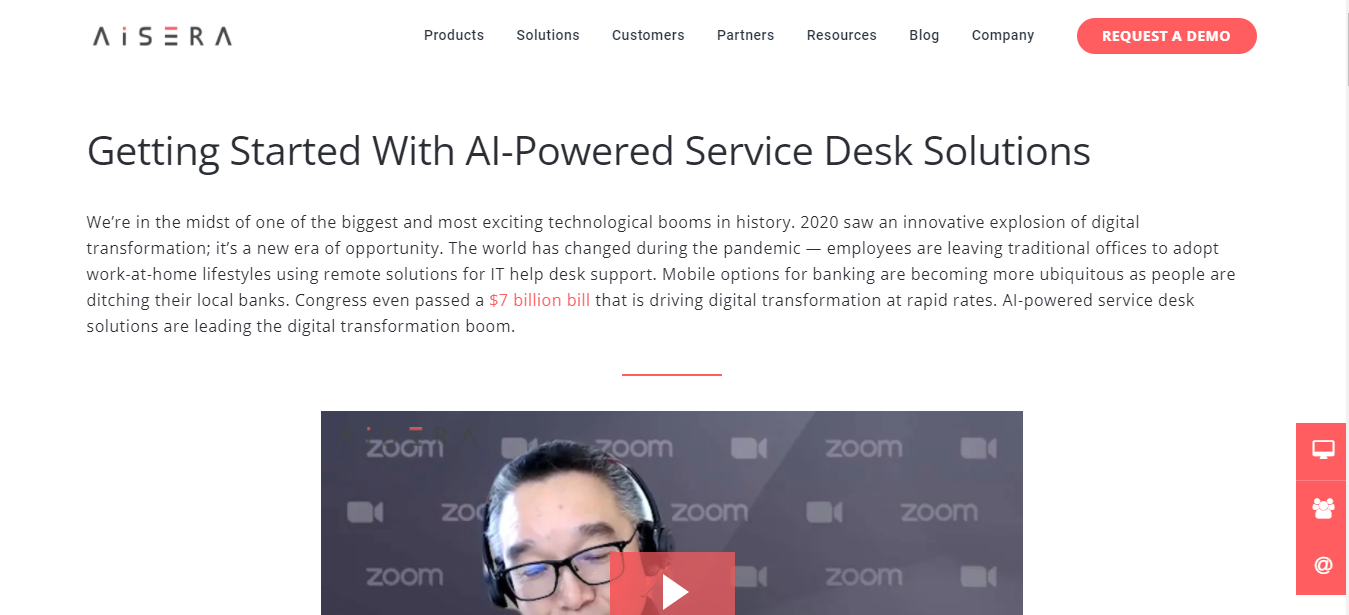
Aisera AI Service Desk integrates seamlessly with the tools and processes you already use to provide excellent customer service. Using conversational AI and RPA, it learns from every interaction and automates repetitive enquiries and tasks. Agents can now focus on issues that demand a personal touch after assisting clients to help themselves.
AI Customer Service augments human intelligence to assist your company nurture and satisfy customers, who then purchase more, stay longer, and tell the world how much they respect you. Reduce the number of cases and the time it takes to resolve them using this IT Service Management Tool. Improved self-service reduces wait times. CSAT and NPS should be increased.
Key Features:
-
Unsupervised AI Learning saves time and money by learning on its own from unlabeled data. It has all the intelligence and automation it needs to detect patterns, data, and information.
-
A good AI Service Desk or AI HelpDesk will contain a large number of established workflows that may be used right away.
-
The human ticket creation, triaging, routing, and other tasks will be handled entirely by Ticket Intelligence and Agent-Assist technologies. It will also be able to provide agents with recommendations so that they can respond to escalations even faster.
Cost:
You can request a quote on their website.
18. N-Able

N-Able is very beneficial for IT specialists in companies who serve as managed service providers to their clients. They are You're juggling operations and transformation imperatives whether they are leading a team or working alone. N-able can assist them with this.
It's an end-to-end platform with a 360-degree view of your IT environment. It comes with security features and connectors to keep your services, devices, and users safe. Dashboards, alerting, and automated remediation are all available to reduce the time it takes to resolve issues.
Key Features:
-
With solutions that provide large-scale deployments, automated issue repair, remote troubleshooting, and best-practices service monitoring, you can go further.
-
Endpoint management, security, and data protection are all combined in an elegantly integrated platform to give your team the visibility and confidence they need.
-
It's all about the platform. Integrate best-in-class security products to automate and develop secure environments, protect data, manage risk, and demonstrate compliance.
Cost:
You can request a quote on their website.
19. Halo Service Desk

Halo Service Desk is ITIL-compliant service desk software that may be installed locally or in the cloud. Halo Service Desk has been created over the course of 20 years to provide a feature-rich program with a user-friendly interface. Transform archaic processes into modern, straightforward procedures, and allow teams to consistently provide outstanding service to consumers and employees.
Key Features:
-
Halo Service Desk enables teams to collaborate more effectively by providing a unified workspace that allows you to see everything you're working on at a glance.
-
Never drop the ball again, with duties that are simple to grasp and track, you'll feel more accountable.
-
Maintain the safety and security of legacy work. Keeping all cooperation in one safe system guarantees that everything is recorded and auditable.
-
Bring order to the chaos. Your team may simply view what's most important and focus on core work using visual and easy-to-schedule tasks.
Cost:
You can request a quote on their website.
20. Ankage

Ankage is a platform for end-user support automation. This IT service management application takes a multi-pronged approach to reduce support tickets at the source while also allowing for proactive ticket resolution. Its Cobots enable users to solve machine and application-related problems on their own. Their Cobots can be programmed to function as intelligent agents.
Key Features:
-
Reduce IT Tickets before they reach you by reducing them at the source. Using our one-of-a-kind cobots, users may tackle challenging problems. Cobots are human-assisted apps that extend the reach of automation.
-
They offer proactive cobots that execute on endpoints according to pre-defined rules. They actively detect problems and self-heal them before the user is aware of them.
-
When a problem is discovered, agents can utilise a variety of commands to do things such as cleanup or running a VBScript on the user's PC without having to take remote control or visit personally.
Cost:
You can request a quote on their website.
21. SysAid

SysAid is a single package that combines ITSM, service desk, and help desk functionality. For your hardware, software, and mobile assets, it provides an IT Asset Management Solution.
From issue logging to resolution, this solution will automate the entire incident management process. SysAid will assist you in automating the service desk through routing rules and dynamic forums.
Key Features:
-
Ticket Automation sorts, routes, and sends each ticket to the appropriate desk, so you don't have to.
-
Task Automation takes care of all your repetitive requests, allowing you to spend less time resetting printers and establishing new users and more time doing whatever you want.
-
Workflow automation converts operations comprising several tasks, teams, and departments into fully digital processes.
Cost:
You can request a quote on their website.
22. TeamDynamix

TeamDynamix is a codeless platform that combines IT Service Management (ITSM) and Project Portfolio Management to help you work better together (PPM). With Enterprise Service Management, you can expand from IT to Marketing, HR, Facilities, and more (ESM). The visual code builder and connector library makes it simple to create integrations and workflows.
Key Features:
-
IT Service Management (ITSM) and Project Portfolio Management (PPM) should be combined on a single platform for ease of usage.
-
Create and extend Enterprise Service Management (ESM) workflows and automation without requiring technical expertise.
-
You get the out-of-the-box connections you need to link your Active Directory, CRM, ERP, SIS, and more with the easy-to-use iPaaS platform. With TeamDynamix iPaaS, you can create workflows without coding or scripting.
Cost:
You can request a quote on their website.
23. Alvao Service Desk

Alvao Service Desk system is an easy-to-use IT service management solution built on Microsoft technologies. It enables you to customize and choose which ITIL process to use. All internal queries are handled by the Alvao Service Desk, which serves as a single point of contact. The IT team has a better understanding of their workload, clearer priorities, and better communication.
Key Features:
-
Assists you in establishing a successful IT department.
-
Boost the degree of IT governance in your organization.
-
Assists the IT department in providing high-quality services.
-
Hardware Asset Management is a service provided by this company.
Cost:
You can request a quote on their website.
24. ServiceNow

ServiceNow uses machine learning to categorize, route, and prioritize issues. Servicenow's virtual agent will assist you in offering consistent IT services and thereby enhancing IT efficiency. Enterprise Onboarding and Transitions are tools in Servicenow that let you automate Onboarding and other employee lifecycle activities across departments. It also offers a Chatbot, Change & Release Management, Agent Intelligence, Performance Analytics, and more capabilities.
Key Features:
-
Use built-in best practices to quickly combine diverse products into a unified cloud-based engagement solution. Use the most trusted IT service workflows to access your shared data and analytics.
-
With AI-assisted recommendations, you can increase agent efficiency and speed up issue resolution. Allow your IT employees to focus on other tasks by automatically assigning incidents to the appropriate resolution team.
-
Virtual agents that understand simple, human language can automate help for frequent queries.
-
Built-in dashboards and real-time analytics provide complete visibility into any process or service.
Cost:
You can request a quote on their website.
25. iET Solutions

iET Solutions offers the industry's most versatile and comprehensive IT Service Management (ITSM) solution right out of the box. iET ITSM is fully integrated, highly configurable, and built to grow, so it can easily meet the needs of any business.
iET Solutions provides the most comprehensive solution for continuous service improvement, with additional modules for smartphone accessibility, phone system integration, and entitlement-based software asset management. Every company is different, thus our ITSM solutions are tailored to fit your needs.
Key Features:
-
Keep track of and manage incidents. Use the knowledge database to find solutions. Maintain compliance with your SLAs to resolve your tickets.
-
Detect and resolve issues before they have an impact on users.
-
Manage any requests for changes. Conduct rigorous impact and risk assessments.
-
Ensure that your IT infrastructure is under constant and accurate supervision.
Cost:
You can request a quote on their website.
26. OTRS
OTRS is manufacturer-supplied service management software. No matter how big your company is or what industry you work in, you will always be properly advised with OTRS. Thus software is so adaptable that it will work for you as if it were designed just for you. OTRS solution provides you with not only a reliable and quick-to-use tool but also years of experienced knowledge. You're always up to current on software upgrades and security patches — with no hassles.
Key Features:
-
User instruction has been improved and the operating parts have been updated.
-
Simply create your own application and listings.
-
Choose from a variety of contemporary icons.
-
In real time, you may search, filter, and save lists as templates.
-
Due to the new column layout, each design is unique.
Cost:
You can request a quote on their website.
27. Wrike

Wrike is a software platform that allows you to manage various workstreams. It offers the ability to keep track of teams and provide you with visibility into their work. It's a single, robust platform that includes all of the tools for managing IT projects. Wrike is a project management tool with a variety of views, tasks, and status updates for IT projects. Wrike can be integrated with more than 400 common tools utilizing pre-built connectors and native integrations.
Key Features:
-
Wrike offers industry-standard IT service management workflow templates.
-
It will enable you to create customized procedures for your specific IT project management requirements.
-
It offers interactive Gantt chart features that allow you to see your work in real-time.
Cost:
Packages start at $9.80 per month.
28. HaloITSM

HaloITSM offers an ITIL-aligned help desk software, which may be implemented on-premise or in the cloud. HaloITSM has already been designed with over 25 years of experience to provide a feature-rich application with a user-friendly interface.
Key Features:
-
Allow your users to search for and request certain services directly from the portal. Because HaloITSM allows you to conveniently, automatically, and without errors fulfill requests.
-
HaloITSM has exceptional change management capabilities. As a result, you and your team will be able to quickly track, plan, and implement organizational changes of any size.
-
In HaloITSM, you may manage your end-user assets and configuration items. The CMDB in HaloITSM is a strong tool for tracking configuration elements and visualizing CI dependencies.
Cost:
Packages start at $50 per month.
29. Cockpit
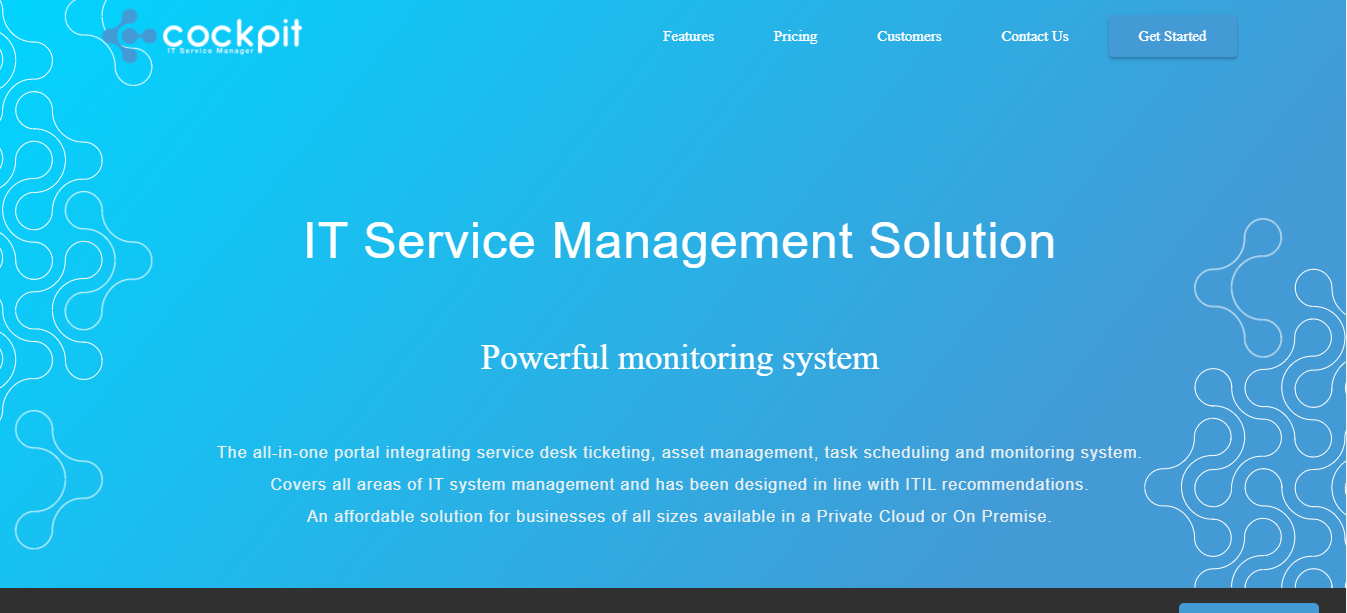
Cockpit is a one-stop-shop for service desk ticketing, asset management, task scheduling, and monitoring. It has been built in accordance with ITIL principles and covers all aspects of IT system administration. It's a cost-effective option for enterprises of all sizes, and it's accessible as a Private Cloud or On-Premise solution.
Key Features:
-
For each customer, a private instance is set up on a dedicated virtual server at the location of their choice. The entire system (portal, database, and system) is completely isolated.
-
Maintenance slots are set aside by agreement to keep the solution up to date. A consumer has the option of delaying or skipping maintenance.
-
Various widely known compliance standards audit and certify all of their datacenters.
Cost:
Packages start at $42 per month.
30. FreshService

FreshService is a simple to set up and use IT service desk solution. It offers multi-channel help for automating chores and responding to issues expressed by email, chat, phone, and other means. The iOS and Android versions of the software are both available.
Freshservice is a feature-rich platform that may assist you with incident management, asset management, and more. This IT Service Management Tool includes features for both small and large teams and businesses. IP Whitelisting and Audit Logs are capabilities available to businesses.
Key Features:
-
Using no-code workflows and strong automations, eliminate repetitive activities and manual processes while increasing service productivity.
-
Integrate service management on a single platform to eliminate silos, decrease expenses, and improve visibility.
-
Freshservice's no-code platform allows you to customise quickly. Expert onboarding, migration services, and round-the-clock support are all available.
Cost:
Packages start at $14 per month.
Things To Consider When Choosing An IT Service Management Tool
1. Take Your Team’s Opinion
Before you finalise your list of required features, solicit feedback from those who will be using it. Include your IT workers, but also consider forming a focus group comprised of selected employees from other departments. They are likely to have valuable insights because they will be the tool's end users. Send a survey to your users, telling them what they like about your present ITSM system and what may be improved. Find out what attributes they would want in a perfect world. Employee participation not only captures valuable feedback from those who will use and benefit from the new ITSM system, but it also helps them feel appreciated and involved.
2. Define Your Basic Requirements
When you choose a new ITSM platform, you have the potential to fundamentally reimagine your IT processes. It's time to prioritize your organization's and end users' needs once you've figured out what they are. Before going shopping, it's critical to understand the difference between what's required for basic functionality and what's nice to have but not necessary.
Create a system that allows you to assign weight to specific duties so that you may properly "evaluate" a potential tool's effectiveness within your business. You can achieve this by assigning numerical ratings to each activity or devising a custom grading system that suits your needs.
3. Integrations Are Crucial
How the new ITSM tool will connect with business systems, both now and in the future, must be considered. If you plan to use cloud services, your new tool must be able to integrate with a third-party provider and handle the added security that comes with cloud computing. Examine the pre-built integrations offered by the possible tool. A successful tool must integrate with the network as well as any software that the organisation uses to keep things running properly, such as event management platforms, data management systems, and so on.
Conclusion
Modern IT teams are expected to deliver fast, secure, and consistent service—without sacrificing governance. That’s why choosing the right ITSM tool matters: it becomes the backbone for incident handling, service requests, change control, asset tracking, and knowledge management, while also enabling automation and better visibility into performance.
When evaluating ITSM software, prioritize:
-
Core requirements your teams actually need (not just “nice-to-haves”)
-
Integrations with identity providers, monitoring tools, cloud platforms, and collaboration apps
-
Ease of adoption for both agents and end users
-
Scalability for future processes beyond IT (HR, Facilities, Finance), if Enterprise Service Management is on your roadmap
The best ITSM tool isn’t necessarily the biggest—it’s the one that fits your workflows today and can flex as your business changes.
FAQs
What Are IT Service Management Tools?
IT service management, or ITSM, refers to the procedures and rules that businesses create and follow when it comes to the design, provision, and maintenance of IT services. ITSM strives to take a more user-centric approach to IT. ITSM is most typically associated with service desks, but the techniques and procedures highlighted in ITSM are applicable to all IT businesses. It might help to bring structure and order to an organisation that is continually changing. ITSM Tools are the frameworks that help with this.
What Are The Benefits Of IT Service Management Tools?
ITSM technologies assist firms structure and standardise their IT service operations, resulting in improved service efficacy. Users can more rapidly solve their requirements and problems by accessing a common store of IT information. IT teams can reduce the frequency of basic or low-level enquiries going via the help desk by making more public information available. This frees up time for IT professionals to focus on more complex or vital duties.
Transparency and uniformity are arguably the most significant advantages of utilising an ITSM technology. Lack of openness and consistency in processes, policies, and actions is the bane of most IT teams, especially when there are many teams inside the IT organisation. Every team within an IT organisation can designate where information should live by establishing clear and consistent policies and processes that all teams should follow. This also reveals what procedures are being followed in various tasks and how to appropriately communicate with end users, resulting in a more efficient overall IT service delivery.
When Should You Consider Using IT Service Management Tools?
IT organisations will often have an administrator or administrative team for ITSM technologies when they are implemented. They have complete control over the configuration, permissions, and provisioning of the solution. Then, as part of their everyday workflow, personnel across the IT department might utilise an ITSM application to log incidents and tickets, discover knowledge resources, track changes, and manage assets, among other things.
MSPs (managed services providers): MSPs make excellent use of ITSM tools. ITSM tools serve as a central portal for IT service provision and contact between MSPs and their customers, as some MSPs provide IT services to other organisations. End users can look up IT information and submit tickets or inquiries, and the MSP can provide IT services while keeping track of end-user questions and problems.
What Are The Common Features Of IT Service Management Tools?
The following are some of the most common characteristics of ITSM:
It aids in the improvement of IT Service Management procedures.
IT asset management that is simple and effective.
Allows you to display the IT services that your various accounts provide to users.
Improve the user experience by simplifying configuration.
What Is The Goal Of IT Service Management Tool?
An IT Service Management tool's primary aim is to assist businesses in regulating how IT services are supplied within their organisation based on budget, processes, and people. ITSM tools are mostly used to provide satisfying services to end users.
What Is Problem Management?
Problem management means understanding and identifying the leading cause of a problem. It also means rectifying the situation and avoiding any other similar issues.
In problem management, you inquire about the issue, conduct an analysis and correct it. You also look out for similar issues and fix them. When you implement the problem management feature, your service improves in terms of quality and efficiency, and you will be able to find permanent solutions.
What Is the Incident Management Process?
The incident management process is to find and correct issues or incidents affecting a business or its services. The incident is looked at in terms of potential threats to the company and its operations. The process prioritizes events according to the issue's urgency or danger. It helps in enhancing the end-user experience.
