
A May 2026 Ask HN asked what to use for a personal wiki after years on Notion. The brief was cloud backup, a phone that can log an oil change, Markdown you can export, and room for PDFs. The comments keep returning to Obsidian. A few stay on Notion. The rest argue about Joplin, Trilium, and whether a wiki is just files. That split is the map. The names below are the ones that still hold up for those jobs.
Four checks before a sales call: does the page still do the job you hired the wiki for, is the bill per member or per maker, do the files live on a vendor or on a disk you hold, and can guests find the handbook. The method is on How we review tools.
Stay on Notion if the company wiki, meeting notes, light tasks, and a few related databases actually share a workspace, and people already think in blocks. The Notion for Startups listing is the directory page for that product. Leave when you bought the all-in-one and the week is a sprint board, a local vault, or a doc that has to run as an app. The shortlist is Superhuman Docs, ClickUp, Obsidian, Capacities, Anytype, Craft, and AppFlowy.




You are on Notion


Superhuman Docs
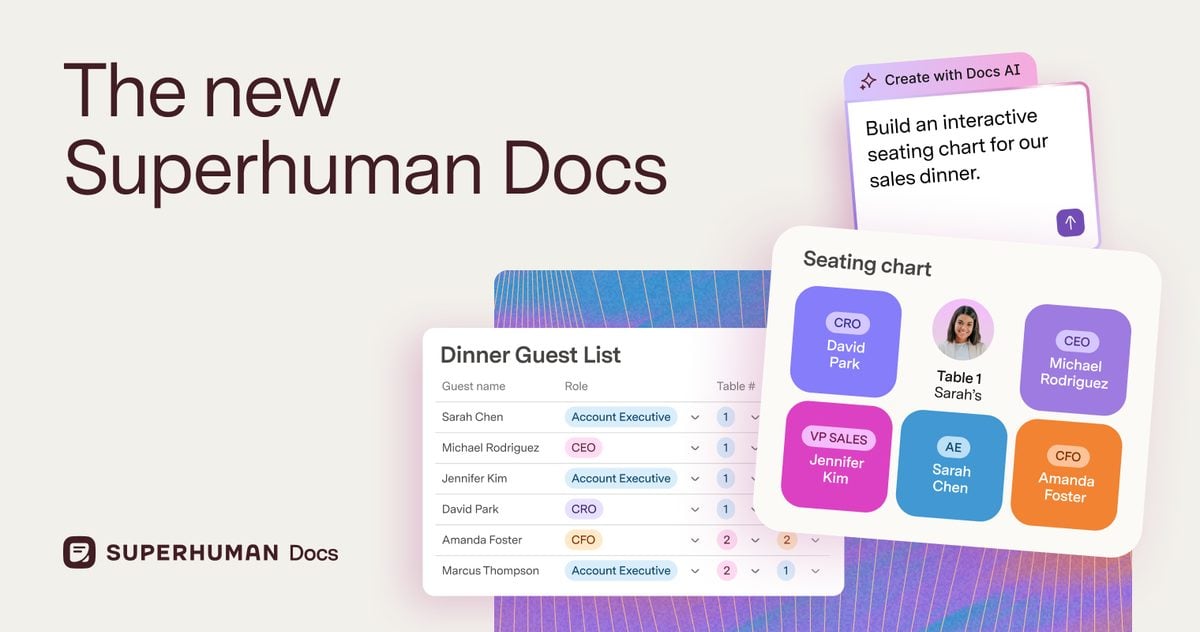
Superhuman Docs is the product that used to be Coda. On 8 Jul 2026 the product pages started saying Coda is Superhuman Docs. Old coda.io links still open the product; they redirect. The home is now docs.superhuman.com. Same maker billing: you pay people who create docs, and editors are free. The job is a page that holds a table, a button, and a Pack (Coda's integration) without bouncing to a second app. That is the switch when Notion's relations and rollups started feeling like a spreadsheet you cannot quite trust. The directory listing is still Coda.
Best for: Ops and product teams that want documents to run a workflow instead of only describing one.
Key features:
- Docs that mix text, tables, formulas, and buttons on one canvas.
- Maker billing. Viewers and editors do not take a paid seat.
- Packs that pull live data into the doc.
- Team adds private folders, page locking, and unlimited automations. Enterprise adds SAML SSO and SCIM.
Why we like it: You pay the people who build the doc. A 40-person company can keep one or two Doc Makers (the billed creators) and let everyone else edit.
Notable limitations:
- It is still a cloud doc, not a local vault. If the pain is ownership, this is the wrong lane.
- Wiki navigation is heavier than Notion's sidebar. A company handbook that only needs findable pages often stays on Notion.
- The Superhuman rename is real on the product pages. Budget docs that still say Coda will confuse finance until someone updates the vendor name.
Pricing:
- Free is $0.
- Pro is $12 per Doc Maker per month billed yearly, $15 billed monthly.
- Team is $33 per Doc Maker per month billed yearly, $40 billed monthly.
- Enterprise is Custom.
ClickUp

ClickUp is a work hub that starts with tasks and then adds Docs, Chat, whiteboards, and wikis. The pitch is one workspace instead of a wiki plus a tracker plus a chat login. That is the right swap when Notion was hired as a project tool and the databases started lagging behind a real board. It is the wrong swap when the company wiki is the product and you only needed a cleaner editor. The directory listing is ClickUp.
Best for: Teams whose week is tasks, sprints, workload, and status, and who will accept a heavier workspace in exchange for that board.
Key features:
- Tasks, Lists, Sprints, Gantt, workload, and time tracking on paid plans.
- Collaborative Docs, a wiki surface, Chat, and whiteboards in the same account.
- Automations that scale with the plan (100 runs on Free, 1,000 on Unlimited, 5,000 on Business).
- Brain is a separate AI add-on. Do not pick the base seat for the model.
Why we like it: The board is the product. Notion can look like a tracker until the sprint needs points, workload, and a guest who is not a wiki editor.
Notable limitations:
- Wikis are capped at one on Free, Unlimited, and Business. Enterprise is the plan that lifts that.
- Brain AI is $9 per user per month on top of the workspace. Everything AI is $28. Model those before the seat looks cheap.
- The workspace is dense. Teams that wanted a quiet docs app will feel the chrome.
Pricing:
- Free Forever is $0, with unlimited members and 60 MB storage.
- Unlimited is $7 per user per month billed yearly.
- Business is $12 per user per month billed yearly.
- Enterprise is Custom.
Should we keep Notion for the wiki and run tasks in ClickUp? Yes, if the wiki is actually read. No, if you will maintain two homes for the same project page. Pick the job, then pick one home for it.
Obsidian
Obsidian stores notes as local Markdown on your device. Links, a graph, Canvas, and a plugin catalog sit on top of those files. Nobody else can read the vault unless you publish it or pay for Sync. That is the switch when Notion lag, offline gaps, or "what if the company dies" is the actual complaint. It is also the name the May 2026 personal-wiki thread keeps treating as the local default. It is a notes app. It is not a company wiki with guests and a sidebar everyone already understands.
Best for: Founders and ICs who want a private, offline vault in files they can open in any editor.
Key features:
- Local Markdown. You own the files. No account required for the core app.
- Bidirectional links, graph view, and Canvas for spatial notes.
- A large plugin and theme catalog, plus an open API.
- Optional Sync (end-to-end encrypted) and Publish, billed separately.
Why we like it: The format will outlive the app. That is the honest answer to the company-death fear, and it is why this name keeps showing up when people leave Notion for notes.
Notable limitations:
- Real-time team editing is not the product. Shared vaults exist on Sync. They are not a Notion workspace.
- You will spend time on plugins if you want databases, tasks, or a pretty wiki. The vault starts empty.
- Commercial use is allowed without paying. A Commercial license is $50 per user per year. It is encouraged. It is not required.
Pricing:
- The app is Free.
- Sync Standard is $4 per user per month billed yearly ($5 monthly): 1 vault, 1 GB, 1 month of history.
- Sync Plus is $8 per user per month billed yearly ($10 monthly): 10 vaults, 10 GB, 12 months of history.
- Publish is $8 per site per month billed yearly. Catalyst is a $25 one-time supporter license.
Does a local vault work if three people need to edit the same page? Only if those three will live in a shared vault and accept Markdown. If the page is the company handbook, stay on Notion or buy a wiki.
Capacities
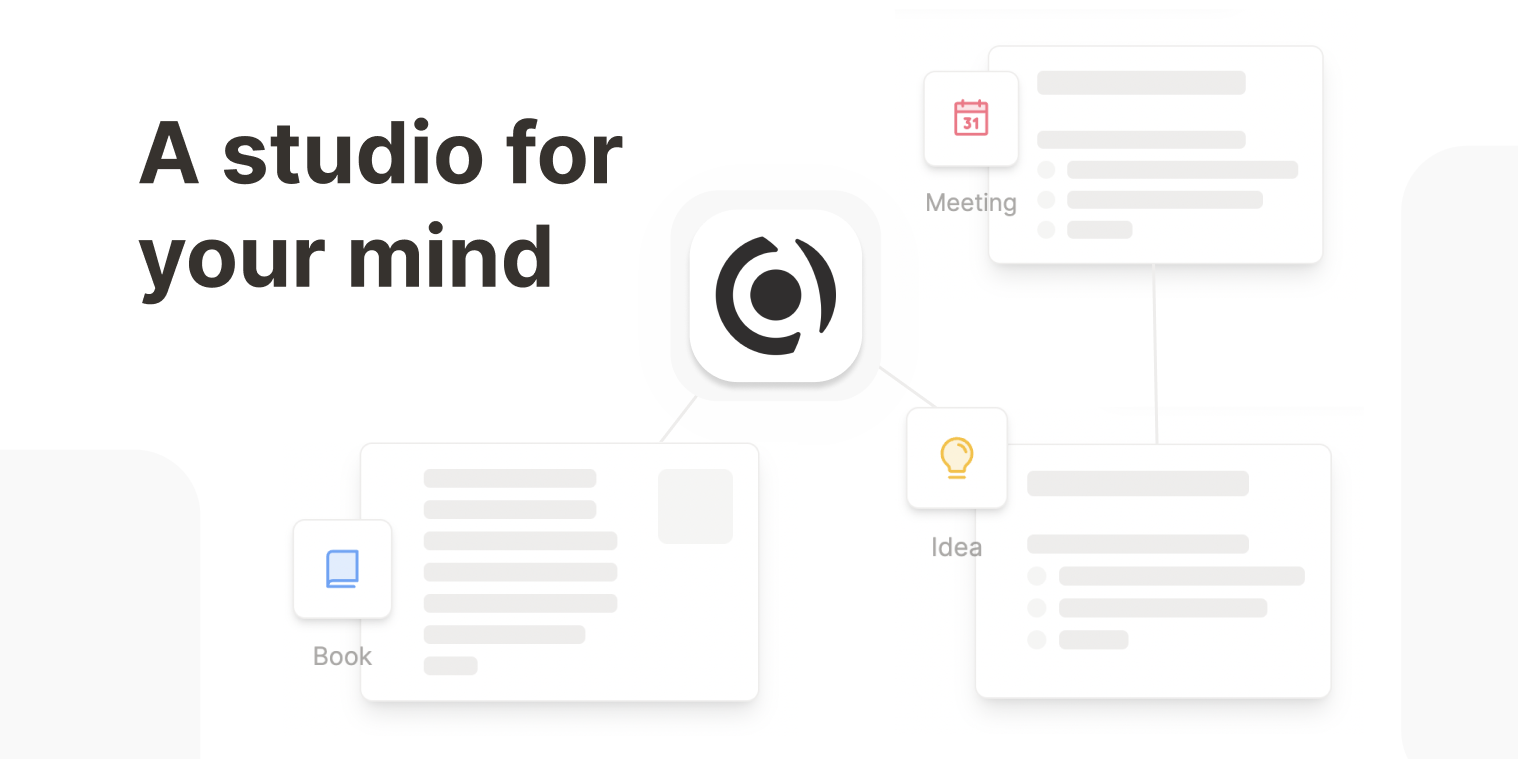
Capacities is an object-based studio for notes. A Meeting is a Meeting. A Person is a Person. Pages inherit a type instead of living in a folder tree. That is the switch when Notion databases felt like a filing system you kept redesigning. It is built for individuals who think for a living. There is no public team plan.
Best for: Solo operators who want typed objects and daily notes, and who do not need a 20-person wiki.
Key features:
- Unlimited spaces, objects, and custom types on Basic.
- Sync, offline support, full-text search, and import/export on the free plan.
- Pro adds an AI assistant, smart queries, calendar integrations, task actions, formulas, and API access.
- Believer is Pro plus early access. It is a supporter tier. The product is still Pro.
Why we like it: Types remove the folder-versus-tag fight. You model the work once, then every new Meeting looks like a Meeting.
Notable limitations:
- No organizational plan. If you need a company wiki, this is the wrong lane.
- Pro does not have a public dollar figure. It renders in local currency in the app. Confirm the number at checkout.
- Media on Basic is 5 GB total, then 100 MB per month.
Pricing:
- Basic is Free.
- Pro is a paid subscription with a free trial in the app. Confirm the local amount at checkout.
- Believer is Pro plus beta access, billed monthly or yearly.
Anytype
Anytype is a local-first, end-to-end encrypted workspace. Blocks, objects, and graphs live on the device. Sync is peer-to-peer by default. Paid memberships buy remote storage and a shorter ANY ID (the public handle on the network). The editor stays free. That is the switch when the objection is a cloud vendor holding the second brain. Anytype for Business is a separate product at $20 per editor per month, with viewers free.
Best for: People who want a Notion-shaped object graph without a central server reading the vault.
Key features:
- Encrypted, offline-first notes and objects on every plan, including Free.
- Local and peer-to-peer sync without a required cloud login for private spaces.
- Shared channels with a remote-storage cap that rises on paid memberships.
- Business adds a team admin path. Self-host for Business is listed as coming soon.
Why we like it: The editor is not paywalled. You pay when you want more network storage or a team admin layer. That is a cleaner split than a free plan that dies at the block limit.
Notable limitations:
- Peer-to-peer sync is not as invisible as a hosted workspace. Expect more setup than Notion.
- Collaboration is real and still smaller than a Notion teamspace with guests and a public site.
- Business self-host is not shipping yet. The public page lists a monthly flat fee when it does.
Pricing:
- Free includes 100 MB of remote storage and 10 shared channels.
- Plus is $4 a month, 1 GB remote, unlimited shared channels, ANY ID of 9 or more characters.
- Pro is $8 a month, 10 GB. Ultra is $16 a month, 100 GB.
- Anytype for Business is $20 per editor per month (20% off yearly). Viewers are free.
Craft

Craft is a writing app that also holds tasks and docs, with a Mac, iPhone, iPad, Windows, and web client. The company pitches it as notes plus docs plus a plan, in one space that feels closer to Apple Notes than to a database wiki. That is the switch when Notion's chrome got in the way of sentences. It is a weak swap when you need relations, rollups, and a 40-person handbook.
Best for: Founders and small groups who want a fast writing surface, and who will keep the heavy database somewhere else.
Key features:
- Block editor with docs, tasks, and link sharing across Apple devices, Windows, and the web.
- Free Starter: 1,500 blocks, 1 GB storage, 7-day history.
- Plus removes the content cap, raises history to 30 days, and adds more AI credits.
- Family and Team are fixed-price bundles of Plus seats with shared spaces.
Why we like it: The page is for reading. If the reason you opened Notion this morning was to write, Craft is the smaller tool.
Notable limitations:
- Databases are not the product. Do not migrate a CRM-shaped Notion into Craft.
- Marketing localizes the number. Support still lists the Plus dollars. Confirm the figure at checkout for your country.
- Team is a 10-seat bundle. Larger orgs talk to Craft. It is not an enterprise wiki.
Pricing:
- Starter is Free (1,500 blocks, 1 GB, 7-day history).
- Plus is $10 a month or $96 a year on the support page.
- Family is $18 a month or $180 a year for up to six Plus accounts.
- Team is $60 a month or $600 a year for up to ten Plus accounts.
AppFlowy
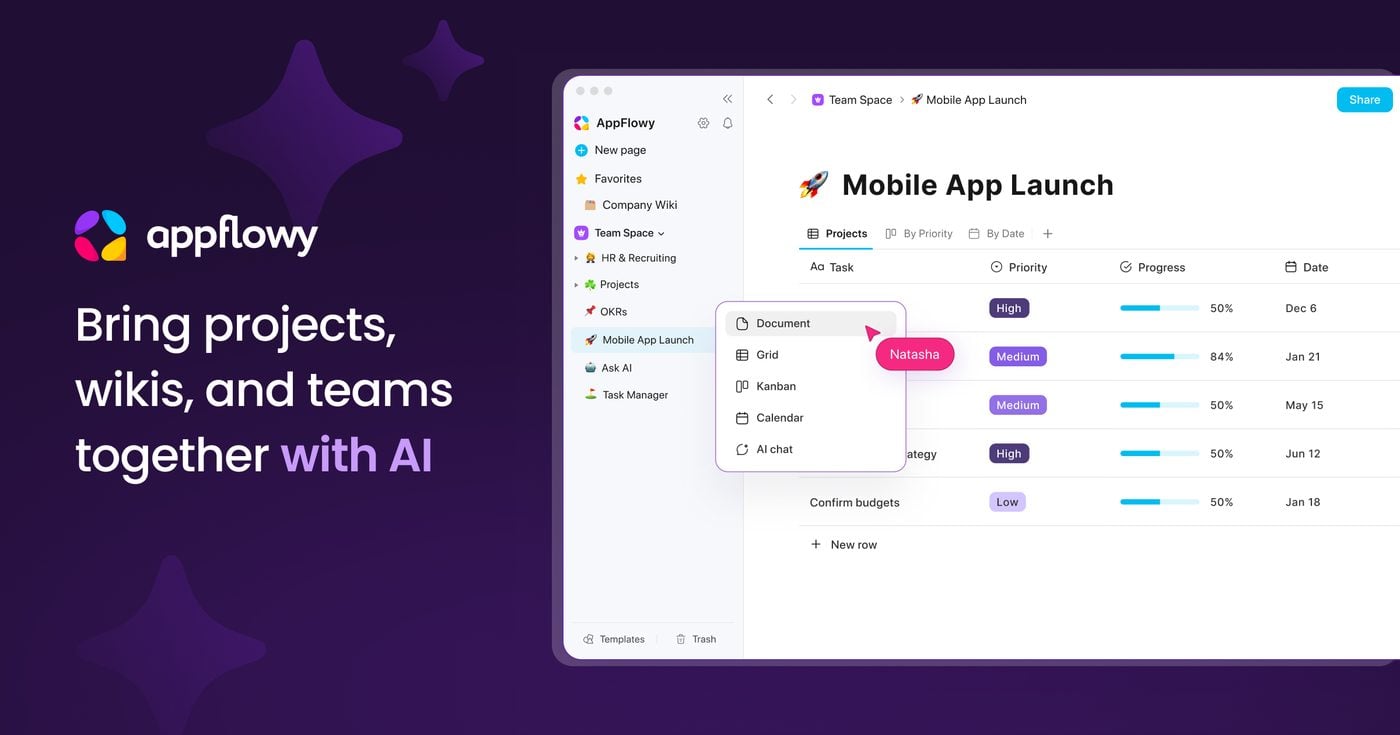
AppFlowy is an open-core, Notion-shaped workspace: pages, databases, boards, and AI, with a self-host path. The GitHub repo is the reason it sits on this list. Cloud Free is two members and 5 GB. Cloud Pro raises the cap to 50 members. Self-host is a separate grid (Seed, One, Team, Enterprise) if the requirement is the server in your rack. That is the switch when the company will not put the wiki on a US SaaS, and the team still wants a block editor they already know.
Best for: Teams that want Notion's shape with an export and a self-host option, and that will tolerate a younger product.
Key features:
- Pages, databases, Kanban, calendar, and AI in a desktop, mobile, and web app.
- Cloud Free: 1 collaborative workspace, 2 members, 5 GB, 10 AI responses.
- Cloud Pro: unlimited storage, 50 members, 100 guest editors, unlimited AI responses.
- Self-host with a commercial license when you outgrow the free instance.
Why we like it: It is the closest open-core clone that still looks like the tool you are leaving. If the requirement is "Notion, but our server," this is the practical candidate.
Notable limitations:
- Community threads still call out stability. Treat it as a workspace you operate. It is not a drop-in SaaS with Notion's uptime story.
- AI MAX is another $8 per user per month. Vault Workspace (local AI) is $6 per user per month billed yearly. Do not assume Pro includes every model.
- Self-host pricing is a different table. Cloud Pro is not the self-host license.
Pricing:
- Cloud Free is $0.
- Cloud Pro is $10 per user per month billed yearly, $12.50 billed monthly.
- Self-host starts on a separate grid. Team is $10 per seat per month billed yearly. Enterprise is Custom.
Stay on Notion or pick a lane
| If you need | Use |
|---|---|
| Wiki, docs, light tasks, and a few databases in one workspace | Stay Notion |
| A doc that runs as an app, billed per maker | Superhuman Docs |
| A real task tracker with sprints and workload | ClickUp |
| Local Markdown you own | Obsidian |
| Typed objects for a personal studio | Capacities |
| An encrypted vault on the device | Anytype |
| A quieter writing surface | Craft |
| Notion's shape on a server you run | AppFlowy |
Leave Notion when you bought four jobs and only one of them is real. Stay when the wiki, the docs, the light tasks, and the databases still share a workspace, and the block editor is already how the company writes. If the week is a sprint, buy a tracker. If the week is a vault, buy a notes app. If the week is a handbook, stay on Notion or buy a wiki. Stacking another all-in-one on the same four jobs is how you end up with two Notion-shaped homes and no source of truth.
Frequently asked questions
Coda is now Superhuman Docs. Is that still a Notion switch?
Yes, for docs that need formulas and buttons. The product still lives at coda.io. The maker-billing model is the same. The rename landed on the product pages on 8 Jul 2026. The wiki job still sits closer to staying on Notion.
Is ClickUp a Notion alternative, or only a project tool?
It replaces the task job. Docs and a wiki exist inside ClickUp, and they are not the reason to switch. If the handbook is the product, stay on Notion. If the board is the product, ClickUp is the alternative.
Can Obsidian replace a 12-person company wiki?
Not as a drop-in. Shared vaults on Sync are a collaboration path for people who will live in Markdown. A company handbook with guests, verification, and a sidebar is a wiki. That is Notion, or Confluence if Jira is already the other half of the stack. The Confluence listing is in the directory when that is the constraint.
Does Notion AI change the stay-or-leave call?
Only if Agent, meeting notes, and enterprise search are why you opened the workspace. Those sit on Business. Custom Agents are a credit add-on on top. If you never used the AI trial, the stay reason is still the four jobs in one page.
 Written by StartupStash
Editorial team
StartupStash is an editorial team. Each Top Tools shortlist is researched by a writer who works in that category, then checked against first-party product pages and public prices before it goes live.
 Reviewed by Manaal
Content Manager, Startup Stash
Reads the shortlist, the priced claims, and the sourcing before a piece goes live.
How this page is checked
We read first-party product pages, dated changelogs, and AWS Marketplace when a listing exists. Catalog counts stay vendor claims.
