

Most teams discover environment drift during a Friday hotfix, not from the onboarding checklist. From our experience in the startup ecosystem, instant cloud workspaces pay for themselves when you can 1) spin up a devcontainer for a fresh repo, 2) preview every pull request in an isolated microVM, and 3) invite a reviewer to pair in the browser. The public cloud is booming, with worldwide end-user spend reaching $723 billion in 2025 and continued growth projected at over 21 percent for 2026, which underpins these cloud IDEs' reliability and reach, according to Gartner's cloud forecast. Our analysis below distills what actually works day to day.
Hybrid and multi-cloud are the norm, with 88 percent of cloud buyers already operating or deploying hybrid architectures, per IDC Cloud Pulse. We prioritized platforms that consistently launched fast, collaborated well, and were easy to adopt. You will learn where each tool saves setup time, how it handles branching and reviews, and what gotchas real users report.
RunCode
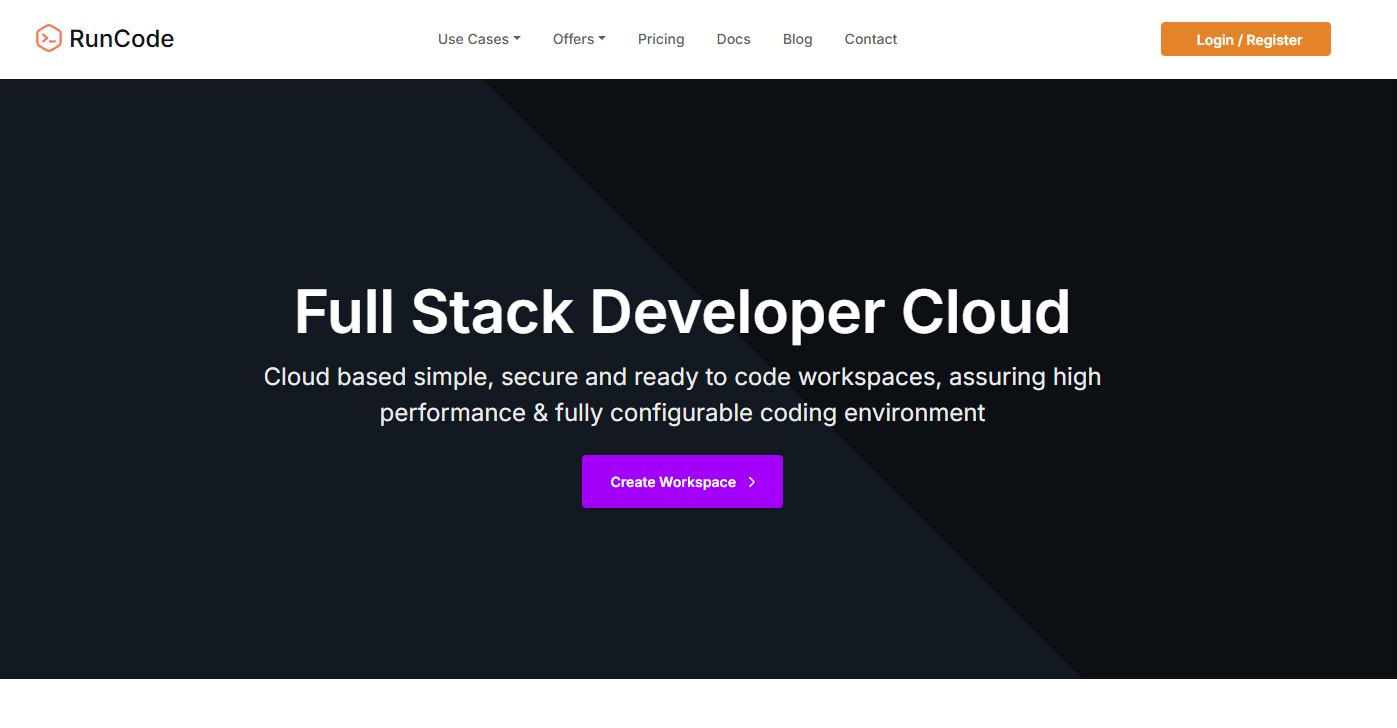
AI-powered cloud IDE focused on instant browser workspaces. Emphasis on collaborative editing, terminals, and quick project sharing.
Backed by community listings and public profiles that describe real-time collaboration and preconfigured environments.
Best for: Small teams that want a lightweight cloud IDE with quick spin-up and collaborative sessions for demos, tutorials, and hackdays.
Key Features:
- Instant browser workspaces with editor and terminal, described in public app catalogs.
- Real-time collaboration for team coding sessions, echoed in user listings.
- VS Code Web compatibility messaging appears in public profiles.
Why we like it: It is straightforward for quick spikes and live walkthroughs, and the collaboration toggle lowers friction when a reviewer just needs to peek and nudge.
Notable Limitations:
- Limited third-party coverage compared with older incumbents, so long-term reliability signals are thinner than average, as suggested by the small footprint on review sites like Trustpilot.
- Documentation depth and ecosystem maturity are harder to vet through independent sources.
Pricing: Pricing not publicly verified through independent marketplaces or review aggregators. Contact RunCode for a current quote.
Sources to consider: brief overviews from app directories describe RunCode's collaborative workspaces and pre-configured environments, for example the WebCatalog app profile.
PaizaCloud Cloud IDE
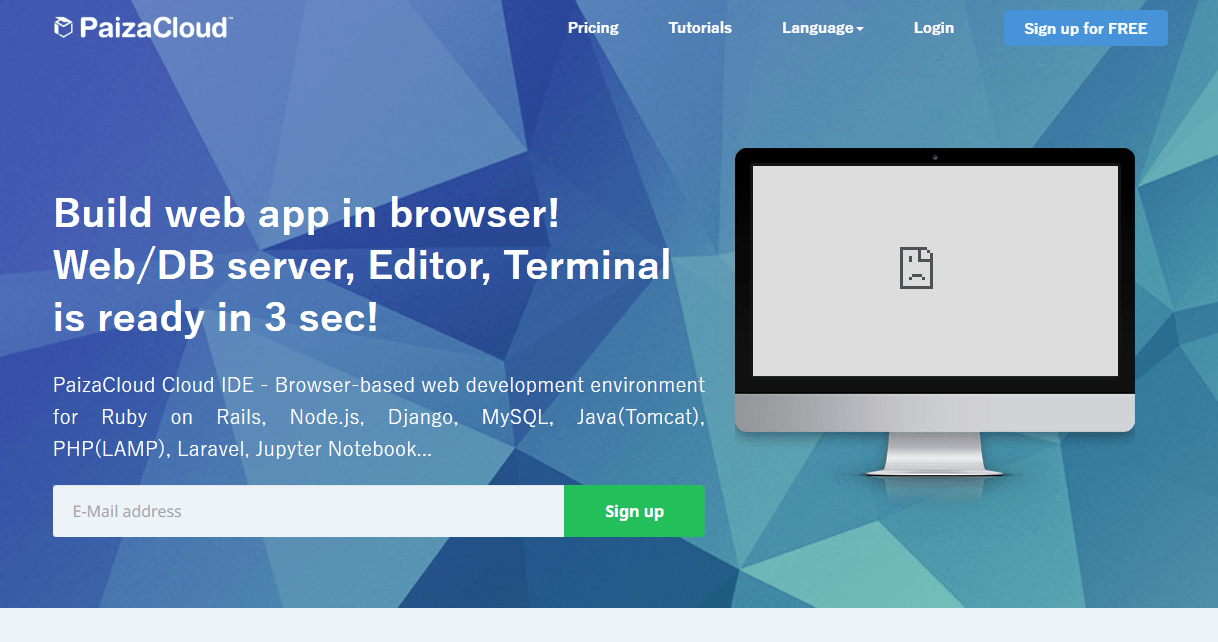
Browser-based Linux development environment that starts in seconds with an editor, terminal, and quick publish. Commonly referenced for instant setup in teaching and prototyping contexts.
Third-party directories and comparisons describe "launch in seconds" positioning and multi-language support.
Best for: Educators, bootcamps, and solo builders who need a clean Linux container with a terminal and web preview for quick demos.
Key Features:
- Full browser IDE with terminal, often highlighted in directory roundups.
- Fast environment creation for quick tests and tutorials.
- Multi-language support for common web stacks.
Why we like it: When the priority is, "we need a Linux shell, an editor, and a running sample app right now," PaizaCloud is easy to put in front of beginners without a local install.
Notable Limitations:
- Sparse, mixed third-party coverage compared with bigger players, so large-team fit is less documented, as seen in light listings on sites like SaaSHub comparisons.
- Less evidence of advanced workflows like devcontainer parity or enterprise policy controls in independent sources.
Pricing: Pricing not publicly available from authoritative third-party sources. Check the vendor directly for current plans. A few directories repeat "low-cost starter" language, but these are not primary sources, so treat them as indicative only.
CodeSandbox
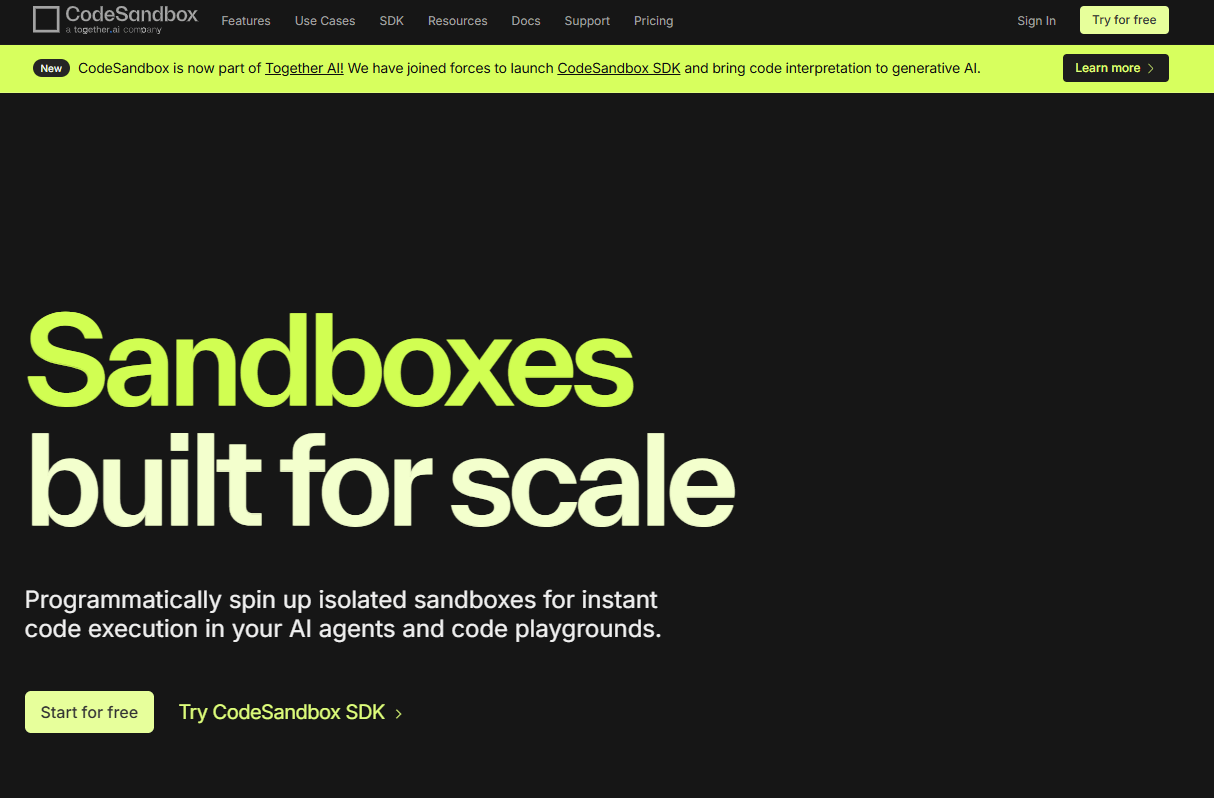
Zero-setup, browser-based IDE and cloud development environment geared toward web apps and PR reviews. It supports instant sandboxes and full devboxes for real projects, with microVM isolation and collaboration features.
Disclosure: CodeSandbox was acquired by Together AI in December 2024 and is being developed as part of Together's platform, as covered by SiliconANGLE's acquisition report and PR Newswire.
Best for: Frontend and full-stack web teams that want instant preview environments for every branch and collaborative code reviews.
Key Features:
- Instant, shareable sandboxes for prototypes and examples, widely cited in neutral summaries like Wikipedia's overview.
- Full cloud devboxes and microVM isolation for real projects, discussed in third-party write-ups and ecosystem posts such as Northflank's 2026 sandbox roundup.
- Real-time collaboration and GitHub workflows, echoed by user feedback on G2 reviews.
Why we like it: Branch-per-VM previews cut review latency. Reviewers open a URL, run code, and comment where it matters, without local setup.
Notable Limitations:
- Users report slowdowns on large projects and some friction at scale, as noted in G2 reviews and community threads that mention performance dips for heavier repos, for example r/reactjs interview discussion.
- The acquisition means some product surface is evolving, so enterprise buyers should confirm roadmap and support terms.
Pricing: Public third-party listings show Personal Pro starting at $9 per month and Team Pro at $15 per editor per month, with enterprise contact for custom specs, per the G2 pricing page last updated October 10, 2024. Always confirm current terms with the seller.
Codeanywhere
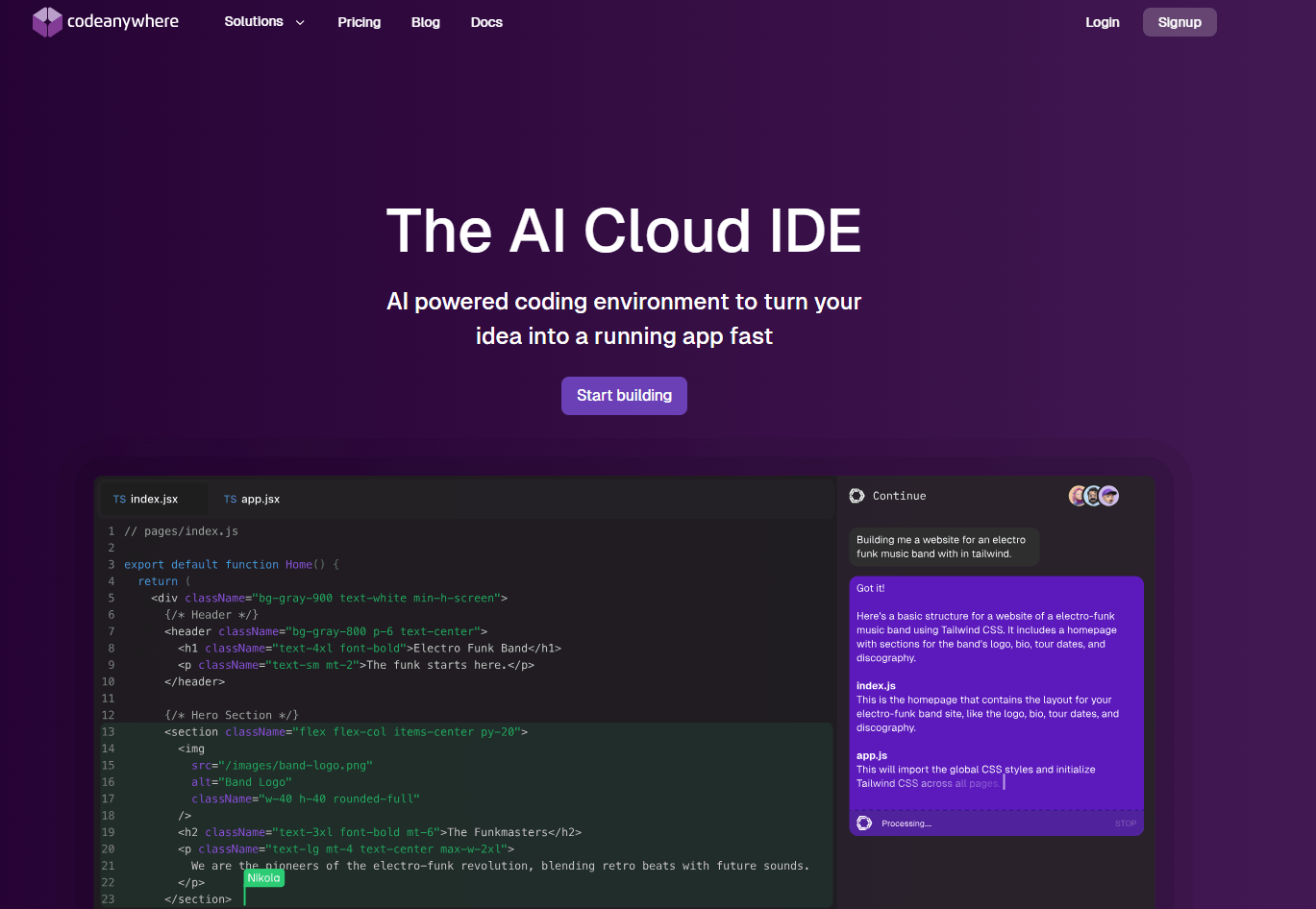
Cloud IDE with a VS Code-style editor in the browser and remote connections. Popular with teams that SSH or SFTP into servers and want to work from low-power devices.
Third-party reviews frequently mention browser access, remote connections, and collaboration.
Best for: Agencies and web teams that need to edit code over SSH or SFTP, collaborate in a browser, and avoid local installs.
Key Features:
- Browser IDE with familiar editing model and collaboration, reflected across G2 reviews and neutral summaries like Wikipedia's Codeanywhere page.
- SSH and SFTP connections for server-side work, repeatedly cited by G2 users in real-world workflows.
- Multi-language support and integrated terminals, highlighted in third-party profiles.
Why we like it: It excels for "fix it from anywhere" moments, especially when you need to patch a server from a Chromebook or tablet.
Notable Limitations:
- Some users report intermittent stability or support delays, visible in long-running threads on Trustpilot and individual G2 reviews.
- Advanced IDE features can lag behind desktop IDEs in polish, per critical user takes on G2.
Pricing: Third-party listings show Basic starting at $3.60, Standard at $9.00, and Premium at $24.00 per user per month, per the G2 pricing section. Treat these as indicative and confirm current pricing with the vendor.
Instant Cloud Development Environment Workspaces Tools Comparison: Quick Overview
| Tool | Best For | Pricing Model | Highlights |
|---|---|---|---|
| RunCode | Lightweight team collab and quick spikes | Not publicly verified | Simple browser IDE, fast sharing, collaborative sessions |
| PaizaCloud Cloud IDE | Teaching, tutorials, instant Linux terminal in browser | Not publicly verified | Launch in seconds, browser editor plus terminal, multi-language support |
| CodeSandbox | Web teams needing branch-per-VM previews and live collaboration | Per-seat Pro, enterprise contact | MicroVM isolation, PR previews, VS Code workflows |
| Codeanywhere | Remote server work over SSH or SFTP, browser-based dev | Tiered per-seat | SSH and SFTP connections, multi-language, real-time collaboration |
Instant Cloud Development Environment Workspaces Platform Comparison: Key Features at a Glance
| Tool | Instant Launch | Real-time Collaboration | Git Integration |
|---|---|---|---|
| RunCode | Yes, per public app listings | Yes | Mentioned in public profiles |
| PaizaCloud Cloud IDE | Yes, "launch in seconds" appears in directories | Basic team features referenced | Common web stack workflows referenced in listings |
| CodeSandbox | Yes, instant sandboxes and devboxes | Yes | GitHub workflows and PR reviews discussed in user feedback |
| Codeanywhere | Yes | Yes | SSH, SFTP, and Git workflows repeatedly cited on G2 |
Instant Cloud Development Environment Workspaces Deployment Options
| Tool | Cloud API | On-Premise | Integration Complexity |
|---|---|---|---|
| RunCode | Not advertised by independent sources | Not advertised | Low for small teams |
| PaizaCloud Cloud IDE | Not advertised | Not advertised | Low for education use |
| CodeSandbox | SDK and API surfaced after Together AI acquisition | Not advertised | Moderate, confirm pricing and org SSO needs |
| Codeanywhere | Not advertised | Not advertised | Low to moderate, depends on SSH policies |
Instant Cloud Development Environment Workspaces Strategic Decision Framework
| Critical Question | Why It Matters | What to Evaluate |
|---|---|---|
| Do you need per-branch, isolated environments? | Avoids "works on my machine," speeds reviews | MicroVM or container isolation, snapshotting, PR previews |
| Will students or reviewers join from locked-down devices? | No local installs, lower support load | Browser IDE performance, live share, terminal access |
| How often do you patch servers over SSH? | Agencies and ops teams need remote editing | SSH, SFTP, multi-file editing, terminals |
| What is your adoption runway? | Minimizes change management | Familiar editor model, Git flows, doc coverage |
Instant Cloud Development Environment Workspaces Solutions Comparison: Pricing and Capabilities Overview
| Organization Size | Recommended Setup | Estimated Cost |
|---|---|---|
| Solo dev | CodeSandbox Personal Pro for PR previews, Codeanywhere Basic for occasional SSH edits | CodeSandbox $9, Codeanywhere $3.60 per month per G2 listings. Verify with vendors |
| 5-person startup | CodeSandbox Team Pro for branch previews and live collab | $15 per editor per month per G2 listings. Confirm devbox usage limits |
| Classroom or bootcamp | PaizaCloud for fast setups in labs | Pricing not publicly available. Contact vendor for education pricing |
| Agency with server access needs | Codeanywhere Standard for browser IDE plus SSH/SFTP | $9 per user per month per G2 listings. Validate contract terms |
Problems and Solutions
-
Problem: PR reviews stall because reviewers cannot reproduce the branch locally.
How CodeSandbox helps: It provides instant, shareable environments and collaboration for web apps, so reviewers open a URL and run the branch in a microVM. This mirrors user feedback about GitHub workflows on G2, and third-party write-ups discuss CodeSandbox's devbox and microVM model. -
Problem: You need to patch server code from a low-power laptop or tablet.
How Codeanywhere helps: Users highlight SSH and SFTP workflows and the ability to work from any browser, including on tablets, in multiple G2 reviews. This is reinforced by long-running user commentary on stability tradeoffs and remote editing. -
Problem: Instructors must get 30 students coding in minutes without local installs.
How PaizaCloud helps: Directory comparisons describe PaizaCloud as a browser IDE that launches environments in seconds with a terminal, which fits classrooms and quick tutorials. -
Problem: You want a quick collaborative spike with an AI-assisted editor, no local setup.
How RunCode helps: Public profiles emphasize instant browser workspaces with collaboration for quick demos and learning sessions.
Bottom Line
Cloud development environments have matured into reliable daily tools for many teams, supported by a broader shift to hybrid and multi-cloud, with 88 percent of buyers operating or deploying hybrid today. If you need instant, branch-specific previews and live collaboration, start with CodeSandbox and confirm the current roadmap post-acquisition. For server-side edits from anywhere, Codeanywhere's browser IDE plus SSH and SFTP is proven in real user reviews on G2. For classrooms and quick demos, PaizaCloud's instant start is a practical pick. Keep pricing checks current on neutral marketplaces like G2 pricing pages, and pilot with one team first to validate performance on real repos.