You think you know document accessibility until a DOJ deadline collides with a folder of 10,000 PDFs and a screen reader fails on page one. Working across different tech companies, the biggest mistakes happen when teams try to fix everything in Acrobat the week before launch. From our experience in the startup ecosystem, three technical patterns separate successful programs from fire drills: automated PDF to HTML workflows that pass WCAG checks, high-volume PDF/UA tagging for statements and bills, and Google Workspace add-ons that export tagged PDFs with correct reading order. In 2025, 94.8 percent of homepages still had detectable WCAG failures per the latest WebAIM Million, and ADA Title III filings are projected to reach approximately 9,100 in 2025 according to Seyfarth's litigation analysis.
The short list below balances speed, standards compliance, and day-two operations. You will learn when an HTML transcript beats PDF remediation, when enterprise tagging engines pay off for transactional output, and when a Google add-on is all you need. For context on public-sector timelines, Government Technology notes the DOJ's Title II compliance dates of April 24, 2026 for larger entities and April 26, 2027 for smaller ones in its coverage of Streamline's acquisition (Government Technology).
DocAccess
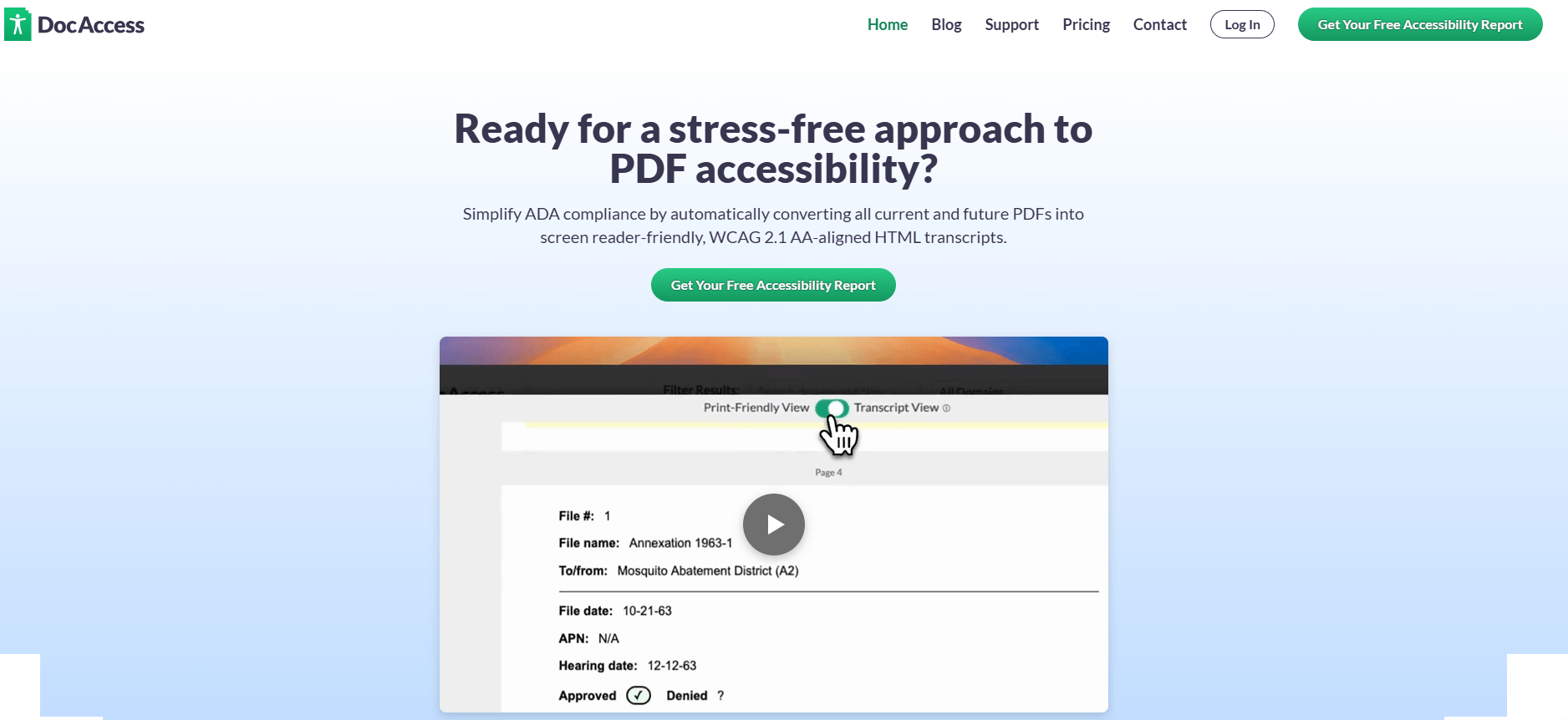
Converts PDFs into WCAG-aligned, screen-reader friendly HTML transcripts with built-in translation and optional live visual interpreting. Designed for rapid rollout on public websites via a lightweight script snippet.
Best for: Public-sector teams facing near-term Title II timelines that need instant, inclusive access to large PDF libraries without manual remediation.
Key Features:
- Automatic PDF to HTML transcripts aligned to WCAG 2.1 AA, screen-reader optimized, with document outlines and navigation
- Instant translation across 150 plus languages
- Optional live human assistance via embedded visual interpreting
- Search and ask-a-question interface for long documents
Why we like it: Fastest path we have tested for making legacy PDFs readable with NVDA or VoiceOver, especially when mobile access and multilingual needs matter.
Notable Limitations:
- Works on publicly accessible links only, not intranets or private sites at this time
- Requires allowing a small JavaScript, teams with strict Content Security Policy must whitelist
- Produces accessible HTML transcripts rather than tagged PDFs, which may not satisfy workflows that must distribute compliant PDFs, and some experts have questioned legal positioning around "alternative formats"
Pricing: Pricing not publicly available. Contact vendor for a custom quote.
AccessibilityNow
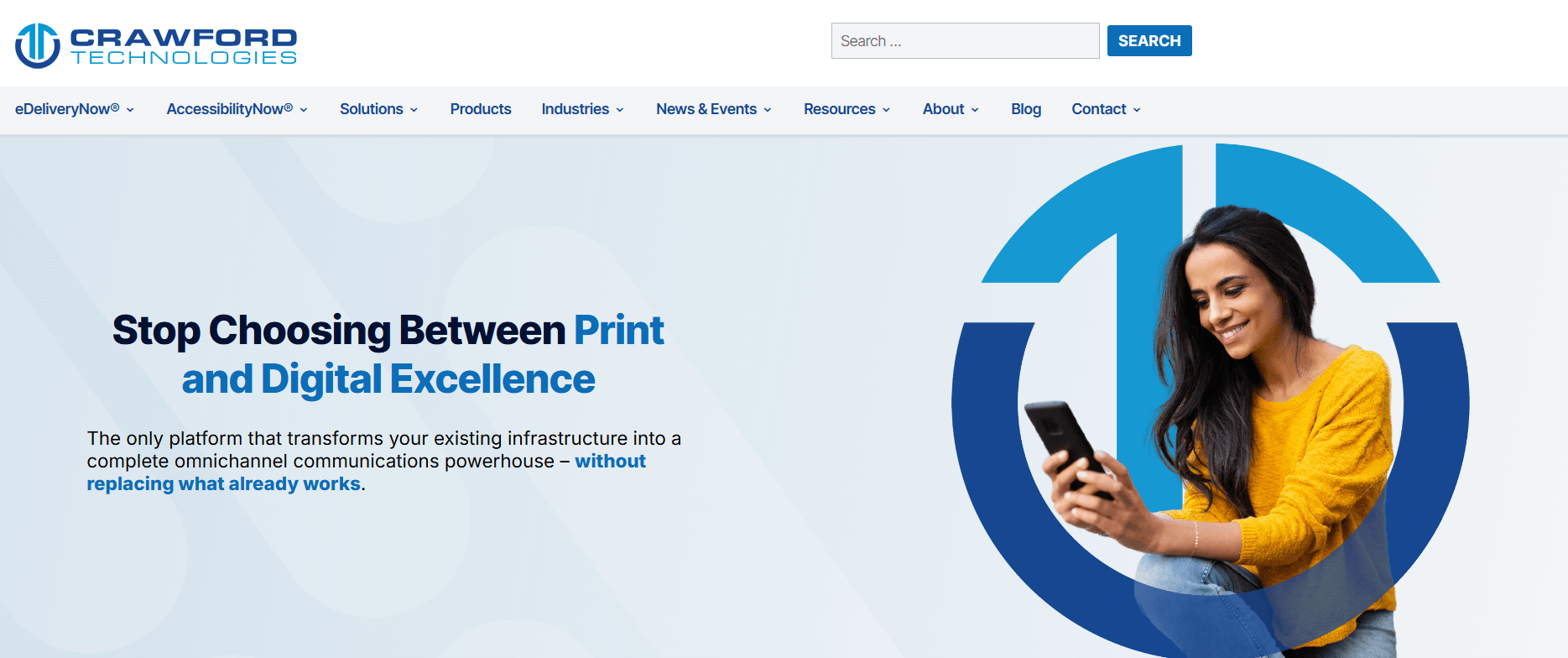
An enterprise platform from Crawford Technologies for automating accessible output, including PDF/UA, WCAG-aligned PDFs, HTML5, large print, and braille, with validation and workflow modules.
Best for: Regulated industries and public-sector organizations that generate high volumes of transactional documents and need automated, standards-based output at scale.
Key Features:
- Automated PDF/UA, WCAG PDF, and accessible HTML5 generation for transactional and static documents
- Validator with API and CLI for bulk checks against PDF/UA, WCAG 2.1, and HHS criteria
- Designer and SmartSetup tools to accelerate template creation and tagging rules
- Dashboard and DocMD modules for inventory, scanning, and remediation workflow management
Why we like it: Strong fit for statements, bills, and notices where rules-based templates and batch conversion cut both cost and latency.
Notable Limitations:
- Enterprise deployment and template governance add upfront complexity, plan time for pilots and training
- Some modules are desktop or server based, which may not suit cloud-only teams
- Public third-party reviews detailing limitations are limited, so request a proof of concept that mirrors your document mix
Pricing: Pricing not publicly available. Contact Crawford Technologies for a custom quote.
Grackle PDF
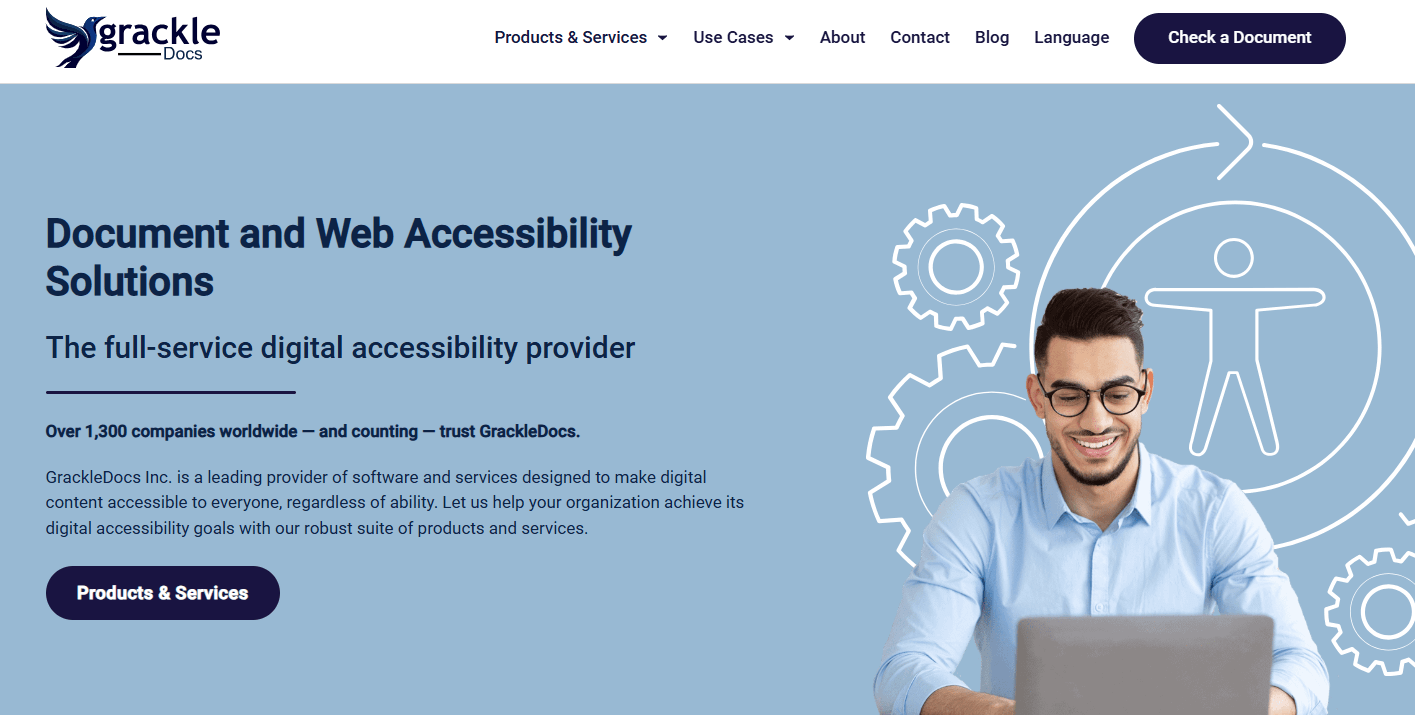
Google Workspace add-ons that scan and fix Docs, Slides, and Sheets for accessibility, then export tagged, accessible PDFs.
Best for: Schools, nonprofits, and teams standardizing on Google Workspace that need guided checks and easy tagged PDF export.
Key Features:
- Automated checks inside Docs, Slides, and Sheets against WCAG and PDF/UA with guided fixes
- Tagged PDF export from Docs and Slides, with reading order controls
- Prioritized issue lists and flags for manual checks such as reading order and contrast
Why we like it: Lowest lift for teams already creating content in Google, the add-on keeps authors inside their normal workflow.
Notable Limitations:
- Sheets and Slides workflows can be more limited than Docs for accessible PDF export in some environments
- After a 30-day trial, advanced features require paid licensing
- Still requires author effort for headings, alt text, and complex tables
Pricing: Education buyers in Texas have published examples around $600 per year via a regional service center, which may vary by institution and region, see the Region 10 listing. The Google Workspace Marketplace lists the add-ons as free to install with paid features, see the Grackle Docs Marketplace page. Contact GrackleDocs for a quote.
Media & Document Accessibility Tools Comparison: Quick Overview
| Tool | Best For | Pricing Model | Highlights |
|---|---|---|---|
| DocAccess | Public websites needing instant access to large PDF libraries | Custom quote | HTML transcripts, translation, optional live visual interpreting |
| AccessibilityNow | High-volume transactional output and mixed formats at scale | Custom quote | Automated PDF/UA, Validator API, dashboarded workflows |
| Grackle PDF | Google Workspace authors who need tagged PDFs | License, education pricing examples available | In-editor checks, tagged export, reading order controls |
Notes: Grackle's trial and in-editor checks are documented on the Google Workspace Marketplace. DocAccess and AccessibilityNow pricing is quoted, not publicly posted.
Media & Document Accessibility Platform Comparison: Key Features at a Glance
| Tool | Automated PDF to Accessible HTML | Automated PDF/UA Output | In-editor WCAG Checks |
|---|---|---|---|
| DocAccess | Yes | No, focuses on HTML transcript | N/A |
| AccessibilityNow | Yes, HTML5 module | Yes | N/A |
| Grackle PDF | No | Yes, from Google Docs and Slides | Yes, inside Docs, Slides, Sheets |
Context: AccessibilityNow's HTML5 and PDF/UA capabilities are covered in industry reporting and product literature such as the Cannata Report's coverage of SmartSetup and transactional tagging (Cannata Report).
Media & Document Accessibility Deployment Options
| Tool | Cloud API | On-Premise/Air-Gapped | Integration Complexity |
|---|---|---|---|
| DocAccess | Script-based SaaS for public sites | No | Low to medium, CSP whitelisting may be required |
| AccessibilityNow | Yes, via modules and APIs | Yes, server deployment possible | Medium to high for enterprise workflows |
| Grackle PDF | Runs inside Google Workspace | No | Low for existing Workspace tenants |
DocAccess' script requirement and public-only scope are stated in its documentation and collateral frequently summarized by accessibility practitioners. AccessibilityNow's on-prem options and APIs are discussed across industry coverage of its transactional focus and validator tooling.
Media & Document Accessibility Strategic Decision Framework
| Critical Question | Why It Matters | What to Evaluate |
|---|---|---|
| Do you need accessible PDFs or is an accessible HTML equivalent acceptable? | Some workflows require distributing PDF/UA files, others prioritize mobile and translation | Legal requirements, distribution channels, user preferences |
| How many documents and what types do you produce monthly? | Volume and format drive total cost and tool fit | Static brochures, forms, or high-volume statements and bills |
| Where do authors create content today? | Meeting authors in-workflow saves time | Google Workspace, Microsoft 365, CMS exports |
| What are your Title II or industry deadlines? | Public-sector timelines are fixed and close | Backlog size vs. implementation time |
Litigation and error prevalence data show why getting this right matters, with projected 9,100 ADA Title III suits in 2025 and persistent WCAG failures in the wild.
Media & Document Accessibility Solutions Comparison: Pricing & Capabilities Overview
| Organization Size | Recommended Setup | Annual Investment |
|---|---|---|
| Small team on Google Workspace | Grackle add-ons for Docs and Slides, tagged PDF export | Education example around $600 per year in Texas, actual pricing varies by region and channel |
| City or county with large PDF archive | DocAccess for instant HTML transcripts, phased policy update for new content | Contact vendor for a quote |
| Enterprise with statements and notices | AccessibilityNow for automated PDF/UA and HTML5, Validator in CI, dashboarded workflows | Contact Crawford Technologies for a custom quote |
Problems & Solutions
-
Problem: A county must meet DOJ Title II dates with thousands of legacy PDFs that are unreadable on phones.
- DocAccess solution: Publish accessible HTML transcripts quickly across public links with instant translation and optional live assistance, which aligns with the public-sector timelines noted in Government Technology's report on Streamline and DocAccess.
- AccessibilityNow solution: Use DocMD to inventory documents, then automate conversion to accessible HTML5 or PDF/UA for high-risk content types, a pattern repeatedly highlighted in industry coverage of Crawford's transactional focus and validator tooling.
- Grackle solution: Shift new content creation to Google Docs and Slides with in-editor checks, then export tagged PDFs so the backlog stops growing.
-
Problem: Operations prints and emails millions of statements, and legal requires PDF/UA for archives.
- DocAccess: Less relevant if PDF/UA files are mandatory for distribution. It focuses on accessible HTML transcripts for public access.
- AccessibilityNow: Build template rules with Designer or SmartSetup to tag statements at scale, then validate against PDF/UA with the Validator API, which third-party coverage says can reduce template setup time materially in high-volume environments.
- Grackle: Useful for authoring notices or guides in Google Docs, but not a replacement for batch PDF/UA tagging engines.
-
Problem: Faculty and staff publish course materials from Google Drive, and accessibility checks are inconsistent.
- DocAccess: Can improve access to posted PDFs on public program sites, but it does not cover private drives or LMS content.
- AccessibilityNow: Apply Validator in bulk to public documents and route noncompliant files to remediation.
- Grackle: Run in-editor checks inside Docs and Slides and export tagged PDFs, a workflow many universities document for staff training (UChicago resource, Santa Clara University guidance).
-
Problem: Leadership wants "instant compliance" from a single widget.
- Reality check: Website accessibility suits ebb and flow, and quick fixes can mask issues instead of correcting structure. Seyfarth tracked 2,452 federal website accessibility suits in 2024, a 13 percent decrease from 2023, yet overall ADA Title III lawsuits rebounded to 8,800 that year, so risk remains high. Choose tools that change document structure, not just presentation.
Important Disclosures
- DocAccess and Streamline: Streamline, the maker of DocAccess, was acquired by CivicPlus on December 18, 2025. Government Technology reports the brand would be retained for the foreseeable future, and the release highlights DocAccess' PDF-to-HTML accessibility capabilities (GlobeNewswire announcement).
- GrackleDocs and AbleDocs: GrackleDocs acquired the North American business assets and operations of AbleDocs on December 13, 2023, which broadened its services footprint, and this predates the two-year window now by more than two years (company announcement summarized here).
- AccessibilityNow coverage: Independent articles describe Crawford Technologies' AI-assisted setup and transactional focus, for example on The Cannata Report and Industry Analysts.
Conclusion: How to Pick the Right Stack
Most teams discover accessibility trouble when a lawsuit or audit arrives, not during sprint planning. The data shows both widespread WCAG failures and steady ADA litigation, so tool selection must match your content reality. If you need public access fast, an HTML-first approach can shrink risk windows while you fix authoring habits. If you live on monthly statements, an enterprise tagging engine with validation belongs in your CI. If your authors are in Google, start with in-editor checks and tagged exports so your backlog stops growing. With the DOJ's Title II dates now fixed for 2026 and 2027, set up a mixed strategy that delivers quick wins while building lasting capacity.