
Your employees click hundreds of links every day as part of normal work. Some lead to trusted business tools, others to phishing pages, malicious redirects, or compromised SaaS sessions that can expose sensitive data in seconds. In 2026, the browser has become the primary workspace for most organizations, yet many still rely on consumer browsers that were never designed for enterprise security, visibility, or control.
The cost of that gap is no longer abstract. Data breaches continue to average several million dollars per incident, and the vast majority still involve human error rather than sophisticated exploits. Traditional browsers prioritize speed and convenience, not policy enforcement, data protection, or auditability. Once a user authenticates, security teams often lose visibility into what happens next.
Enterprise browsers exist to close this gap. They treat the browser as a security boundary, not just a rendering engine. Instead of reacting after data leaves the organization, they enforce controls at the point of interaction, preventing sensitive information from being exposed, copied, or exfiltrated in the first place. This guide looks at the secure enterprise browser options teams are using in 2026 and how to choose the right one without breaking productivity.
Summary Comparison Table
| Tool | Best For | Key Features | Deployment Complexity |
|---|---|---|---|
| Prisma Access Browser | Large enterprises with hybrid workforces | Zero-trust browser security, SASE integration | Moderate |
| Island | Mid-large enterprises needing SaaS control | Granular policy controls, DLP, user activity monitoring | Low-Medium |
| Silo by Authentic8 | Organizations requiring web isolation | Cloud-based isolation, anonymous browsing, research tools | Medium |
| Perimeter 81 | SMBs needing network security | Secure web gateway, cloud VPN, easy deployment | Low |
| Brave | Privacy-conscious organizations | Ad/tracker blocking, privacy by default | Very Low |
| Tor Browser | High-anonymity requirements | Onion routing, maximum anonymity | Medium |
Prisma Access Browser by Palo Alto Networks
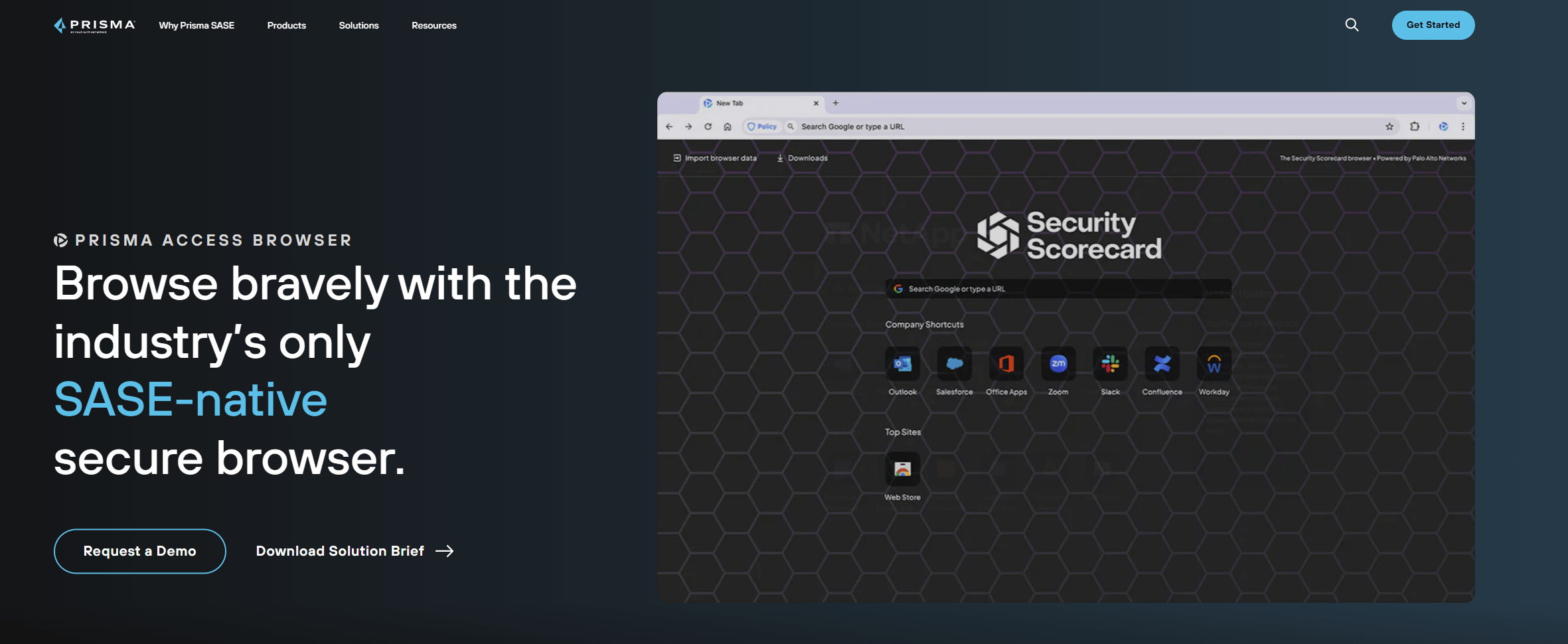
Best for: Large enterprises with complex security requirements and hybrid workforces
Following Palo Alto Networks' acquisition of Talon in November 2023, the technology has been integrated into Prisma Access as the Prisma Access Browser. This enterprise browser provides zero-trust security for web-based applications and is designed to protect organizations with distributed workforces and complex security requirements.
Key Features:
- Zero-trust security model for all web interactions
- Full integration with Palo Alto's Prisma Access SASE platform
- Support for managed and unmanaged devices
- Enterprise-grade threat protection and data loss prevention
- Comprehensive policy controls and compliance monitoring
Real User Feedback: Enterprise customers report strong integration capabilities with existing Palo Alto security infrastructure and effective protection for remote workers.
Deployment: Moderate complexity due to enterprise-grade features and deep integration with Prisma Access platform. Best suited for organizations already using Palo Alto security solutions.
Limitations: Requires Prisma Access subscription; may be overkill for smaller organizations without complex security requirements.
Island — The Enterprise Browser Built for Control
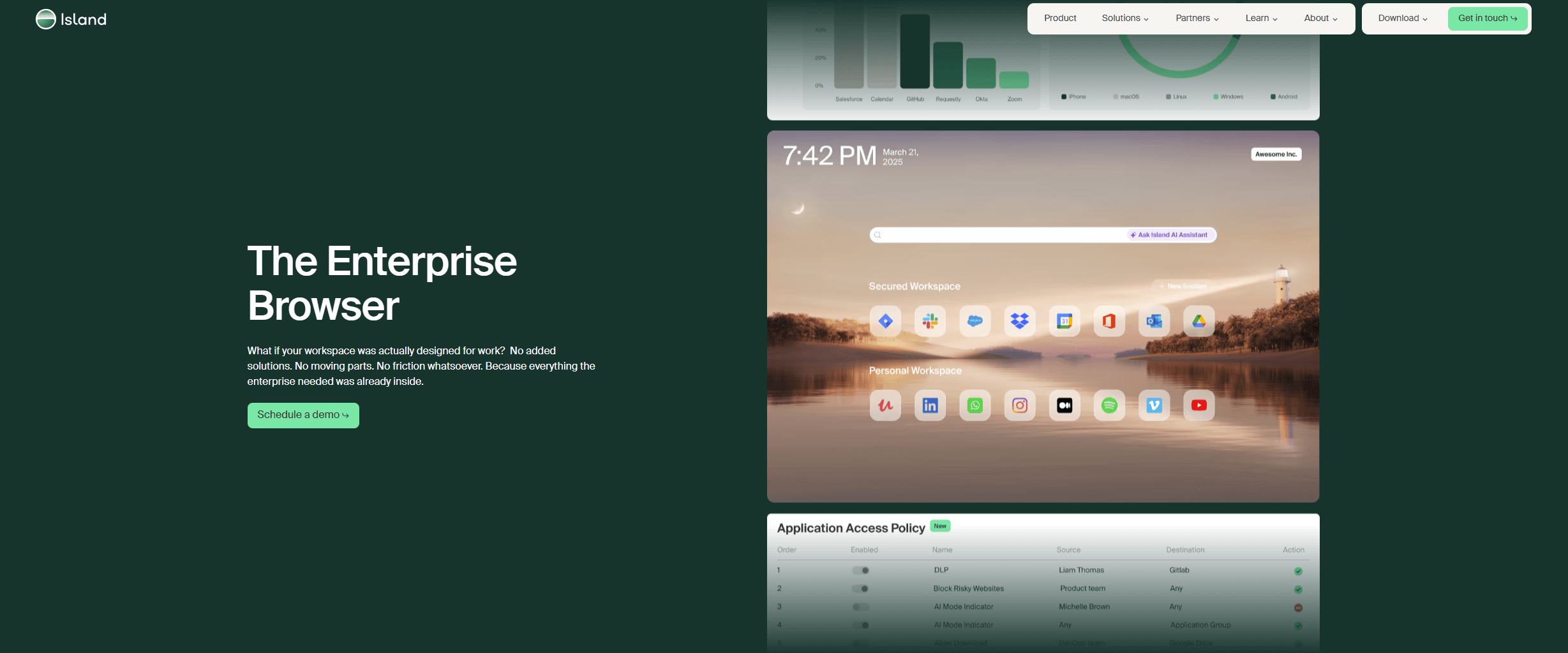
Best for: Mid-to-large enterprises needing granular control over SaaS applications and web-based workflows
Island positions itself as "The Enterprise Browser that gives you control over SaaS governance, visibility and productivity". The platform offers granular, context-based policies that allow data to move freely between enterprise apps while preventing data leakage.
Key Features:
- Last-mile controls for print, downloads, screenshots, and copy/paste operations
- Data redaction, watermarking, and multi-factor authentication insertion
- Support for Windows, MacOS, Linux, iOS, Android, plus extensions for Chrome, Edge, Safari, and Firefox
- Real-time activity monitoring with privacy indicators
- Built-in data loss prevention (DLP)
Real User Feedback: 219 verified reviews on Gartner Peer Insights indicate strong satisfaction with policy control capabilities and ease of deployment.
Deployment: Low to medium complexity with flexible deployment options across multiple platforms.
Limitations: Requires careful policy configuration to balance security with user productivity.
Silo by Authentic8 — Cloud-Based Web Isolation
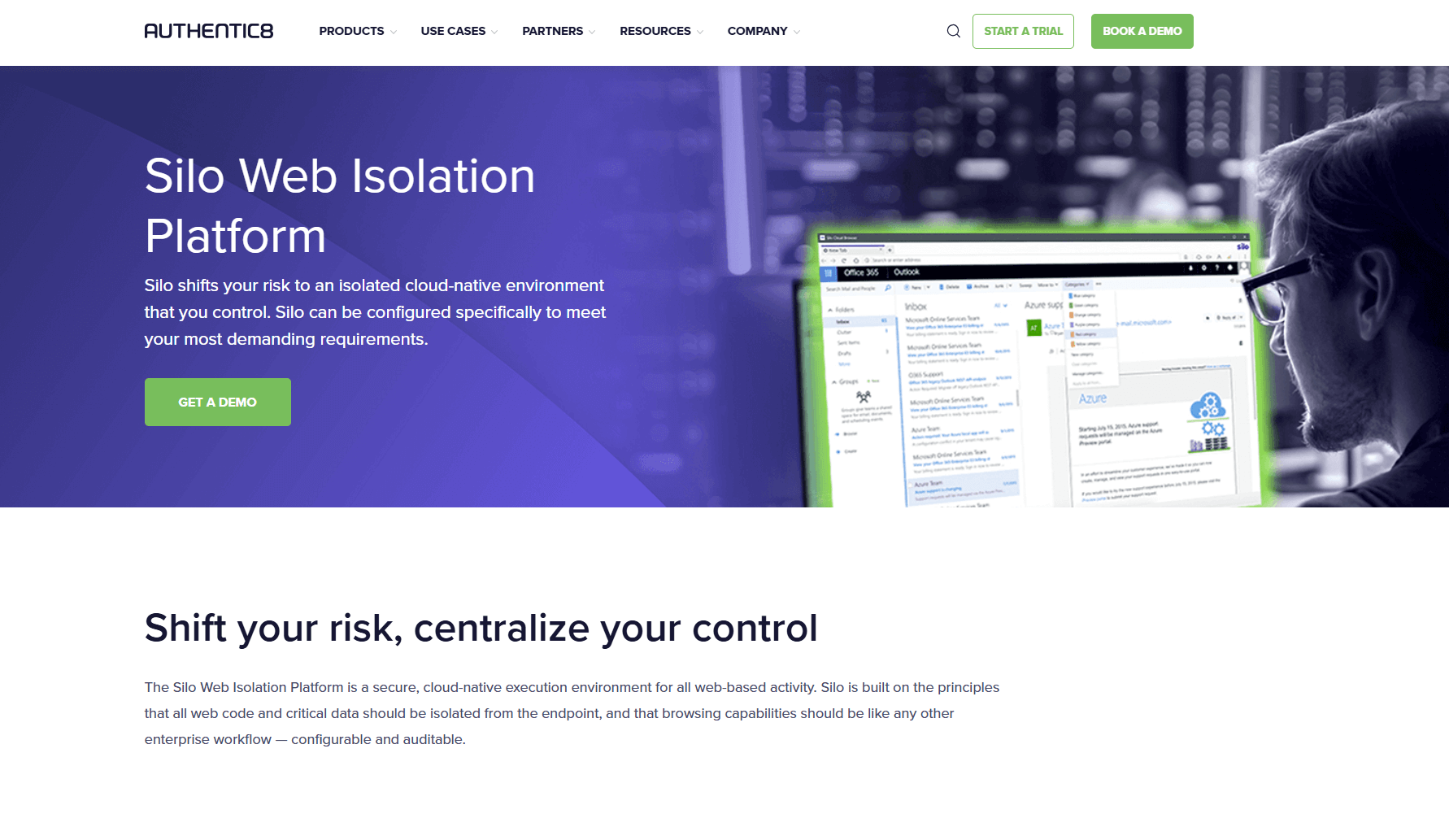
Best for: Organizations requiring complete web isolation and anonymous research capabilities
Silo is built on the principle that all web code and critical data should be isolated from the endpoint. It provides zero-risk access to untrusted web links through a 100% isolated, cloud-based environment.
Key Features:
- Cloud-based deployment that launches in seconds
- Complete isolation of web browsing from local devices
- Integration with Authentic8 Secure Storage for encrypted, audited data retention
- Support for open, deep, and dark web research
- Anonymous browsing capabilities
Real User Feedback: Strong mindshare in specialized use cases, particularly among organizations requiring high levels of anonymity and isolation.
Deployment: Medium complexity due to cloud-based architecture and specialized features.
Limitations: May have higher latency due to cloud-based isolation; specialized focus may not suit general enterprise needs.
Perimeter 81 — Network Security Simplified
Best for: Small to medium businesses needing comprehensive network security with easy deployment
Perimeter 81 offers a cloud-based secure access service edge (SASE) platform that includes secure web gateway functionality, making it accessible for businesses without extensive IT resources.
Key Features:
- Secure web gateway with threat protection
- Cloud-based VPN and network security
- Easy-to-deploy cloud infrastructure
- User-friendly management interface
- Integration with popular business applications
Deployment: Quick and straightforward, designed for businesses without dedicated security teams.
Limitations: May lack the granular control features required by larger enterprises with complex security requirements.
Brave — Privacy by Design
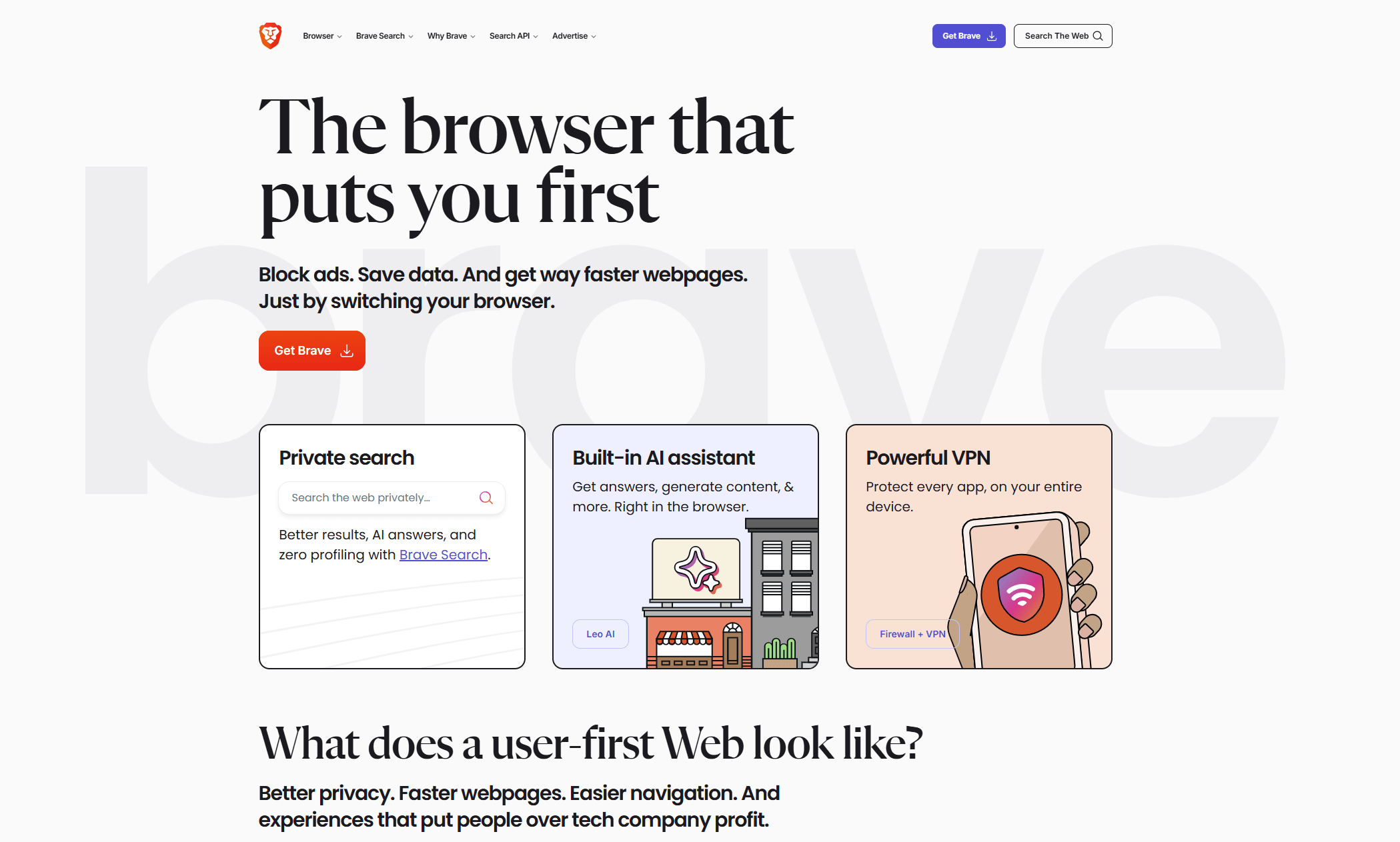
Best for: Organizations prioritizing privacy and ad-blocking capabilities
Brave has gained traction in business environments due to its privacy-first approach and built-in security features, though it's primarily designed for individual users rather than enterprise management.
Key Features:
- Built-in ad and tracker blocking
- Enhanced privacy protections
- Faster browsing due to blocked content
- Compatible with Chrome extensions
- No data collection by default
Deployment: Extremely easy—essentially a drop-in replacement for traditional browsers.
Limitations: Limited enterprise management features; designed primarily for individual rather than organizational use.
Tor Browser — Maximum Anonymity
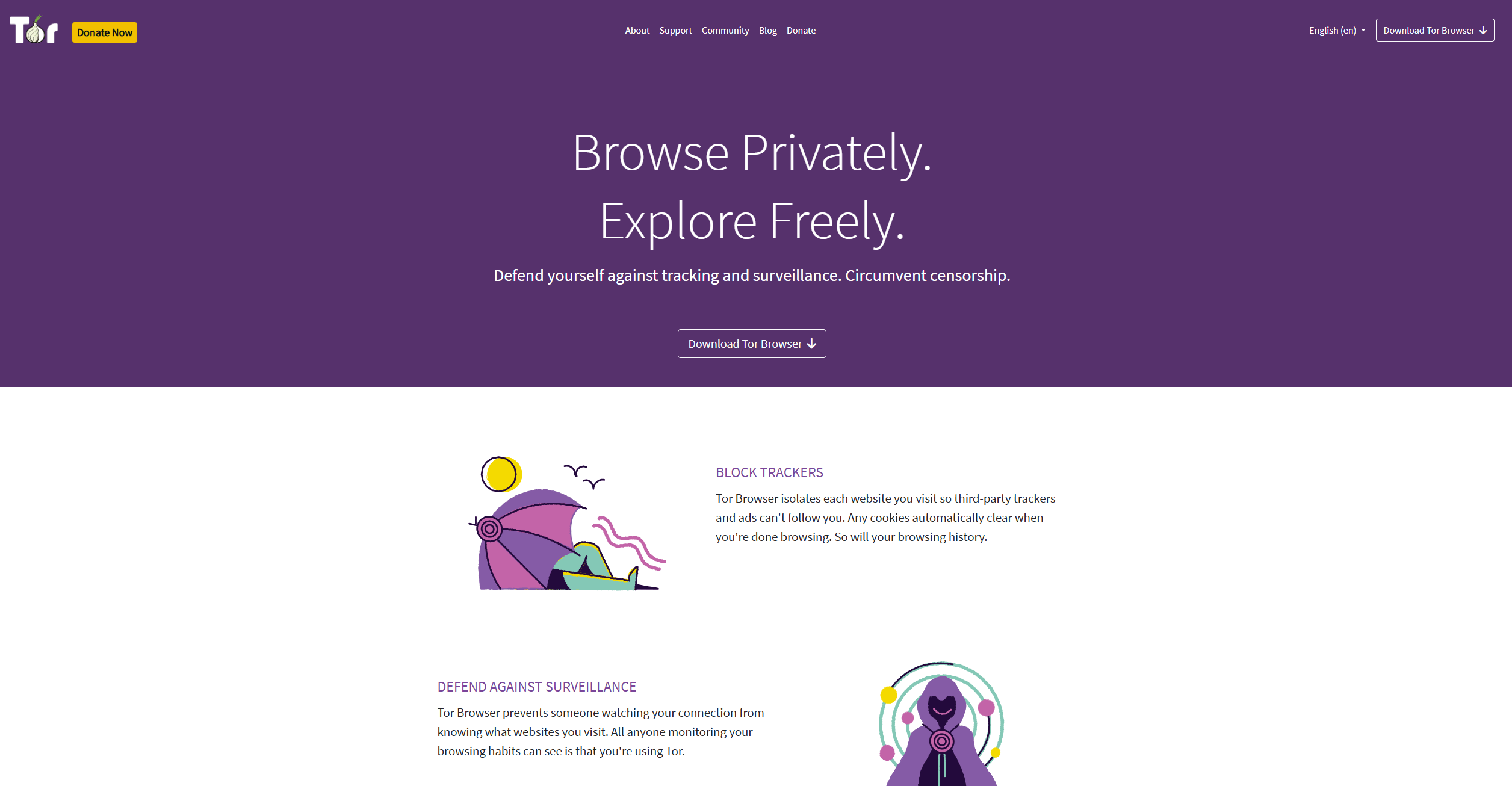
Best for: Specialized use cases requiring maximum anonymity and privacy
Tor Browser provides the highest level of anonymity by routing traffic through multiple encrypted relays, making it valuable for specific business scenarios requiring complete privacy.
Key Features:
- Onion routing for maximum anonymity
- Built-in privacy protections
- Access to .onion sites
- No tracking or data collection
- Open-source transparency
Deployment: Moderate setup with significant user training required for effective use.
Limitations: Significantly slower browsing speeds; limited compatibility with many business applications; requires careful user training.
How to Choose the Right Secure Enterprise Browser
| Critical Question | Why It Matters | What to Look For | Best Tool Match |
|---|---|---|---|
| Do you need granular control over SaaS applications? | Prevents data leakage and ensures compliance | DLP capabilities, policy controls, activity monitoring | Island, Prisma |
| How sensitive is your data to isolation requirements? | Complete isolation prevents any endpoint compromise | Cloud-based isolation, zero data residue | Silo by Authentic8 |
| What's your IT team's capacity for deployment? | Affects time-to-value and ongoing maintenance | Easy deployment, managed service options | Perimeter 81, Brave |
| Do you require maximum anonymity for research? | Essential for investigations and competitive intelligence | Onion routing, anonymous browsing | Tor Browser, Silo |
| How important is integration with existing security stack? | Prevents security gaps and reduces complexity | API integrations, SIEM compatibility | Prisma (Palo Alto), Island |
Implementation Strategy
For Large Enterprises (1000+ employees):
Start with Prisma (Palo Alto) or Island for comprehensive control and integration capabilities.
For Medium Businesses (100-1000 employees):
Consider Island for balance of features and ease of use, or Perimeter 81 for simpler network-focused security.
For Small Businesses (under 100 employees):
Perimeter 81 offers the best balance of security and simplicity, while Brave provides basic privacy protection.
For Specialized Use Cases:
Silo by Authentic8 for research and investigation work, Tor Browser for maximum anonymity requirements.
Key Takeaways
Secure enterprise browsers are no longer niche tools reserved for highly regulated industries. In 2026, they are becoming a core control for protecting web based work, especially as SaaS, remote access, and unmanaged devices become the norm. The most successful deployments focus less on blocking everything and more on enabling safe work by default.
There is no single best choice for every organization. Large enterprises with complex security stacks benefit from deep integration and centralized policy control. Mid sized teams often prioritize fast rollout and clear SaaS governance. Smaller organizations may need simpler protection that improves security without adding operational overhead. Specialized use cases like research or investigations require isolation and anonymity rather than broad workforce coverage.
The right enterprise browser is the one that aligns with how your users actually work and how your security team operates day to day. If it is too restrictive, it will be bypassed. If it lacks visibility, it will fail quietly. Treat the browser as part of your security architecture, not an endpoint afterthought. When implemented correctly, it becomes one of the most effective ways to reduce risk without slowing the business down.