
Most teams discover terminal bottlenecks during CI fire drills or late-night on-call fixes, not from a tidy RFP. Working across different tech companies, we have learned that small choices like GPU rendering, inline image support, and tab or pane workflows can save hours every week. The developer base keeps exploding, and over 180 million developers now build on GitHub, which raises the bar for reliable local tooling and automation according to Forbes' Octoverse 2025 summary. We will show where each terminal shines, when it breaks, and what to avoid.
Developers are multiplying fast, so picking efficient terminals is leverage. You will learn which is best for GPU-speed, images, panes or tabs, and KDE workflows, plus known pitfalls backed by real user reports and reputable third-party sources like the openSUSE wiki and widely cited community threads.
Alacritty
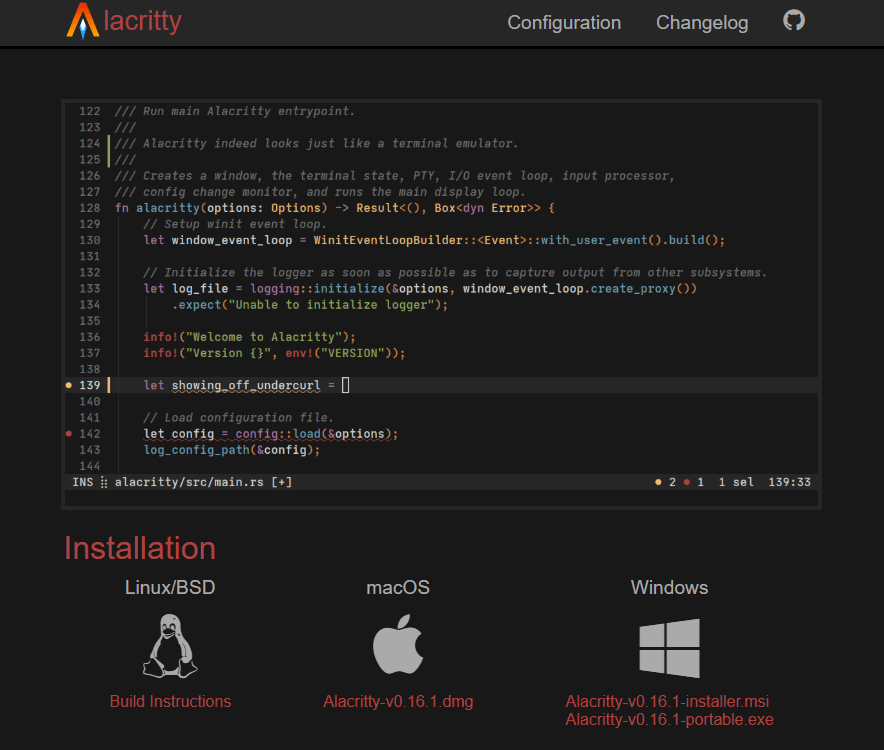
A fast, GPU-accelerated terminal written in Rust focused on performance and simplicity. Per vendor documentation, it favors a lean feature set and text-file configuration to keep rendering snappy.
Strictly no tabs or splits by design. It is intended to pair with a window manager or a multiplexer like tmux.
Best for: Developers who want maximum rendering speed with a minimal feature surface and prefer tmux for session management.
Key Features:
- GPU acceleration via OpenGL with true color rendering, plus scrollback history, as documented by reputable summaries of the project's history and capabilities on Wikipedia.
- Cross-platform support including Linux, macOS, and Windows introduced early in its lifecycle.
- Vi-style copy/search mode and URL hints are part of the project's commonly cited capabilities.
Why we like it: Its focus on speed and a small feature set means fewer surprises, quick startup, and predictable behavior under load.
Notable Limitations:
- No built-in tabs or splits by design, so you will need tmux or a tiling WM.
- GPU or driver quirks can break rendering on some systems, with multiple user reports of GL context errors and visual freezes after updates in long-running Reddit threads (example 1, example 2).
- Virtualized or older hardware often struggles due to OpenGL requirements, as seen in long-standing discussions of failures under VirtualBox and older GPUs (example).
Pricing: Free and open source. Pricing not applicable.
Kitty
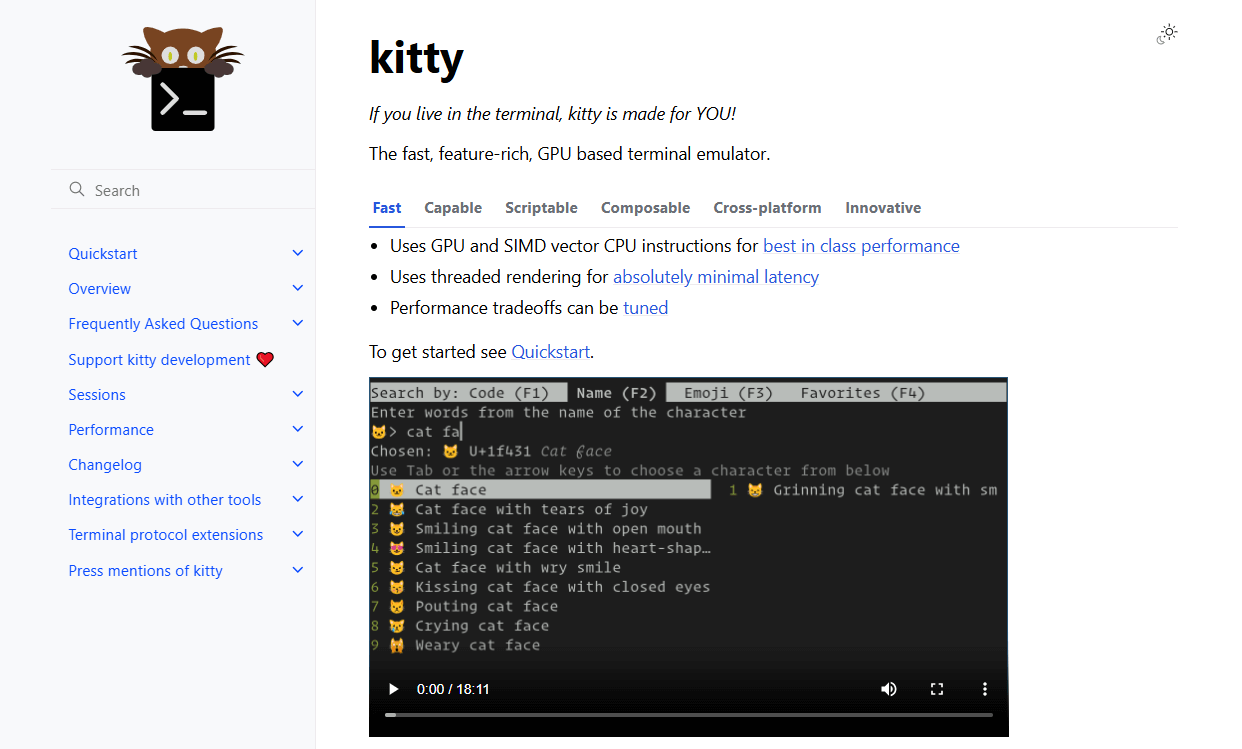
A GPU-based terminal for Linux and macOS offering tiling, ligatures, and a "kittens" extension system. It can display images directly in the terminal via its graphics protocol.
It emphasizes performance, modern text rendering, and keyboard-centric workflows.
Best for: Linux or macOS users who want built-in tiling and inline images for previews, dashboards, or rich TUI tooling.
Key Features:
- GPU acceleration, tabs, tiling, and ligatures are well documented by third-party references like Wikipedia.
- "Kittens" extension framework with an image viewer that uses Kitty's graphics protocol, referenced by the ArchWiki's feature overview and usage examples (ArchWiki, Chinese mirror).
- True color and protocol extensions for images and keyboard input.
Why we like it: Tiling and images out of the box make Kitty a strong choice for file managers, dashboards, and media or data workflows without extra tools.
Notable Limitations:
- Uses a custom terminfo, which can cause SSH issues until terminfo is installed on the remote host, noted in the ArchWiki troubleshooting section.
- Community reports of image protocol edge cases and animation quirks appear periodically in user threads (example 1, example 2).
- Limited OS scope compared with cross-platform options.
Pricing: Free and open source. Pricing not applicable.
WezTerm
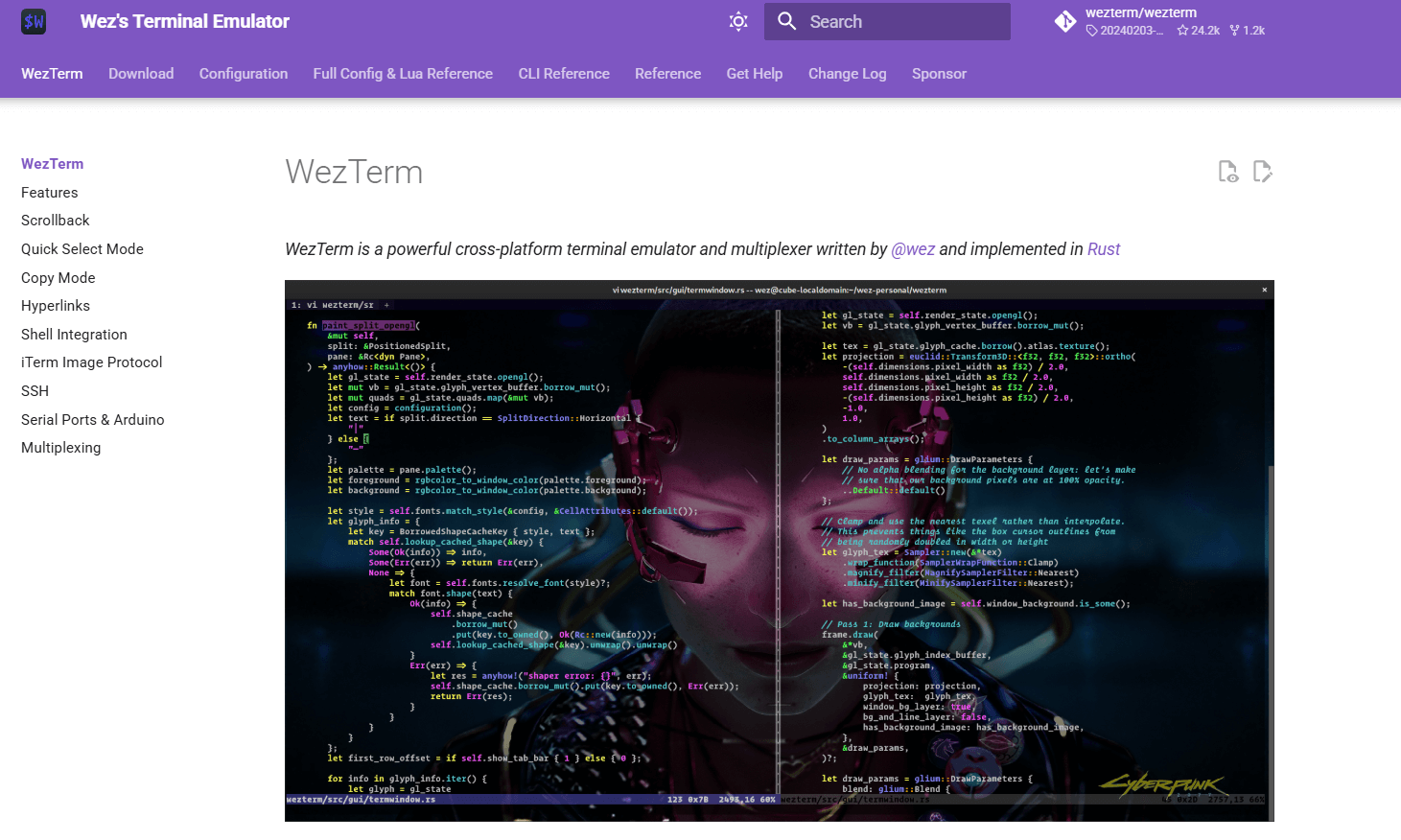
A modern, GPU-accelerated, cross-platform terminal and multiplexer written in Rust. It offers Lua scripting, tabs, panes, and SSH or serial workflows.
It explicitly targets Linux, macOS, Windows, and BSD with a single codebase.
Best for: Power users who want built-in panes or tabs without tmux, plus scripting and cross-platform parity.
Key Features:
- Built-in multiplexer for tabs and panes, called out across multiple distribution pages and security listings, for example the Arch Linux package page that describes WezTerm as "a GPU-accelerated cross-platform terminal emulator and multiplexer" (Arch package, Arch ARM package, Arch security listing, Alpine package).
- Inline image support through the iTerm2 image protocol is acknowledged in third-party tool docs that enumerate terminals with image support (presenterm docs).
- Active ecosystem with tmux Control Mode integration discussed by users, reflecting deep remote and multiplexing workflows (community thread).
Why we like it: It combines panes or tabs with Lua automation and cross-platform support, so teams can standardize one config across operating systems.
Notable Limitations:
- Wayland regressions have appeared in some releases, with users often recommending the git or nightly builds when issues arise (example 1, example 2).
- Some image protocol gaps exist on specific platforms, often discussed by the community when comparing Kitty and iTerm image support (example).
- Occasional font or rendering quirks are reported by users, typically resolved via config changes or font swaps (example).
Pricing: Free and open source. Pricing not applicable.
Konsole
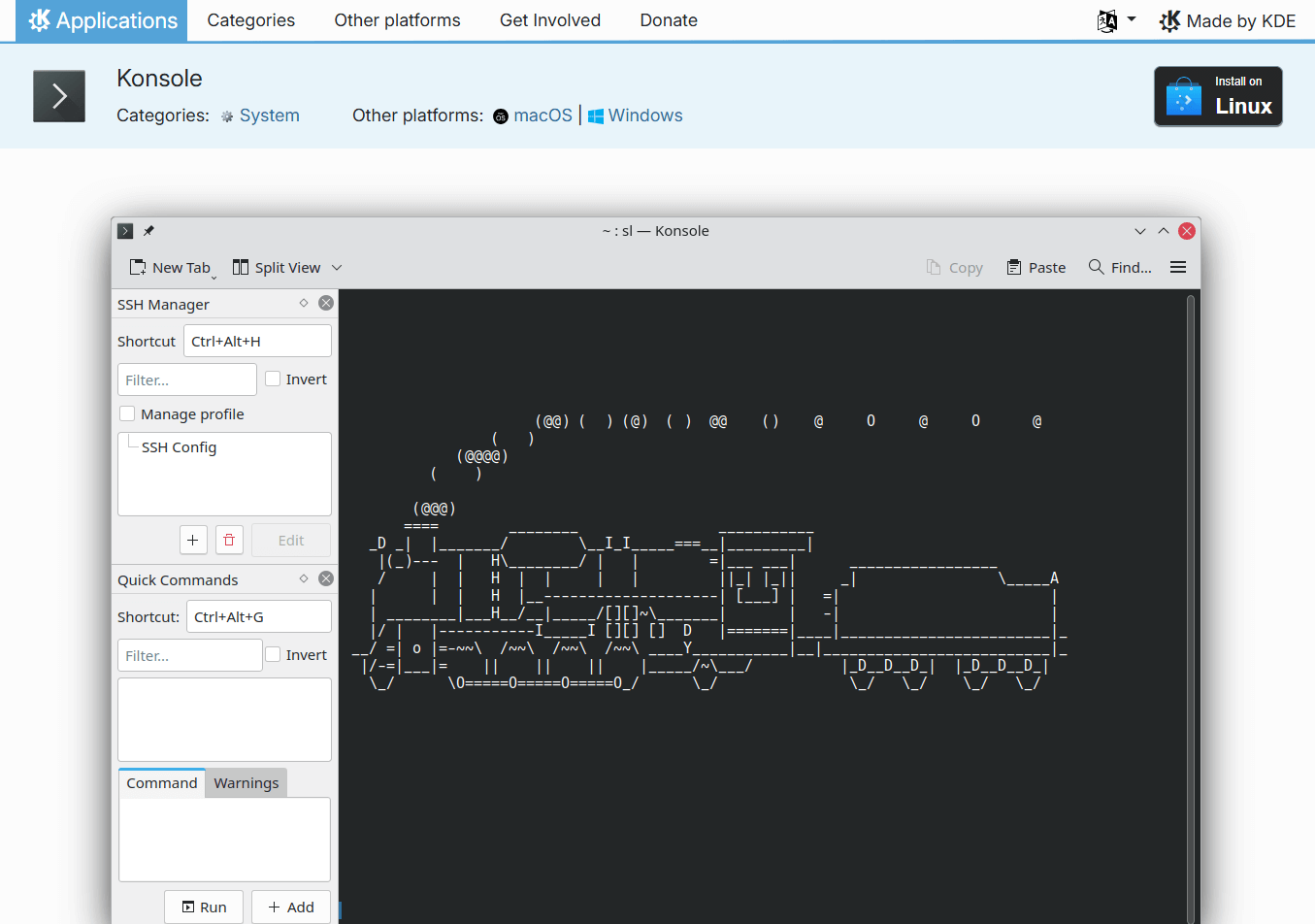
KDE's flagship terminal for Linux, with tabs, split view, bookmarks, and strong desktop integration.
It ships with KDE Plasma and is widely available across Linux distributions.
Best for: KDE users who want deep desktop integration, bookmarks, splitting, and session management with low setup effort.
Key Features:
- Tabs, split view, bookmarks, and saved output are listed in the openSUSE wiki feature overview.
- KDE integration, KPart embedding in apps like Dolphin and Kate, and cross-component reuse are documented on Wikipedia.
- "Monitor for Silence" or "Monitor for Activity" aids long-running tasks, widely discussed by KDE users (community thread).
Why we like it: The KDE integration, profiles, splits, bookmarks, and monitoring tools reduce context switching for daily Linux workflows.
Notable Limitations:
- Occasional freezes or bookmark glitches show up after distro updates or configuration changes, reflected in user troubleshooting threads (freeze example, bookmark example).
- Linux-only, so cross-platform teams may prefer WezTerm or Alacritty.
Pricing: Free and open source. Pricing not applicable.
Terminal Emulators Tools Comparison: Quick Overview
| Tool | Best For | Pricing | Highlights |
|---|---|---|---|
| Alacritty | Speed first on all platforms, tmux users | Open source, free | Very fast GPU rendering, minimal features |
| Kitty | Images and tiling on Linux or macOS | Open source, free | Kittens framework and image protocol |
| WezTerm | Built-in panes or tabs, scripting, cross-platform | Open source, free | Multiplexer and cross-platform builds |
| Konsole | KDE workflows with splits, bookmarks, monitoring | Open source, free | Splits, bookmarks, save output |
Terminal Emulators Platform Comparison: Key Features at a Glance
| Tool | GPU Accelerated | Tabs or Panes Built In | Inline Images |
|---|---|---|---|
| Alacritty | Yes | No | No common support cited |
| Kitty | Yes | Tabs and tiling | Yes, via Kitty graphics protocol |
| WezTerm | Yes | Yes, multiplexer | Yes, via iTerm2 protocol |
| Konsole | Not positioned as GPU-centric | Tabs and split view | Limited, plugin dependent |
Terminal Emulators Deployment Options
| Tool | On-Premise | Air-Gapped | Integration Complexity |
|---|---|---|---|
| Alacritty | Desktop install | Works offline | Low, text config |
| Kitty | Desktop install | Works offline | Low to medium, custom terminfo over SSH |
| WezTerm | Desktop install | Works offline | Medium, Lua scripting and multiplexer setup |
| Konsole | Desktop install | Works offline | Low, KDE profiles and settings |
Terminal Emulators Strategic Decision Framework
| Critical Question | Why It Matters | What to Evaluate | Red Flags |
|---|---|---|---|
| Do you need built-in panes or tabs without tmux? | Reduces tool sprawl and learning curve | WezTerm multiplexer and Konsole splits | Alacritty has no tabs or splits |
| Do you preview images in terminal? | Faster TUI dashboards and file browsing | Kitty graphics protocol, WezTerm iTerm2 protocol | Image protocols fail over SSH without terminfo or tooling |
| Is Wayland stability critical? | Impacts daily reliability | WezTerm version selection, community notes on Wayland issues | Relying on outdated distro builds when a fix exists in newer builds |
| Are you on KDE? | Integration and shortcuts save time | Konsole features and KPart embedding | Using non-KDE terminal if you need KPart embedding |
Terminal Emulators Solutions Comparison: Pricing & Capabilities Overview
| Organization Size | Recommended Setup | Monthly Cost | Annual Investment |
|---|---|---|---|
| Solo developer | Alacritty or Kitty, pair with tmux if needed | $0 | $0 |
| Small team, mixed OS | WezTerm with shared Lua config, fall back to Alacritty on edge cases | $0 | $0 |
| Linux KDE shop | Konsole with profiles, splits, bookmarks | $0 | $0 |
Problems & Solutions
-
Problem: We need inline images for dashboards or file previews in the terminal.
- Kitty solution: Use the Kitty graphics protocol with the "icat" kitten, documented with examples on the ArchWiki mirror.
- WezTerm solution: Use the iTerm2 image protocol, a capability referenced in third-party docs that list terminals supporting inline images.
-
Problem: We want tabs or panes without adding tmux.
- WezTerm solution: Built-in multiplexer, called out in multiple distribution descriptions.
- Konsole solution: Native tabs and split view, with features summarized on the openSUSE wiki.
-
Problem: GPU terminals freeze or render blank text after updates.
- Alacritty and Kitty context: Community reports tie issues to OpenGL or driver stacks, including GLX or Mesa changes.
- Practical fix: Confirm GPU drivers and Mesa versions, test software rendering, or temporarily switch to a non-GPU terminal when moving through updates, as suggested by users in those threads.
-
Problem: Wayland instability on cutting-edge desktops.
- WezTerm solution: Prefer newer or git builds when Wayland fixes postdate distro packages, a pattern discussed across multiple user reports on Arch and Hyprland communities.
-
Problem: We manage many SSH targets and need fast recall.
- Konsole solution: Use Bookmarks and session monitoring such as "Monitor for Silence or Activity," described by users and walkthroughs (Linux.com feature tour).
Choosing Your Daily Driver
If you want a minimal, fast terminal and already live in tmux, Alacritty is the "just go" option per its lean design. If you preview images or prefer built-in tiling on Linux or macOS, Kitty's graphics protocol and kittens ecosystem are well covered by the ArchWiki and Wikipedia. For cross-platform teams who want native panes or tabs plus scripting, WezTerm's multiplexer shows up consistently in distro descriptions. KDE users get a lot for free with Konsole's tabs, splits, and bookmarks. With developer growth at record pace per Forbes' Octoverse coverage, standardizing on the right terminal stack pays back quickly.