

Computer-use and browser agents exist to click, type, extract, and retry on sites you cannot call as a service. The workflow has no API. The form is ten pages. The selector that worked last Tuesday dies the day the vendor restyles a button.
Computer-use tools fall into three groups. Some are autonomous agents that decide what to click, some provide hosted browsers that your own agent runs inside, and some provide a desktop-control loop that you host yourself. These products can look similar in a demo, but they solve different infrastructure problems and are billed differently. A demo that clicks a login is not a worker that lasts an hour, and a hosted browser is not automatically an agent - even when the same vendor now sells both.
Start with the environment you need to control. For browser-only workflows, decide whether you need the agent itself or just reliable hosted browsers. If the task also touches desktop applications, you need a computer-control model and your own secure desktop environment. If you want an open-source loop you can run today, start with Browser Use. If the job is a credential-gated portal with a download, Skyvern is the workflow product. If you need hosted browsers - and, now, their own agent runs - without owning the machines, Browserbase is the infrastructure. If the work leaves the browser, Anthropic Computer Use is the desktop API - and you bring the sandbox. The method is on How we review tools.
What usually goes wrong when buying a computer-use agent
The homepage often says agent. The invoice is often a browser fleet, credits, or vision tokens.
| Problem | Solution |
|---|---|
| The homepage says agent and the invoice is a browser fleet | Write who runs the machine: agent, fleet, or a desktop you host |
| A fleet plan quietly includes agent runs | Separate the agent product from the browser-hour price |
| Failed runs still bill | Confirm exactly how failed runs and retries are billed |
| Third-party plan names do not match the vendor page | Use only the live vendor price |
How we evaluated computer-use agents
We evaluated the products on who runs the browser or desktop, whether the product provides an agent or only the environment, whether any price is public, and how a failed run is billed. Marketing benchmarks like WebVoyager did not move a ranking. Neighbor products sit under What we left out.
TL;DR: The Four Compared
| Service | Best for | What to check |
|---|---|---|
| Browser Use | An open-source agent you can run, then a hosted cloud when the local browser becomes the problem |
RuntimeYou host the library, or they host V4 agents and browsers
PriceFree $0: 10 agent tasks / month. PAYG: no monthly fee, credits from $5. Dev $29, Business $299, Scaleup $999 - those fees are credit budgets. Browsers $0.02 / hour
Watch-outStealth and CAPTCHA live on the cloud path. A local success is not the hosted bill
|
| Skyvern | Vendor portals and long forms you can describe as a goal |
RuntimeCloud workflow product. AGPL Docker exists without the cloud extras
PriceFree $0 with 5,000 credits. Hobby $29. Pro $149. Add-on credits $0.90 / 1,000
Watch-outThe grid does not say how many credits a login-plus-download burns. Confirm it on the quote
|
| Browserbase | Hosted browsers - and, now, included agent runs - without owning the machines |
RuntimeBrowsers are SaaS. Stagehand is the SDK. Plans include Agent runs
PriceFree: 1 browser hour and 3 Agent runs. Developer $20 / 100 hours, then $0.12 / hour. Startup $99 / 500 hours, then $0.10 / hour
Watch-outHours, Search, Fetch, Agent runs, and proxies stack. Confirm whether you will use their agent product or keep your own
|
| Anthropic Computer Use | Desktop or mixed GUI control, if you can bring the sandbox |
RuntimeYou implement the tool. They do not run the desktop
PriceNo separate computer-use product. Claude token rates plus vision tokens on every screenshot
Watch-outStill beta. Latency is a documented limit. Page content can override instructions
|
Browser Use
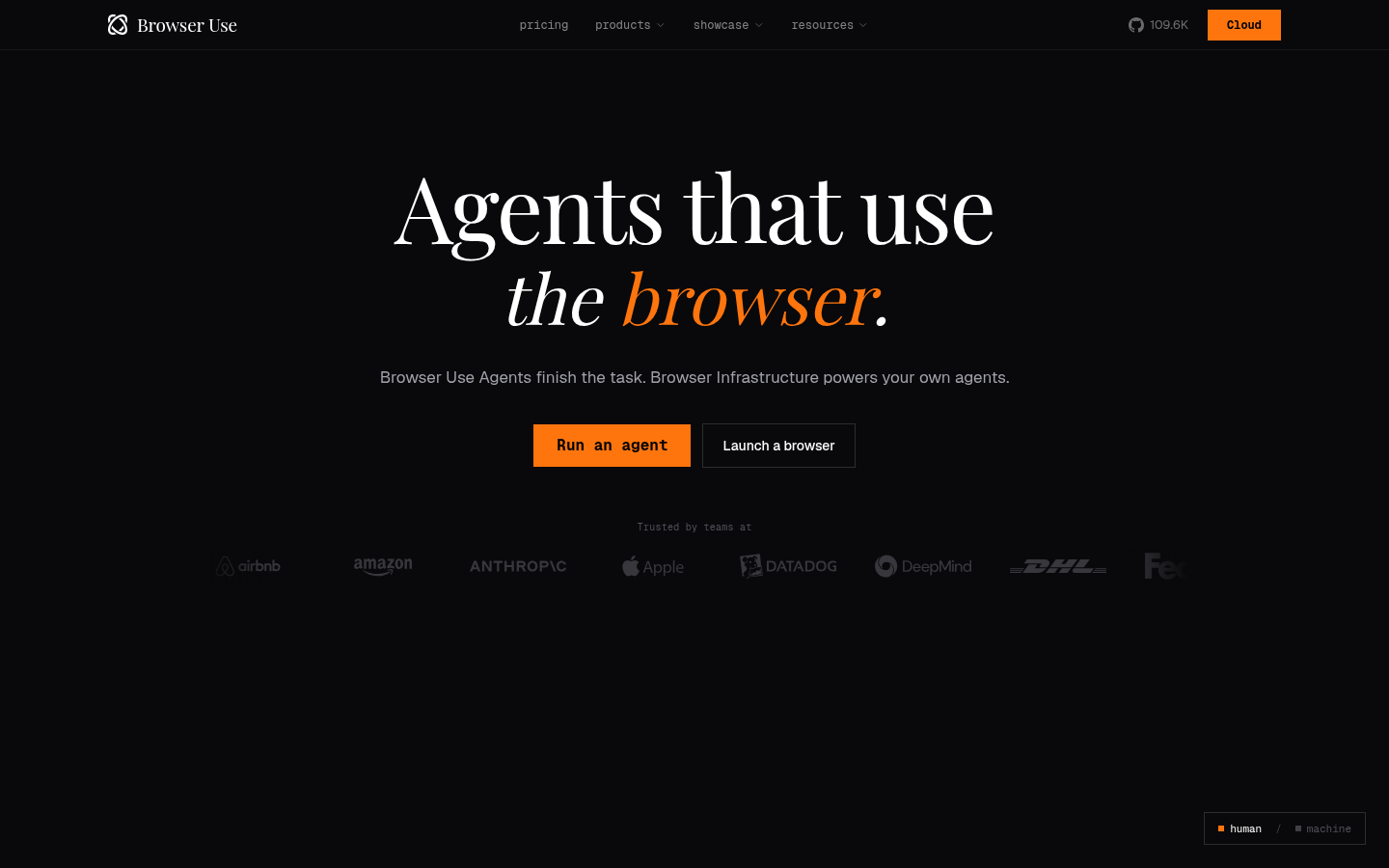
Browser Use is the only product here that is both an MIT-licensed Python library and a priced cloud. The library turns a website into something a model can drive: click, type, extract, retry when the layout moves. The commercial path is a Hosted Agents API and managed browsers. Start local. Buy infrastructure when proxies, concurrency, or stealth become the bottleneck.
The cloud side is V4 / Browser Harness. That is where new long-horizon integrations should start. V3 remains for supported token-priced integrations. V2 is the wrong path for a new agent. Session sharing, per-run cost caps, and pay-as-you-go credits live on the hosted path. The library does not inherit them.
Best for: Engineering teams that want an open-source agent loop they can self-host, then the same idea on managed browsers when the local browser becomes the problem.
What you get:
- MIT-licensed Python library against your own browsers and model keys.
- Hosted Agents API V4 with configurable per-run spend caps.
- Managed browsers with stealth, CAPTCHA handling, and proxies, billed from $0.02 per browser-hour on the pricing page.
- Deterministic replay, so a successful path can run again without a full agent loop.
Why we like it: You can prove the loop on your laptop, then pay for the fleet only when the laptop is the bottleneck. Most “agent” products force the cloud on day one.
Limits:
- The company says the hosted product is stronger than the library. Do not treat a local success as the production bill.
- Stealth and CAPTCHA extras live on the cloud path.
- Independent reviews still flag flaky runs and token cost on long workflows. For a stable scrape, Playwright is cheaper.
Price: Published on browser-use.com/pricing. Free is $0: 10 agent tasks per month and 3 concurrent sessions. Pay-as-you-go is also $0 monthly - no subscription; you buy credits from a $5 top-up floor and spend them. Dev $29, Business $299, and Scaleup $999 are the paid monthly plans; those fees are credit budgets, not unlimited seats. Cloud browsers are $0.02 per browser-hour with no subscription required. Residential proxy is listed at $5 / GB ($4 / GB on Scaleup). You still pay model tokens on the open-source path. Re-read that pricing page at checkout; Browser Use changes plan names.
Skyvern
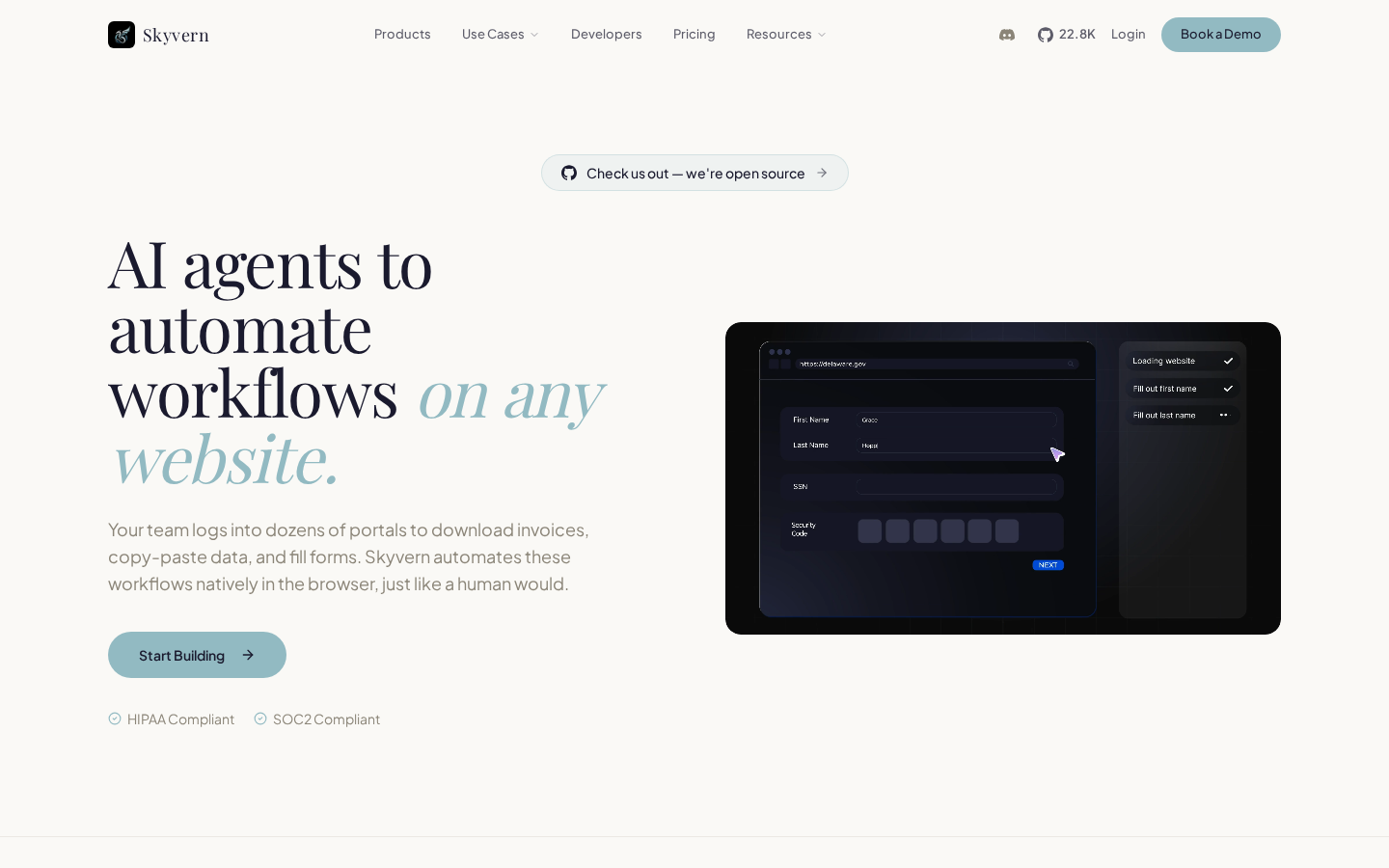
Skyvern is a vision-first workflow product for portal work that has no usable API. It takes a screenshot, finds the control that looks like the button you meant, and clicks it. Cloud is what most buyers will run. An AGPL Docker build exists if you want to self-host, without the cloud extras.
This is the job that burns calendar time: a vendor portal with a login, a date range, a download, and a UI that changes without notice. Most production failures are silent “I clicked, therefore it worked” errors. The planner / actor / validator loop is the admission that the screen has to change before the step counts.
Best for: Ops and engineering teams automating credential-gated vendor portals and long forms, who want a workflow builder plus SDKs rather than a raw browser fleet.
What you get:
- Vision navigation from the rendered UI, not a brittle CSS selector.
- Workflow Studio plus SDKs: a prompt, a saved workflow, or an API call.
- Native CAPTCHA and 2FA on Skyvern Cloud. 2FA / TOTP sits on Pro and above.
- Human-in-the-loop approval or rejection in the run view, with a public
pausedstate.
Why we like it: It is aimed at the portal, not at “the open web.” If the buyer is an ops lead who wants a builder and a queue, this is the better fit.
Limits:
- AGPL-3.0 is a different conversation than MIT if you embed the code in a closed product.
- Self-hosted Skyvern does not automatically include cloud CAPTCHA, 2FA, or identity extras.
- The pricing grid estimates actions on Free. It still does not say how many credits a vendor-portal login-plus-download burns.
Price: Published on skyvern.com/pricing. Free $0 with 5,000 credits. Hobby $29. Pro $149. Enterprise custom. Recurring add-on credits $0.90 per 1,000.
Browserbase
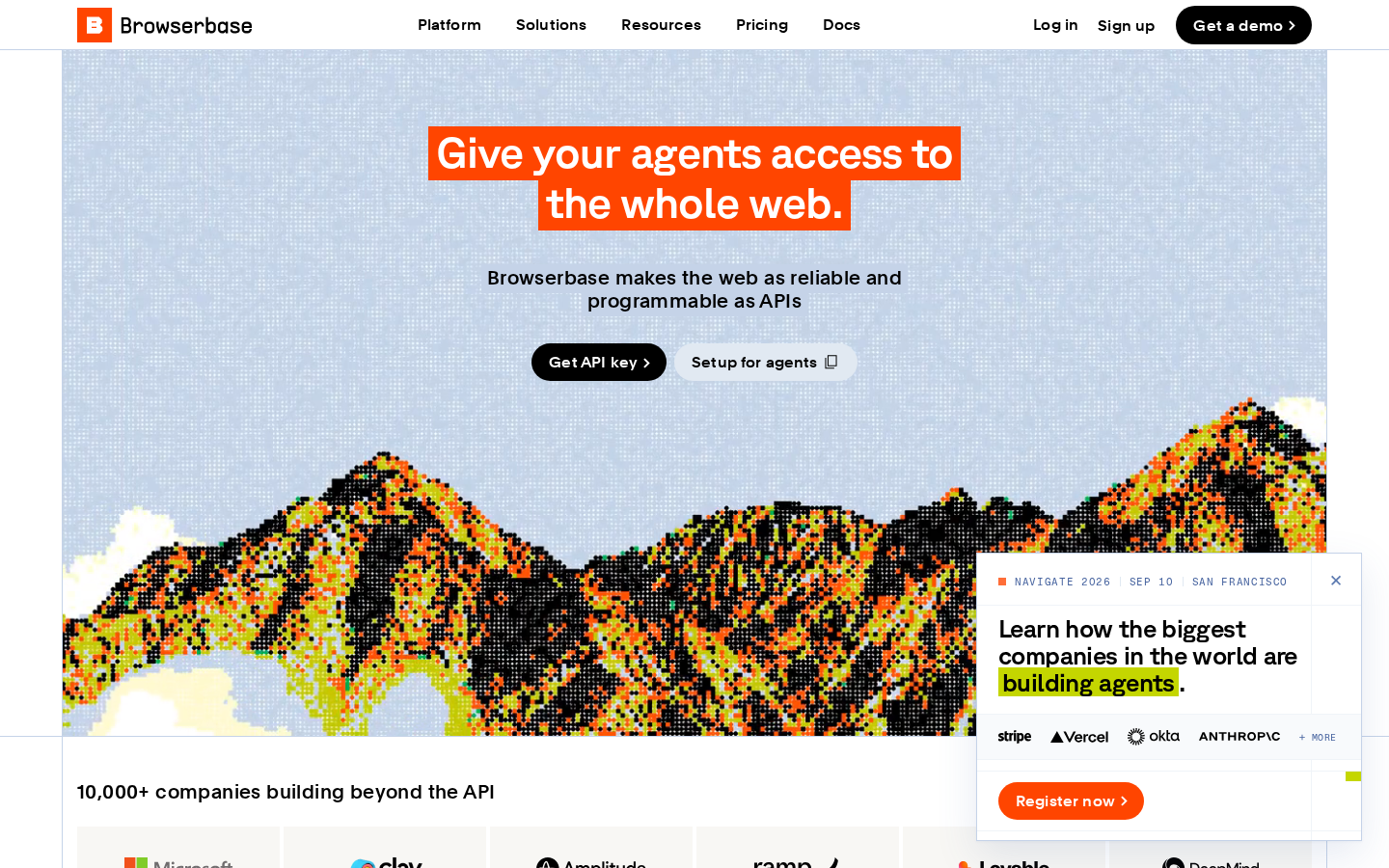
Browserbase is still the hosted browser layer: browsers, session replay, identity, and retrieval APIs. It is no longer only that. Plans now include Agent runs, a Runtime to deploy agents on their infrastructure, and a Model Gateway. Their site calls this a platform to build and deploy agents with simple prompts. Stagehand is the open-source SDK on top: act, extract, observe, and agent.
Most “we built an agent” projects still die on browser operations: cold starts, IP reputation, session teardown, “it worked on my laptop.” That infrastructure distinction is still the useful one. You can bring your own agent, or use theirs. If the buyer wants a visual workflow studio and a job queue, Skyvern is the better fit.
Best for: Platform and agent teams that want someone else to run the browsers, and that will either keep their own agent logic or use Browserbase’s Agent runs and Stagehand rather than a visual builder.
What you get:
- Browser-as-a-service with concurrency tiers and hourly browser pricing.
- Included Agent runs on every plan, plus a Runtime and Model Gateway.
- Agent Identity and CAPTCHA handling on paid plans.
- Search and Fetch APIs so you are not keeping a full browser warm for every retrieval.
- Session replay: a failed run is a recording.
Why we like it: Stagehand is the right SDK if you want Playwright for the stable steps and a model only on the clicks that move.
Limits:
- No self-hosted browser fleet. The browsers are SaaS.
- Cost stacks: hours, Agent runs, Search, Fetch, and proxies.
- Free tier is one browser hour and three Agent runs - enough to validate an SDK, not a production job.
- Local Stagehand is not the full product.
Price: Published. Free: 1 browser hour and 3 Agent runs. Developer $20 / 100 hours, then $0.12 / hour, with 15 Agent runs. Startup $99 / 500 hours, then $0.10 / hour, with 50 Agent runs. Scale custom.
Anthropic Computer Use
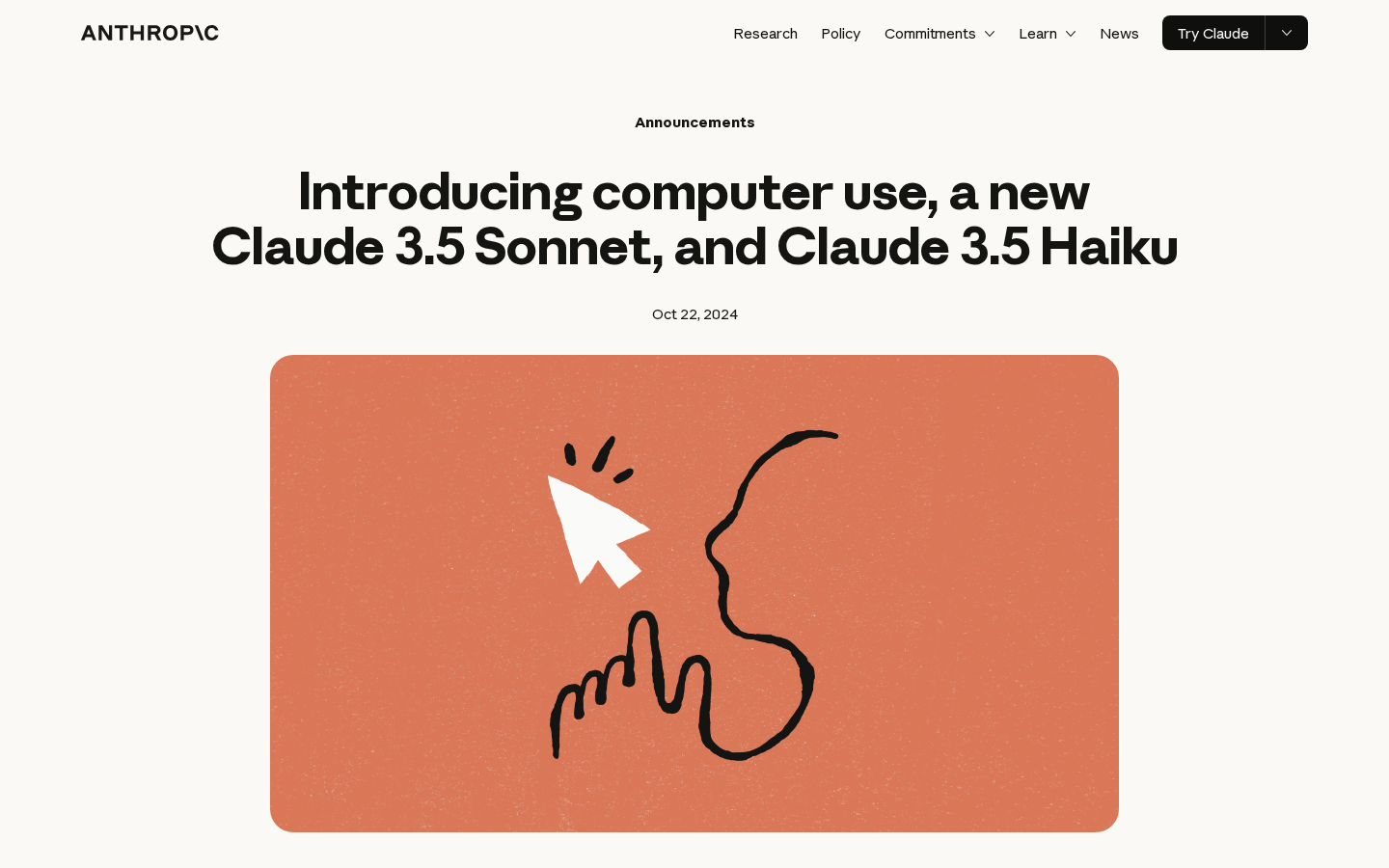
Anthropic’s computer-use tool lets Claude operate a desktop the way a person does: screenshot, move a cursor, click, type, scroll, drag. It is not a hosted browser product. You implement the tool in your own sandbox and send the results back.
If the workflow jumps from a PDF to a legacy portal to a spreadsheet, a browser-only agent is the wrong abstraction. This API is honest about the execution surface: a desktop. It is also honest about the token tax most “agent products” hide inside credits.
Best for: Teams that already run Claude, need desktop or mixed GUI control rather than a browser-only fleet, and can bring their own VM or container.
What you get:
- Screenshot, click, type, scroll, and drag against a live desktop.
- Optional bash and text-editor tools in the same request.
- Prompt-injection classifiers on screenshots, with a forced confirmation when page content tries to override the operator.
- No separate computer-use product. Every screenshot is a vision call on top of the system prompt and tool definition.
Why we like it: Anthropic is the strongest fit here when the workflow moves beyond a browser into a full desktop environment. You see the token cost of every screenshot instead of burying it in a credit story.
Limits:
- Still beta. You implement the tool. Anthropic does not run the desktop.
- Latency is a first-class limit. The docs tell you to pick tasks where speed is not critical.
- Vision errors are expected: missed coordinates, wrong controls, hallucinated success.
- Prompt injection is documented. Classifiers do not make it go away.
Price: Claude token rates, plus system-prompt and tool-definition tokens for the beta, plus vision tokens every screenshot. Bring your own sandbox.
Who runs the machine, and what you are buying
This grid plots two questions. Across is who runs the runtime: you host on the left, the vendor hosts on the right. Up is what you buy: a browser fleet at the bottom, an agent or workflow at the top.
Placement follows product language: library vs hosted agent vs browser-as-a-service vs a desktop tool you implement. Browserbase still sits on the fleet side because hours are the published unit; Agent runs are now a second line on the same plans. This is a map of the products, not a ranking.
Pricing and usage costs compared
| Tool | How pricing works | What extra usage costs |
|---|---|---|
| Browser Use | Plan fee is a credit budget. Browsers from $0.02 / hour | Credits, proxy GB, and model tokens. Hosted is a different bill than the library |
| Skyvern | Credits on Free / Hobby / Pro. Add-ons $0.90 / 1,000 | A failed portal step still spends credits. The grid will not tell you how many credits a login-plus-download burns |
| Browserbase | Hours on the plan, then $0.12 or $0.10 / hour | Hours plus Agent runs, Search, Fetch, and proxies. Replay is how you see why |
| Anthropic Computer Use | Claude tokens. No separate computer-use product | Every screenshot is another vision call. Long jobs get expensive because they are long |
What we left out
Left off the shortlist for a named reason: a named runtime, a public price, or an agent you can actually buy.
- Steel.dev - hosted browsers next to Browserbase. Right on an infrastructure shortlist. Not on this list because the job here is the agent split, not a second fleet.
- Playwright MCP - the right mention when the workflow is stable enough that an agent loop is overhead. If you can write the script, a deterministic path is cheaper and easier to debug.
- OpenAI Operator / ChatGPT agent - a discontinued consumer surface. A sunset product stays off this shortlist.
What Real Users Say About Computer-Use Agents
Here is what builders already write when they compare computer-use agents. Each slide is a marked Hacker News post. The takeaway sits under the image so the point is readable even if the screenshot does not parse.
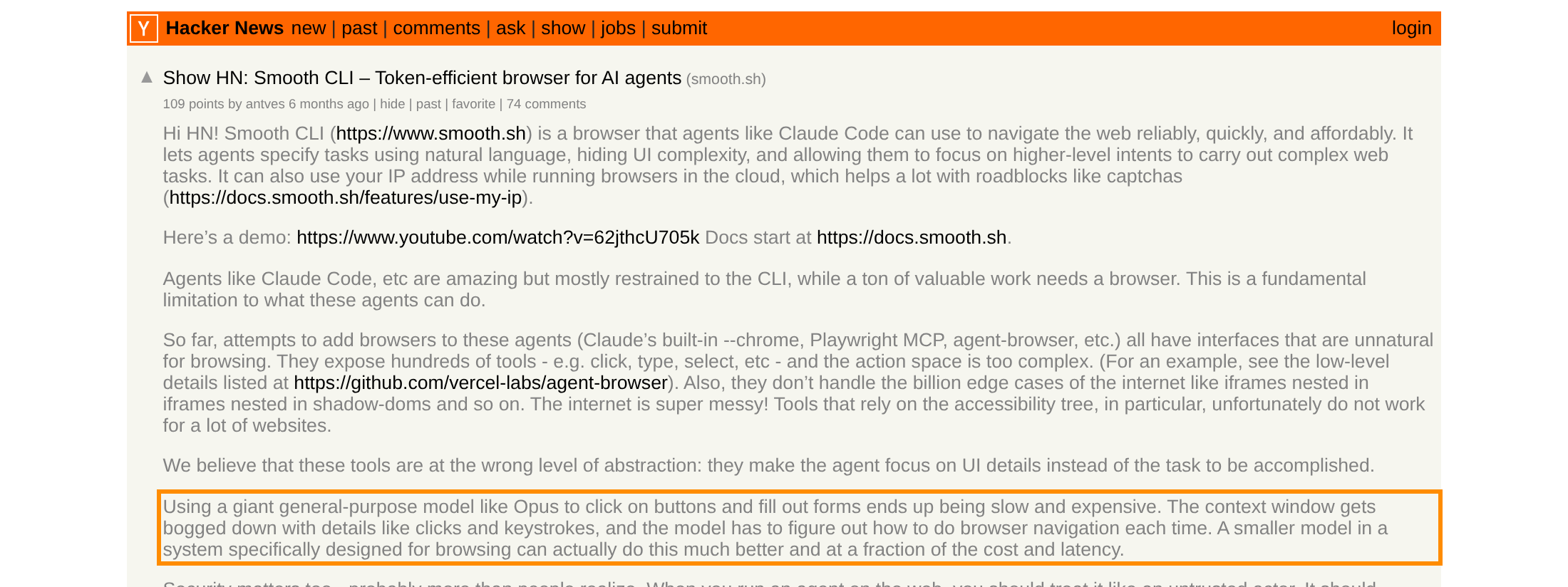
The highlighted line: using a frontier model like Opus to click buttons and fill forms is slow and expensive. A smaller model built for browsing can do the same job cheaper.

A vendor post claims their computer-use agent handled CAPTCHAs, popups, and cookie banners, the friction that usually stops an agent mid-run.
Questions before you buy a computer-use agent
Get these three in writing. A quote that cannot is still buying a demo that clicks.
- Who runs the machine? If you host the desktop or the library, you own the sandbox. If they host the browsers, you own the usage bill. Those are different incident-response stories.
- Is this an agent or a fleet? A workflow studio and a browser-hour plan are not interchangeable. Some fleets now include agent runs as a separate line. Pick the square, then pick the logo.
- How does a failed run bill? Credits, hours, proxy GB, and vision tokens all charge the retry. Ask for a trace of your job, not a WebVoyager slide.
Which computer-use agent should you pick
Open-source loop you can run today: Browser Use. Portal with a login and a download: Skyvern. Hosted browsers, and now their own agent runs, without owning the machines: Browserbase. The work leaves the browser: Anthropic Computer Use, and you are signing up to build the sandbox. Then put the pricing page next to a trace of the real job.
Frequently asked questions
Is a hosted browser the same purchase as a computer-use agent?
No. A hosted browser keeps a session up. An agent decides what to click. Browserbase still sells the fleet, and now also includes Agent runs on the same plans. Browser Use cloud and Skyvern are hosted agents. Anthropic is a desktop tool you implement. Mixing those units is how a browser-hour quote gets sold as an agent.
Can I start on the Browser Use library and move the same task to hosted later?
You can move the idea. The company says the hosted product is stronger, and stealth and CAPTCHA live on the cloud path. Measure the hosted run. Do not treat a local success as the bill.
Should I trust a WebVoyager or OSWorld number in a pitch?
Treat vendor benchmarks as directional. Short live-web scores are not proof a 90-minute portal job will finish. Reliability usually drops as long-horizon jobs stretch. Pilot on the real site, with the real login, and read the trace.