
Four checks before you move the repo: which pile the month actually burns (included models vs Other Models), whether Tab still earns the window, whether a lab you already pay will run the agent, and whether you will bring your own keys. The method is on How we review tools.
Cursor in 2026 is a coding agent that still ships as a desktop editor, plus a CLI, cloud agents on their own VMs, Slack and GitHub review, and a phone app. Individual plans have two monthly piles: Cursor Models (Composer and Grok, with generous included usage) and Other Models (third-party APIs at the model's API price). Privacy Mode is available on Hobby and Pro, and Cursor says it will not train on that data. SpaceX acquired Cursor in August 2026, so the model roadmap now includes jointly trained Grok and Composer. If you picked the editor as a model-neutral IDE, lock-in is a live question.
The switches below keep an AI IDE, run the agent in a setup you already pay for, or let you bring your own keys (BYOK). The last picks are the ones where you bring keys or pay a lab directly.


You are on Cursor


Devin Desktop
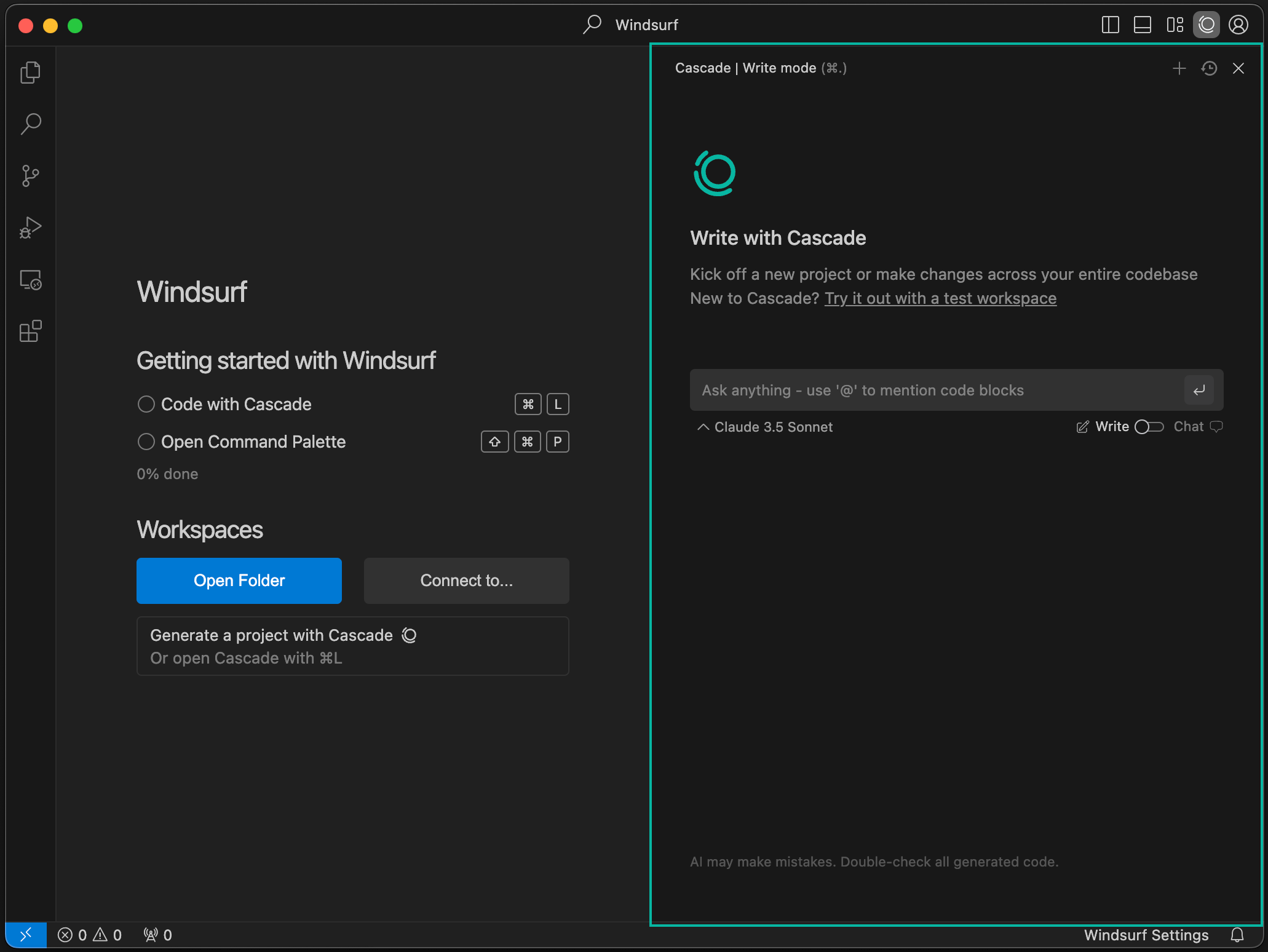
Devin Desktop, formerly Windsurf, is the closest switch that keeps an AI IDE. Plans and prices stayed the same. You still get a VS Code-shaped editor, Tab completions, and local plus cloud agents, now framed as a command center for several agents in one IDE.
Same window. New vendor.
ACP (a protocol that lets several agents share one editor) can run Devin Local, Devin Cloud, Codex, and Claude Agent in that same window. The pitch is a fleet. A single chat pane is the wrong test.
Best for: Teams that want an AI IDE and don't want to rebuild muscle memory.
Key features:
- A VS Code-shaped desktop editor with Tab completions and local plus cloud agents.
- An agent command center, so more than one agent can sit in the same window.
- ACP so Codex or Claude Agent can run beside Devin's own agents.
Why we like it: It's the smallest habit change. You keep an editor, Tab, and cloud agents, and you stop paying Cursor.
Notable limitations:
- It is still a VS Code-shaped editor. If the fork is why you are leaving, this is not the escape.
- Teams billing is a platform fee plus a per-seat add-on.
- Other agents you attach still bill their own labs.
Pricing:
- Free is $0, with a light quota, limited models, and unlimited inline plus Tab.
- Pro is $20 a month.
- Max is $200 a month.
- Teams is $80 a month plus $40 a month per full seat.
- Enterprise is Custom.
Claude Code
Claude Code is Anthropic's coding agent. It lives in the terminal first, and it also ships as a native extension for VS Code, Cursor, Devin Desktop, and JetBrains, plus Slack, the web, and iOS and Android. It isn't a separate product you buy. It rides the Claude plan you already pay for and shares one usage pool with chat.
Best for: People who want the lab harness and a cleaner bill, and who will live in a terminal or an extension.
Key features:
- A terminal-first agent, with native extensions for VS Code (including Cursor and Devin Desktop) and JetBrains.
- Parallel subagents, an Agent view, Routines, and computer use.
- Slack, web, and mobile, so the agent isn't stuck in one window.
Why we like it: You pay Anthropic for the model you were already burning through Cursor's Other Models pool. The hybrid path is supported: Hobby for Tab, Claude Code for the agent.
Notable limitations:
- Usage is one pool with Claude chat, so a heavy chat week eats the agent.
- It isn't a full IDE. Tab, diffs, and the window stay elsewhere unless you keep a host editor.
- Team and Enterprise are Anthropic seats. Shared cloud fleets stay on Cursor.
Pricing:
- Included on every paid Claude plan, and also runnable on the Console API at pay-as-you-go rates.
- Pro is $20 a month, or $17 a month on annual ($200 billed up front).
- Max is $100 a month (5x) or $200 a month (20x).
- Team and Enterprise are Anthropic seats. Confirm the quote.
GitHub Copilot
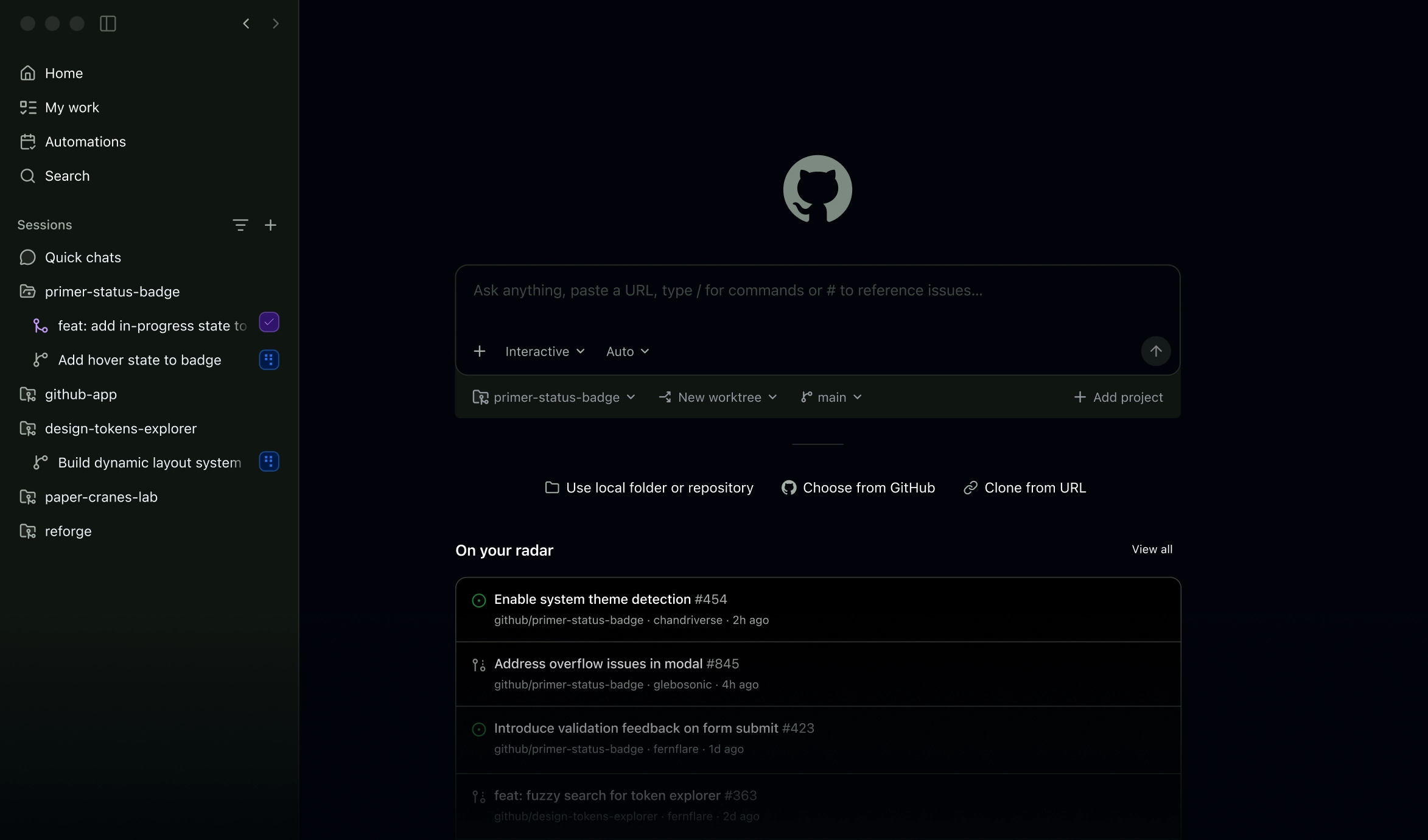
GitHub Copilot stays in VS Code, JetBrains, Neovim, or Xcode and adds a cloud agent plus pull-request review inside GitHub. Completions and next-edit do not consume AI credits. Pro includes Claude Code and Codex as third-party agents under the same seat, so a GitHub shop can bundle those lab agents.
Best for: Teams already on GitHub that want a cheaper seat and unlimited completions, with the cloud agent inside GitHub.
Key features:
- Completions and next-edit that do not burn AI credits.
- A cloud agent and pull-request review inside GitHub.
- Pro includes access to Claude Code and Codex as third-party agents.
Why we like it: The seat is cheaper than Cursor Pro, completions stay unlimited, and the cloud agent lives where the pull request already is.
Notable limitations:
- GitHub may train on Individual (Free, Pro, and Pro+) interaction data unless you opt out. Business and Enterprise do not use that data to train.
- Agent work burns credits after the included pile. Completions do not.
- The cloud agent lives inside GitHub. It does not replace a local AI IDE window.
Pricing:
- Free is $0, with 2,000 completions a month.
- Pro is $10 per user per month, with $15 in GitHub AI Credits. One AI credit is $0.01.
- Pro+ is $39 per user per month. Max is $100.
- Business is $19 per user per month. Enterprise is $39.
Zed
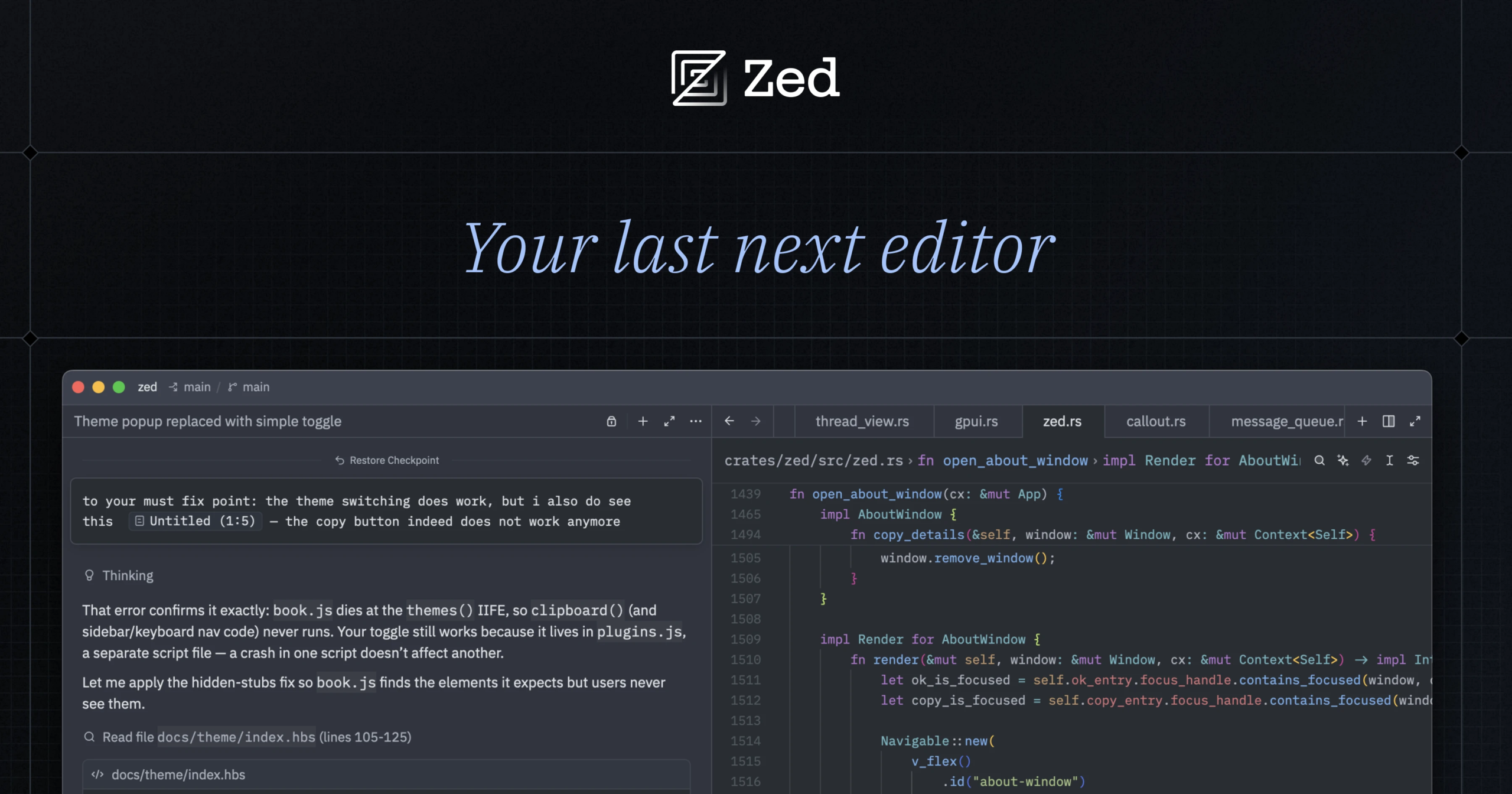
Zed is a native editor. It isn't a VS Code fork. You can turn AI off, paste your own keys (including local boxes like Ollama and LM Studio), or run Claude Agent and Codex CLI inside it. Hosted AI on Pro is a cheaper seat than Cursor Pro, and Business adds org AI policies. SSO is planned and not available yet.
Best for: People who want a fast native editor first, with BYOK or an external agent, or with AI off.
Key features:
- A native editor you can run with no AI at all.
- Your own keys, or Claude Agent and Codex CLI, on the free Personal plan.
- Pro adds unlimited edit predictions and hosted tokens.
- Business adds org AI policies, data governance, and unified spend.
Why we like it: It's the privacy and lock-in escape that is still a real IDE. Keys stay yours. You can disable the agent and keep the editor.
Notable limitations:
- Business includes no bundled credits, so hosted tokens are extra.
- SSO, SAML, and SCIM are planned and not available.
- You still bring a lab bill if you skip Zed's hosted pile.
Pricing:
- Personal is $0 forever, with 2,000 accepted edit predictions, and unlimited use with your own keys or external agents.
- Pro is $10 a month, with unlimited edit predictions, $5 in tokens included, extra at the API list plus 10%, and a 14-day trial with $20 in credits.
- Business is $30 per seat per month, with org AI policies and unified spend, and no bundled credits.
Codex
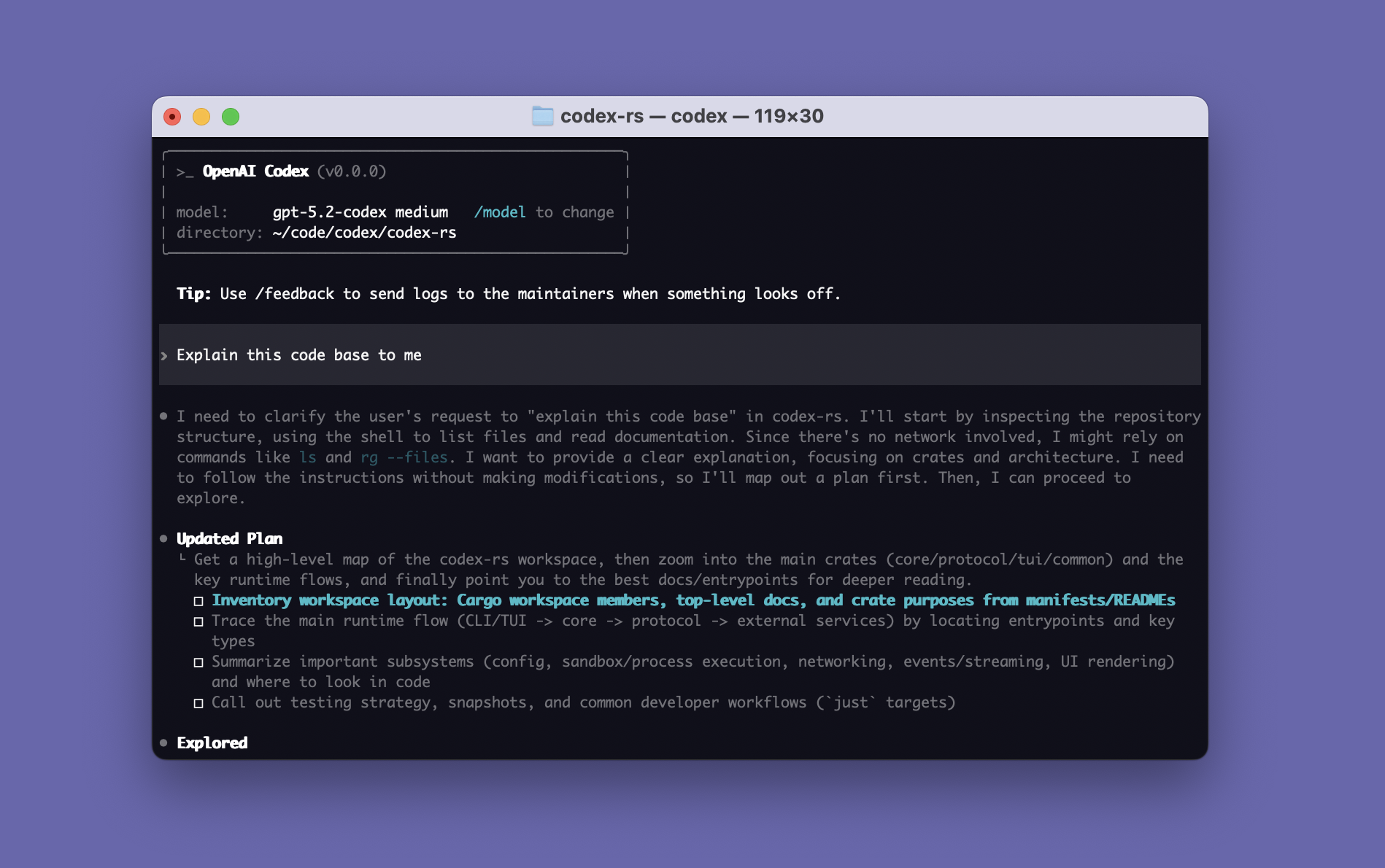
Codex is OpenAI's coding agent, included on ChatGPT Free, Go, Plus, Pro, Business, and Enterprise. You get a CLI, an IDE extension, the ChatGPT desktop app, the web, and iOS. The Codex desktop app merged into the ChatGPT desktop app, so this is one OpenAI surface. It isn't a second IDE. Codex, ChatGPT Work, and other agent features share one usage pool.
Best for: Teams that already pay for ChatGPT and want the coding agent on that same bill.
Key features:
- CLI, IDE extension, desktop, web, and iOS on the ChatGPT plan.
- Cloud review and Slack on Plus and above.
- An API-key path for CLI, SDK, and IDE only, billed at API token rates, with no cloud GitHub or Slack.
Why we like it: If the company is already on ChatGPT, Codex is the coding path that does not add a second assistant seat.
Notable limitations:
- A heavy Codex month eats the same Plus or Pro budget as ChatGPT Work.
- Desktop is the ChatGPT app. There is no separate Codex IDE.
- The API-key path drops cloud GitHub and Slack.
Pricing:
- Included across ChatGPT plans. Limits vary.
- Plus is $20 a month, with expanded Codex in the CLI, IDE, iOS, cloud review, and Slack.
- Pro is $100 a month (5x) or $200 a month (20x), with maximum Codex tasks.
- Business and Enterprise include Codex. The API-key path is pay-as-you-go, CLI, SDK, and IDE only.
Google Antigravity
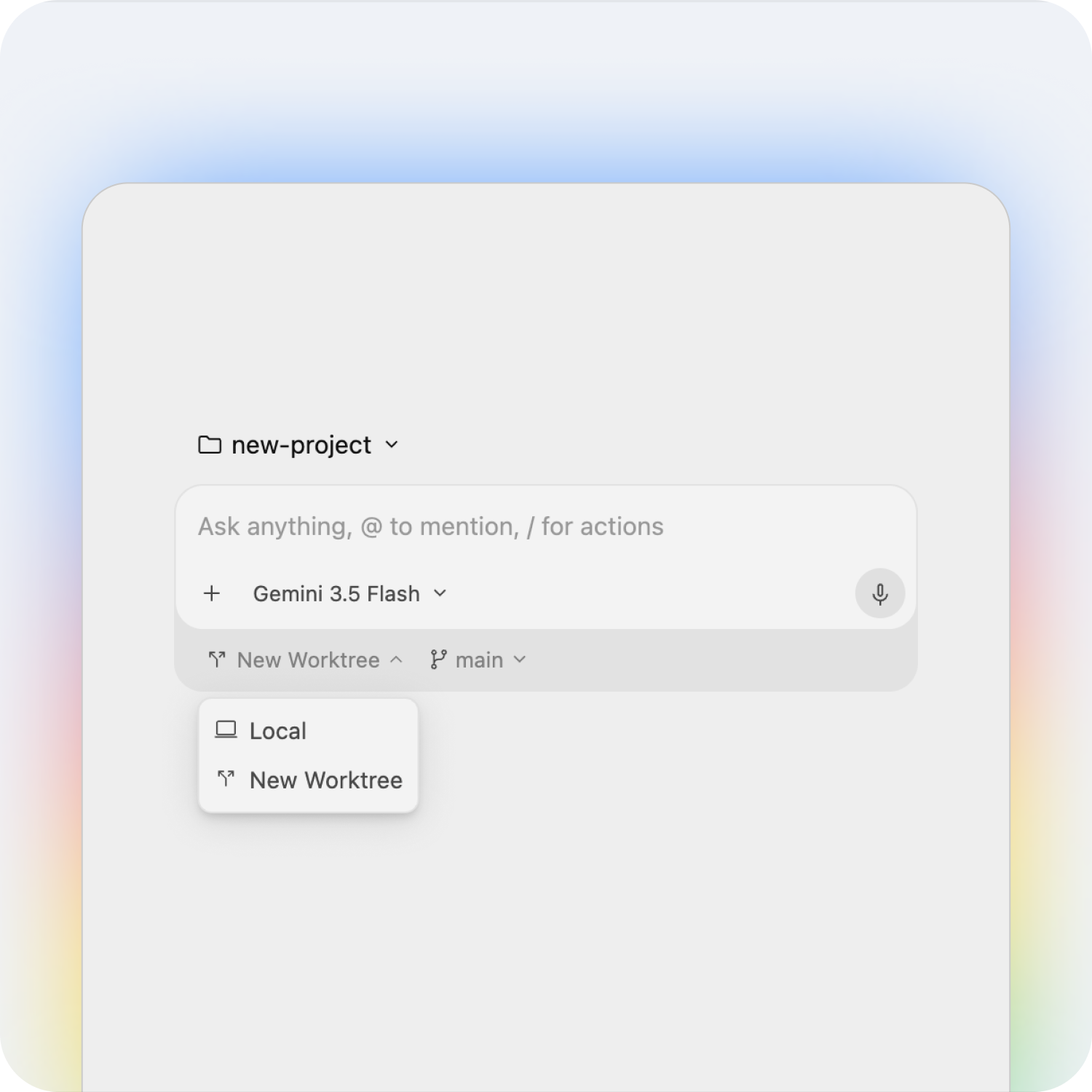
Google Antigravity is Google's agentic IDE, with a CLI and SDK. Antigravity 2.0 is a command center for several local agents, including a browser in the loop, and the default brain is Gemini. Google offers it at no charge for developers, and it is available for organizations. The same Google AI Pro and Ultra plans also raise limits on Jules, Google's async GitHub agent.
Best for: Teams that want a Gemini-first IDE and already live on a Google AI plan.
Key features:
- An agentic IDE plus CLI and SDK, with several local agents in one command center.
- Browser-in-the-loop work on the same surface.
- Higher agent rate limits on Google AI Pro and Ultra.
Why we like it: One Google bill covers the IDE and the Gemini plan you may already have. You're not adding a Cursor-shaped seat on a different vendor.
Notable limitations:
- The default brain is Gemini, which is the point and also the lock-in.
- Higher limits sit on Google AI Pro and Ultra, and paid Antigravity on those plans is for personal Gmail accounts.
- The org path is Quote or Custom.
Pricing:
- Available at no charge for developers. Available for organizations.
- Google AI Pro is $19.99 a month and includes entry rate limits to the agent model in Antigravity.
- Google AI Ultra starts at $99.99 a month (5x) or $199.99 a month (20x) for higher and highest Antigravity rate limits.
- Gemini Enterprise and org billing are Quote or Custom.
The next three are agents you bring keys to, or pay a lab for, without buying another AI IDE.
Cline
Cline is an open-source coding agent you run in VS Code or JetBrains. Individuals pay for inference only, through their own keys or Cline's at-cost provider, with no subscription. It works with Ollama, LM Studio, and any OpenAI-compatible API, so local weights are a real path. Plan then Act (it drafts a plan before it edits) and every edit or command waits for approval unless you turn auto-approve on. That is more human-in-the-loop than Cursor's cloud agents.
Best for: Privacy and lock-in shoppers who want the agent in the editor they already have, with keys or a local model.
Key features:
- An open-source agent in VS Code and JetBrains, with no individual subscription.
- BYOK or Cline's own inference, including Ollama, LM Studio, and OpenAI-compatible APIs.
- Plan then Act, with approval on every edit and command unless you enable auto-approve.
Why we like it: There is no individual seat. You pay the lab or the local box, which is the cleanest price and privacy escape that stays in VS Code.
Notable limitations:
- You approve the work unless you turn auto-approve on, so it is slower than a fire-and-forget cloud agent.
- You operate keys or Cline's inference bill.
- Enterprise is Custom.
Pricing: Open Source is Free for individuals. Pay only for AI inference, on a usage basis, through your own keys or Cline's provider. Enterprise is Custom (SSO, SLA, JetBrains, centralized billing, RBAC, provider limits, VPC, SCIM, and audit logs).
Amp

Amp is a frontier coding agent in the browser, the terminal, on the phone, and on orbs (Amp's remote runtimes). It spun out of Sourcegraph, and the product you buy is Amp, so the bill and admin live at Amp. Subscribers get at least the subscription cost back in agent usage each month. Link a ChatGPT subscription and Amp charges no per-token fees on that usage.
The product is the agent, not another IDE.
Best for: People who want a frontier agent with a clear usage floor, and who don't need a new editor.
Key features:
- Web, terminal, phone, and remote orbs.
- Megawatt and Gigawatt include agent usage equal to the subscription, plus orb hours.
- Link ChatGPT or X Premium+ / SuperGrok and collapse a second token bill.
- Unconstrained is pay-for-what-you-use, at API prices, with BYOK.
Why we like it: The usage floor is a published dollar amount, which is easier to budget than Cursor's included model pile. If you already pay ChatGPT, you can stop double-paying tokens.
Notable limitations:
- There is no IDE here. Tab and the window stay in whatever editor you keep.
- Orb hours and agent usage are billed separately.
- Enterprise SSO, directory sync, admin, and minimal data retention are an add-on at Quote or Custom.
Pricing:
- Megawatt is $20 a month, with $20 in agent usage and 750 hours of orbs. You can link ChatGPT or X Premium+ / SuperGrok.
- Gigawatt is $200 a month, with $200 in usage, 1,000 hours of xxlarge orbs, and high and ultra modes.
- Education is $10 a month, on an honor system.
- Unconstrained is pay for what you use at API prices, with BYOK.
- Enterprise add-on is Quote or Custom.
Aider
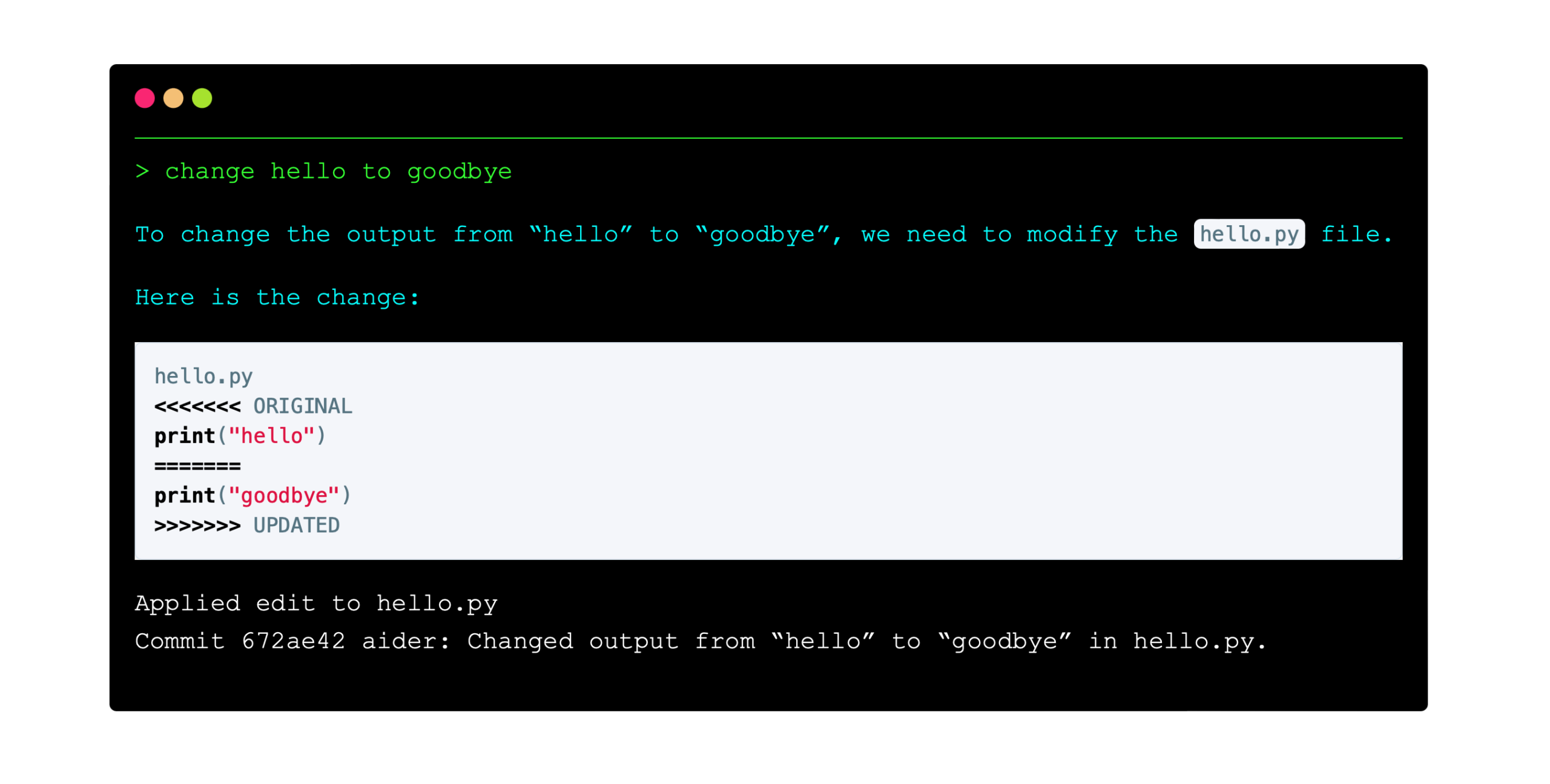
Aider is a terminal pair-programmer. It maps the repo you are in, edits files, and auto-commits. The tool is free. You bring an API key or a local model, including Ollama. It is Apache 2.0, and the code is on GitHub.
Best for: People who already live in git and the terminal, and who want the agent to commit as it goes.
Key features:
- Pair programming on a new project or an existing repo, from the terminal.
- Repo mapping, file edits, and auto-commits as the default loop.
- Your own keys or a local model. No hosted seat.
Why we like it: You stay in git. The agent commits, which is a smaller, more reviewable loop than a cloud fleet.
Notable limitations:
- There is no Tab, no cloud fleet, and no mobile review window.
- Tokens are the provider's bill.
- Teams that want a review UI or a shared agent inbox will find it small.
Pricing: Aider is Free. You pay the model lab or the local box. There is no Aider subscription.
Stay on Cursor or pick a lane
| If you need | Use |
|---|---|
| The all-in-one window, Tab, cloud agents, and Privacy Mode | Stay Cursor |
| The closest AI IDE swap | Devin Desktop |
| Agent quality and a cleaner model bill | Claude Code |
| Already on GitHub, unlimited completions | GitHub Copilot |
| A native editor, BYOK, or AI off | Zed |
| Already paying for ChatGPT | Codex |
| A Gemini-first IDE | Google Antigravity |
| An open agent in VS Code, keys or local | Cline |
| A frontier agent without an IDE | Amp |
| A terminal pair-programmer that auto-commits | Aider |
Leave Cursor when the Other Models pool is the thing you notice, when you want the lab's own harness, when keys or local weights can't hit Cursor's proxy, or when you refuse another VS Code fork. Stay when Tab, diffs, cloud agents, and one window are the product, and Composer plus Grok from the Cursor Models pool cover the month on Pro or Pro+.
Keep the window if Tab still earns the seat. Walk if the invoice is Other Models, or if a lab you already pay will run the agent in the editor you have.
Frequently asked questions
Do I have to leave because SpaceX bought the company?
Only if model neutrality was the reason you picked the editor. The acquisition closed in August 2026 and the roadmap now includes jointly trained Grok and Composer. Privacy Mode is still on Hobby and Pro. Confirm the current training language on the security page before you treat that as a lock-in answer.
Can I keep Tab and run another lab's agent in the same window?
Yes. Anthropic ships Claude Code as an extension for this editor. The hybrid is Hobby or Pro for completions, and the lab plan for the agent. That only works if you will live on two bills on purpose.
Is the closest swap another AI IDE, or the lab harness?
Another AI IDE if you still want Tab, a file tree, and cloud agents in one window. The lab harness if the bill is Other Models and you already pay that lab. Keys or a terminal tool if you want neither seat.
What do Pro, Pro+, and Ultra actually buy?
The same editor. The difference is included usage before on-demand overage. First-party pricing lists Individual from $20 a month, with Pro+ and Ultra as higher usage rungs on that same family. Confirm the live figure at checkout. Teams is a different $40-per-user seat.
 Written by StartupStash
Editorial team
StartupStash is an editorial team. Each Top Tools shortlist is researched by a writer who works in that category, then checked against first-party product pages and public prices before it goes live.
 Reviewed by Manaal
Content Manager, Startup Stash
Reads the shortlist, the priced claims, and the sourcing before a piece goes live.
How this page is checked
We read first-party product pages, dated changelogs, and AWS Marketplace when a listing exists. Catalog counts stay vendor claims.
