
You don't leave Claude because the sentences got worse. You leave because the work moved. Switch when your work is already centered in another ecosystem, such as Google Workspace, Microsoft 365, or a different team AI platform. Or the team already lives in ChatGPT, and a second assistant is just another login.
Claude in 2026 is still the writing and agent product: Projects, Artifacts, Cowork for research and documents, plus Claude Code in the terminal, desktop, and IDE. Consumer defaults are Claude Sonnet 5 on Free and Pro, and Claude Opus 5 on Max. Claude Fable 5 is the most capable widely released model.
The hosted switches below are the logins founders already have. Two local picks sit after those, for people who want the window on their own machine.


You are on Claude

ChatGPT
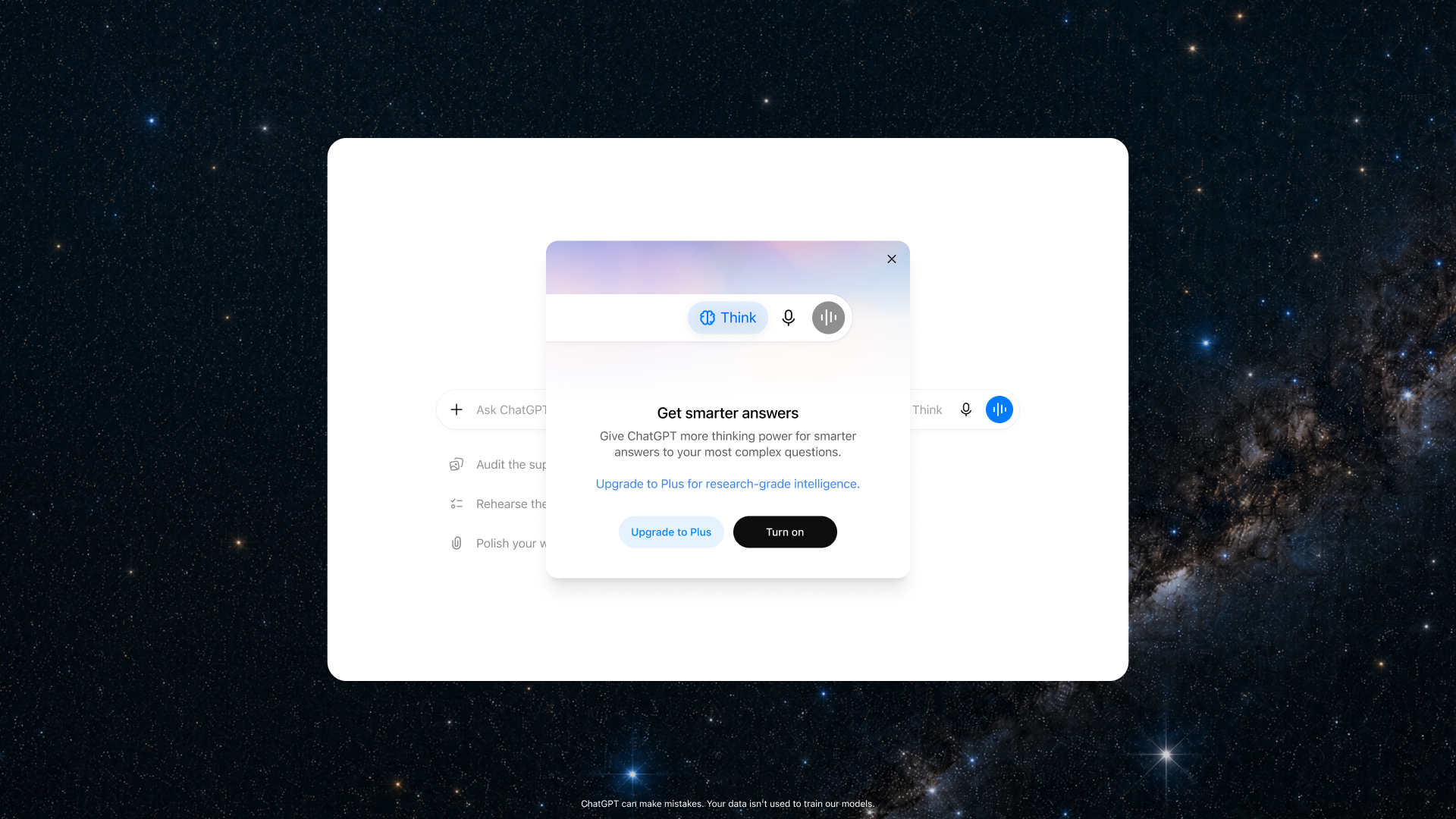
ChatGPT is the default consumer assistant, and Codex is the coding agent inside it. Paid reasoning is GPT-5.6 Sol, OpenAI's higher-reasoning model on Plus and above. Sol Pro sits on the Pro plan. GPT-5.6 Luna is the lighter default on Free and Go. OpenAI is testing ads on Free and Go. Plus, Pro, Business, Enterprise, and Education do not show them.
Best for: Teams that already live in OpenAI's app and want Codex plus a Business workspace.
Key features:
- GPT-5.6 Sol for paid reasoning, with Luna on Free and Go.
- Codex inside ChatGPT, plus workspace agents on Business, Enterprise, and Edu.
- Ads stay off Plus and every plan above it.
Why we like it: Codex sits in the same product people already open. If the company is on ChatGPT, that is the coding path that needs no new habit.
Notable limitations:
- Go, Plus, and Pro have no annual plan.
- Free and Go can show ads, which is a real reason to leave those tiers if you are switching from Claude.
- Workspace agents are credit-based after 6 May 2026.
Pricing:
- Go is $8 a month.
- Plus is $20 a month with no annual option.
- Pro is $100 (5x Plus usage) or $200 (20x).
- Business is $20 per user per month billed annually, $25 monthly, for 2 or more users.
- Enterprise and Edu are Custom.
Google Gemini
Google Gemini is the assistant that authors inside Gmail, Docs, Chrome, and Search. Consumer models on the subscriptions page are 3.6 Flash, 3.1 Pro, Gemini Omni, and Deep Think (Gemini Spark on Ultra). Image and video generation (Nano Banana, Veo, and Flow, Google's video studio) is first-party. The subscription is a Google One and Workspace bundle: storage, YouTube, Home, Flow, and the Gemini app.
Best for: Companies whose briefs, mail, and files already sit in Google Workspace.
Key features:
- Gemini in Gmail, Docs, Chrome, and Search on the paid Google AI plans.
- Deep Research, Gemini Live, Canvas, Gems, and Jules and Antigravity (Google's coding agents) on higher plans.
- Flow credits, Veo, and Project Genie (Ultra's generation workspace) for image and video work.
- Storage from 15 GB on Free up to 5 TB on Pro and 20 TB on Ultra.
Why we like it: One Google subscription covers the Gemini app, the Workspace side panel, and the storage the company already uses.
Notable limitations:
- Gemini in Gmail and Docs is 18+.
- Features are country- and language-gated.
- Usage is a 5-hour window plus a weekly cap.
Pricing:
- Free is $0 with a Google Account.
- Google AI Plus is $4.99 a month, 400 GB, Gemini in Gmail and Chrome, 200 Flow credits.
- Google AI Pro is $19.99 a month, 5 TB, Jules and Antigravity at entry limits, YouTube Premium Lite.
- Ultra starts at $99.99 a month (5x vs Pro) or $199.99 (20x), 20 TB and up, Project Genie, highest limits.
Grok
Grok is xAI's assistant, running Grok 4.6. Real-time web and X search ship on Free. Grok Imagine (image and video) and Grok Build sit on the same subscription as chat. Usage is one shared weekly pool across Chat, Imagine, Voice, and Build. Treat Grok Build as a separate coding path from Claude Code.
Best for: People who need live web and X, plus image and video, without living in Google or Microsoft.
Key features:
- Grok 4.6 with live web and X search on the free plan.
- Grok Imagine for image and video, and Grok Build, on the same sub.
- A shared weekly pool, with Extra Usage Credits when the week is spent.
- SOC 2 Type I and II called out on SuperGrok.
Why we like it: Live web and X search ship on the free plan, and Imagine rides the same login as chat. You do not wait for a Pro unlock to look at X.
Notable limitations:
- Team admin (SSO, SCIM) sits on Business and Enterprise, which are Quote and Custom.
- Imagine and Build burn the same weekly pool as chat, so video spend shows up in the assistant.
Pricing:
- Free is $0.
- SuperGrok is $30 a month.
- SuperGrok Plus is $100 a month.
- SuperGrok Lite, SuperGrok Heavy, and Business are Quote. Enterprise is Custom.
- Extra Usage Credits start at $5 when the weekly pool is gone.
Perplexity
Perplexity is built as cited search. It routes across labs' models (help names GPT-5.2, Claude Sonnet 4.6, and Gemini 3.1 Pro). Pro and Max add Computer, plus Comet Assistant and Comet Agent (Perplexity's browser helpers), and premium databases. The product is cited search, not a long-running coding agent.
Best for: Founders whose daily job is market, competitor, or paper research that has to show sources.
Key features:
- Cited answers as the default, with deep research on paid plans.
- Model choice across labs, plus Model Council on Max, which runs several models and compares the answers.
- Computer access, Comet Assistant and Comet Agent, and document or app creation on Pro and Max.
Why we like it: Every answer arrives with sources. That's the whole product.
Notable limitations:
- A weak Claude Code replacement.
- Pro Computer credits are a bonus pile. Max is the recurring Computer plan.
- Enterprise Pro and Enterprise Max are Quote.
Pricing:
- Free is $0.
- Pro is $20 a month, with expanded Computer, 4,000 bonus credits, deep research, and model choice.
- Max is $200 a month, with max Computer, 35,000 bonus credits, frontier models, Model Council, and the highest Comet Agent limits.
- Enterprise Pro and Enterprise Max are Quote.
Microsoft 365 Copilot
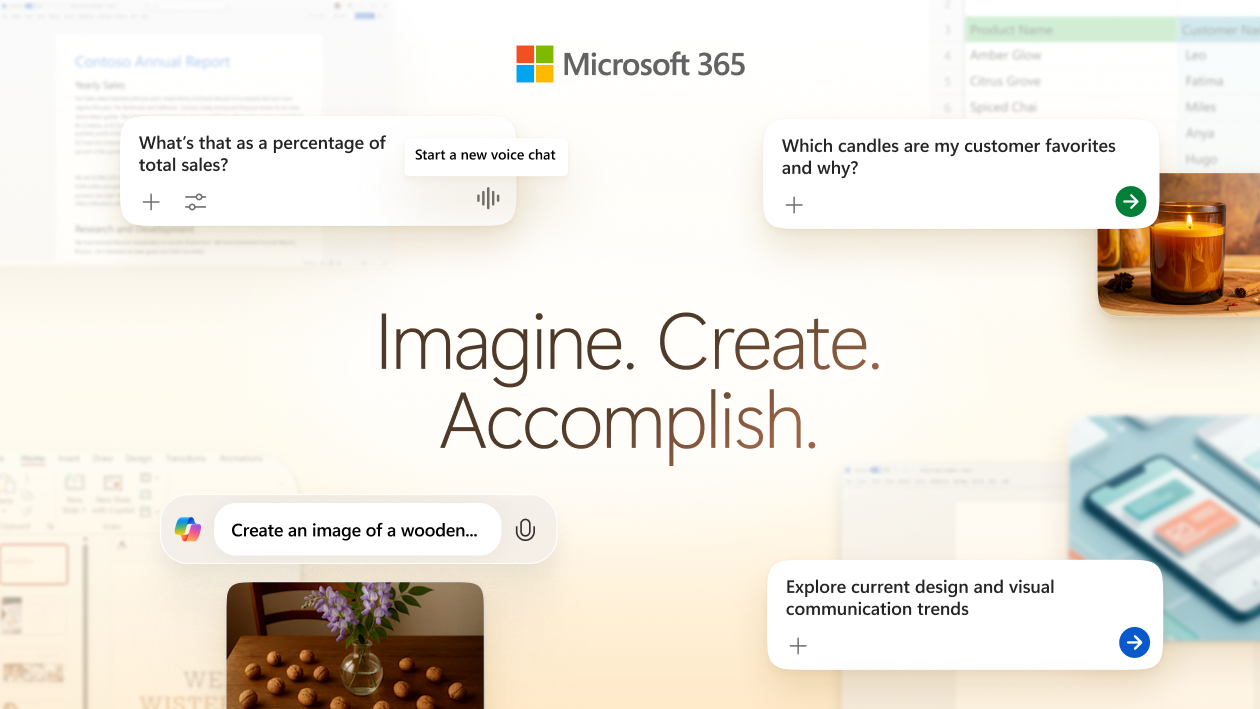
Microsoft 365 Copilot sits inside Word, Excel, PowerPoint, Outlook, and Teams. Copilot Chat is already on for eligible Entra users (Microsoft's identity system) with a qualifying Microsoft 365 subscription. The paid add-on adds Work IQ, Copilot's grounding layer over tenant mail, files, and meetings, plus in-app Copilot and Researcher / Analyst / Facilitator. Models are the latest OpenAI GPT-5X, with priority on the paid add-on. Claude for Microsoft 365 exists. Work IQ still lives on this add-on.
Best for: Companies that already pay for Microsoft 365 and want the assistant inside the Office file, grounded in Graph.
Key features:
- Copilot Chat included for eligible Entra plus Microsoft 365 tenants.
- Work IQ grounding in tenant mail, files, and meetings on the add-on.
- Copilot in Word, Excel, PowerPoint, Outlook, and Teams, plus Researcher / Analyst / Facilitator.
- Consumer Microsoft 365 Premium for people buying the suite at home.
Why we like it: The draft happens in the file the company already shares, not in a chat window that later needs a connector.
Notable limitations:
- The add-on needs a qualifying Microsoft 365 base license. There is no trial for Microsoft 365 Copilot.
- Family and Premium AI is for the subscription owner only. It cannot be shared.
- Don't dual-pay this add-on and a Claude Team seat for the same writer unless they also need Claude Code.
Pricing:
- Copilot Chat is included at no extra cost for eligible Entra users.
- The Microsoft 365 Copilot add-on is $30.00 per user per month, paid yearly, and needs a qualifying Microsoft 365 license.
- Consumer Microsoft 365 Personal is $9.99 a month or $99.99 a year.
- Family is $12.99 a month or $129.99 a year (AI for the owner only).
- Premium is $19.99 a month or $199.99 a year.
Mistral Vibe
Mistral Vibe is the chat and coding agent (Le Chat is the former name; conversations, settings, and plans carry over). You run it on the web, in Vibe CLI (Devstral, Mistral's coding model), in Vibe for IDE (VS Code and JetBrains), and on mobile. Open-weight models and self-host are an official path.
Best for: Teams that want a public Pro rate, agents in the browser, CLI, and IDE, and a later self-host option.
Key features:
- Vibe on web, CLI (Devstral), IDE, and mobile.
- Pro includes all-day coding, long-running tasks, and monthly API credits.
- Team adds a shared workspace, 30 GB per user, domain verification, and data export.
- Self-host / private deploy on the Enterprise path, with SAML SSO, audit logs, and white label as Custom.
Why we like it: Pro and Team publish list rates, and self-host is a real path if you later need it. Claude's consumer and Team plans are hosted only.
Notable limitations:
- Enterprise is Custom. Connectors are beta.
- Free coding is limited.
- Commercial self-host needs a Mistral license.
Pricing:
- Free is $0.
- Pro is $14.99 a month, plus $30 a month in API credits.
- Student Pro is $5.99 a month for verified students, max 12 months, and only if they have not used Vibe or Le Chat before.
- Team is $24.99 per user per month.
- Enterprise is Custom (private deploy, custom models, SAML SSO, audit logs, white label).
The hosted options end here. The last two run on your own machine.
Jan
Reddit pick From r/LocalLLaMA
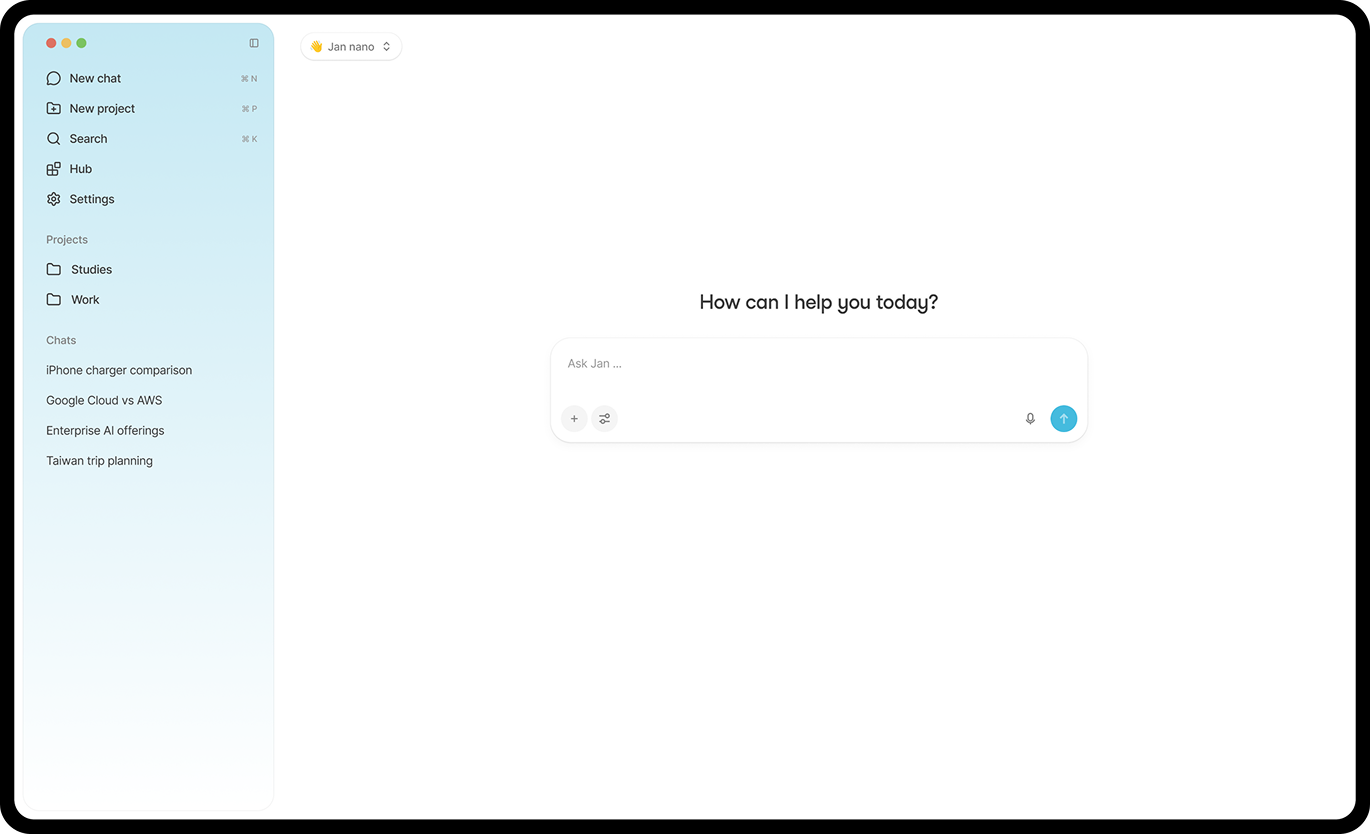
Jan is an open-source, ChatGPT-shaped desktop app. It runs fully offline on local models, on macOS, Windows, and Linux. Paste your own keys and it also talks to OpenAI, Anthropic (Claude), Gemini, Groq, Mistral, and OpenRouter. Jan's docs send the local-model community to r/LocalLLaMA.
Best for: Founders who want a ChatGPT-shaped app on their laptop, local models by default, cloud only when they paste a key.
Key features:
- Local models with no subscription, plus optional cloud providers behind your own keys.
- v0.8.4 (21 Jul 2026) added native web search and fetch, MCP, and a token counter.
- A local OpenAI-compatible API at localhost:1337.
- Apache 2.0, with the code on GitHub.
Why we like it: You keep the familiar chat window and you keep the weights on the laptop. Cloud models only appear when you paste your own key.
Notable limitations:
- Local model quality is not Claude Opus 5. Hardware (RAM and GPU) is the real cost.
- Memory is labeled Coming Soon.
Pricing: Jan is Free. No subscription for local models. Cloud keys are billed by those providers.
LibreChat
GitHub gem MIT self-host
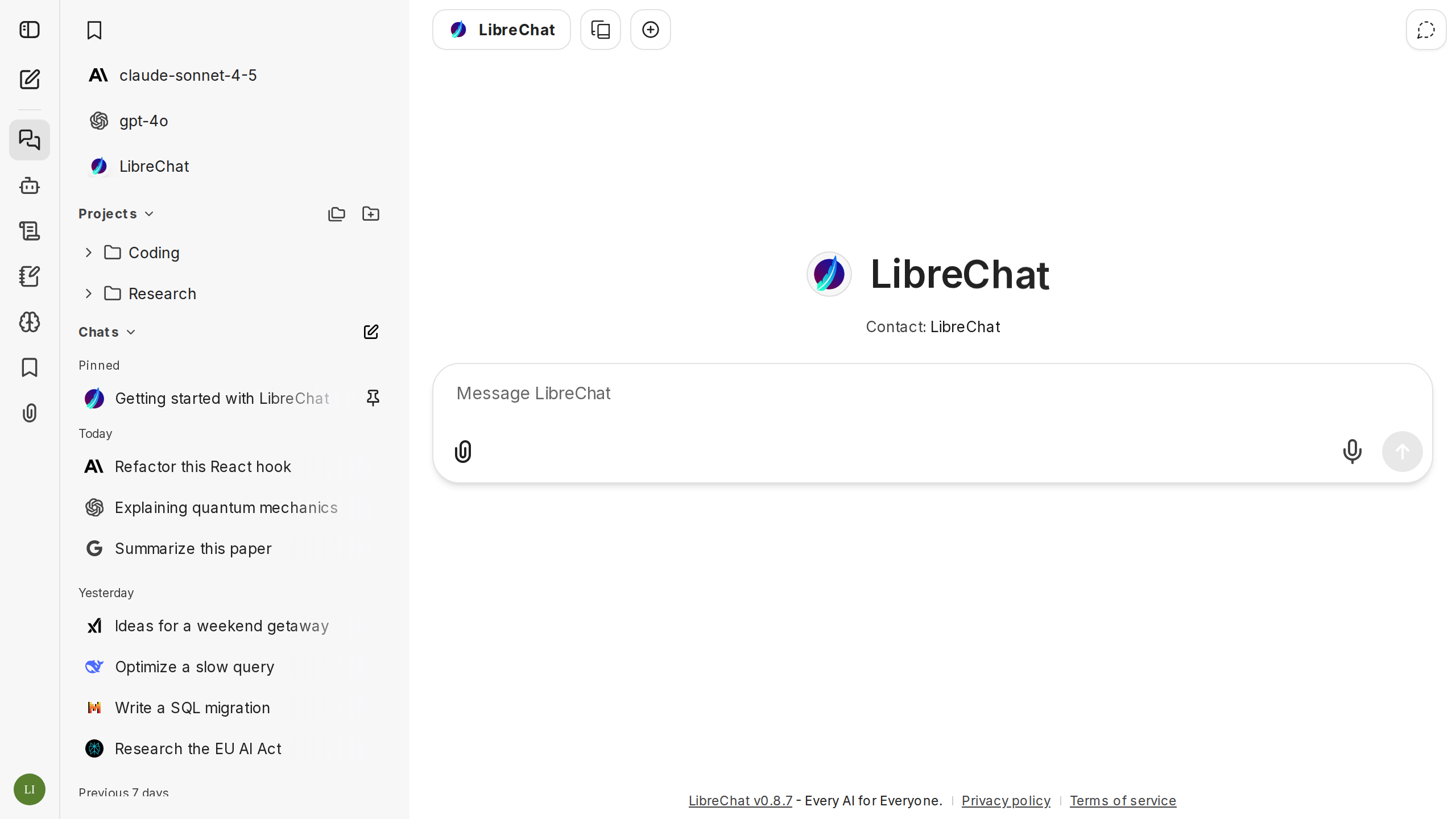
LibreChat is an MIT-licensed self-hosted chat UI that fronts Anthropic, OpenAI, Azure, AWS Bedrock, Google, Groq, Ollama, OpenRouter, and custom OpenAI-compatible endpoints. Agents, MCP, Artifacts, Code Interpreter, conversation search, and SSO (OAuth, SAML, LDAP, 2FA) sit in the same app. ClickHouse acquired LibreChat in November 2025. Existing deployments stay the same, and the MIT license and self-host path continue. The Docker quickstart is clone, compose up, then http://localhost:3080.
Best for: Teams that already hold several API keys and want one self-hosted UI plus agents and MCP, without buying another hosted chat seat.
Key features:
- One UI in front of several labs and a local Ollama box.
- Agents, MCP, Artifacts, and Code Interpreter.
- SSO: OAuth, SAML, LDAP, and 2FA.
- The MIT repo is what you install and run.
Why we like it: You already pay the model vendors. LibreChat is the window and the agent layer, on hardware you operate.
Notable limitations:
- You operate Docker and Mongo. It is a hub that fronts models you already pay for.
- A weak Claude Code replacement unless you wire the tools yourself.
Pricing: Self-host is Free under MIT. Enterprise is Quote.
Stay on Claude or pick a lane
| If you need | Use |
|---|---|
| Long docs, Cowork, Claude Code, and small-team SSO with no training | Stay Claude |
| Cited research | Perplexity |
| Word, Excel, Outlook, or Teams on tenant mail | Microsoft 365 Copilot |
| Briefs already in Gmail and Docs | Google Gemini |
| Live web, X, or video | Grok |
| A cheaper public Pro, plus a self-host path | Mistral Vibe |
| Codex and the default consumer stack | ChatGPT |
| The window offline on a laptop | Jan |
| One UI in front of several API keys | LibreChat |
Leave Claude when the work already lives in Google or Microsoft, when the daily job is cited research, or when you want the window on a machine you operate. Stay when the product is long docs, Cowork, Claude Code, and small-team SSO with no training. If those four still match the week, keep the seat. If they don't, pick the lane above instead of stacking another login on the same writing.
Frequently asked questions
Is Claude Code a separate product I have to buy?
No. It is included on paid plans and shares one usage pool with chat and Cowork. Heavy terminal days are why people step up to Max, not why they buy a second plan.
When is the Microsoft add-on the real alternative?
When the file already lives in Word, Excel, Outlook, or Teams, and you need grounding on tenant mail. A standalone chat window with a connector is not that job.
Does a cheaper public Pro replace this seat?
Only if you wanted a lower list price and will accept a different writing model. It does not give you Cowork or the same coding agent. Confirm the live figure at checkout.
Can a desktop app that runs local models replace the hosted seat?
For drafts that cannot leave the laptop, yes. For Cowork, Claude Code, and small-team SSO with no training, no. Local quality is a hardware bill.
 Written by StartupStash
Editorial team
StartupStash is an editorial team. Each Top Tools shortlist is researched by a writer who works in that category, then checked against first-party product pages and public prices before it goes live.
 Reviewed by Manaal
Content Manager, Startup Stash
Reads the shortlist, the priced claims, and the sourcing before a piece goes live.
How this page is checked
We read first-party product pages, dated changelogs, and AWS Marketplace when a listing exists. Catalog counts stay vendor claims.
