

It is common for agencies to invest in tools that streamline work and improve outcomes. Tools that assist with writing, design, accounting, communication, scheduling, analytics, and many other tasks are now essential parts of agency workflows. Because paid tools can quickly consume a large portion of a company’s budget, many agencies are turning to free or freemium alternatives that offer powerful capabilities at no cost. In 2026, with advances in cloud platforms, AI assistance, and integrated productivity features, free tools are more capable than ever and can help agencies increase efficiency, reduce costs, and stay competitive while staying within budget.
1. Jenni AI
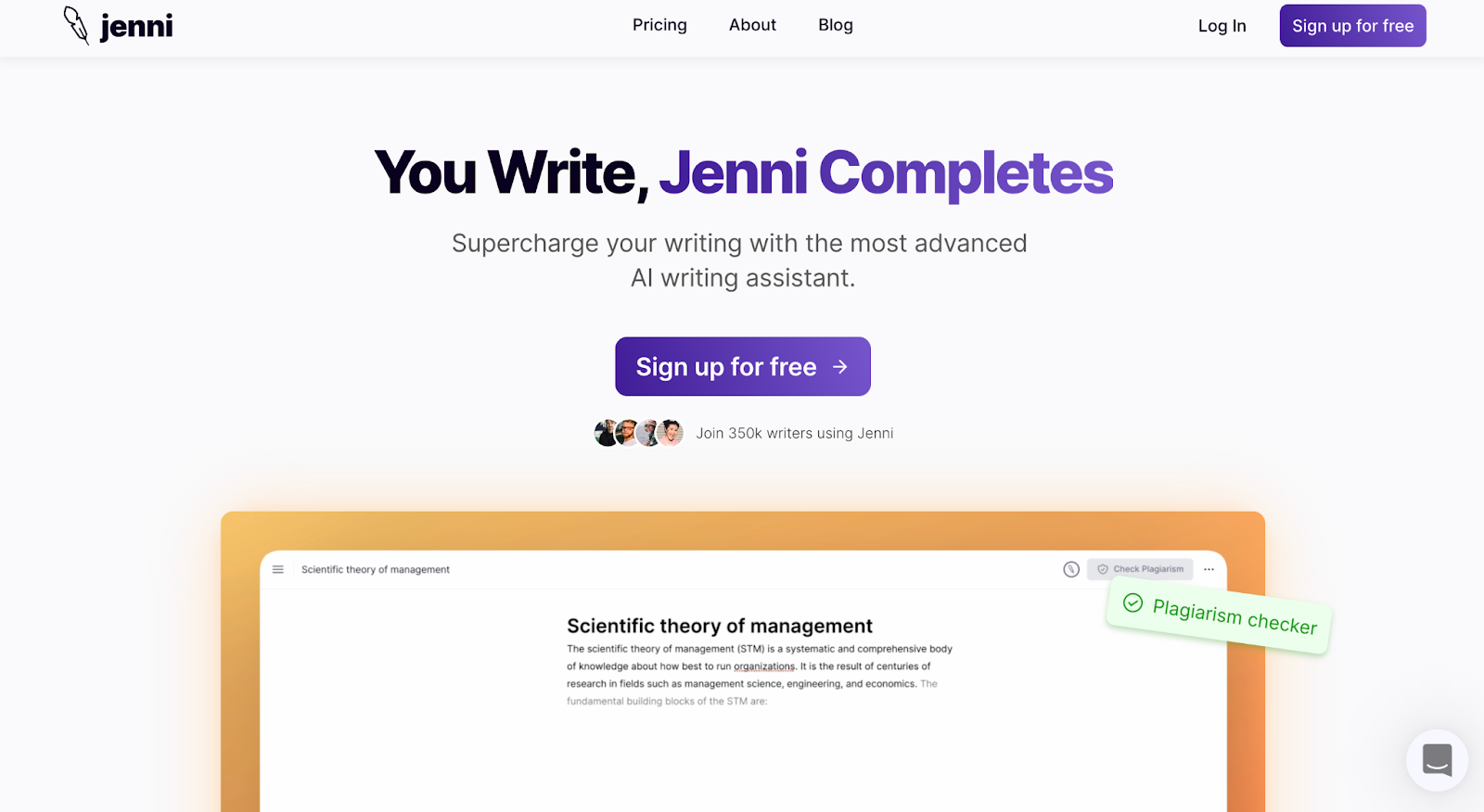
Jenni AI is a free tool that helps with writing essays and articles. It is an AI writing assistant.
Key Features:
-
You can write anything 10x faster.
-
You can write blog posts, essays, emails, personal statements, and stories with this tool.
-
The tool has an in-built plagiarism checker.
-
The tool will find relevant citations and cite them automatically.
-
You can paraphrase easily.
2. ProfitBooks

ProfitBooks is a free tool that helps with accounting. You can track expenses, create invoices and manage inventory with this tool.
Key Features:
-
You can manage vendors and customers with this tool.
-
You can create professional invoices.
-
Track inventory flow.
-
You can keep track of advance payments.
-
You can share transaction data with your accountant.
-
The tool allows you to generate detailed tax reports.
3. Loom

Loom is a free tool that helps you record the screen and yourself.
Key Features:
-
The tool works on any device. (Desktop/Mobile)
-
You can add it as a chrome extension.
-
The participants do not have to log in to access the shared link.
-
The tool offers emojis and time-stamped comments feature to keep the conversation going.
4. Buffer

Buffer is a free tool that helps manage social media content.
Key Features:
-
The tool helps get organic engagement.
-
The tool will suggest the right time to post your content.
-
Buffer will provide appropriate hashtags.
-
The tool will publish all the content for you.
-
The tool will generate automated reports.
5. Trello

Trello is a free tool that makes collaboration easy.
Key Features:
-
You can view your team's work and progress.
-
You can integrate this tool with other platforms.
-
The tool offers boards, cards, and a list feature.
-
The tool offers various templates.
-
You can organize work with labels and tags.
-
It has a drag-and-drop interface.
-
You can upload attachments and files.
-
The tool has a deadline reminder feature.
-
The tool provides email notifications.
6. Canva

Canva is a free tool that helps create professional-looking visuals.
Key Features:
-
You can create presentations, posters, social media posts, and other visual content.
-
It has a drag-and-drop interface.
-
You can collaborate with your team on Canva.
-
The tool provides more than 5,000 templates.
7. Mixmax

Mixmax is a free tool that makes scheduling easy.
Key Features:
-
You can send calendar invites and meeting notifications using one click. You can insert your availability in the email with clickable dates and times.
-
The tool provides email templates.
-
You can keep track of all your emails using this tool.
8. Slack

Slack is a free messaging tool. It helps the team communicate on one channel and be on the same page.
Key Features:
-
You can send messages and files.
-
The tool has a video and voice call feature.
-
You can create channels for every project and organize work. You can create public or private channels.
-
You can connect securely with outside organizations.
9. Hubspot CRM

Hubspot CRM is a free tool that helps with reports and analyzing sales.
Key Features:
-
You can analyze and track sales in real-time.
-
It is an easy-to-use tool.
-
Hubspot CRM provides pipeline management, call tracking, company insights, and contact management.
-
You can generate leads with this tool.
-
The tool provides a reporting dashboard.
10. Mailchimp

Mailchimp is a free tool that helps in creating bulk newsletters.
Key Features:
-
The tool will be beneficial for small and medium businesses.
-
You can create up to 12000 emails for 2000 subscribers.
-
The tool provides templates.
-
The tool offers an email tracking feature.
11. Dropbox
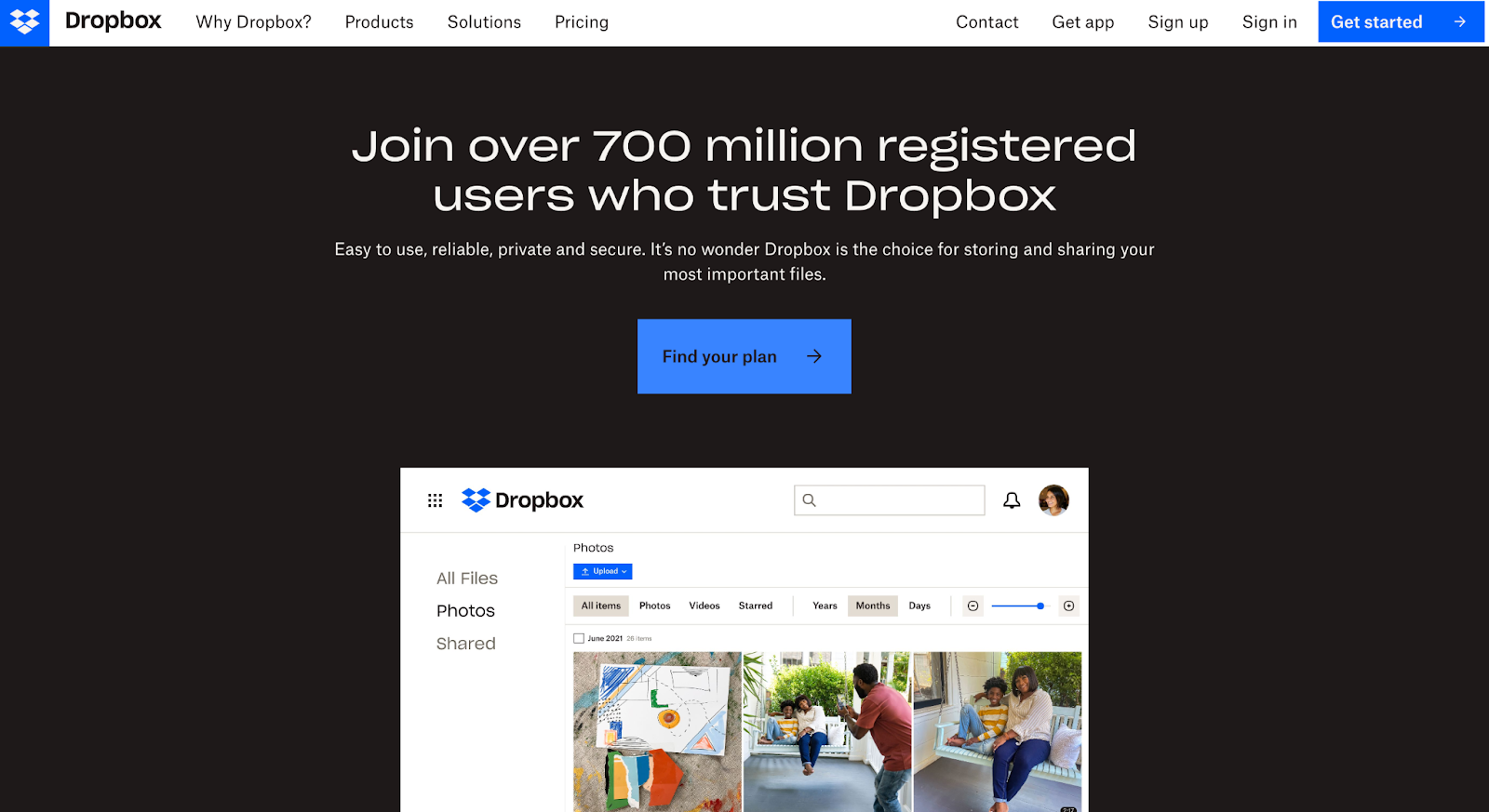
Dropbox is a free tool to save all types of files.
Key Features:
-
You can store computer backups and other documents on this tool.
-
You can store files that are as large as 2 TB.
-
It is easy to use.
-
You can integrate this tool with other platforms.
-
You can collaborate and share files easily.
12. TinyWOW

TinyWOW is a free tool that has many features. It is an alternative to paid tools.
Key Features:
-
With this tool, you can remove backgrounds from images.
-
Merge and convert PDFs into various formats.
-
You can edit the content on PDFs.
-
You can create various charts with this tool.
-
This tool has features such as an FAQ generator and a LinkedIn post generator.
Things to Consider When Choosing a Free Tool
Know Your Business Needs
When choosing a free tool for your agency, understand the goals and needs. Check if the tool has all the features you need, and only then use it.
Privacy Policy
It is important to read the privacy policy of the tool. Ensure that the free tool is not saving your data or information. If the tool is saving your data, look at what type it is saving.
Easily Accessible
The tool should be easy to use. If you are using the tool to collaborate with your team, it must be user-friendly, so everyone knows how to use it. If it is not user-friendly and easily accessible, your team and you will not be on the same page. You must lose precious time while figuring out the tool.
Conclusion
These free tools can significantly enhance how your agency works and how teams collaborate. In 2026, many tools now include AI-powered automation, collaboration features, analytics, and integrations that were once available only in paid plans, making them especially valuable for small agencies and teams with limited budgets. Using the right combination of free tools can save money and, more importantly, help your team work smarter and faster without unnecessary complexity. You do not always need expensive subscriptions to achieve high productivity and professional results. Try these tools in your daily workflows and evaluate how they improve your agency’s performance and client outcomes as you grow into the year ahead.
FAQs
What Are Free Agency Tools?
Free agency or business tools are platforms used to complete a specific task. These tools make work easy and enhance it. Free tools can save a lot of time and money while increasing productivity. Some of the tools even make team collaborations easy.
When Should You Consider Using a Free Tool?
You can use a free tool at any point in time. These free tools will make the functioning of your agency better. If you are paying for tools that provide the same features as a free tool, it is better to switch to these tools to save money. Most of the free tools do not save data. Hence they are safe to use.
What Are the Benefits of These Tools for an Agency?
There are many benefits of using these tools; here are the top benefits:
-
These tools help save money.
-
Enhance the workflow and day-to-day functioning of the agency.
-
Help in keeping everyone on the same page.
-
These tools perform tasks at a quick speed, which increases productivity.
What Are the Common Business or Agency Tools?
The common agency tools are:
-
Scheduling tools
-
Newsletter tools
-
Task management and collaboration tools
-
Communication tools
-
File converter tools
Which Is the Most Important Tool for a Small Business Owner?
CRM is one of the most important tools for a small business owner. CRM tool gives all the important details regarding customer relationships. It tracks, manages, and measures all the data related to customers and outreach. CRM tools monitor customer demands which helps a business grow. If you are a small business owner, you must have a CRM tool.