

Most teams discover how brittle browser automation is during live onboarding or pricing workflows, not from glossy demos. Working across dozens of tech companies, we have watched agents fail on three repeatable fronts: handling infinite scroll and lazy-loaded content via the Chrome DevTools Protocol, logging in across OAuth and passkeys without losing cookies, and extracting clean tables while dodging popups and consent banners.
You think you know "web RPA" until an agent meets dynamic modals and bot protection. A recent University of Washington study flagged security gaps in several agentic browsers, including risks that undermine the same-origin policy, which should be a wake-up call for anyone piloting these tools.
In 2026, AI spending is forecast to reach $2.59 trillion, with enterprises expanding their use of embedded AI models and adding new agents across workflows, according to Gartner. This guide shows which tool fits which job, where the hidden costs or limits show up, and the security and governance trade-offs that matter before you scale.
Agentic AI Browsers at a Glance
| Tool | Best for | Pricing model | Standout |
|---|---|---|---|
| BrowserAgent | Fixed-cost local automation | Fixed price, unlimited runs | Local execution can reduce API surprises |
| Nimbus | Ask-first automation with BYOK | Not publicly available | Ask-user pauses, BYOK, local traces |
| Browse Anything | Prompt-driven scraping and reporting | In-app purchases | Chrome extension, cloud scheduling, Telegram control |
| MyNextBrowser | Agentic control without changing browsers | In-app purchases | Extension with research, form filling, prompt enhancer |
| Pangia | Multi-agent browser for testing and extraction | Not publicly available | Built-for-agents browser, limited third-party coverage |
How We Evaluated These Tools
We looked at agentic browsers, extensions, and remote browser stacks, then focused on the ones that consistently matched real buyer needs. Five factors did most of the sorting:
- Reliability on real sites: whether the agent survives dynamic modals, infinite scroll, and changing DOMs, which is where most browser agents break in day-to-day use.
- Cost model: fixed local pricing versus per-run model billing, and whether bring-your-own-key shifts token costs onto you.
- Human-in-the-loop control: whether the tool can pause for judgment or auth walls instead of failing silently mid-run.
- Security and governance: sandboxing, permission prompts, and auditable traces, especially given the same-origin-policy risks flagged in recent research.
- Deployment fit: standalone browser, desktop app, or extension, and how much change management each one forces on a team.
The 5 Best Agentic AI Browsers
BrowserAgent
Runs AI automation locally in your browser with fixed-price, unlimited executions, designed to avoid runaway API bills by executing models in the browser cache.
- Best for: Teams that want predictable costs and local execution for repetitive web tasks without per-run billing.
- Key features: Local agent execution, visual workflow builder, unlimited executions under a fixed subscription, and Chrome integration for running agents.
- Why we like it: Fixed cost plus local execution cuts token shock for high-volume runs, and the visual builder shortens iteration loops for non-developers.
- Limitations: Sparse third-party reviews to validate reliability at scale, and local-only runs can be gated by your machine's resources. General browser-agent brittleness on CAPTCHAs and changing DOMs remains a known pain point in community reports.
- Pricing: Product Hunt confirms a fixed-price, unlimited-runs model, but there is no durable public price card on third-party marketplaces. See the Product Hunt launch thread for positioning details.
Nimbus
An agentic browser inspired by Claude Code that automates multi-tab web tasks, then pauses to ask for human judgment when a decision is required.
- Best for: Operators and analysts who want an ask-first agent pattern, bring-your-own-key models, and desktop-class control rather than a simple sidebar.
- Key features: Ask-user pause and resume flow, model-agnostic BYOK across major providers, local trace logs for runs, and a standalone browser rather than an extension.
- Why we like it: The ask-user mechanic reduces silent failures and keeps humans in the loop where it counts, which mirrors how successful Claude Code sessions are run.
- Limitations: Early-stage product with limited third-party reviews, and BYOK implies you still carry model costs and must manage provider credentials.
- Pricing: No verified public pricing. Feature claims and early access notes are documented in its Product Hunt listing.
Browse Anything
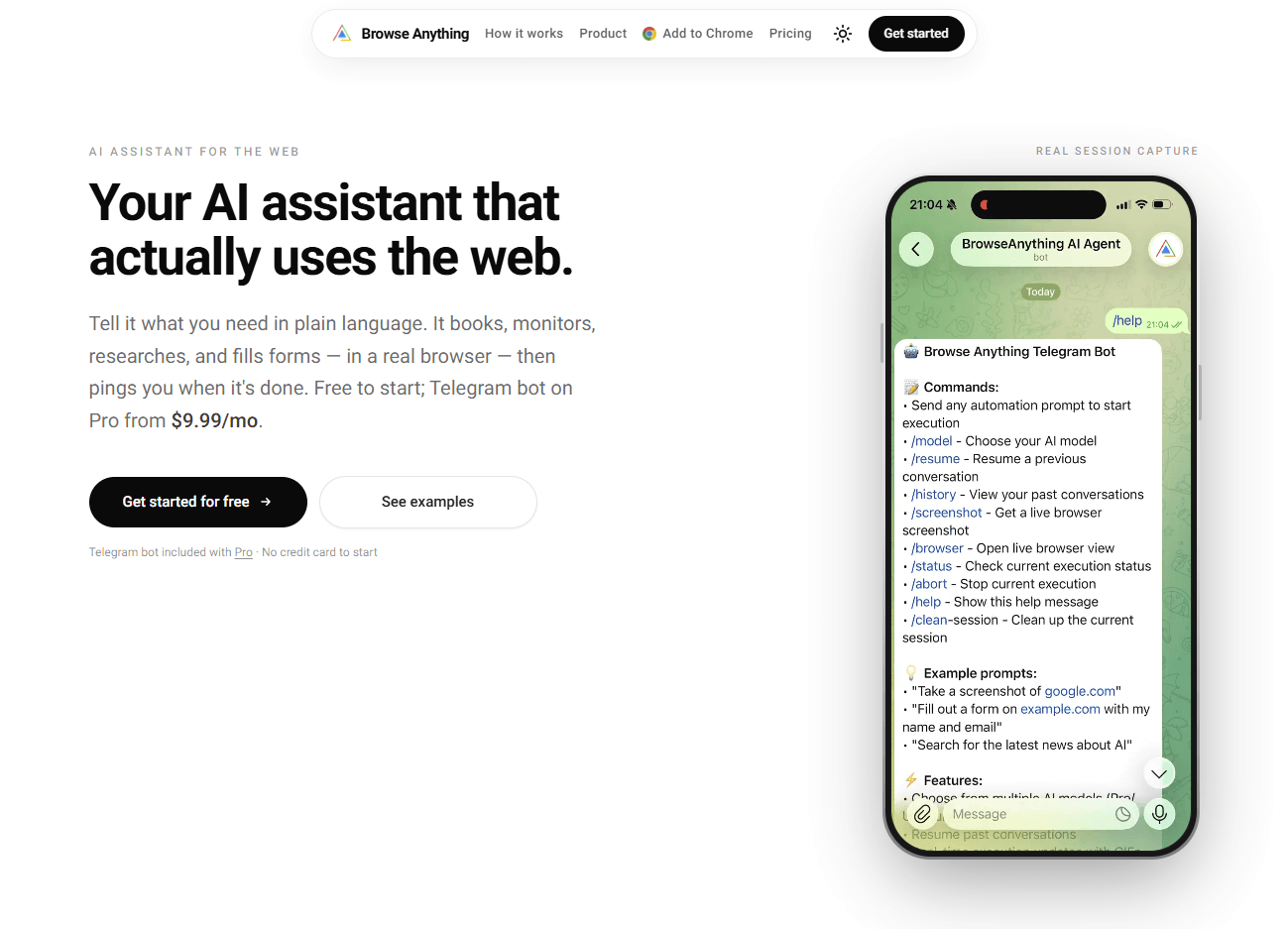
An AI agent that autonomously performs web actions like scraping, report generation, and Google Sheets updates, with optional cloud automation.
- Best for: Solo operators and growth teams that need prompt-driven scraping, table generation, and sheet updates without writing selectors.
- Key features: Autonomous navigation and scraping, CSV or PDF report generation, Google Sheets and Notion updates, optional cloud runs, and Telegram remote control.
- Why we like it: The Chrome Web Store listing details practical jobs, like remote control and cloud scheduling, that reduce babysitting long scrapes.
- Limitations: New listing with few or no ratings, so reliability data is thin, and complex anti-bot sites may still require manual guardrails, as community testers often for browser agents.
- Pricing: The Chrome Web Store shows "offers in-app purchases," but no public price card. Additional positioning is on its Product Hunt page.
MyNextBrowser
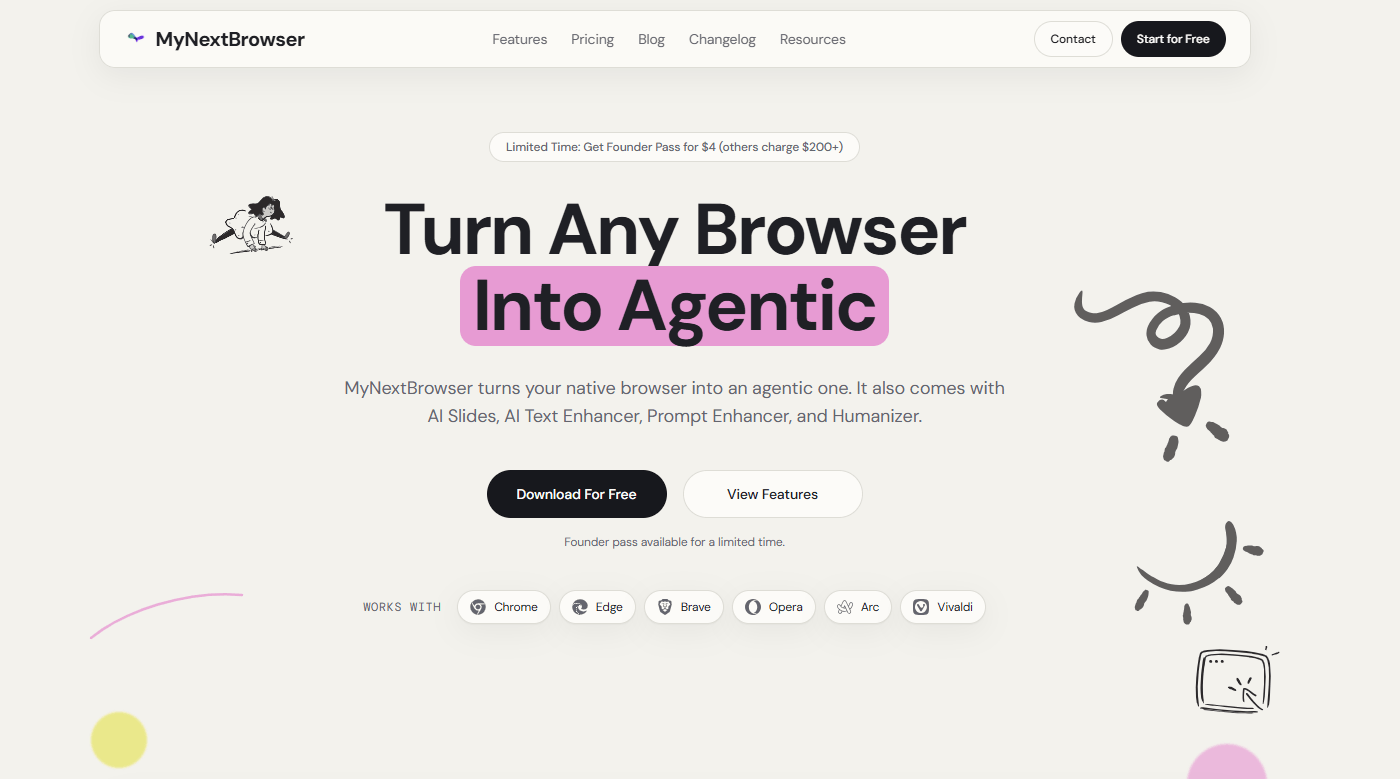
Turns your existing Chromium browser into an agentic one that handles research, shopping, form filling, and prompt enhancement, all from a side panel.
- Best for: Users who do not want to switch browsers and prefer an extension that adds agentic control, writing aids, and basic research automations.
- Key features: Autonomous agent mode, inbox triage and drafting, on-page text enhancement, prompt optimizer, and local-first privacy notes in the listing.
- Why we like it: It meets teams where they already work, which lowers change management and speeds trials across multiple browsers.
- Limitations: Early marketplace footprint with limited third-party reviews, and extension-based agents can be constrained by browser security models.
- Pricing: The Chrome Web Store listing shows "offers in-app purchases," with no public tier names. Check it for the current version and ratings.
Pangia
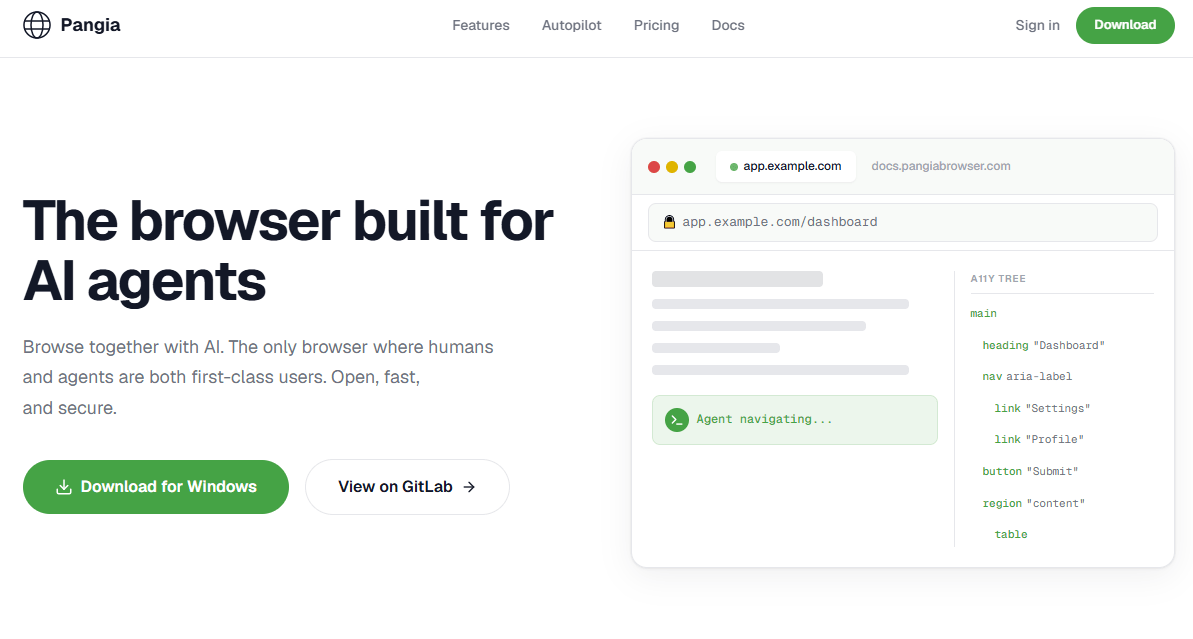
A browser built for AI agents to navigate, test, extract, and autopilot web tasks, with a pitch around multi-agent collaboration for real-time work.
- Best for: Teams exploring a purpose-built agent browser for testing and data extraction, where multi-agent orchestration is a design goal.
- Key features: Agent navigation and extraction, multi-agent collaboration, real-time tasking, and automated test flows, per vendor documentation.
- Why we like it: A browser that prioritizes agent control at the core can improve task completion, observability, and recovery compared with a bolt-on sidebar.
- Limitations: Limited independent coverage and reviews at the time of writing, and no public marketplace pages to validate pricing or governance features.
- Pricing: Pricing is not publicly available on third-party marketplaces.
Feature Comparison
| Tool | Human-in-the-loop | BYOK models | Run traces / logs |
|---|---|---|---|
| BrowserAgent | Yes, via visual flows | Not stated publicly | Not stated publicly |
| Nimbus | Yes, ask-user flow | Yes, model agnostic | Yes, local trace files |
| Browse Anything | Yes, keeps a human in the loop | Not stated publicly | Not stated publicly |
| MyNextBrowser | Yes, side-panel confirmation | Not stated publicly | Not stated |
| Pangia | Not stated publicly | Not stated publicly | Not stated |
Deployment Options
| Tool | Cloud API | On-premise | Integration complexity |
|---|---|---|---|
| BrowserAgent | Not required for runs | Runs in local browser | Low, visual builder |
| Nimbus | BYOK to LLM providers | Desktop app | Medium, new browser install |
| Browse Anything | Optional cloud jobs | Browser extension | Low, extension install |
| MyNextBrowser | Likely LLM API via extension | Browser extension | Low, extension install |
| Pangia | Not stated publicly | Desktop browser | Medium, new browser roll-out |
Strategic Decision Framework
| Critical question | Why it matters | What to evaluate | Red flags |
|---|---|---|---|
| Do you need predictable costs at high run volume? | Token drift can wreck budgets once agents work well | Local execution, fixed pricing, BYOK options | Per-run billing without caps or reports |
| How will you audit and govern actions? | Agents act across tabs and accounts | Run traces, replay, action logs, role-based controls | No visibility into steps or DOM state |
| What is your security posture for agent browsing? | Studies show agent browsers can weaken the same-origin policy and expand attack surface | Sandboxing, permission prompts, model scopes | Known SOP bypasses or vague security docs |
| What happens when the DOM changes mid-run? | Reliability on real sites is the main failure mode | Ask-user checkpoints, recovery logic, robust selectors | No pause, no retry, silent fails reported by users |
Problems & Solutions
-
Problem: Per-run model billing makes agent pilots expensive once adoption climbs.
Solution: A fixed-price local runner avoids variable API bills. BrowserAgent's launch notes describe running AI locally with unlimited executions under a fixed subscription, which addresses this exact budget risk. -
Problem: Agents silently fail on long workflows when they need a judgment call or hit auth walls.
Solution: Nimbus implements an ask-user checkpoint that pauses for human input, then resumes with context, plus local traces for review, a pattern mirrored from coding agents like Claude Code. -
Problem: Non-technical teams need data from live sites in sheets or reports without writing selectors.
Solution: Browse Anything positions prompt-based scraping with CSV or PDF outputs and Google Sheets updates, plus optional cloud scheduling and Telegram control for longer jobs. -
Problem: Teams want agentic help but cannot switch browsers or retrain staff.
Solution: MyNextBrowser adds an agent side panel, prompt enhancer, and form filling to the existing browser, lowering adoption friction while keeping day-to-day UX stable. -
Problem: Security leaders worry about agent browsers weakening isolation.
Solution: Favor products with explicit sandboxing and auditable traces, and pilot with least-privilege accounts. The June 2026 academic review noted earlier warned that several agentic browsers opened same-origin-policy bypass vectors, underscoring the need for tighter controls and reviews.
The Bottom Line
Agentic browsers are maturing fast, but the winners pair reliability with control. If your priority is cost certainty for high-volume tasks, start with a local runner and fixed price like BrowserAgent's model. If reliability and handoffs matter more than raw autonomy, an ask-first design such as Nimbus is a smart first step.
For teams that live in Chrome, extension approaches like Browse Anything or MyNextBrowser reduce adoption friction. Throughout, keep security front and center, since recent research flagged real risks in agent browsers, and ground your roadmap in the broader reality that enterprises are increasing spend on embedded AI and agents this year.