Most teams discover runaway cloud costs during month-end close, not from their dashboards. Working across different tech companies, we have seen three fixes repeatedly pay off fast: rightsizing EC2 with native recommendations, scheduling non-production to shut down after hours, and tightening Kubernetes requests and limits. For example, AWS shows that off-hours scheduling alone can cut instance spend by roughly 70 percent for nine-to-five workloads, which is the kind of win finance leaders notice immediately, not a year later. See AWS guidance on instance scheduling and rightsizing to gauge your baseline savings potential before you test any third-party tool (AWS Systems Manager Quick Setup, AWS Cost Explorer rightsizing).
Cloud spending is still rising quickly. Gartner forecasts public cloud end-user spending to reach approximately $875 billion in 2026, up from $723 billion in 2025, with multicloud and hybrid adoption accelerating (Gartner forecast). Five platforms stand out for hands-on automation, multi-cloud coverage, Kubernetes and AI workload focus, and practical pricing transparency. Below, you will learn where each fits, what to watch out for, and how to turn their features into measurable savings in weeks, not quarters.
CloudScore

AI-driven cost analytics and recommendations across AWS, Azure, GCP, and Oracle with anomaly detection and environment-level filters. Per vendor documentation, it emphasizes unified visibility and read-only access patterns.
- Best for: Teams that want multi-cloud visibility plus prioritized savings recommendations without deep platform access.
- Key Features: Multi-cloud cost explorer, AI-based recommendations, anomaly detection, spend segmentation by dev/test/prod, resource insights.
- Why we like it: Clear focus on cross-cloud views and guided remediation steps that line up with FinOps workflows.
- Notable Limitations: Pricing details are not posted with numbers, few independent reviews visible on major review sites as of January 2026, and limited third-party validation of claimed savings.
- Pricing: Pricing not publicly available. Contact CloudScore for a custom quote.
Zyptix Cloud Cost Advisor
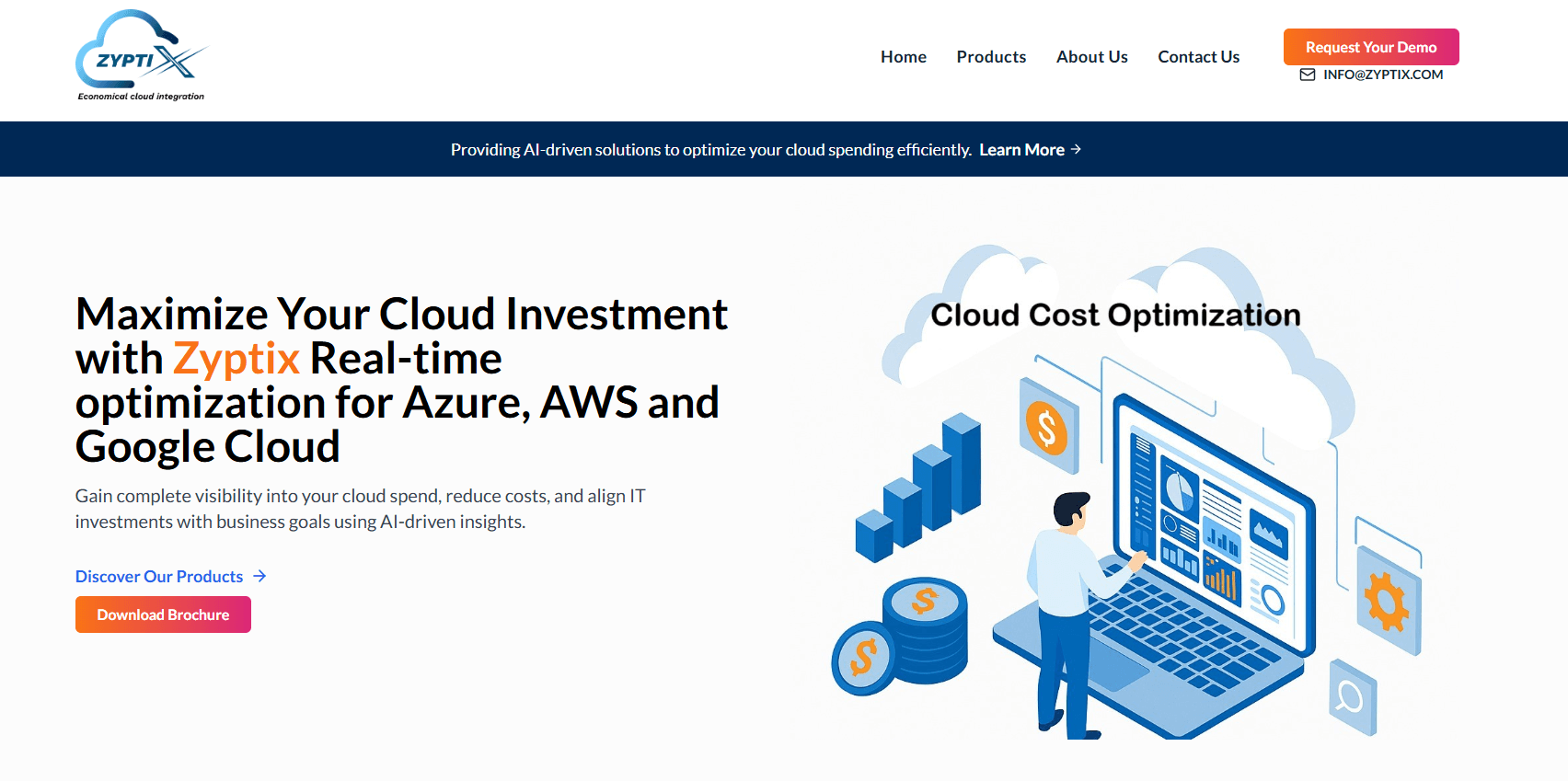
Unified dashboard for AWS, Azure, and GCP with real-time spend visualization and AI-based usage optimization. Marketed as an economical option for multi-cloud monitoring.
- Best for: Early FinOps teams needing a consolidated view and basic optimization hints across providers.
- Key Features: Multi-cloud integration, real-time cost and usage visualization, AI-driven usage optimization, custom dashboards and trend analysis.
- Why we like it: Straightforward scope and a familiar feature set that can replace manual spreadsheets during early FinOps adoption.
- Notable Limitations: No published pricing, limited third-party reviews as of January 2026, and unclear automation depth beyond recommendations.
- Pricing: Pricing not publicly available. Contact Zyptix for a custom quote.
SkySaver AI
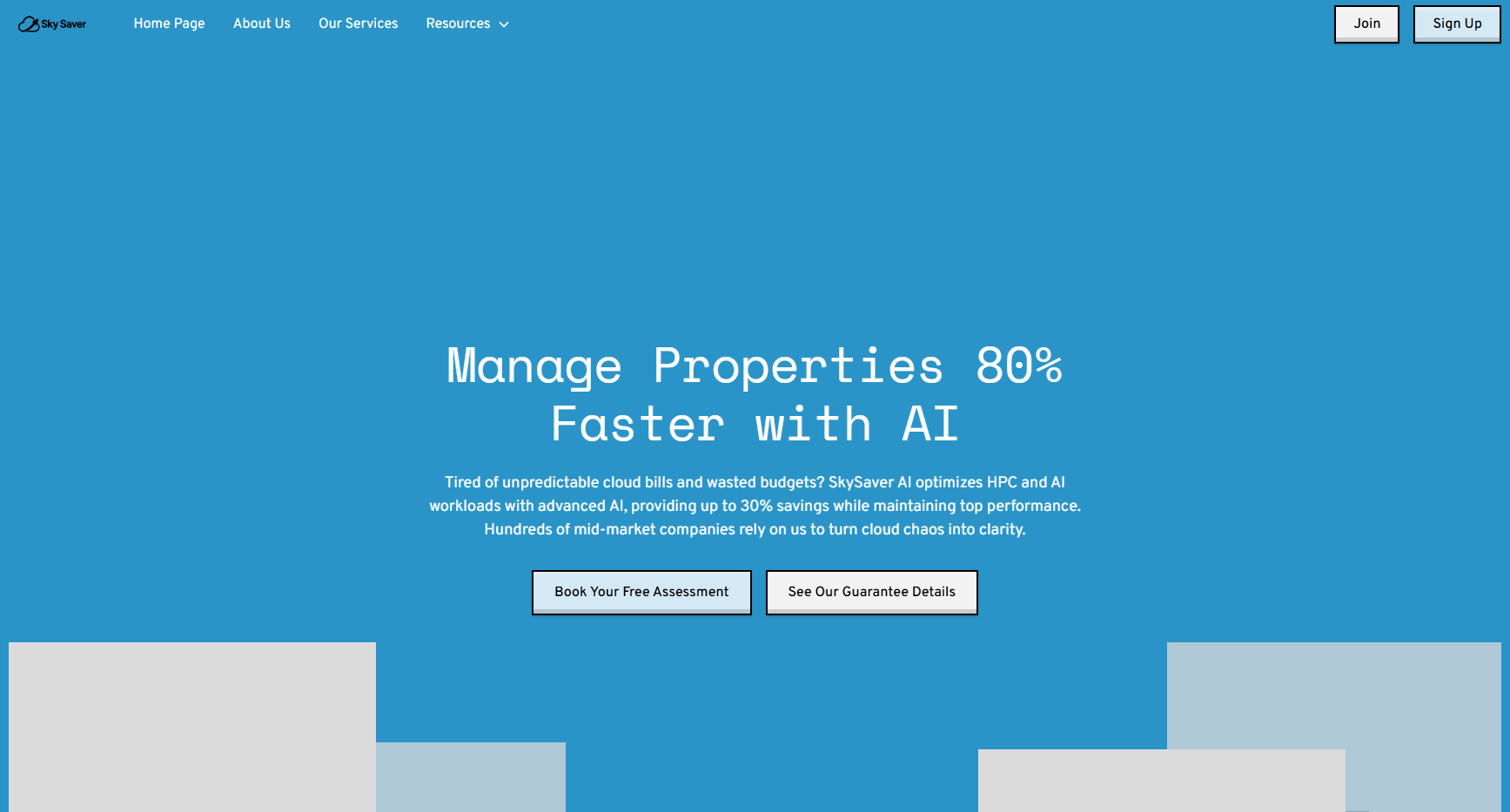
Positions itself as an AI platform that detects cloud waste and auto-remediates across providers, with alerts and rules-based fixes. Messaging highlights HPC, GPU, and AI workload cost controls.
- Best for: Teams with variable GPU or compute-heavy workloads that want automation to shut off waste quickly.
- Key Features: Automated remediation based on policies, real-time anomaly alerts via Slack or Teams, predictive forecasting, multi-cloud command center, AI assistant.
- Why we like it: The promise of enforcement, not just reporting, aligns to the fastest path to savings when governance is weak.
- Notable Limitations: Limited independent validation and scarce third-party reviews as of January 2026, plus performance-based pricing claims that need careful vendor diligence.
- Pricing: Vendor advertises a base platform fee plus a percentage of verified savings and a savings guarantee. Treat as subject to change and validate during procurement.
DeepCost
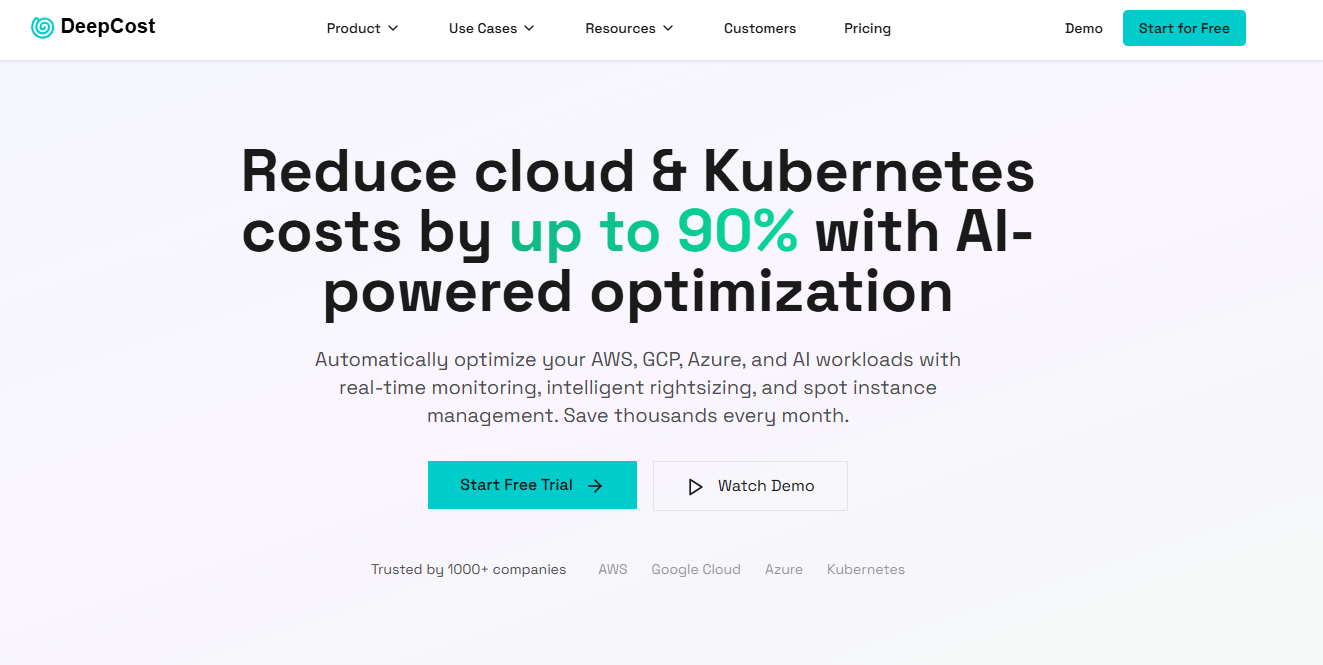
AI-powered cost optimization spanning AWS, GCP, Azure, and Kubernetes, with features for AI service cost control, spot automation, and anomaly detection. Vendor materials emphasize rapid setup and automated actions.
- Best for: Engineering-led teams that want Kubernetes rightsizing, spot instance automation, and controls for AI service usage in one place.
- Key Features: Kubernetes rightsizing, spot instance automation, multi-cloud monitoring, cost anomaly detection, AI service cost controls.
- Why we like it: Combines K8s rightsizing with infra and AI service levers, which consolidates workflows many teams otherwise stitch together.
- Notable Limitations: Vendor-stated savings are aggressive and need proof in a pilot, limited third-party reviews as of January 2026.
- Pricing: Publicly posted tiers as of January 2026: Free plan, Growth with a base monthly fee plus per-CPU charges, and custom Enterprise. Treat all figures as subject to change and confirm during contracting.
Costimizer
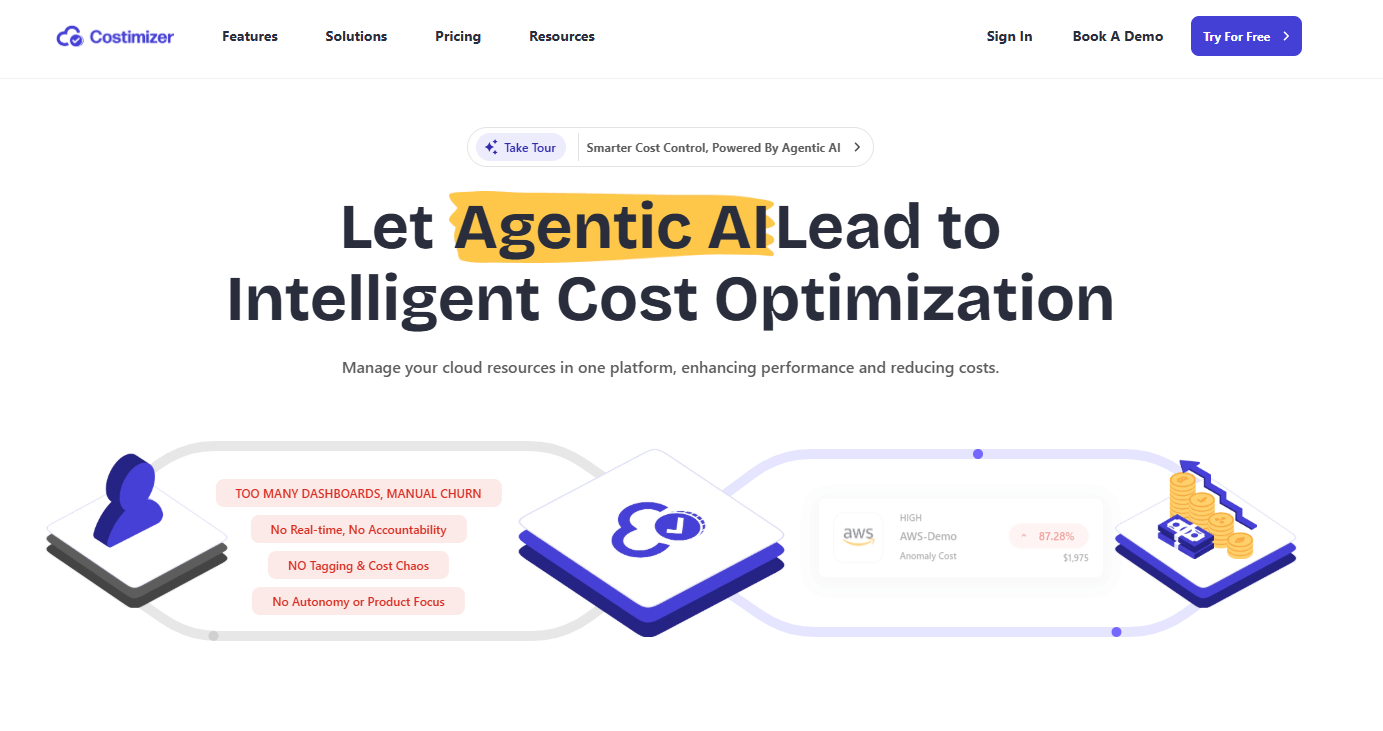
Agentic AI platform with multi-cloud visibility, anomaly detection, and a group-buying angle for commitments, positioned for continuous optimization.
- Best for: Budget-sensitive teams that want a simple dashboard, alerts, and possible discounts via group buying of commitments.
- Key Features: Multi-cloud cost visibility, anomaly detection, AI-driven recommendations, group buying for savings plans or RIs, workflow integrations.
- Why we like it: Adds a purchasing lever, not just technical rightsizing, which can help finance capture immediate discounts on predictable usage.
- Notable Limitations: Mixed messaging on "free" versus posted paid plans, limited independent reviews as of January 2026, and unclear details on governance for automated actions.
- Pricing: Vendor advertises a Growth plan with a published starting monthly price and enterprise options. Treat as subject to change and confirm eligibility, terms, and any minimums with the vendor.
AI-Driven Cloud Cost Optimization Tools Comparison: Quick Overview
| Tool | Best For | Pricing Model | Highlights |
|---|---|---|---|
| CloudScore | Cross-cloud visibility with guided savings actions | Quote-based | Multi-cloud explorer, AI recommendations, anomaly alerts |
| Zyptix Cloud Cost Advisor | Early FinOps teams, consolidated dashboards | Quote-based | Unified multi-cloud analytics, basic optimization guidance |
| SkySaver AI | Teams that want automated remediation and GPU/AI tuning | Base fee plus performance share | Policy-driven auto-fixes, alerts, forecasting, AI assistant |
| DeepCost | Engineering-led teams needing K8s rightsizing and spot automation | Public tiers with base plus usage components | K8s rightsizing, spot automation, AI service cost control |
| Costimizer | Budget-sensitive teams and buyers open to group buying | Posted plan tiers plus enterprise options | Group buying, anomaly detection, workflow integrations |
AI-Driven Cloud Cost Optimization Platform Comparison: Key Features at a Glance
| Tool | K8s Rightsizing | Anomaly Detection | Automated Remediation |
|---|---|---|---|
| CloudScore | Claimed | Claimed | Guidance first, automation not clearly documented |
| Zyptix Cloud Cost Advisor | Not emphasized | Claimed | Not clearly documented |
| SkySaver AI | Claimed | Claimed | Claimed policy-based auto-remediation |
| DeepCost | Claimed ML-based | Claimed | Claimed for spot and infra changes |
| Costimizer | Claimed | Claimed | Claimed, with approval workflows implied |
AI-Driven Cloud Cost Optimization Deployment Options
| Tool | Cloud API | On-Premise | Integration Complexity |
|---|---|---|---|
| CloudScore | Yes, read-only connectors described | Not publicly documented | Low to moderate, per vendor setup flows |
| Zyptix Cloud Cost Advisor | Yes | Not publicly documented | Moderate, multi-cloud connectors |
| SkySaver AI | Yes | Not publicly documented | Moderate, adds alerting and policy setup |
| DeepCost | Yes | Not publicly documented | Low to moderate, vendor claims rapid setup |
| Costimizer | Yes | Not publicly documented | Low to moderate, connectors and workflows |
AI-Driven Cloud Cost Optimization Strategic Decision Framework
| Critical Question | Why It Matters | What to Evaluate |
|---|---|---|
| Do we need reporting or enforcement? | Enforcement drives faster savings than dashboards alone. | Look for policy engines, guardrails, rollbacks. Red flag: "Insights only" with no path to action. |
| How does it handle Kubernetes rightsizing? | K8s is a top source of over-requests and waste. | Support for Vertical Pod Autoscaler or equivalent and safe rollout. Red flag: No K8s context or only manual CSV exports. |
| Can it cut off-hours waste immediately? | Off-hours scheduling yields rapid savings. | Native schedules, approval flows, or easy pairing with AWS schedulers. Red flag: No scheduling or dependency on only manual steps. |
| How are AI and GPU costs addressed? | AI workloads spike unexpectedly and are costly. | GPU utilization, job orchestration ties, AI service cost metrics. Red flag: No visibility into model or GPU usage. |
AI-Driven Cloud Cost Optimization Solutions Comparison: Pricing and Capabilities Overview
| Organization Size | Recommended Setup | Monthly Cost | Annual Investment |
|---|---|---|---|
| Startup to SMB | Start with DeepCost Free monitoring plus native AWS scheduling for off-hours, expand to paid tier if automation pays back. | $0 to vendor-posted entry tier, plus cloud costs | $0 to low five figures, based on CPU and features |
| Mid-market | CloudScore or Costimizer for multi-cloud visibility and alerts, add DeepCost or SkySaver AI if you want auto-remediation. | Quote-based or posted tiered plans | Mid five to low six figures depending on scope |
| Enterprise | Blend reporting and enforcement: CloudScore for cross-cloud reporting, DeepCost for K8s and spot automation, SkySaver AI for policy-driven fixes where approved. | Quote-based across vendors | Six figures and up with services and support |
Notes: All pricing characterizations reflect publicly posted information or lack thereof as of January 2026. Validate with vendors before purchase.
Problems & Solutions
-
Problem: Idle non-production resources eat spend overnight and on weekends. According to AWS guidance, scheduling EC2 and RDS to stop outside business hours can reduce runtime from 168 to about 50 hours per week, a savings near 70 percent for those instances (AWS Systems Manager Quick Setup, Instance Scheduler solution).
How tools help:- CloudScore and Zyptix surface off-hours waste patterns with environment filters so you can target schedules quickly.
- SkySaver AI emphasizes policy-based auto-remediation, which can enforce shut-offs without manual tickets.
- DeepCost and Costimizer pair anomaly alerts with recommendations to downsize or stop idle resources.
-
Problem: Kubernetes over-requests and static limits cause chronic overprovisioning. Vertical Pod Autoscaler adjusts CPU and memory requests to actual usage and is documented in both upstream Kubernetes and managed services (Kubernetes VPA docs, GKE VPA guidance). Studies and community reports have shown that mis-sized pods are common, which ties directly to wasted nodes and spend (academic exploration of autoscaling efficiency).
How tools help:- DeepCost highlights ML-based K8s rightsizing and spot automation, which bundles two high-ROI tactics.
- Costimizer markets agentic recommendations and anomaly detection that can be routed to Slack or Jira to drive action.
- CloudScore flags underused assets so platform teams can tune requests and limits.
-
Problem: FinOps leaders cite rising spend and limited visibility as top challenges. In 2025, 84 percent of organizations said managing cloud spend is their primary challenge, and spend was expected to rise by about 28 percent year over year (Flexera 2025 State of the Cloud press release).
How tools help:- CloudScore provides cross-cloud views and anomaly alerts to reduce blind spots.
- Zyptix offers unified dashboards to centralize spend and usage signals.
- SkySaver AI and DeepCost move beyond reporting with automated enforcement where policy allows, which accelerates savings realization.
-
Problem: Buyers need independent signals before they commit. Major review sites track cloud cost tools, but many niche vendors have little coverage, which means teams should insist on trials, references, or marketplace listings. You can scan the category to see who is commonly compared and what issues users report, such as data latency or limited customization in some tools (G2 Cloud Cost Management category).
How tools help:- All five vendors here offer trials, demos, or quick-start flows per their materials. Run a two-week pilot with guardrails and compare against native savings opportunities like AWS rightsizing to confirm incremental value.
Bottom Line: Pick the Fastest Path to Verified Savings
Cloud costs are set to keep growing, which makes enforcement, not just reporting, your lever for near-term ROI (Gartner public cloud forecast). If you want dashboards first, start with CloudScore or Zyptix. If you need action, pilot DeepCost or SkySaver AI on a limited set of accounts, then expand if you beat native AWS savings from rightsizing and off-hours scheduling. Costimizer is worth a look if group buying of commitments fits your profile. For any vendor with limited third-party reviews, demand a proof-of-value on your real spend before you sign.
Disclosures: Features and pricing summaries above are based on vendor materials available as of January 2026 and may change. Where third-party validation was limited, we called it out and recommended trials and references.