You think you know which simulator your team needs until the first end to end test exposes time step jitter, mis tuned contact solvers, and ROS topics drifting out of sync. Working across different tech companies, the fastest wins we have seen came from three nuts and bolts moves: exporting clean URDF to SDF without frame leaks, tuning solver iteration limits for contact rich tasks, and validating controller latency under a real time factor below 1. Most teams discover these gaps during hardware bring up, not from glossy feature lists.
Industrial adoption keeps pushing simulation forward. In 2024, factories worldwide installed 542,000 industrial robots and reached an operational stock of 4.66 million units, more than double the installation numbers from ten years ago, according to the latest World Robotics 2025 report from the International Federation of Robotics. In the next sections you will learn where each shines, what it costs, and how to avoid common integration snags backed by independent sources.
Webots
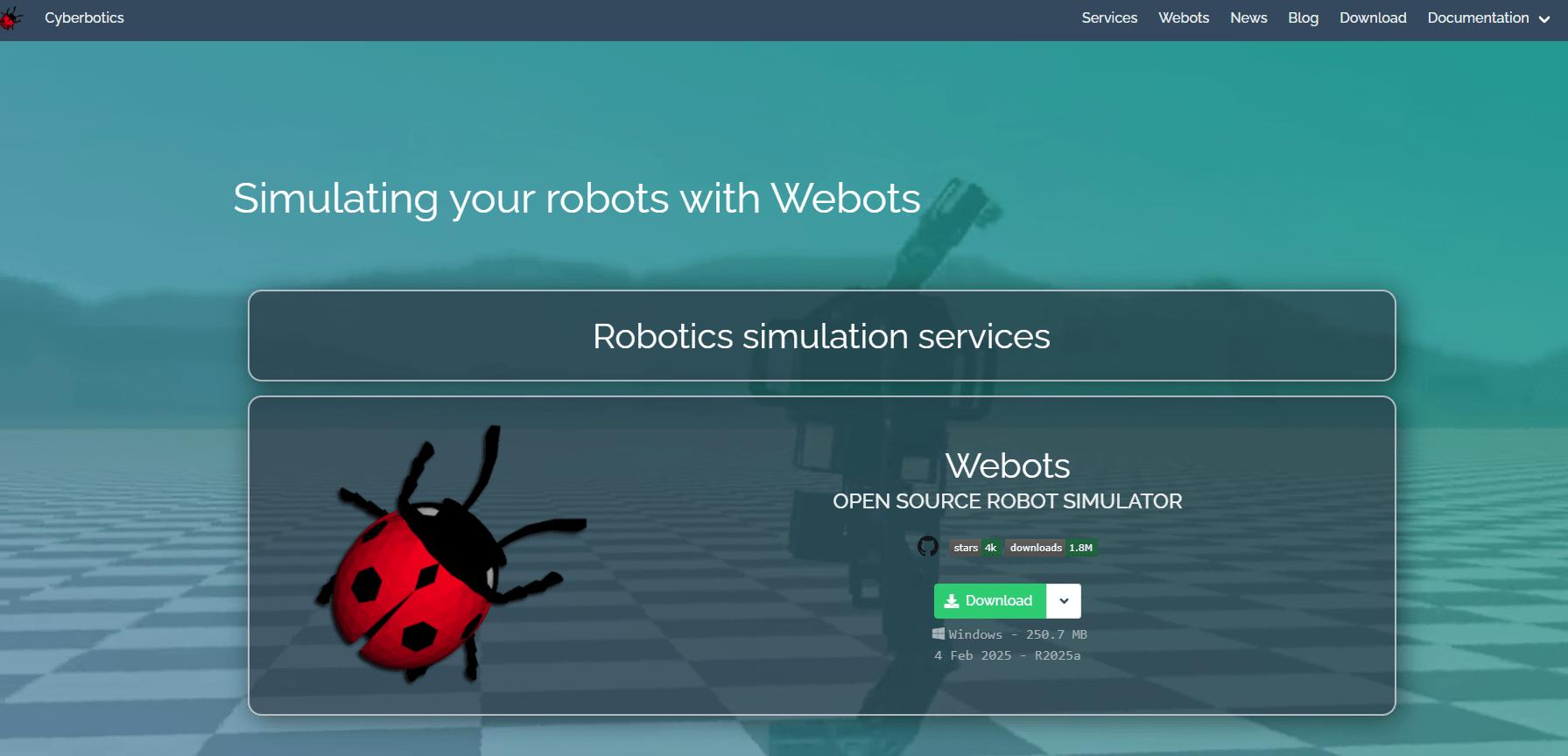
Open source 3D robot simulator with a built in IDE, device models, and multi language APIs. Widely used for education and research, and increasingly for light industrial prototyping.
According to vendor documentation, Webots offers C, C++, Python, Java, and MATLAB APIs, a Supervisor API for programmatic world control, and a large library of robots and sensors.
- Best for: Cross platform robotics courses, swarm experiments, rapid prototyping with built in assets.
- Key Features: Multi language controller APIs, Supervisor API for runtime world changes, extensive robot and sensor models, ROS 2 interface, reproducible batch mode runs.
- Why we like it: Setup is fast and the IDE shortens the loop between modeling and control code. For classroom multi robot demos, teams reach a working swarm faster than with heavier stacks.
- Notable Limitations: Uses an ODE derived physics core, so replicating advanced contact fidelity seen in engines like MuJoCo or PhysX may require careful tuning, as summarized in an academic review of physics engines for RL that calls out tradeoffs between accuracy and usability across simulators. Community posts also flag occasional ROS 2 bridge friction on Windows and WSL setups, which typically traces to networking and environment configuration rather than Webots itself.
- Pricing: Free and open source under Apache 2.0 since December 2018, as announced on the Open Robotics community forum and reflected in independent summaries like Wikipedia.
CoppeliaSim
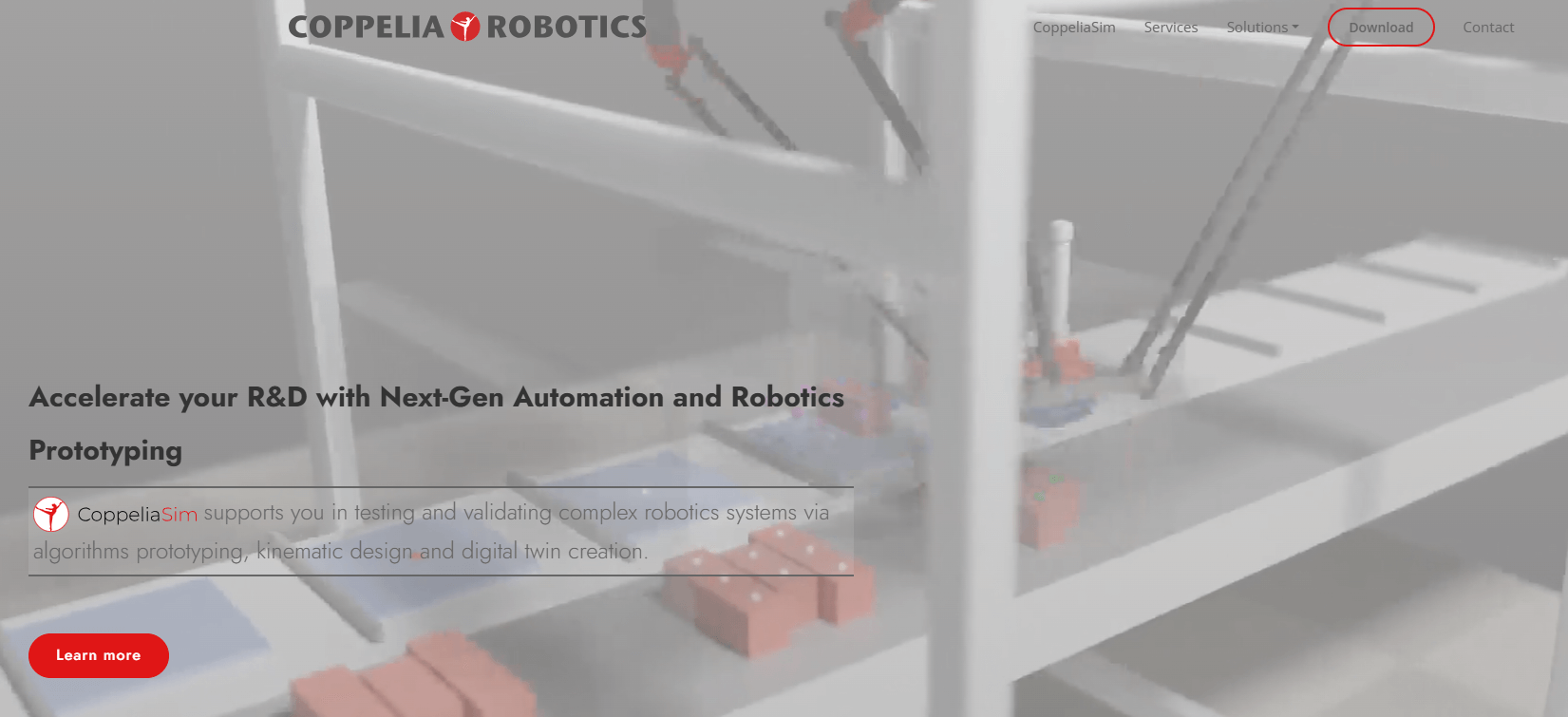
Versatile robot simulator, formerly V REP, built around a distributed control architecture with scripting and plug in support. Suited to complex manipulation cells and hybrid simulations.
Per vendor documentation, CoppeliaSim exposes Lua for in scene scripts, remote APIs for Python, C C++, Java, MATLAB, and multiple physics back ends including MuJoCo, Bullet, ODE, Vortex, and Newton.
- Best for: Complex manipulation and multi physics studies, labs that need to swap physics engines for contact sensitive tasks.
- Key Features: Multiple physics engines in one environment, remote APIs for several languages, ROS and middleware bridges, kinematics and dynamics toolset, headless execution.
- Why we like it: When contact behavior matters, the ability to A B physics engines in the same scene saves days of guesswork. Scripting makes quick experiments painless.
- Notable Limitations: Physics engine choice and settings can complicate reproducibility across teams, a challenge echoed by a systematic review of physics engines for RL that highlights transparency and comparability issues across stacks. Some users report Windows install and onboarding hiccups in community threads, usually fixed by switching packages or environment tweaks. A 2022 quantitative comparison of mobile robot simulators also shows accuracy and resource use vary by tool and configuration, which is consistent with field experience.
- Pricing: Pricing not publicly available. Per vendor documentation, commercial Pro and Lite licenses are available and an education license exists for schools. Contact the vendor for a custom quote.
Gazebo
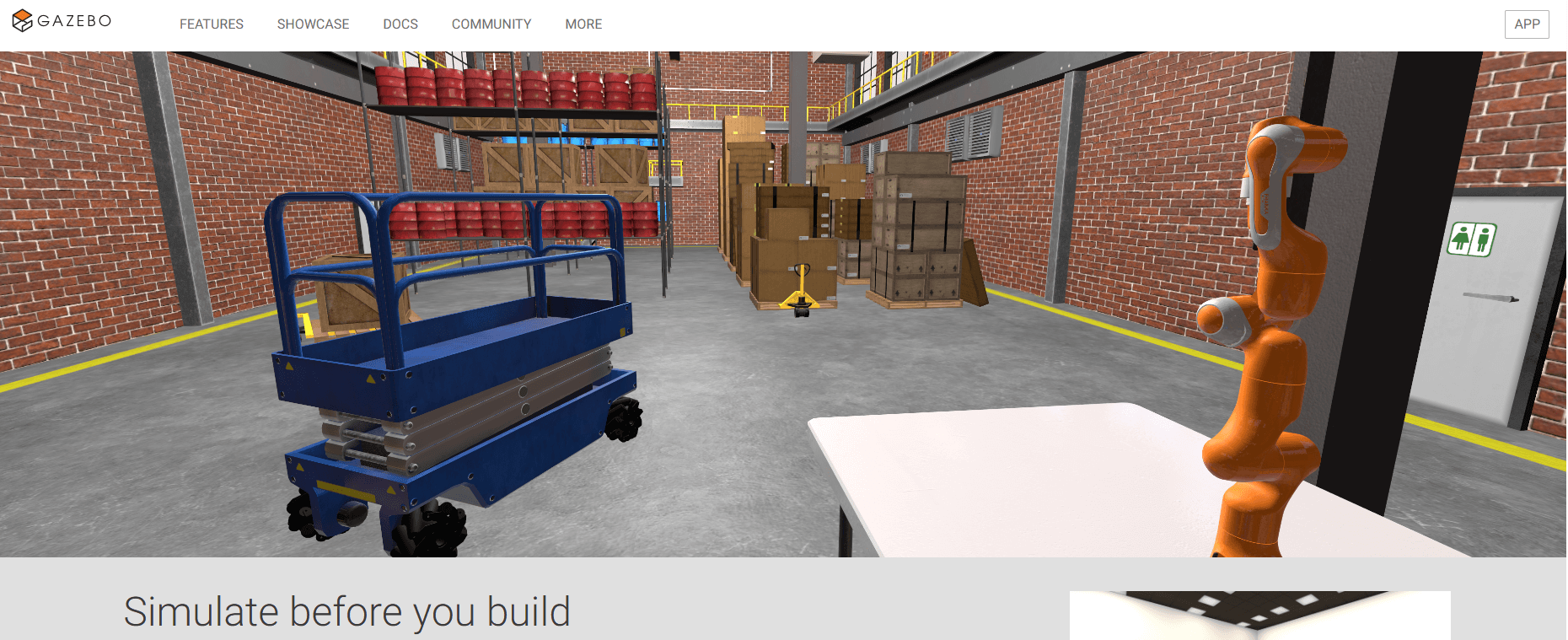
Modern Gazebo is the successor to Gazebo Classic, an open source 3D robotics simulator focused on realistic physics, sensors, and deep ROS 2 integration.
According to project documentation and packaging metadata, Gazebo is released under the Apache 2.0 license and provides modular libraries for physics, rendering, and transport with ROS 2 bridges.
- Best for: ROS 2 centric teams, multi robot and sensor heavy R&D, CI pipelines that need headless runs and plugin level control.
- Key Features: Rich sensor simulation, plugin architecture in C++, ROS 2 bridges, multi engine physics support, headless server and batch runs.
- Why we like it: If your stack is ROS 2 first, Gazebo gives you realistic sensors and a mature plugin model. It is the default choice for many autonomy labs.
- Notable Limitations: Gazebo Classic reached end of life on January 31, 2025, so teams should migrate to modern Gazebo releases such as Fortress or Harmonic. Community threads often cite performance bottlenecks with heavy scenes, misconfigured GPU drivers, or WSL graphics limits, all of which can make the sim feel laggy until tuned.
- Pricing: Free and open source under Apache 2.0, which is documented in downstream packaging.
RoboDK
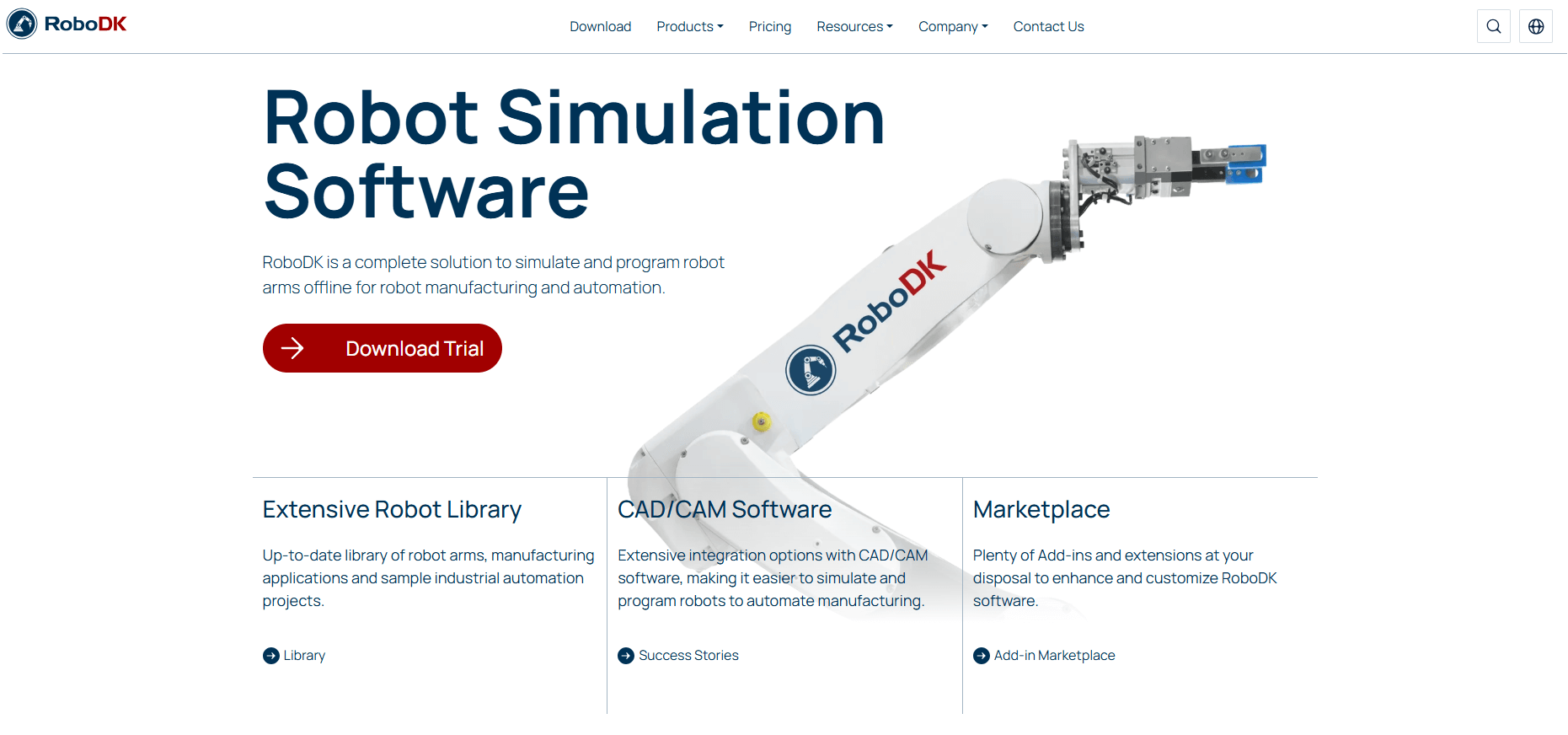
Commercial offline programming and simulation for industrial robot arms with a large robot library and CAD CAM integrations. Focused on generating controller ready programs and calibration.
Third party articles highlight RoboDK's additions like a lightweight web version for demos and an academy for free training, both aimed at reducing onboarding friction.
- Best for: Integrators and manufacturers who need offline programming, post processors, and calibration without vendor lock in.
- Key Features: Broad robot library and controller post processors, CAD CAM workflows, robot and tool calibration options, Python API and plug ins, offline and online programming.
- Why we like it: It pays for itself when you stop burning machine time on teach pendants. The post processors and driver options shorten the last mile to real controllers.
- Notable Limitations: Controller specific quirks can surface in post processors or G code arcs, as seen in user bug threads that required fixes in subsequent builds. Very large additive programs can hit controller limits and require chunking or streaming, a pain point echoed by users working with FANUC 3D printing.
- Pricing: Pricing starts from 145 euros for entry tiers, with Professional licenses available. Distributors noted price revisions effective May 2025 due to currency and development costs, so confirm current terms before budgeting. Educational subscriptions and a time limited trial exist per public materials.
Robotics Simulation Tools Comparison: Quick Overview
| Tool | Best For | Pricing Model | Highlights |
|---|---|---|---|
| Webots | Courses, swarms, fast prototyping | Open source, Apache 2.0, Free | Built in IDE, large model library, Supervisor API, free trial |
| CoppeliaSim | Contact rich manipulation | Commercial, dual licensing | Multiple physics engines in one scene, flexible scripting, education license available |
| Gazebo | ROS 2 first teams | Open source, Apache 2.0, Free | Realistic sensors, plugins, headless CI |
| RoboDK | Industrial OLP and calibration | Commercial perpetual license | Broad robot controller support, CAD CAM, trial available |
Robotics Simulation Platform Comparison: Key Features at a Glance
| Tool | Physics choice | ROS 2 integration | Scripting or APIs |
|---|---|---|---|
| Webots | ODE derived core | Yes | C, C++, Python, Java, MATLAB, Supervisor API |
| CoppeliaSim | MuJoCo, Bullet, ODE, Vortex, Newton | Yes | Lua in scene, remote APIs for Python, C C++, Java, MATLAB |
| Gazebo | Multiple back ends across releases | Yes | Plugins in C++, model and sensor APIs |
| RoboDK | Controller accurate kinematics | Not required, optional bridges | Python API, plug ins, post processors |
Robotics Simulation Deployment Options
| Tool | Desktop OS support | Headless or Batch Mode | GPU Considerations |
|---|---|---|---|
| Webots | Windows, Linux, macOS | Yes | Benefits from discrete GPU for large scenes |
| CoppeliaSim | Windows, Linux, macOS | Yes | Physics choice and scene complexity drive GPU CPU load |
| Gazebo | Linux, Windows, macOS | Yes | Correct GPU drivers are critical, WSL has limits noted by users |
| RoboDK | Windows, Linux, macOS | Yes for program generation | GPU not critical, CAD CAM workloads vary |
Robotics Simulation Strategic Decision Framework
| Critical Question | Why It Matters | Red Flags |
|---|---|---|
| Do you need tight ROS 2 alignment and long term support? | Determines simulator fit and upgrade path | Building new projects on Gazebo Classic, which reached EOL on Jan 31, 2025 |
| Do you need multiple physics engines in a single scene? | Contact fidelity and reproducibility | Comparing results without locking engine versions and settings |
| Is industrial offline programming a primary goal? | Drives ROI and controller compatibility | Assuming generic G code will map 1:1 to every controller |
| Are you scaling to 20 plus robots on modest hardware? | CPU RTF limits can gate experiments | Ignoring CPU and GPU profiling |
Robotics Solutions Comparison: Pricing and Capabilities Overview
| Organization Size | Recommended Setup | Upfront License, Software Only |
|---|---|---|
| University course, 30 students | Webots for labs, Gazebo for ROS 2 modules | €0, open source |
| Robotics research lab | CoppeliaSim for multi physics, Webots for swarms | Contact vendor for pricing |
| Small integrator, OLP focus | RoboDK Professional for OLP plus calibration add ons | Starting from €145, confirm current pricing for Professional tier |
| Autonomy startup, ROS 2 stack | Modern Gazebo for CI, Webots for quick prototypes | €0, open source |
Problems & Solutions
-
Problem: You are still on Gazebo Classic and your ROS 2 upgrade is blocked.
Solution: Plan a migration to modern Gazebo releases like Fortress or Harmonic. The maintainers formally ended support for Classic on January 31, 2025 and recommend upgrading, with community threads outlining timelines and migration notes. Start by mapping plugins and sensors to modern equivalents and pin versions in CI. -
Problem: Multi robot swarms tank your real time factor, blocking classroom demos and experiments.
Solution: Favor Webots for swarm scale ups on modest hardware. An independent study comparing Gazebo and Webots under ROS 2 found Gazebo's CPU usage and RTF degraded above roughly 20 agents, while Webots held better CPU usage for the same scenarios, which aligns with field experience when using identical models and environments. -
Problem: Your additive manufacturing cell produces controller errors on arc moves and oversized job files.
Solution: Expect controller specific constraints. RoboDK users have reported G2 G3 arc handling and configuration flag quirks that required post processor updates, and controller memory limits often demand chunked programs or streaming workflows. Test with controller specific posts early, split long jobs, and budget time for driver or post tweaks. -
Problem: You need to compare contact behavior across physics engines for manipulation research.
Solution: Use CoppeliaSim to A B scenes across MuJoCo, Bullet, ODE, and other engines, then document engine versions and solver settings for reproducibility. Academic reviews stress that differences between engines and configurations can materially affect results, so your methods section should lock down these details.
Bottom Line: Pick the Simulator That Matches Your Next Two Milestones
If your roadmap is ROS 2 heavy, modern Gazebo is the natural base, with community guidance and long term support replacing the now retired Classic branch. For quick wins, Webots gets teams moving fast and scales better on modest hardware in swarm scenarios. When contact fidelity is the question, CoppeliaSim's multi engine approach pays off, provided you document configurations for reproducibility. And if your goal is controller ready code, RoboDK's OLP stack and training resources cut downtime, with pricing available through resellers and direct channels to aid budgeting. Governance wise, Gazebo and ROS remain under nonprofit stewardship even after the 2022 acquisition of Open Robotics' commercial arm by Intrinsic, which kept open source project oversight with OSRF. Start where your next debug session will be, not where the brochure looks slickest.