

A terminal emulator is the desktop app that draws your command-line window. It is not the shell (bash, zsh, Fish, or PowerShell), and it is not your editor. You switch terminals when you want a better window: tabs, split panes, a config that travels between machines, SSH or serial in the same app, or, in one case, a built-in AI agent.
Most modern terminals are already fast enough for everyday development. The bigger differences are practical: which operating systems they support, whether tabs and panes are built in, how you configure them, whether SSH and serial tools are included, and whether you need an account.
Ghostty is a strong native choice for macOS and Linux. WezTerm is better if you need one setup across Windows, macOS, and Linux. Alacritty stays deliberately minimal and works well if tmux already handles your sessions. Kitty adds tabs, images, and scripting. Warp is the unusual option because it combines a terminal with a paid AI agent. The 2026 shortlist is eleven active terminals, split by those differences, not by a rendering race. If you just want a good terminal, start with your operating system and workflow. If you specifically want AI inside the terminal, then pricing and account requirements start to matter. The method is on How we review tools.
What actually matters when choosing a terminal
Most of these are free apps you install once. The useful questions are about your machines and your workflow, not about a contract.
| Problem | Solution |
|---|---|
| You made one app the team default, then found it has no Windows build | Check the listed operating systems before you share the config |
| The app asks you to create an account before it will run | Ask whether a local install works offline. Most terminals here do |
| You expected tabs and split panes, and they are missing | Confirm tabs, panes, and SSH are in the app, or keep using tmux |
| The AI features look free until credits start counting | Read the credit table if you want a built-in agent. Most terminals here have none |
How we evaluated terminal emulators
We compared these terminals on four things you can check on the project page: which operating systems are listed, whether you need an account, whether any price is published, and whether tabs and panes are built in or left to tmux. Rendering benchmarks did not decide the list. Neighbor products sit under Other terminal emulators worth considering.
TL;DR: The 11 Compared
| Terminal | Best for | What to check |
|---|---|---|
| Ghostty | A native terminal on Mac or Linux, with no account |
Runs onmacOS and Linux. Cocoa / GTK. No Windows build
Account requiredNo
PriceFree. Donations to the non-profit. No paid plans
|
| Warp | A terminal with a built-in AI agent, or the same agent from another terminal’s CLI |
Runs onmacOS, Linux, and Windows. AGPL client, closed server
Account requiredYes
PriceFree $0 for the terminal. Build $18 / month annual ($20 monthly), 1,500 credits. Max $180 ($200). Business $45 / user ($50)
|
| WezTerm | One Lua config on Windows, Mac, and Linux, with panes and a built-in multiplexer |
Runs onWindows 10, macOS, Linux, and BSD
Account requiredNo
PriceFree and open source. No paid plan
|
| Alacritty | A thin GPU window when tmux already handles tabs and sessions |
Runs onLinux, macOS, Windows, and BSD. OpenGL. TOML. No tabs, on purpose
Account requiredNo
PriceFree. Apache-2.0. Still labeled beta on the homepage
|
| Kitty | Keyboard-first Linux and macOS users who want tabs, images, and scripting |
Runs onLinux, macOS, and BSD. GPLv3. No Windows
Account requiredNo
PriceFree. No paid plan
|
| iTerm2 | macOS-only power users who want panes, profiles, and shell integration |
Runs onmacOS 12.4 or newer. GPLv2
Account requiredNo
PriceFree. No paid plan
|
| Windows Terminal | Windows users who want a free tabbed host for PowerShell, cmd, and WSL |
Runs onWindows only. MIT
Account requiredNo for the app. The Store install path asks for a Microsoft account
PriceFree
|
| Konsole | KDE and Linux users who want the desktop terminal that is already there |
Runs onLinux / KDE. GPL-2.0-or-later
Account requiredNo
PriceFree. No paid plan
|
| Tabby | One free app for local shells, SSH, and serial on Windows, Mac, and Linux |
Runs onWindows, macOS, and Linux. MIT
Account requiredNo
PriceFree. Forever FOSS
|
| Rio | A MIT GPU terminal that includes Windows, macOS, Linux, and FreeBSD |
Runs onmacOS, Windows 10 or later, Linux, and FreeBSD. MIT
Account requiredNo
PriceFree. No paid plan
|
| Wave Terminal | A cross-platform terminal with file, editor, and browser widgets, and no required login |
Runs onWindows, macOS, and Linux. Apache-2.0
Account requiredNo
PriceFree. No account
|
Ghostty
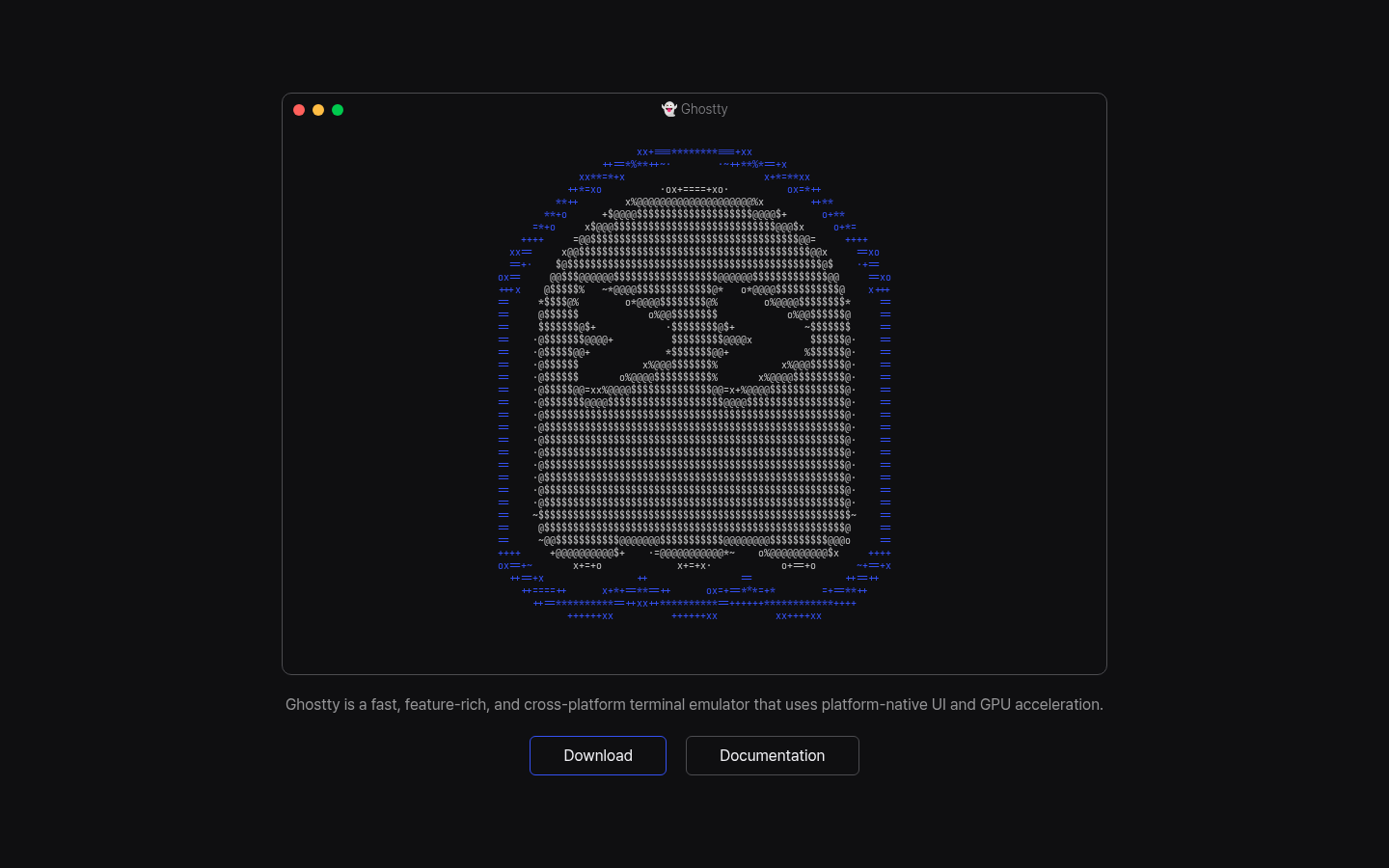
Ghostty is a terminal written in Zig. It uses native UI: Cocoa and Metal on macOS, GTK 4 and OpenGL on Linux. The license is MIT. The project is a fiscally sponsored non-profit, and contributors can be paid. There is no Windows build, and the 1.4 roadmap is not promising one. Other terminal apps can embed Ghostty’s rendering engine through libghostty instead of writing their own.
1.3.0 (9 Mar 2026) added the everyday features people were waiting for: scrollback search, native overlay scrollbars, click-to-move-cursor in modern Fish and Nushell prompts, command-finished notifications, and key tables. 1.3.1 (13 Mar 2026) is the build to install. 1.3.0 had real macOS input bugs. macOS 13 Ventura is still the minimum; 1.4 will want macOS 14. Like most new terminals, you may need to install Ghostty’s terminfo on remote hosts so keys and colors work over SSH, or set TERM to something the host already knows.
Best for: People on macOS or Linux who want a fast terminal that uses native widgets and does not require an account, telemetry, or Windows.
What you get:
- Scrollback search and native scrollbars since 1.3.0.
- Click-to-move in OSC 133 prompts, plus notify-on-command-finish for long builds.
- Key tables and chained binds if you want modal shortcuts without tmux.
- libghostty as a Zig module other apps can embed.
Why we like it: Ghostty 1.3 ships search, a scrollbar, and click-to-cursor, the basics iTerm users miss. The non-profit setup, with paid contributor contracts, also means the project is not a single-person side project that can disappear when a company changes plans.
Limits:
- No Windows. Use WezTerm or Windows Terminal if you need that machine.
- Install 1.3.1 or newer, not the 1.3.0 blog-day build.
- AppleScript is preview and will break in 1.4. Do not automate a fleet on it yet.
- Install the terminfo on the remote, or set
TERMto something the host already has.
Price: Free. MIT. Donations go to the non-profit and paid contributors. No paid plans on ghostty.org.
Warp
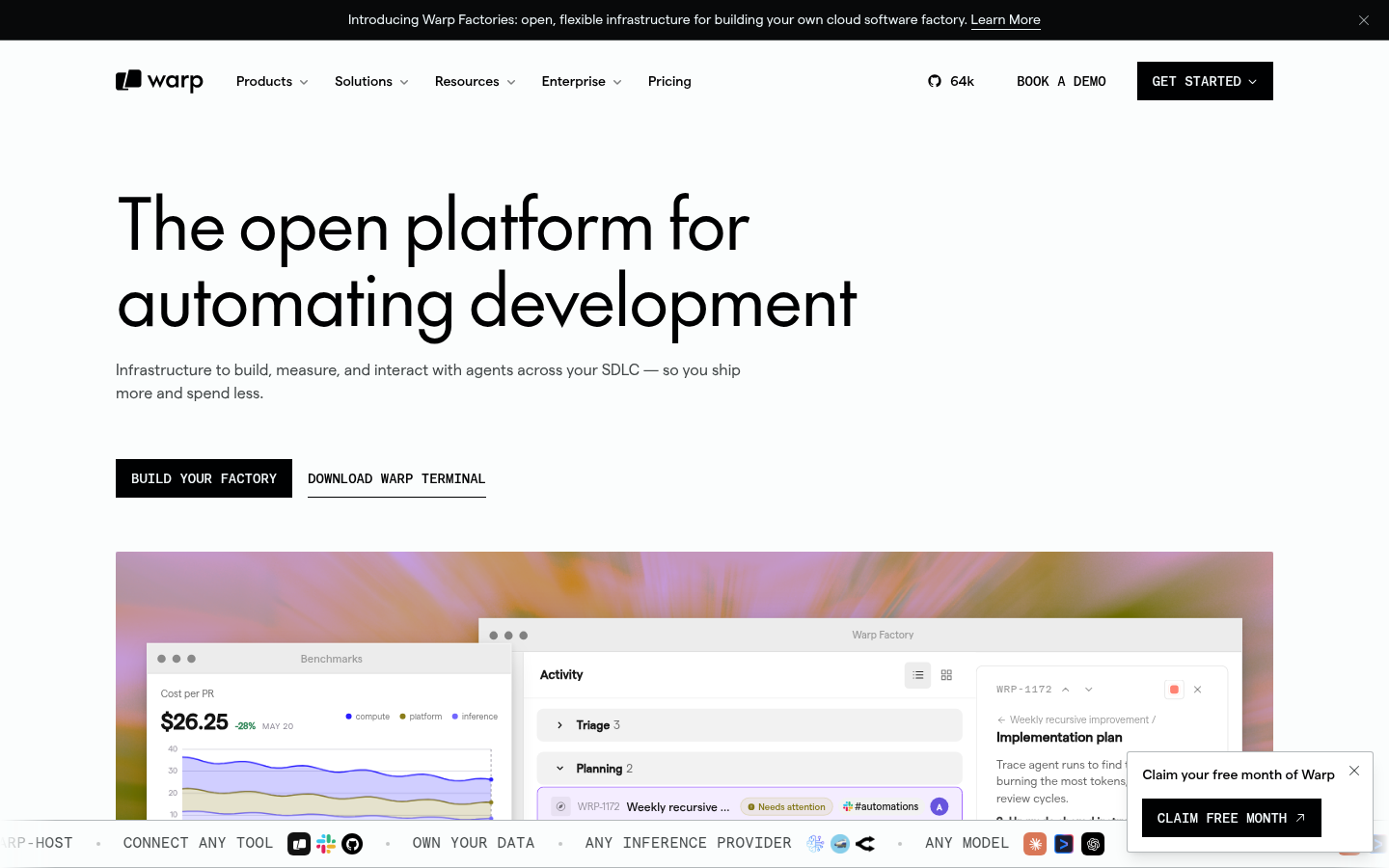
Warp is a terminal with a built-in AI agent. Input and output are grouped into blocks, there is a command palette, and the hosted agent can edit files, run commands, and open pull requests. It runs on macOS, Linux, and Windows. The client went AGPL on 27 Apr 2026 (UI crates are MIT). The server stays closed. A settings.toml shipped in the same release.
The pricing page is public. Free is the terminal. The agent uses credits. As of the May 2026 plan change, you can bring your own model key on every plan, including Free. Platform credits for cloud-agent runs started counting on 1 Jul 2026. On 18 Aug 2026 Warp published the Agent CLI and put Factories in early access. Factories run fleets of coding agents, pay-as-you-go with a 20 percent markup, and that path does not require a subscription. You also do not need to switch terminals just to use an AI coding agent. Warp’s agent can now run from other terminals through its CLI, including Ghostty, iTerm, and the stock OS terminal.
Best for: Developers who want an AI agent in the prompt, will create an account, and will either spend credits or bring their own model key.
What you get:
- Block-based input and output, workflows, and shared runbooks.
- Warp Agent across frontier and open-weight models, plus bring-your-own-key on Free.
- Agent CLI (18 Aug 2026) so the same agent can run outside the Warp app.
- Factories early access for scheduled and fleet agent runs.
Why we like it: Unlike the other terminals here, Warp’s paid plans are mainly paying for its AI agent usage, not for basic terminal features. If that is what you want, the AGPL client plus a published credit table is clearer than most AI IDEs.
Limits:
- An account is part of the product. Telemetry is on by default. That is a hard no for a lot of people, for good reasons.
- Free does not include agent credits. Build, Max, and Business are the paid plans.
- It is slower and heavier than Ghostty or Alacritty. Do not pick it to win a speed contest.
- The server is still closed. AGPL applies to the client.
Price: Published on warp.dev/pricing. Free $0. Build from $18 / month (annual) or $20 monthly, 1,500 credits ($20 of included agent usage). Max from $180 / month annual ($200 monthly), 18,000 credits. Business from $45 / user / month annual ($50 monthly). Add-on credits start at $10 for 400 credits without a subscription. Bring-your-own-key on all plans. Factories: usage plus 20 percent, no per-user fee, early access.
WezTerm
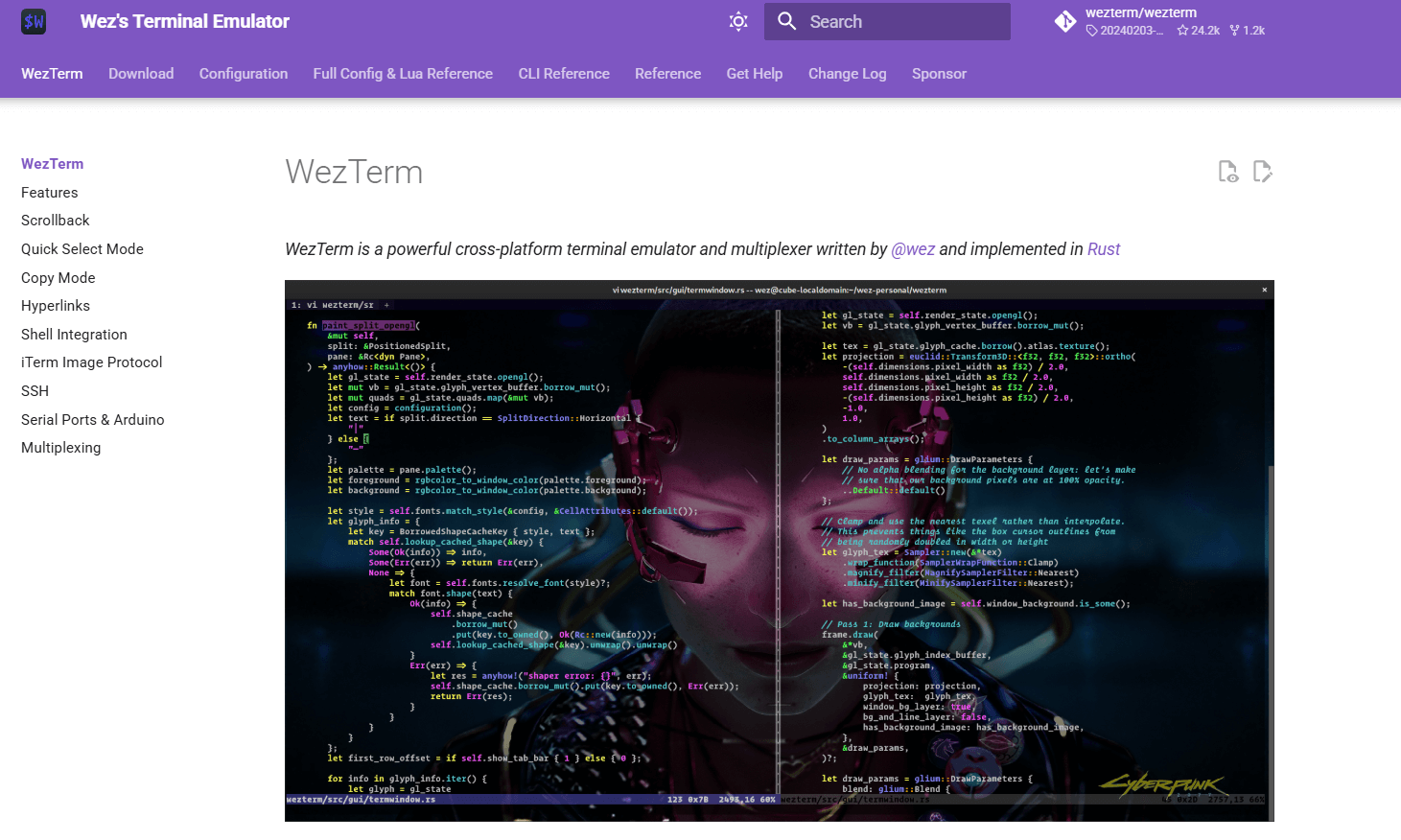
WezTerm is Wez Furlong’s GPU terminal and multiplexer, written in Rust. It runs on Linux, macOS, Windows 10, FreeBSD, and NetBSD. One Lua config file covers all of them. Tabs, panes, and a remote multiplexer let a session survive a disconnect without tmux. Ligatures, color emoji, Kitty and iTerm2 image protocols, plus SSH and serial, are built in.
Releases are date-stamped. Nightly is where Wayland and Windows fixes land first. Distro packages lag. If a Hyprland or Windows GPU update breaks rendering, the documented move is to switch to nightly.
Best for: People who bounce between Windows and Unix, want panes and a multiplexer in the terminal, and will maintain a Lua file instead of a preferences GUI.
What you get:
- Built-in multiplexer: tabs, panes, detach and reattach, including over SSH.
- Lua configuration and scripting. One file, three operating systems.
- Inline images (Kitty and iTerm2 protocols) and true color.
- Serial and SSH clients inside the same app.
Why we like it: If Ghostty is the right macOS or Linux terminal but half the team is on Windows, WezTerm is the shared setup. The built-in multiplexer is good enough that tmux becomes optional, not required.
Limits:
- Lua is the config. That is a feature until new teammates have to learn it.
- Wayland and some GPU drivers have a history of “fixed in nightly.” Pin a known-good build for a team.
- No account, no AI, no vendor support line. The project is Wez and the community.
Price: Free and open source. No paid plan on wezterm.org.
Alacritty
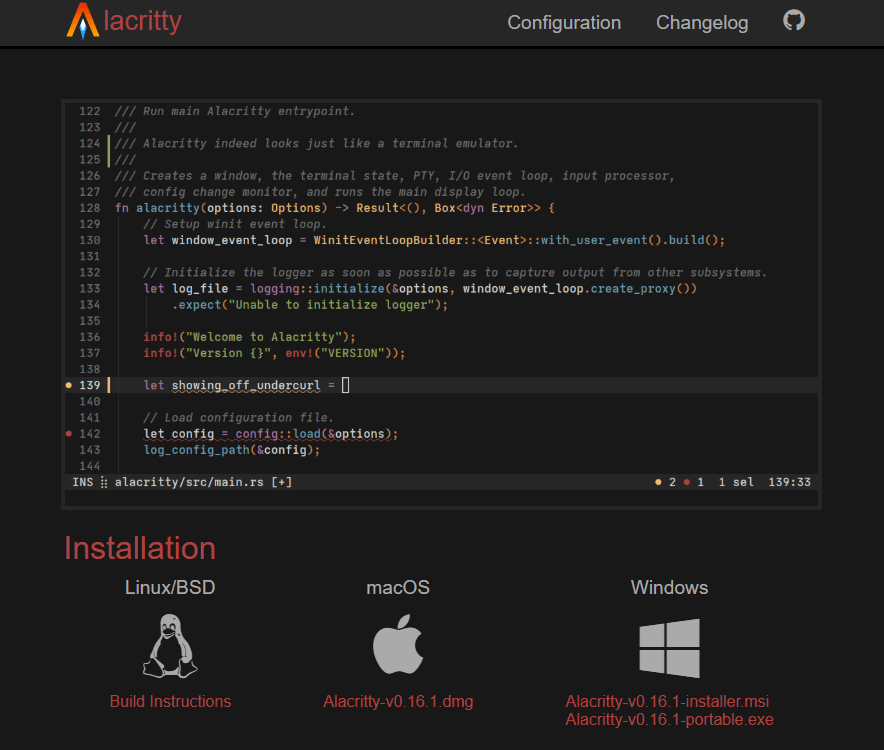
Alacritty is a minimal GPU terminal: Rust, OpenGL, TOML, vi-mode, search, regex hints, and multiple windows in one process. Linux, macOS, Windows, BSD. Apache-2.0. The maintainers will close a feature request that belongs in tmux or the window manager. That is intentional.
0.17.0 shipped 6 Apr 2026: WheelUp/WheelDown in mouse.bindings, TOML 1.1, Wayland window.resize_increments, a crash fix on OpenGL context reset, a macOS IME crash fix, and a new alacritty-escapes(7) manpage. Alacritty still labels itself beta on the homepage. People have been using it every day for years anyway.
Best for: People who already have tmux or a tiling window manager, want a low-overhead GPU renderer, and do not want tabs in the terminal.
What you get:
- OpenGL renderer, true color, vi-mode, scrollback search, URL hints.
- TOML config. 0.17.0 understands TOML 1.1.
- Cross-platform, including Windows, without a multiplexer.
- One process, many windows.
Why we like it: Alacritty deliberately stays minimal. If tmux already handles your tabs and sessions, that simplicity is an advantage. Ghostty’s key tables and WezTerm’s multiplexer are extras you will not use.
Limits:
- No tabs. No splits. No image protocol. Asking for them is a closed issue.
- OpenGL and driver bugs still happen, especially under VirtualBox and after Mesa updates. Keep a non-GPU fallback.
- “Beta” on the homepage is a warning about missing features they will not add, not a joke about polish.
Price: Free. Apache-2.0. No paid plan on alacritty.org.
Kitty
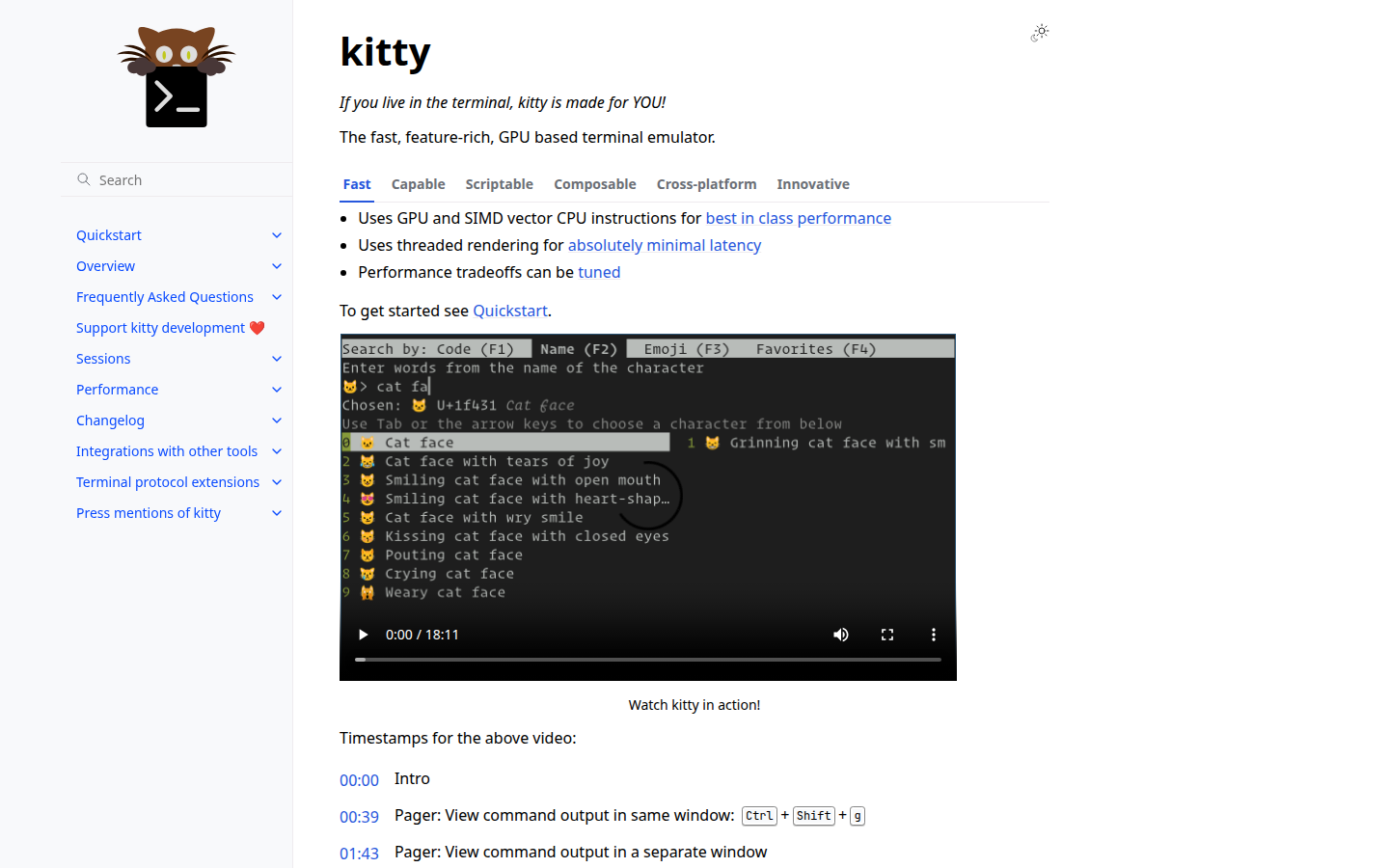
Kitty is Kovid Goyal’s GPU terminal. It handles images, ligatures, emoji, and a graphics protocol other terminals still implement. Linux, macOS, and various BSDs. GPLv3. No Windows build on the official page. Tabs, splits, and small built-in programs Kitty calls kittens (a file picker, an image viewer, and similar helpers) are already in the app. Latest listed changelog is 0.48.2 (30 Jul 2026).
Like most new terminals, you may need Kitty’s terminfo on remote hosts so keys and colors work over SSH. Tabs, splits, and kittens are already in the app. There is no account and no paid plan.
Best for: Keyboard-first Linux and macOS users who want a GPU terminal with tabs, splits, and scripting, and do not need Windows.
What you get:
- GPU rendering with images, animations, ligatures, and hyperlinks.
- Tabs plus tiling layouts (Fat, Grid, Splits, Stack, Tall).
- Remote control and Python kittens.
Why we like it: Kitty already handles images, ligatures, and a graphics protocol other apps still implement. Tabs, tiling layouts, and scriptable kittens are in the app, so you do not need tmux just to get a usable layout.
Limits:
- No Windows on the official platform list.
- Custom terminfo over SSH is the recurring extra step.
Price: Free. GPLv3. No paid plan on sw.kovidgoyal.net/kitty.
iTerm2
iTerm2 is the long-running macOS Terminal replacement, with split panes, Instant Replay, and a profiles database. GPLv2. macOS 12.4 or newer. Stable 3.6.11 is dated 2 Jun 2026. No account. No paid plan.
Stay if a ten-year AppleScript or tmux-integration workflow is why you have not moved. Ghostty 1.3 closed most everyday gaps. iTerm2 is still the Mac-only power-user option on this list.
Best for: macOS-only power users who want panes, profiles, and shell integration in a GPLv2 app.
What you get:
- Split panes, a hotkey window, and Instant Replay.
- Shell integration, a keychain password manager, and inline images.
- Search, triggers, badges, and taggable profiles.
Why we like it: iTerm2 still has the macOS power-user toolkit: split panes, Instant Replay, profiles, and years of AppleScript or tmux integration you do not have to rebuild if that workflow is why you stayed.
Limits:
- macOS 12.4 or newer only.
- Not a shared default if anyone on the team uses Windows or Linux.
Price: Free. GPLv2. No paid plan on iterm2.com.
Windows Terminal
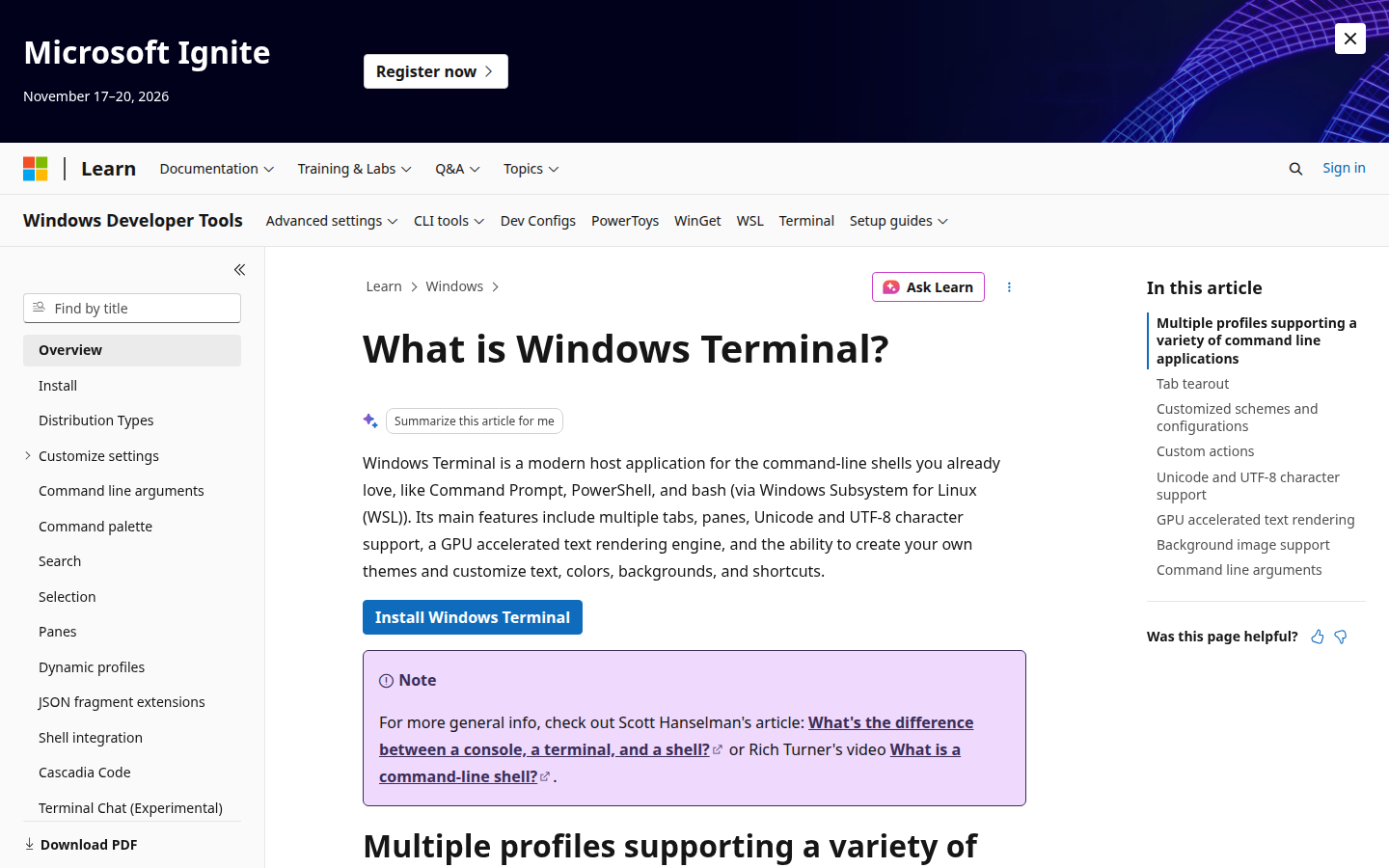
Windows Terminal is Microsoft’s tabbed host for Command Prompt, PowerShell, WSL, and Azure Cloud Shell. MIT. GPU text, Unicode, themes, tab tear-out, and split panes. GitHub stable v1.24.11911.0 published 16 Jul 2026. The Store listing says “Free download and install on Windows.”
It is a Windows app, not a Mac or Linux app. If the team is mixed, WezTerm is still the one Lua file. If everyone is on Windows 10 or 11, this is the built-in default.
Best for: Windows users who want a free MIT tabbed host for PowerShell, cmd, and WSL.
What you get:
- Tabs, panes, and tab tear-out.
- GPU-accelerated text, Unicode, themes, and custom actions.
- Hosts cmd, PowerShell, WSL, and Azure Cloud Shell.
Why we like it: If everyone is already on Windows 10 or 11, Windows Terminal is the built-in host for cmd, PowerShell, and WSL, with tabs, panes, and GPU text. You do not need a third-party terminal to get that.
Limits:
- Windows only.
- The Store path asks for a Microsoft account. GitHub releases are the unpackaged path.
Price: Free. MIT. Store page lists it as Free. Unpackaged builds on the GitHub releases page.
Konsole
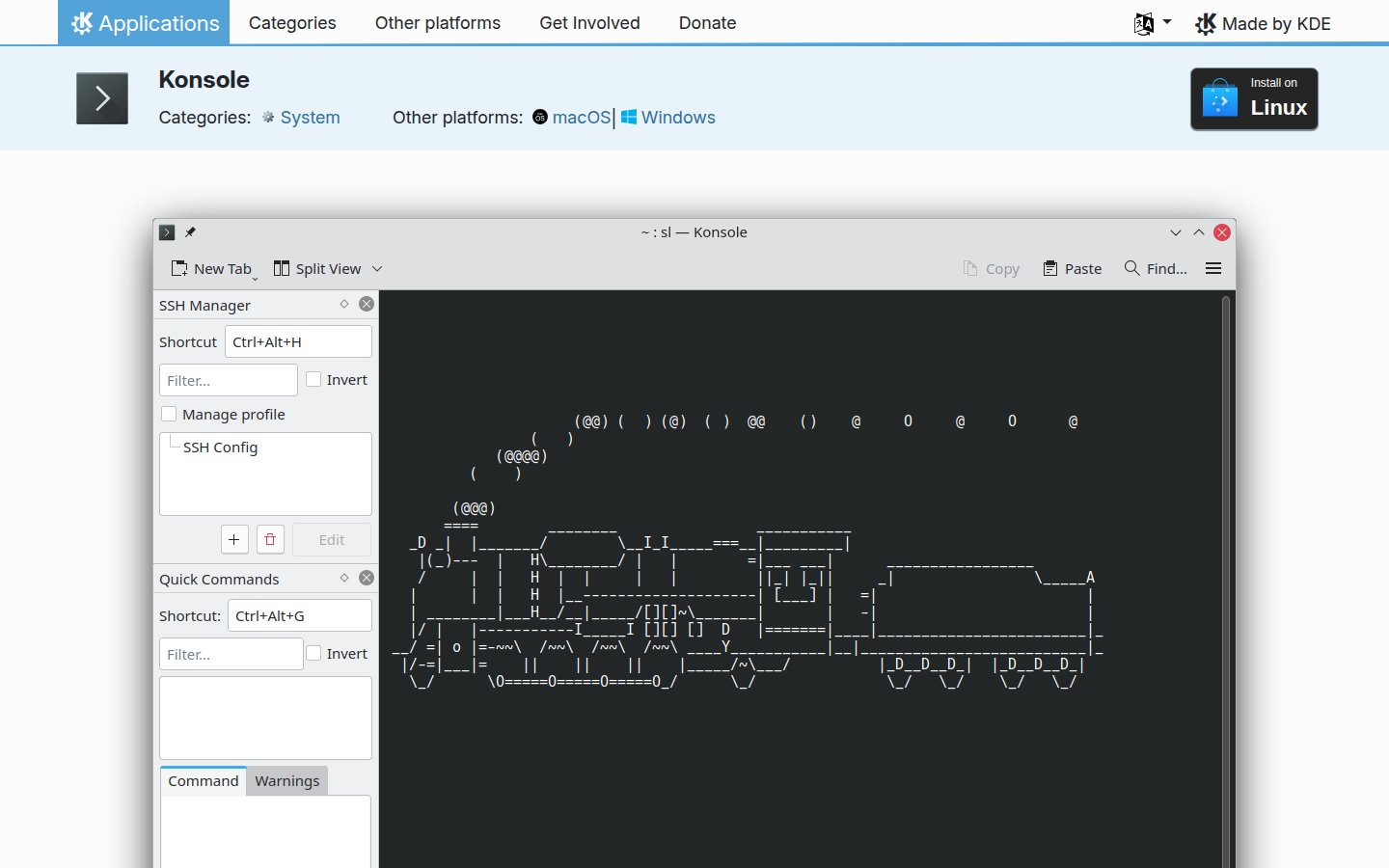
Konsole is the KDE desktop terminal. Tabs, split views, profiles, bookmarks, and silence or activity monitoring. GPL-2.0-or-later. The official app page lists Linux. Latest listed release 26.08.0 (20 Aug 2026).
If the machine is already Plasma, this is the terminal that is already there. It is not a reason for a mixed Mac and Windows team to reopen the decision.
Best for: KDE and Linux users who want a GPLv2-or-later desktop terminal with tabs and split views.
What you get:
- Tabs, multiple profiles, and bookmarks.
- Split views and tab layouts.
- Silence and activity monitoring.
Why we like it: If the machine is already Plasma, Konsole is already installed: tabs, split views, profiles, and activity monitoring without installing a second GPU terminal.
Limits:
- Linux-first official page.
- Not the reason to pick one terminal for a mixed-OS team.
Price: Free. GPL-2.0-or-later. No price listed on apps.kde.org/konsole.
Tabby
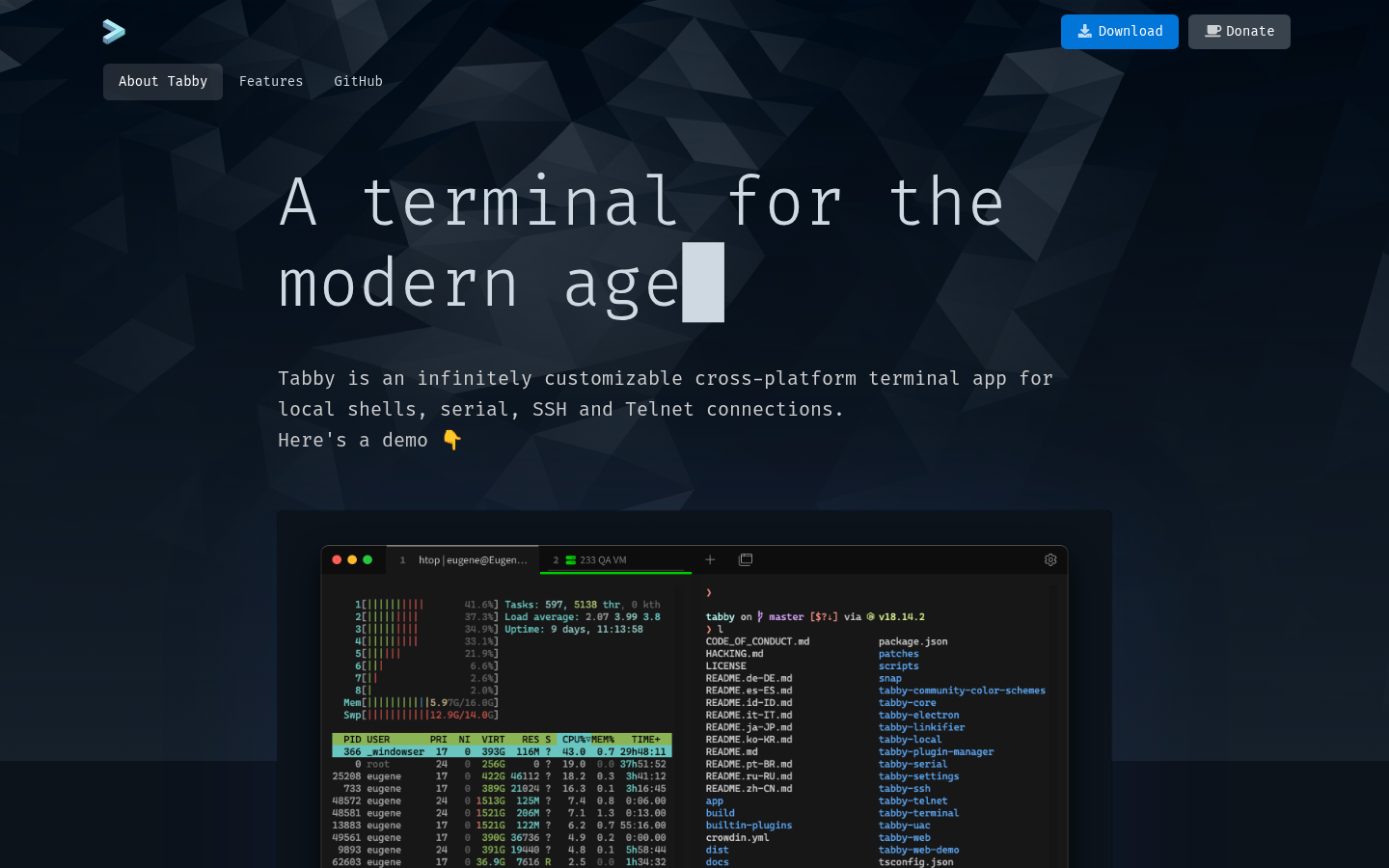
Tabby is the free app that puts local shells, SSH, Telnet, and serial in one window. Windows, Mac, and Linux. MIT. The homepage says “Forever FOSS.” Nested panes, a drop-down (quake) mode, SFTP, and Zmodem are included. GitHub v1.0.235 published 22 Jul 2026.
Tabby is the serial and SSH option, not another GPU-only terminal. Local shells, SSH, Telnet, and serial sit in one free window on Windows, Mac, and Linux.
Best for: People who want one free app for local shells, SSH, and serial on Windows, Mac, and Linux.
What you get:
- Local shells plus SSH, Telnet, and serial.
- Nested panes, optional drop-down mode, and a global hotkey.
- SFTP, Zmodem, an encrypted SSH secret container, and JS plugins.
Why we like it: Tabby puts local shells, SSH, and serial in one free MIT window, with nested panes and a drop-down mode, so a lab bench does not need a separate serial app and a separate SSH client.
Limits:
- No paid plan or dollar price on tabby.sh.
- Heavier than Alacritty if you only wanted a GPU renderer.
Price: Free. MIT. Forever FOSS on tabby.sh. Donate link, no dollar price.
Rio
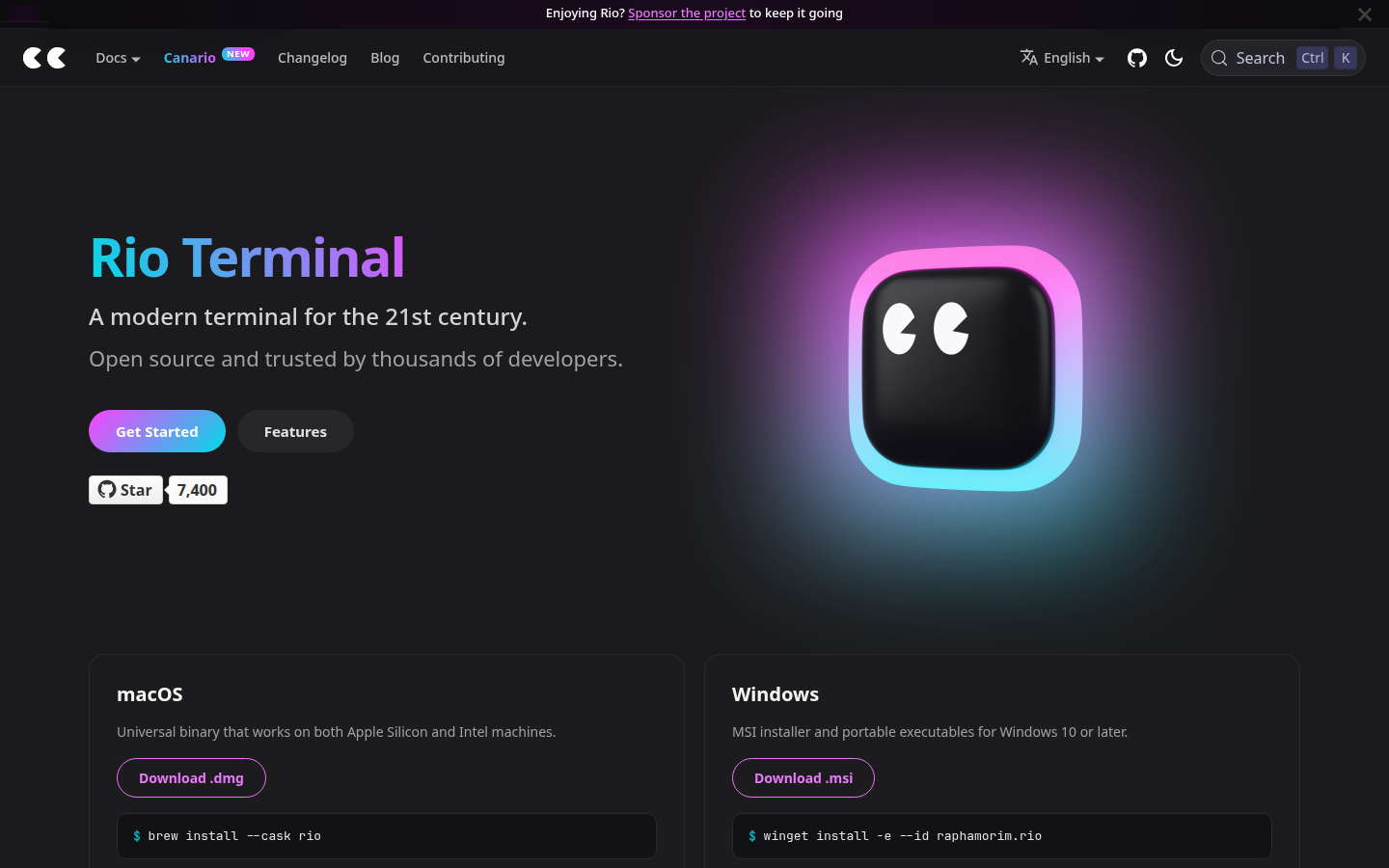
Rio is Raphael Amorim’s hardware-accelerated terminal. The official homepage is rioterm.com (the older raphamorim.io/rio path 404s). macOS Universal, Windows 10 or later, Linux, FreeBSD. MIT. GitHub v0.5.26 published 23 Aug 2026. Splits are shown in the official README.
Rio is a GPU terminal that includes Windows. It is not an AI-agent product. No account. No paid plan on rioterm.com.
Best for: Users who want a MIT, hardware-accelerated terminal on macOS, Windows, Linux, and FreeBSD.
What you get:
- Hardware-accelerated GPU terminal.
- Install via brew, winget, Flatpak, distro packages, or FreeBSD Ports.
- Stable and nightly builds.
Why we like it: Rio is a MIT, hardware-accelerated terminal that lists macOS, Windows, Linux, and FreeBSD on one install page, so a mixed-OS team can try one GPU app without creating an account.
Limits:
- Tabs are not listed on the homepage.
- No public price (GitHub Sponsor only).
Price: Free. MIT. No paid plan on rioterm.com.
Wave Terminal
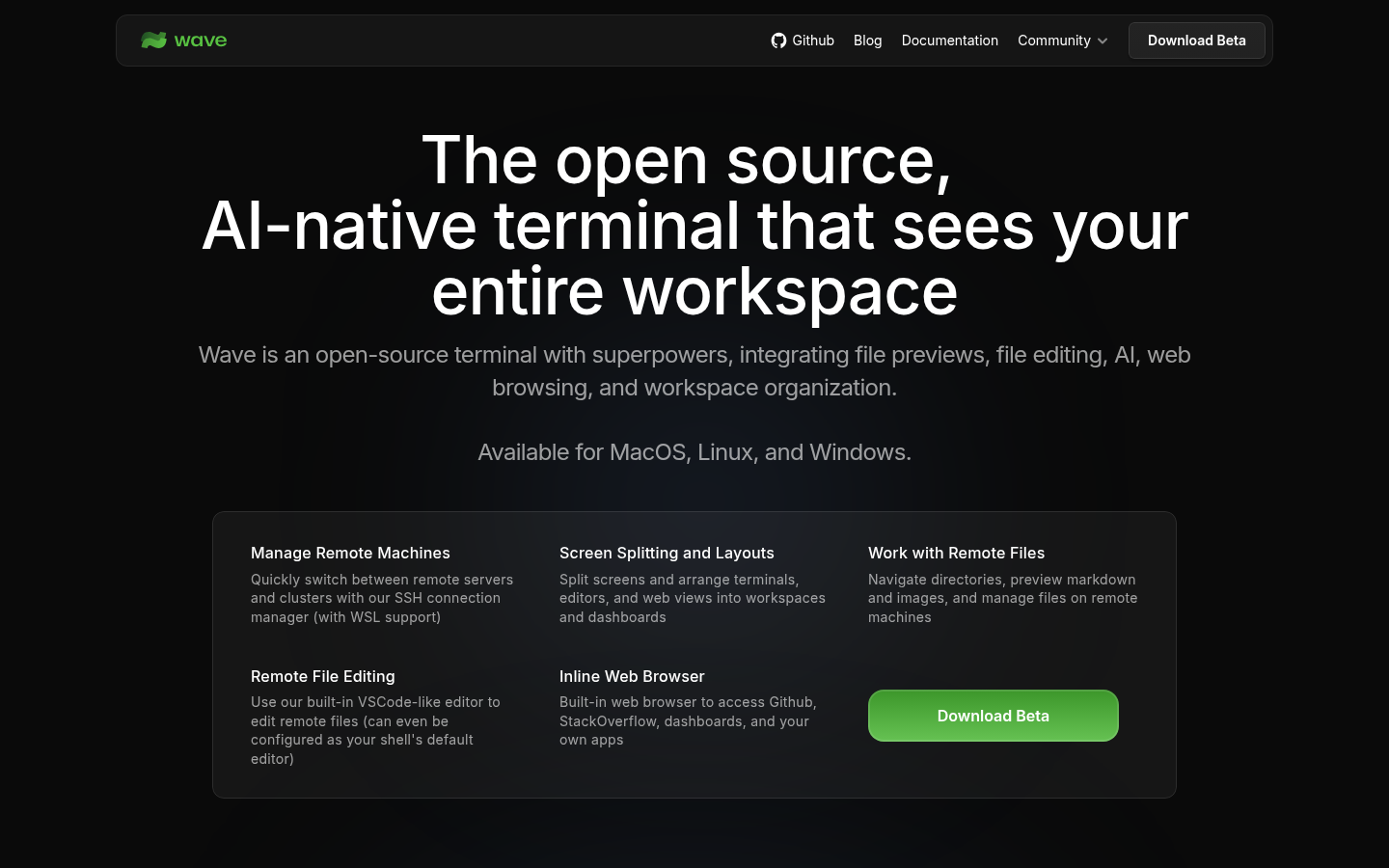
Wave Terminal is an open-source terminal that puts file previews, an editor, a browser widget, and optional AI next to the prompt. macOS, Linux, and Windows. Apache-2.0. No login for core features. Data stays local.
This is the local, no-account option if you wanted Warp-style blocks without signing in or paying for AI credits. Paid team collaboration is a stated future, not a published product on the homepage. If the next question is how agents connect to the rest of your stack, see AI Agent Integration in 2026.
Best for: People who want a cross-platform terminal with widgets and optional AI, and do not want to create an account.
What you get:
- File preview, editor, and inline browser widgets.
- Tabs and a layout system.
- SSH and remote connections, local data, no required login.
Why we like it: Wave puts file previews, an editor, and a browser widget next to the prompt without an account or a credit table. That is the local option if you wanted Warp-style blocks and will not sign in.
Limits:
- Not a priced AI-agent product.
- Heavier than Ghostty or Alacritty if you only wanted a renderer.
Price: Free. Apache-2.0. No paid plan or account wall on waveterm.dev.
Do you need an account, and does anyone use Windows?
This grid plots two questions. Across is whether you install a local app with no account, or you sign in and pay for credits. Up is whether Windows is a machine you have to support.


 One app, three operating systems

 Native widgets, no account
Placement comes from the project pages: a local MIT or Apache app versus an account and a credit table, and whether Windows is a listed platform. Warp also runs on Mac and Linux. It sits on the account side because you sign in. Ghostty has no Windows build. The grid is a map of the eleven, not a ranking.
License and what it costs
| Terminal | License / price | What else you need |
|---|---|---|
| Ghostty | MIT. $0. Non-profit | Nothing. Donations are optional. Terminfo setup on remotes is yours |
| Warp | AGPL client. Build $18 / month annual, 1,500 credits. Add-ons from $10 / 400 credits | Credits, or your own model key. Factories add a 20 percent markup on the pay-as-you-go path |
| WezTerm | Open source. $0 | A Lua file and, sometimes, a nightly pin |
| Alacritty | Apache-2.0. $0 | tmux or a tiling window manager, because tabs will not appear |
| Kitty | GPLv3 local app | Nothing. Donations are optional |
| iTerm2 | GPLv2 local app | Nothing |
| Windows Terminal | MIT local app | Nothing |
| Konsole | GPL-2.0-or-later | Nothing |
| Tabby | MIT local app | Nothing |
| Rio | MIT local app | Nothing |
| Wave Terminal | Apache-2.0 local app | Nothing today. Team features are a stated future, not a published product |
Other terminal emulators worth considering
These are real terminals. They missed the list because they are a retired project, an SSH client first, or a novelty, not a 2026 everyday terminal.
- Hyper - The last release we could treat as current was 2023. Not a 2026 everyday option.
- Termius - An SSH client first. Fine if the gap is keys and hosts. It is not a GPU terminal you use all day.
- Fig - Retired. Do not reopen this decision on a discontinued autocomplete overlay.
- Cool Retro Term - A toy. Fun. Not a team default.
Questions before you switch terminals
If you cannot answer these on a project page, you do not have enough to choose yet.
- Do you need an account? Most terminals here install locally and work offline. Warp requires a sign-in because the AI agent is part of the product, and telemetry is on by default.
- Does anyone on your team use Windows? If yes, skip Ghostty, Kitty, iTerm2, and Konsole as a shared default.
- Do you want an AI agent in the terminal? You do not have to switch terminals to use one. Warp’s agent can run from other terminals through its CLI. You still need a Warp account and either credits or your own model key.
Which terminal emulator should you pick
Start with your operating system. On macOS or Linux, with no account, Ghostty 1.3.1 is the strongest native choice. If the team includes Windows and you want one Lua config, use WezTerm. If tmux already handles tabs and sessions, Alacritty 0.17.0 is the thin GPU window. If you want AI in the prompt, Warp’s Build plan starts at $18 per month billed annually, or keep your current terminal and run the Agent CLI. For serial and SSH in one free app, Tabby. On Windows only, Windows Terminal. For images, tabs, and scripting on Linux or macOS, Kitty. A readable font and a working TERM setting will matter more this week than another comparison table.
Frequently asked questions
Are these eleven all free terminals?
Ten of the eleven are free local apps. Ghostty, WezTerm, Alacritty, Kitty, iTerm2, Windows Terminal, Konsole, Tabby, Rio, and Wave have no paid plan. Warp’s terminal is Free at $0. The agent uses credits. The paid Build line sits in Warp’s Price section. This is not a free-only list, because one of the eleven sells an AI agent.
Can I keep Ghostty and still use Warp’s agent?
Yes. You do not need to switch terminals just to use an AI coding agent. Warp’s Agent CLI (18 Aug 2026) runs from Ghostty, iTerm, and the stock OS terminal. You still need a Warp account and either credits or your own model key.
Which terminal works for a team on both Mac and Windows?
WezTerm if you want panes and a multiplexer in one Lua file. Alacritty if tmux is already the multiplexer and you only want a GPU window. Ghostty will not ship Windows. Warp will, if you are willing to sign in.