

A ticketing tool records an incident after someone notices it. An incident-management platform also needs a reliable way to reach the on-call person when the problem starts. The page-clock starts when the phone rings. The ticket-clock starts when someone opens Jira. If the product starts with tickets rather than paging, you still need a separate way to reach the on-call person.
The category has three jobs: detect or receive an incident signal, reach the right on-call person, and coordinate response, communication, and follow-up. Those are capabilities, not three products you have to write into a contract. A $21 seat is often the starting price. On-call, status pages, and AI sit further down the same pricing page - or on a second product line entirely.
If the page has to be ironclad and the catalog is wide, start with PagerDuty and price the add-ons. If the work is already in Slack, trial incident.io or Rootly and decide whether you want on-call bundled as its own product or added to the seat. If you are early and want monitors in the same tab, Better Stack. If price and setup speed are the constraint, Runframe Growth is the published floor. The method is on How we review tools.
What usually goes wrong when buying incident management software
Most quotes in this category fail for the same few reasons. The fix is operational, not a new acronym.
| Problem | Solution |
|---|---|
| On-call paging is sold separately from incident coordination | Confirm whether paging is included in the plan you are comparing |
| The status page cap is hiding in a footnote | Read the subscriber cap on the pricing page |
| The published user price is the headline rate | Model add-ons before you compare seats |
| You still need a separate detector | Ask what still pages you if this tool is the only inbox |
How we evaluated incident management tools
We filtered on four product-page checks: whether on-call is in the paid seat or a second line, whether a status page is included and at what cap, whether any price is public, and whether you still need a separate detector. Integration-count slides did not move a ranking. Sunset pagers and ITSM bundles sit in What we left out because they sit next door, not on these four questions.
TL;DR: The Five Compared
| Service | Best for | What to check |
|---|---|---|
| PagerDuty | Hardened multi-channel paging and a 750-plus integration catalog |
On-callIn the paid seat. Status pages, AIOps, Advance, and stakeholders are add-ons
PriceFree $0 for 5 users. Professional $21 / user / month annual, $25 monthly. Business $41 annual / $49 monthly. Enterprise custom
Watch-outPublic status pages from $89 per 1,000 subscribers / month. AIOps from $699 annual / $799 monthly. Advance from $415 / month, annual only
|
| incident.io | Chat-native response when the team already lives in Slack or Teams |
On-callVisible add-on. Team +$10 / user. Pro +$20 / user. On-call-only product $20 / user
PriceBasic $0. Team $19 monthly / $15 annual. Pro $25. Enterprise custom
Watch-outNo built-in monitoring. Public status pages: 1 on Basic / Team / Pro. Internal pages start at Pro
|
| Better Stack | Monitors, paging, and a status page from one vendor |
On-callIn the responder license, with phone and SMS included
PriceResponder $34 / month or $29 billed annually. Channel- and thread-based Slack or Teams workflows +$9 / responder
Watch-outYou still pay for extra monitors, extra pages, and telemetry by region. Nano starts at $25 / month annual in Europe for 40 GB each of traces, logs, and metrics
|
| Rootly | Slack automation and retrospectives, with paging as its own product |
On-callA separate $20 / user line. Incident Response Essentials is also $20 / user
Price$20 per user per month per product on Essentials. AI SRE and Enterprise quote
Watch-outBuying IR without On-Call means you still need a pager. Startup discount up to 50% under 100 employees, under $50 million raised, under 5 years old
|
| Runframe | A low published floor with on-call and a status page in the paid seat |
On-callIncluded on Growth and Scale. SAML and SCIM are optional add-ons
PriceFree $0 for 5 users. Growth $12 / user / month billed annually. Scale $25 / user / month billed annually
Watch-outGrowth caps schedules (3) and automations (3). Phone/SMS is country-limited
|
PagerDuty
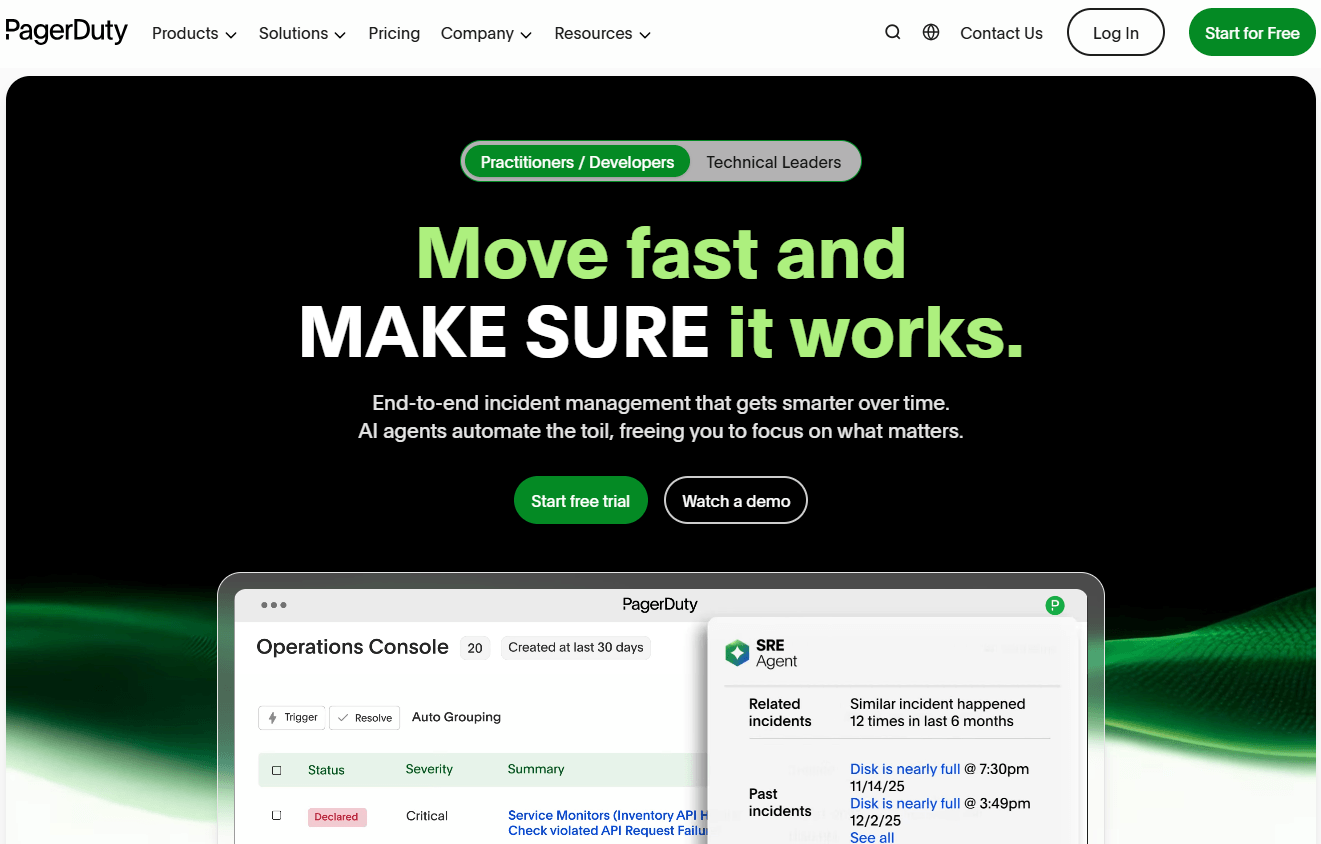
PagerDuty is still the reference pager: layered escalation, phone / SMS / push / email, 750-plus integrations, a mobile app reviewers keep ranking first. On-call is in the paid seat. Status pages, AIOps, stakeholder licenses, live call routing, and extra PagerDuty Advance actions are not.
On the Operations Cloud pricing page, PagerDuty has a free plan for small teams. Professional starts at $21 per user per month when billed annually, while Business starts at $41. Enterprise and major add-ons such as AIOps and larger status-page packages are priced separately.
Best for: Enterprises and regulated teams that need hardened multi-channel paging and will model the add-ons before comparing a starting seat to a bundled starter.
What you get:
- On-call schedules, escalation policies, and global phone/SMS on paid plans.
- Slack and Teams incident actions. Full chat experience is higher-tier.
- Post-incident reviews, analytics, 750-plus integrations.
- Advance agents (SRE, Scribe, Shift, Insights) on token usage, plus AIOps as a separate product.
Why we like it: When the page has to reach a phone in another country at 3 a.m., this is still the product people trust. The honest part is the invoice after add-ons.
Limits:
- Status pages, AIOps, Advance, and stakeholders are line items. A Professional team that wants all four is not paying $21.
- Schedule and policy setup has a real learning curve.
- Paid plans carry a practical 5-user minimum once you leave Free.
Price: Published on pagerduty.com/pricing. Free plan for small teams. Professional starts at $21 per user per month billed annually. Business starts at $41. Enterprise and add-ons such as AIOps and larger status-page packages are priced separately.
incident.io
incident.io is chat-native incident response with on-call and status pages in the same product. Declare in Slack or Teams, page from the same thread, publish a status page without opening another tab. AI summaries and postmortems sit on Pro. The company raised a $62 million Series B in April 2025.
The pricing page is clear if you read the on-call line. Basic is free (single-team on-call, one status page). Team is $19 per user per month or $15 annual, plus $10 per user for on-call. Pro is $25 per user plus $20 for on-call ($45 all-in). There is also an on-call-only product at $20 per user. Enterprise is custom. Viewers who only join the Slack channel are free. Status pages are included. Public page count is 1 on Basic / Team / Pro, unlimited on Enterprise. Internal pages start at Pro. No built-in monitoring. You still need a detector.
Best for: Product and platform teams that already work in Slack or Teams and want opinionated defaults, with on-call priced as a visible add-on rather than a surprise.
What you get:
- Slack and Teams native declaration, roles, and updates.
- Schedules, overrides, shadow rotations, holiday calendars. WhatsApp escalations from Team up.
- Workflows (1 / 3 / unlimited by tier) and AI postmortems on Pro.
- Public and internal status pages, custom domain included.
Why we like it: The chat surface is the product, not a notification with a link back to a web console. That cuts the ten minutes of “what channel is this in” per incident.
Limits:
- On-call is extra. A Team shop that pages pays the Team seat plus the on-call add-on.
- No uptime monitoring. Status page count is capped below Enterprise.
- Reviewers flag API and integration limits at higher volume.
Price: Published on incident.io/pricing. Basic $0. Team $15 annual / $19 monthly + $10 on-call. Pro $25 + $20 on-call. On-call-only $20. Enterprise quote.
Better Stack
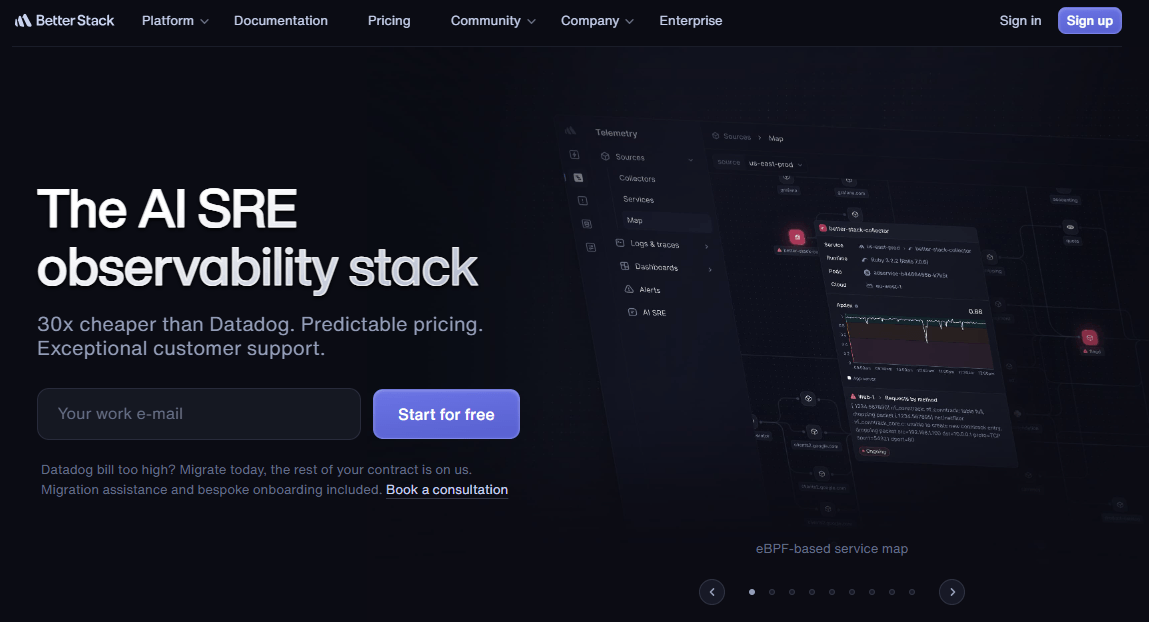
Better Stack is the bundle for small teams: uptime monitors, on-call, incidents, status pages, and optional logs / traces / metrics in one account. Non-responder teammates are free. Phone and SMS are included on the responder license, with no per-message line on the public price list.
First-party Better Stack pricing: a responder is $34 per month or $29 billed annually, and includes uptime plus telemetry access, on-call, incident management, and status pages. Channel-based and thread-based Slack or Teams workflows are $9 per responder per month extra. Basic single-channel chat is included. Free tier: 10 monitors and heartbeats, one status page, a starter log allowance. Extra 50 monitors are $25 / month or $21 annual. Telemetry bundles start at Nano, $25 / month annual in Europe for 40 GB each of traces, logs, and metrics (US and Singapore cost more). 60-day money-back.
Best for: Startups that want detection, paging, and a public status page from one vendor, and only a handful of people who need to be woken up.
What you get:
- Global uptime checks, heartbeats, incident management, on-call included on the responder.
- Status pages in the same account.
- Optional logs, metrics, traces, error tracking.
- AI-assisted incident chat. Slack / Teams thread workflows as an add-on.
Why we like it: One responder with unlimited SMS and a real free tier is the cheapest honest on-ramp on this page. You add telemetry when the free 3 GB / 3-day logs run out.
Limits:
- The modular bill gets messy at scale (extra pages, workflow add-on, telemetry region).
- Reviewers mention a UI learning curve and want stronger auth than TOTP.
- This is not an enterprise IR platform. Do not force it into a 200-service catalog.
Price: Published on betterstack.com/pricing. Free as above. Responder $29 annual / $34 monthly. Slack/Teams workflows +$9. Extra 50 monitors $25 / $21. Telemetry usage-based; Nano $25 / month annual in Europe. Enterprise custom.
Rootly
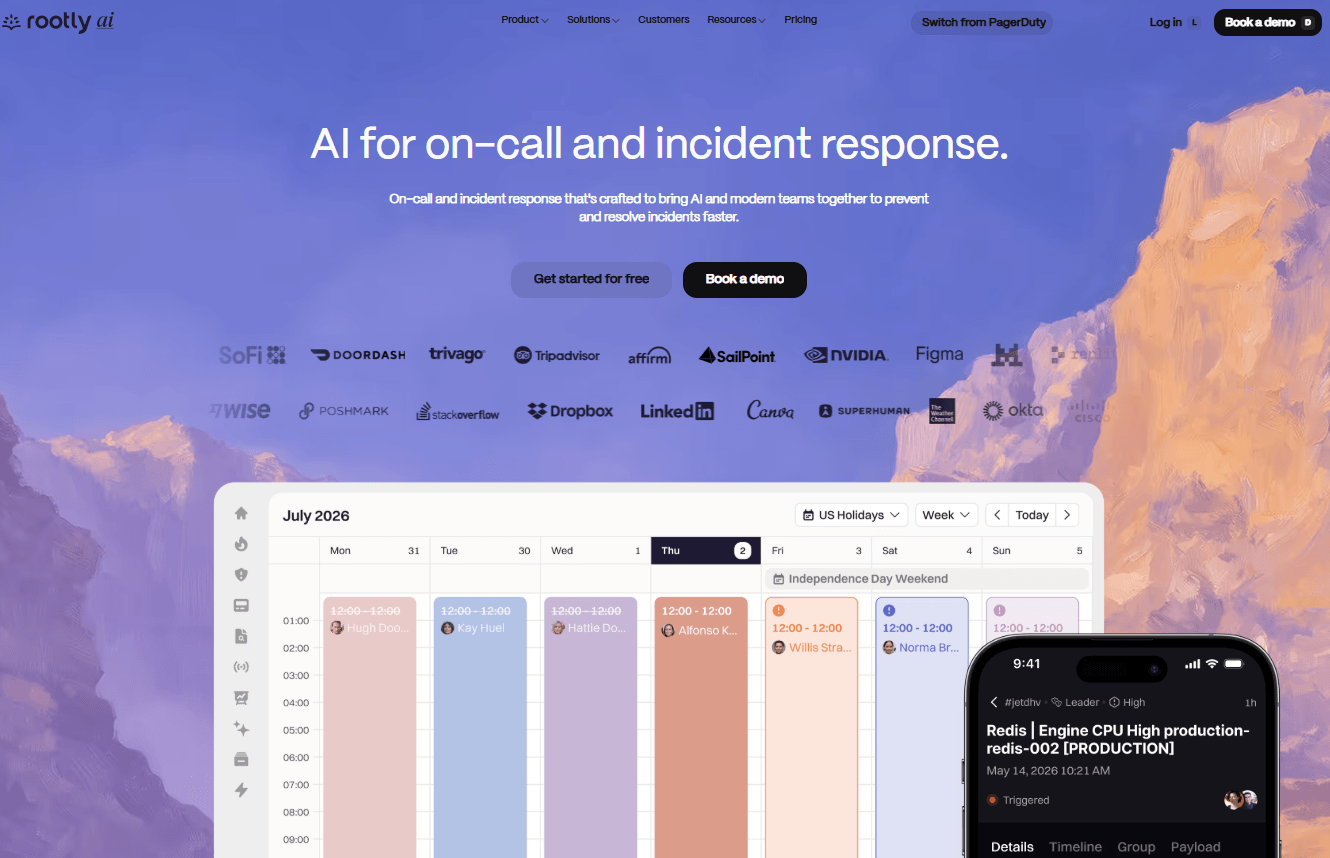
Rootly is Slack-native incident management with a workflow engine and structured retrospectives. The 2026 packaging is three products, each able to stand alone: Incident Response, On-Call, and AI SRE. Customer stories on the site include Replit, Canary, and Caribou (Caribou claims 200-plus engineering hours saved a year). There is a dedicated Opsgenie / PagerDuty migration offer. Meeting Scribe language support shipped 13 Aug 2026.
First-party Rootly pricing: Essentials is $20 per user per month for Incident Response (Slack response, AI chat, similar incidents, scribe bot, retrospectives, one external and one internal status page, SSO + SAML). On-Call Essentials is also $20 per user (schedules, escalations, live call routing with a tree, shadow rotations, holidays, pay calculator, gap detection). AI SRE is contact-us. Enterprise on each line is custom (SCIM, private incidents, audit logs, China paging support, five live-call numbers). Startup discount: up to 50% off under 100 employees, under $50 million raised, under 5 years old. Under 25 employees, pay-what-you-can. Two-week trial. AWS Marketplace is available for EDP spend. Bundle discounts if you take all three.
Best for: Slack-first teams that want automation and retrospectives as the core loop, and will buy On-Call as its own line if they need paging.
What you get:
- Slack-native declaration, roles, action items, workflow builder.
- On-Call as a separate product: alert grouping, live call routing, shadow rotations.
- AI SRE for probable cause, change correlation, and draft remediations, usable standalone.
- Status pages included on IR Essentials (1 external / 1 internal).
Why we like it: The workflow engine is why people leave a pager-only tool. The packaging is honest now: paging, response, and the agent are three conversations.
Limits:
- Buying IR without On-Call means you still need a pager. Buying both is list for two products before a bundle talk.
- Advanced workflows take iteration. Docs matter as you grow.
- Smaller vendor than PagerDuty. Enterprise references exist, but the catalog is narrower.
Price: Published on rootly.com/pricing. $20 per user per month per product on Essentials (IR or On-Call). AI SRE and Enterprise quote. Startup programs as above.
Runframe
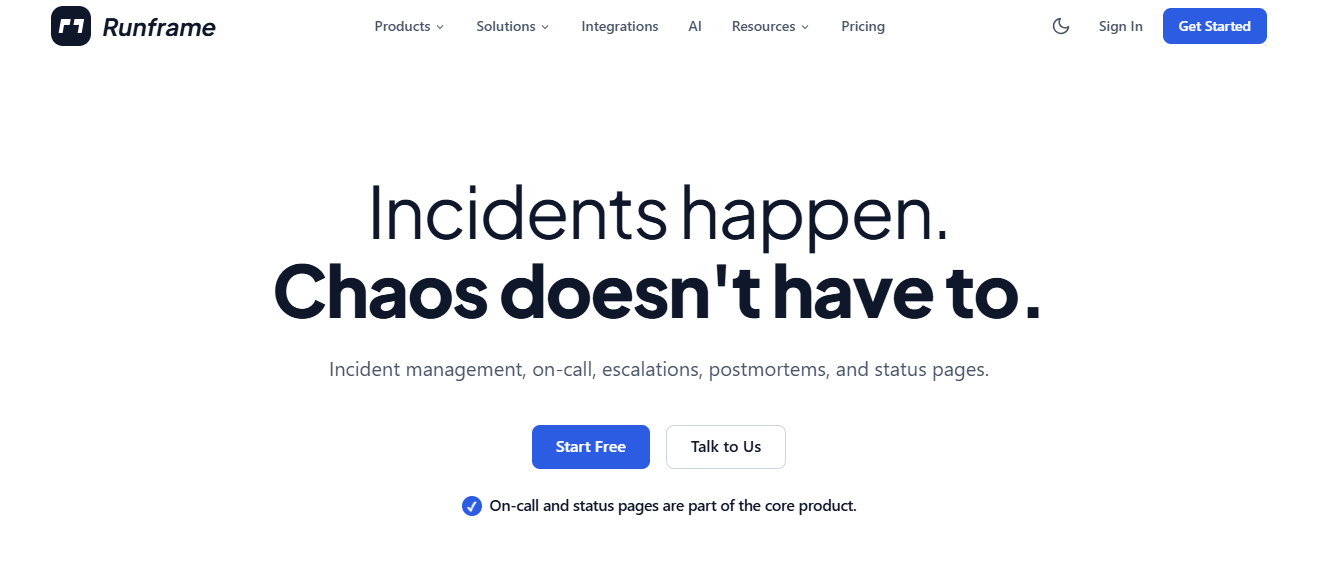
Runframe is the low-price bundle: Slack incidents, on-call, escalations, status pages, API / MCP, and AI postmortem drafts in every paid plan. SAML and SCIM are optional paid add-ons. That is the opposite of incident.io’s on-call add-on and PagerDuty’s status-page add-on.
First-party Runframe pricing: Free is $0 for 5 users, one team, one schedule, Slack response, one hosted status page (50 subscribers), 5 AI postmortem credits, 90-day retention, no SMS. Growth is $12 per user per month billed annually (unlimited users / teams / services, 3 schedules, 3 workflow automations, core integrations, phone/SMS allowance, AI postmortems, 1 status page with custom domain, 10,000 email subscribers, 1-year retention). Scale is $25 per user per month billed annually (high-volume schedules and workflows, 3 status pages, higher SMS, AI briefs and TLDRs, 2-year retention). A monthly toggle exists on the page. Integrations on paid plans include Datadog, Prometheus, CloudWatch, Jira, Linear, Zoom, and Google Meet.
Best for: Engineering teams of roughly 10 to 200 with no dedicated SRE function that want one bill and a Slack-centric setup.
What you get:
- On-call, escalation, Slack slash commands, and status pages in the paid seat.
- Auto timelines and AI postmortem drafts (5 free credits, then included on Growth).
- MTTA / MTTR analytics on paid plans.
- API and MCP on Growth and Scale. SAML / SCIM as add-ons, not blockers.
Why we like it: Runframe bundles on-call and a status page into a much lower starting seat price than the larger platforms, which makes it attractive for smaller teams that do not need deep enterprise workflows.
Limits:
- Newer, thinner third-party review volume, fewer public enterprise references.
- Growth caps schedules (3) and automations (3). Scale is the volume tier, with fair-use on SMS, AI, and subscribers.
- Phone/SMS is country-limited. Some destinations need a custom deal.
Price: Published on runframe.io/pricing. Free as above. Growth $12 / user / month annual. Scale $25 / user / month annual. Identity add-ons extra. No credit card to start. The page has a monthly toggle; we are quoting the annual numbers the tiles print.
Is on-call in the seat, and do you still need a detector?
This grid plots two questions. Across is whether paging is a separate product on the left, or in the paid seat on the right. Up is whether monitors ship in the same account at the top, or you still bring a detector at the bottom.
Placement follows product language: on-call as an add-on or a second product versus on-call in the paid seat, and whether uptime monitors ship in the same account. Two logos share a quadrant where the packaging matches. Placement, not a review score. PagerDuty still sits on the response side because hours of monitoring are not the published unit; the page is.
What the seat includes, and what you still buy
| Service | In the paid seat | What you still buy |
|---|---|---|
| PagerDuty | On-call. Professional $21 annual / $25 monthly. Business $41 / $49 | Status pages from $89 / 1,000 subscribers. AIOps from $699 annual. Advance from $415 / month. Stakeholders from $150 / 50 |
| incident.io | Chat response and one public status page. Team $15 annual / $19 monthly | On-call +$10 on Team, +$20 on Pro. A detector. Internal pages start at Pro |
| Better Stack | Monitors, on-call, incidents, one status page. Responder $29 annual / $34 monthly | Thread workflows +$9. Extra 50 monitors $25 / $21. Telemetry by region; Nano $25 / month annual in Europe |
| Rootly | IR Essentials $20 / user: Slack response, one external and one internal status page | On-Call Essentials is another $20 / user. AI SRE is quote |
| Runframe | On-call and a status page. Growth $12 / user / month annual. Scale $25 | SAML and SCIM add-ons. Scale if you outgrow three schedules and three automations |
What we left out
On-call neighbors that sit next door: a pager you can still buy, a public seat, or a split that is not “already in Jira.”
- Opsgenie - Atlassian stopped selling it on 4 Jun 2025. Standalone support ends 5 Apr 2027, after which unmigrated data is deleted. A sunset pager stays off this shortlist.
- Jira Service Management - Atlassian’s path. The per-seat math changes if responders are not already Jira users, which is why the five above keep showing up.
- Splunk On-Call - a pager next to this cluster. Right on an infrastructure shortlist. Not on this list because the job here is the on-call-in-the-seat split, not a second enterprise pager.
Questions before you buy an incident-management tool
If the quote cannot pin these three down, you are still buying the headline rate.
- Is on-call in the paid seat? Some products page from the user line. Others sell paging as an add-on or a second product. Add the line before you compare floors.
- Is the status page included, and at what subscriber cap? A 250-subscriber starter cap and a $89-per-1,000 add-on are different invoices from a page in the seat.
- Do you still need a detector? Chat-native response does not watch the URL. If monitors are not in the account, budget the uptime tool separately.
Which incident management tool should you pick
Ironclad paging and a wide catalog: PagerDuty, and price status pages, AIOps, and Advance on top of the $21 / $41 seat. Work already in Slack: incident.io if you will pay +$10 or +$20 for on-call, Rootly if you want IR and On-Call as two $20 lines. Detection in the same tab: Better Stack at $29 billed annually per responder. Price and setup speed: Runframe Growth at $12. Then put the pricing page next to last month’s pages, not a feature matrix.
Frequently asked questions
Is a Slack incident tool the same purchase as a pager?
No. A chat-native product declares the incident and runs the room. A pager has to reach a phone. Some vendors sell both in the seat. Some sell on-call as +$10, +$20, or a second $20 product. Mixing those bills is how a $15 Team seat gets compared to a $21 pager that still needs a status page.
What does PagerDuty actually cost after add-ons?
Professional is $21 per user per month billed annually ($25 monthly). Business is $41 / $49. Public status pages start at $89 per 1,000 subscribers per month. AIOps starts at $699 / month annual ($799 monthly). Advance starts at $415 / month, annual only. Stakeholder licenses start at $150 per 50 stakeholders per month. The $21 line is the starting seat price.
Why are Opsgenie replacements showing up on 2026 shortlists?
Atlassian stopped selling Opsgenie on 4 Jun 2025. Standalone support ends 5 Apr 2027, after which unmigrated data is deleted. Atlassian’s path is Jira Service Management. Teams that do not already pay for Jira responders keep landing on the five above.