
Most teams discover their documentation is unreliable during a release crunch, not from a scheduled audit. Working across different tech companies, we have seen the same pattern: OpenAPI specs drift from implementation, CI pipelines ship code without updating docs, and onboarding stalls when architecture diagrams are stale. A growing body of research shows AI is reshaping software delivery, and by 2028, 75% of enterprise engineers will use AI code assistants according to Gartner. Our take: AI-driven doc platforms now save hours by parsing repos, updating docs on merges, and generating sequence or UML diagrams from code.
This guide covers four platforms that reliably automate codebase, API, or product documentation without locking you into a proprietary site. Broadly, AI can boost software engineering productivity by 20 to 45 percent, according to McKinsey's analysis. The tools below were selected for their repo parsing, CI or webhook sync, and living diagrams. You will learn where each fits, what it does best, the tradeoffs to expect, and what you should budget.
Verbicode AI
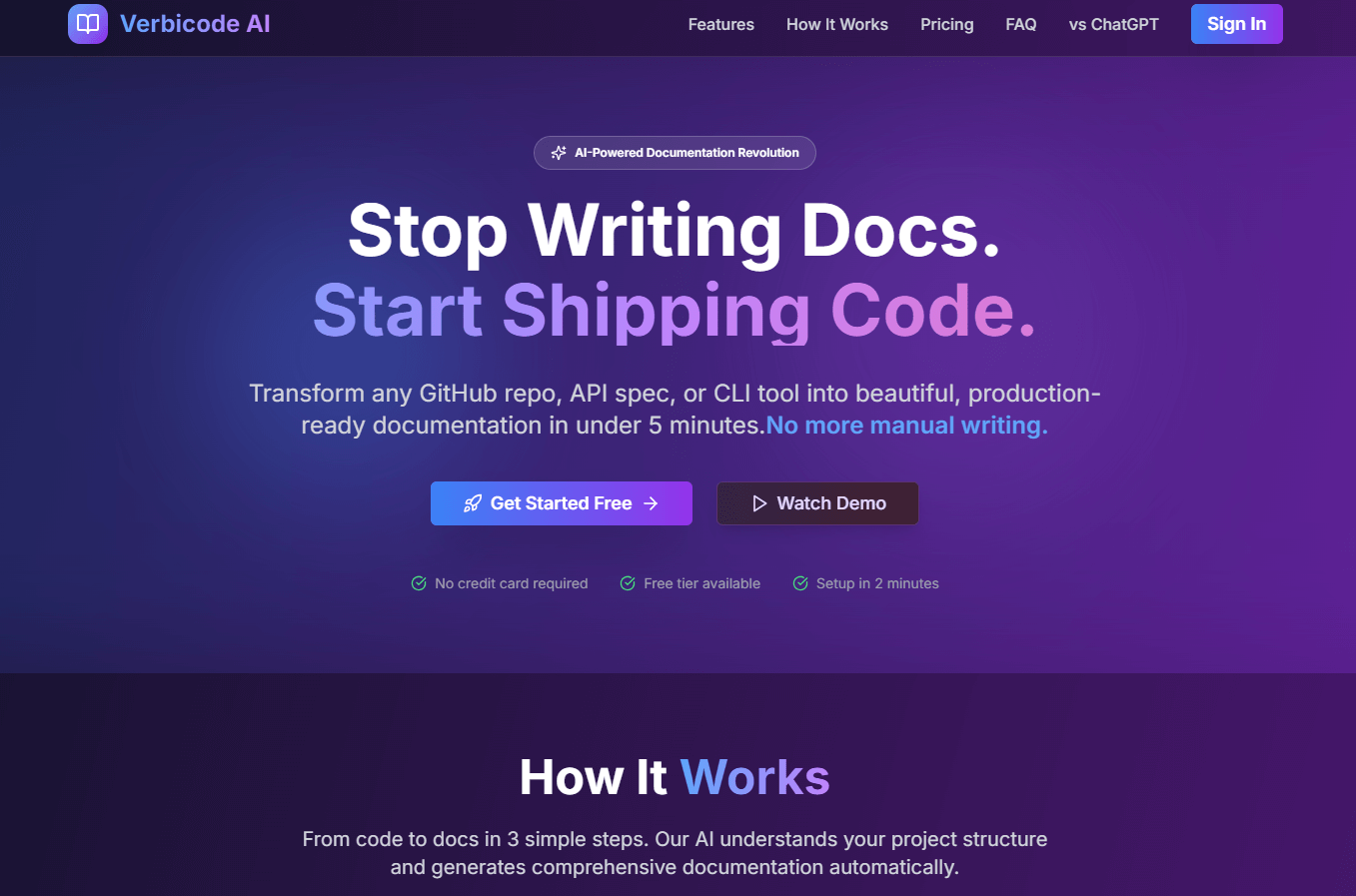
Transforms GitHub repositories, API specs, or CLI tools into ready-to-use documentation in minutes. Generates install guides, API references, examples, FAQs, and multiple export formats. (Per vendor documentation)
Best for: Developer teams that want fast doc generation from repos, OpenAPI, or CLI output with multi-format export.
Key Features:
- GitHub, GitLab inputs, plus OpenAPI and CLI parsing
- Exports to Markdown, HTML, GitBook, Docusaurus, and PDF
- Auto updates tied to code changes, with version diffs
- Team roles, branding, and publishing controls
(Per vendor documentation)
Why we like it: Clear coverage of repo, API, and CLI sources means less glue work. In trials, it reduced the messy handoffs between engineering and technical writing by generating consistent scaffolds we could refine quickly.
Notable Limitations:
- Independent third party reviews are limited as of January 2026.
- Enterprise claims like SSO or SOC 2 are vendor-stated, so security teams should request evidence.
- No widely cited analyst coverage yet.
Pricing: Per vendor pricing page as of January 2026, Free plan, Pro at $19 per month, Team at $99 per month. Pricing may change, confirm directly with the vendor.
DocStar
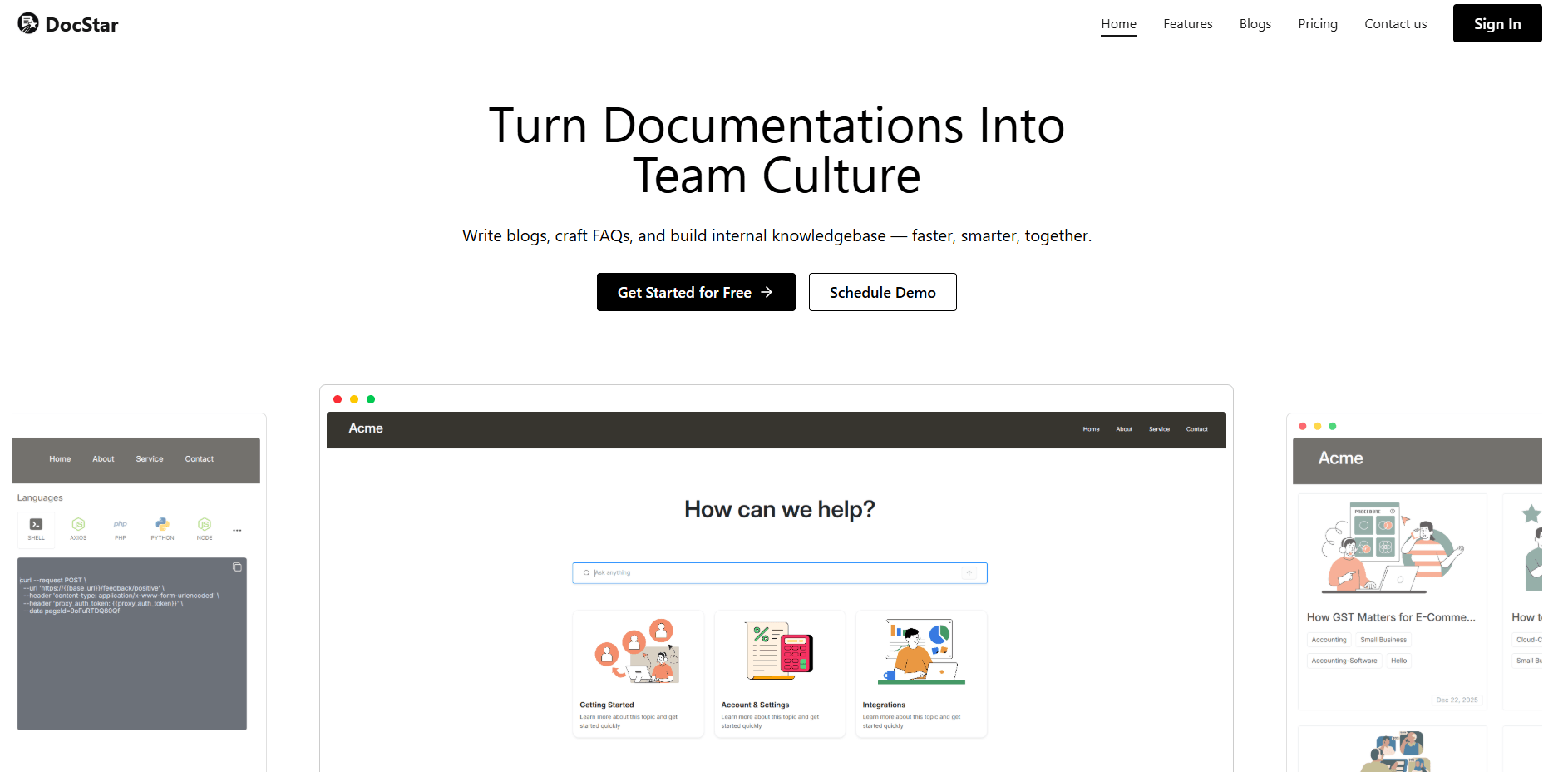
All-in-one workspace to create API docs, knowledge bases, blogs, and FAQs, with collaborative editing. Includes API testing and publishing features. (Per vendor documentation)
Best for: Teams that want a single place for API docs, help center, and blog with built-in editing and publishing.
Key Features:
- API documentation and testing workspace with history and scripting
- Knowledge base, blogs, custom domain, SSO, site customization
- Real time collaboration and search
(Per vendor documentation)
Why we like it: Combines API testing and doc authoring, which shortens the loop from request examples to published references. Handy when support, product, and engineering share one hub.
Notable Limitations:
- Do not confuse it with Epicor's DocStar ECM product acquired in 2017, which targets enterprise content management and AP automation as covered by PR Newswire.
- Independent reviews for this doc platform are still scarce as of January 2026.
- Limited public information on advanced compliance posture.
Pricing: As of January 2026, vendor lists a Free plan, Pro at $25 per month, and Enterprise with custom pricing. Pricing not independently verified by third party marketplaces.
DOCKR
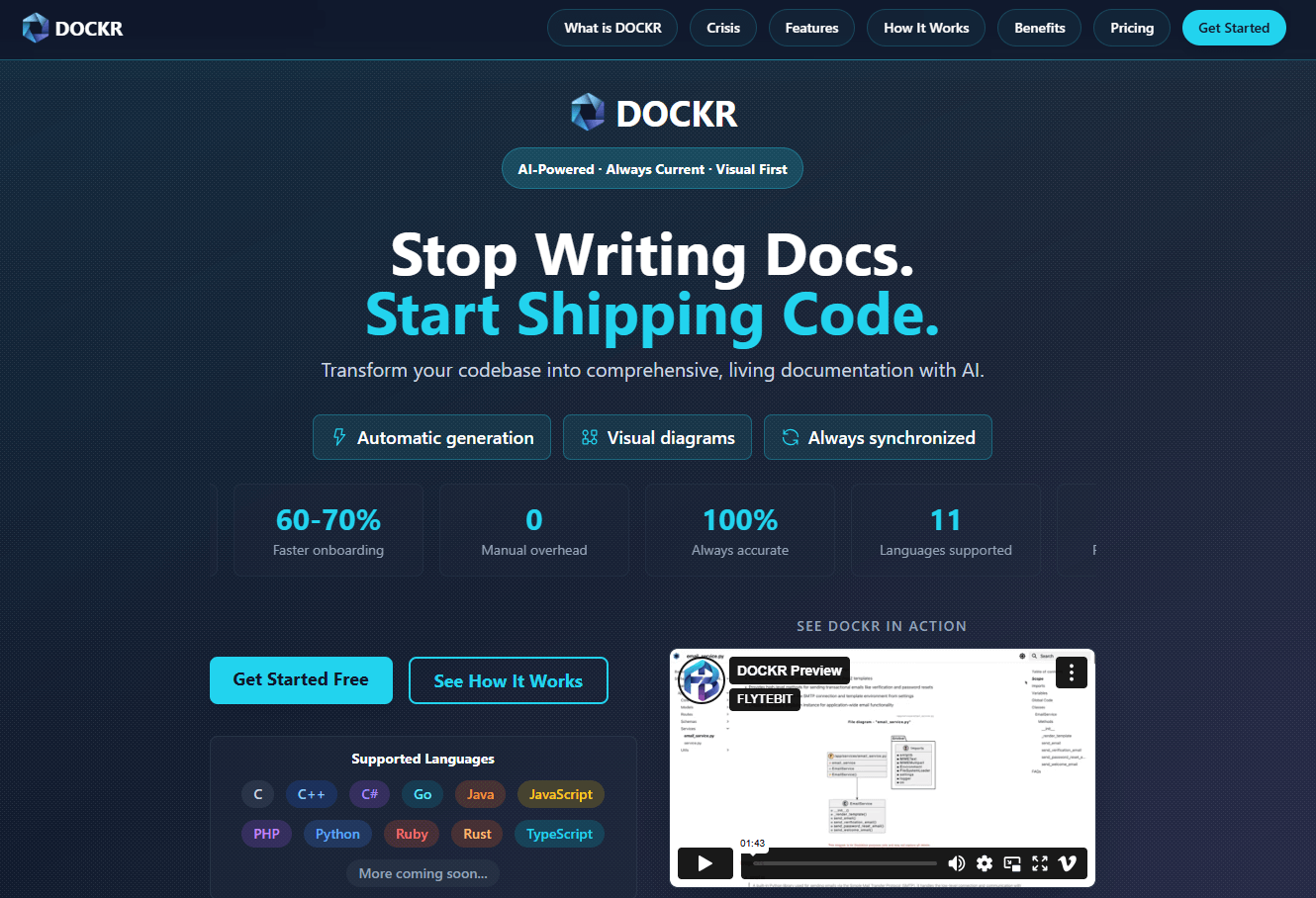
AI tool that auto generates living code documentation, plus visual diagrams that stay in sync with commits. Supports GitHub, GitLab, and Bitbucket via webhooks. (Per vendor documentation)
Best for: Engineering orgs that need repo-linked "living docs" with sequence, class, activity, or method diagrams for faster code comprehension.
Key Features:
- Auto documentation updates on every commit via webhooks
- Visual outputs, including sequence and UML style diagrams, plus mind maps
- Role based access and multi repo management
- Private cloud deployment for enterprise
(Per vendor documentation)
Why we like it: The visual-first approach speeds onboarding and code reviews. In practice, engineers open the diagram first, then jump to the exact method or module without hunting through files.
Notable Limitations:
- Independent third party reviews and analyst coverage are limited as of January 2026.
- Diagram fidelity varies for very large or highly dynamic codebases, based on anecdotal user posts in developer forums.
- Pricing depends on code size and change rate, which can be harder to forecast in volatile repos.
Pricing: Vendor presents usage based pricing with a credits model. An example calculator shows about $37 per month for a 100k line repository with roughly 10 percent monthly code change. Treat this as an estimate, confirm current pricing with the vendor.
DocForge
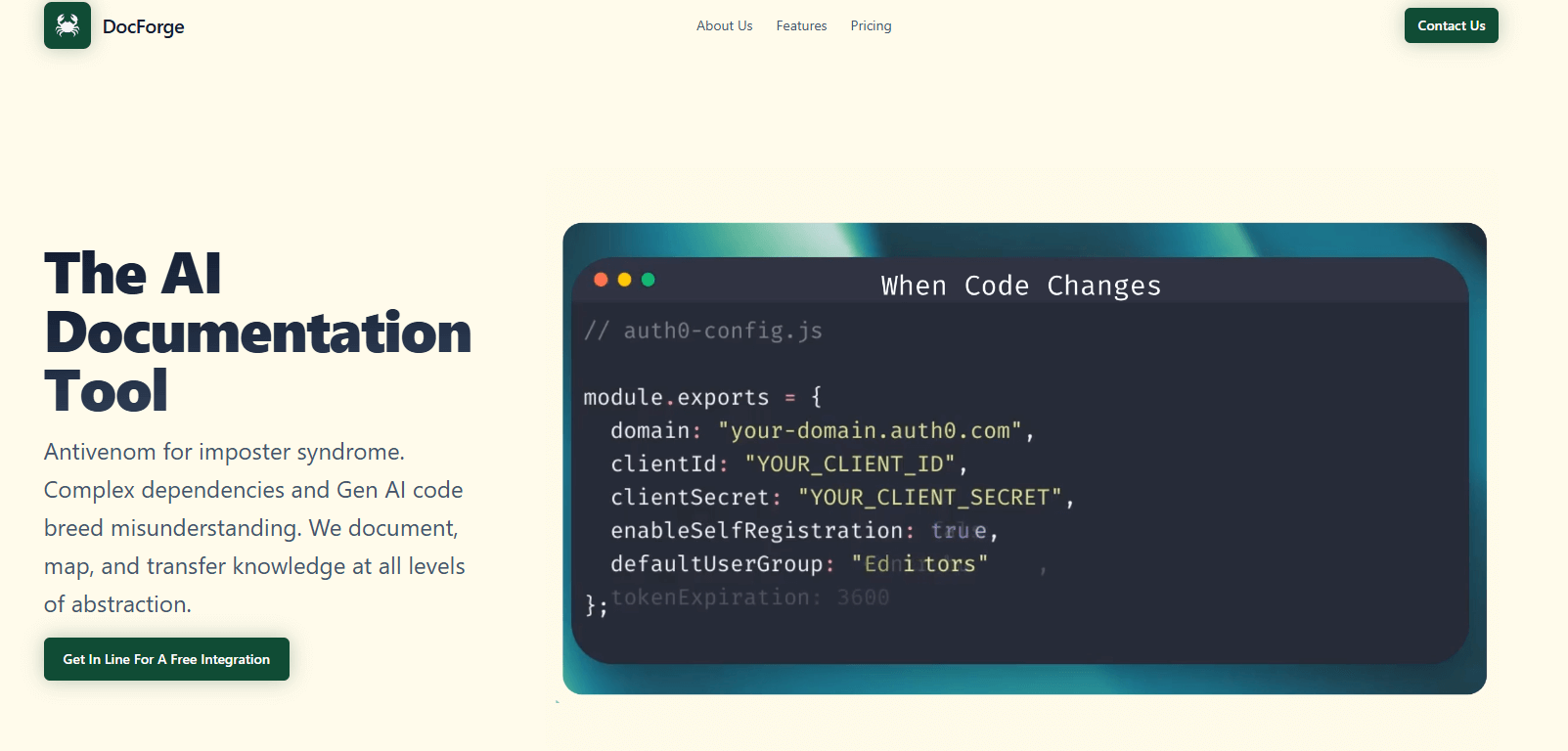
Generates wiki style documentation from codebases, keeps docs in sync through CI hooks, and is building dependency mapping. Focuses on "docs-as-code" parity. (Per vendor documentation)
Best for: Teams standardizing on CI driven updates and docs-as-code who want to keep Markdown in their repos.
Key Features:
- Generates wiki documentation from code and commit history
- CI hooks that propose doc diffs on merge
- Dependency mapping noted as in progress
(Per vendor documentation)
Why we like it: The CI centric model fits mature engineering practices that prefer PR based review and repo ownership of docs.
Notable Limitations:
- Pricing is not clearly published at the primary site as of January 2026.
- Limited third party validation and public testimonials.
- Some branding inconsistencies across pages suggest a product in active evolution, so confirm roadmap and support commitments.
Pricing: Pricing not publicly available. Contact the vendor for a custom quote.
AI Documentation Generation Tools Comparison: Quick Overview
| Tool | Best For | Pricing Model | Highlights |
|---|---|---|---|
| Verbicode AI | Repo, API, CLI to docs with multi format export | Tiered subscription, Free tier available | Exports to Markdown, HTML, GitBook, Docusaurus, vendor stated auto updates |
| DocStar | Unified API docs, KB, and blog | Free, Pro, Enterprise | API testing plus documentation, collaboration, custom domain |
| DOCKR | Living code docs with synced diagrams | Usage based credits, Trial/Free start | Webhook synced updates, sequence and UML style diagrams, private cloud option |
| DocForge | Docs-as-code with CI diffs | Custom/Undisclosed | CI hooks for doc diffs, dependency mapping in progress |
AI Documentation Generation Platform Comparison: Key Features at a Glance
| Tool | Repo Parsing | CI/Webhook Sync | Diagram Generation |
|---|---|---|---|
| Verbicode AI | Yes | Yes | Not primary focus |
| DocStar | Partial, focuses on API requests and KB | Not primary focus | Not primary focus |
| DOCKR | Yes | Yes, on commit | Yes, sequence, class, activity, method, mind maps |
| DocForge | Yes | Yes, PR merge hooks | Planned dependency mapping, limited public detail |
AI Documentation Generation Deployment Options
| Tool | Cloud API | On-Prem/Air-Gapped | Integration Complexity |
|---|---|---|---|
| Verbicode AI | Yes | Vendor states enterprise on-premise option, air-gapped not disclosed | Connect repo or upload OpenAPI or CLI output |
| DocStar | SaaS | Not disclosed | Browser based editor, API workspace, custom domain |
| DOCKR | Yes | Private cloud for enterprise, air-gapped not disclosed | Repo linking plus webhooks for sync |
| DocForge | Not clearly stated | Not disclosed | CI hooks, PR based doc diffs |
AI Documentation Generation Strategic Decision Framework
| Critical Question | Why It Matters | What to Evaluate | Red Flags |
|---|---|---|---|
| Will docs stay in lockstep with code? | Drift creates onboarding delays and production bugs | Webhooks, CI hooks, diff reviews, merge gating | Manual copy paste workflows, no diff review |
| Do we need diagrams from code? | Visuals accelerate reviews and onboarding | Diagram coverage, update triggers, large repo performance | Static diagram exports that fall out of date |
| Where will docs live? | Docs-as-code vs hosted affects workflow control | Markdown export, Git integration, SSO, RBAC | Vendor lock in, no repo export |
| Can the platform meet security needs? | Source exposure and compliance approvals | Deployment options, audit logs, SSO, data handling | Vague claims without evidence for enterprise asks |
AI Documentation Generation Solutions Comparison: Pricing and Capabilities Overview
| Organization Size | Recommended Setup | Monthly Cost | Annual Investment |
|---|---|---|---|
| Indie or small startup | Verbicode AI Pro for repo/API docs, DocStar Free for KB/blog | $19 to $44, depending on add ons | ~$228 to ~$528 |
| Growth stage team (5-25 engineers) | Verbicode AI Team for collaboration, DocStar Pro for KB/blog | ~$124 (Team $99 + DocStar Pro $25) | ~$1,488 |
| Mid market with many services | DOCKR Professional for diagrammed, living docs, plus DocStar Pro | Varies by LOC and change rate, example DOCKR estimate ~$37 for 100k LOC with moderate changes, + $25 | Varies, example ~$744 |
| Enterprise | DocForge or DOCKR enterprise deployment, docs-as-code workflow, SSO | Pricing not publicly available or custom | Contact vendors |
Notes: Verbicode and DocStar prices are based on publicly listed figures as of January 2026. DOCKR shows usage based estimates and will vary by repository size and change rate. Where pricing is not published, request a quote.
Problems & Solutions
-
Problem: Docs drift as code changes, which slows teams during releases. Gartner's Hype Cycle notes AI augmented software engineering automates routine tasks such as docstrings and boilerplate, a precursor for keeping documentation current (Gartner).
- Verbicode AI: Generates and updates docs from repos and OpenAPI, with version diffs so reviewers can approve changes before publishing.
- DOCKR: Webhook triggered updates regenerate docs and diagrams on each commit, keeping visuals and text aligned.
- DocForge: CI hooks propose doc diffs on pull request merges, pushing updates through normal code review.
- DocStar: Centralizes API docs and KB content so product and support teams can publish updates quickly alongside engineering.
-
Problem: Onboarding new engineers takes weeks because system knowledge is scattered. McKinsey estimates AI can lift software engineering productivity by 20 to 45 percent by cutting time on design, refactoring, and error chasing.
- DOCKR: Generates sequence, class, and activity diagrams from code, which speeds comprehension during code reviews and onboarding exercises.
- Verbicode AI: Produces installation guides, examples, and FAQs that act as a consistent starting point for newcomers.
- DocForge: Creates wiki style documentation with CI controlled updates, keeping "tribal knowledge" close to the code.
- DocStar: Provides a searchable KB and blog so teams can pair how to articles and API examples for common onboarding questions.
-
Problem: Tooling adoption is high but value is uneven without the right fit. Gartner predicts widespread AI use in engineering roles, yet cautions that skills and workflows must evolve to realize benefits (Gartner upskilling report).
- Match tools to workflow: Docs-as-code teams should favor DocForge or DOCKR's repository centric approach; content heavy teams may prefer DocStar for FAQs and help content; mixed repos and public docs are a good fit for Verbicode's export options.
-
Problem: Confusion between similarly named products causes procurement detours. Epicor's DocStar ECM is a document management system, not an AI doc generator, a distinction often missed by buyers.
- Action: Confirm vendor domain and product scope before evaluations to avoid mixing ECM with dev documentation tools.
A pragmatic wrap up
Most teams do not need a monolithic platform, they need documentation that stays in sync with code and a place where product and support can contribute. Adoption data shows AI is moving into the core of software engineering, with 75% of enterprise engineers expected to use AI code assistants by 2028. If your priority is repo centric "living docs," start with DOCKR or DocForge. If you want multi format outputs from repos, APIs, or CLIs, Verbicode AI is efficient. If your team needs a unified KB and API workspace, DocStar is a practical choice. Pilot one or two tools, measure review effort and merge cycle times, then expand only where the metrics justify it.