You think you know "low code saves time and money" until the first time you ship a mobile app, submit to the stores, and hit performance bottlenecks and policy checks. From my experience in the startup ecosystem, the winners pick a builder that matches real constraints like push notifications at scale, authentication flows that pass review, and CI/CD handoff for long term ownership. The goal here is to save you a sprint of rework. The low code market is not hype, Gartner projected $26.9B in 2023 and industry reporting cites a path toward $44.5B by 2026, driven by automation and composability, see Gartner's newsroom and InfoWorld's coverage of the forecast for details (Gartner newsroom, InfoWorld analysis).
The featured set balances speed, native publishing, code ownership, and spreadsheet-centric use cases with evidence from third party reports and user reviews.
FlutterFlow

A visual Flutter builder for iOS, Android, and web that generates exportable Flutter code and supports complex UI and logic. Built for teams that want visual speed with a path to source control and handoff.
- Best for: Startups and agencies that want native apps with code export and optional manual pipelines.
- Key Features: Drag and drop Flutter UI, code export, GitHub integration on higher tiers, API and database connectors, one click mobile store deployment per plan.
- Why we like it: It gives you visual speed for MVPs, then lets you graduate to owning the Flutter codebase when you need audits or custom extensions.
- Notable Limitations: Users report a learning curve, editor slowdowns on very large projects, and complaints about exported code quality or maintenance overhead in complex builds.
- Pricing: Public tiers moved to Free, Basic, Growth, and Business. Basic is $39 per seat monthly, Growth first seat around $80, Business around $150. Confirm current rates on the vendor pricing page, see independent coverage of the pricing change (pricing change summary).
Glide
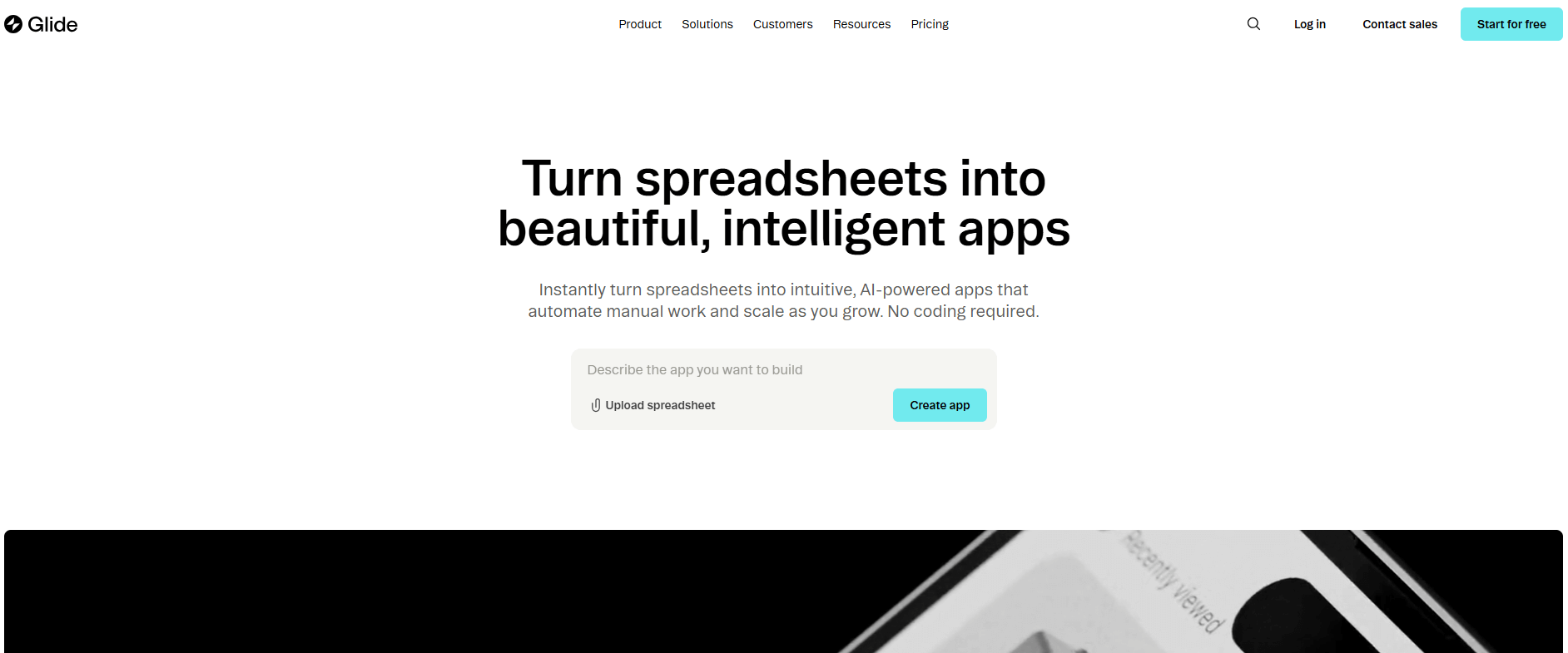
A no code builder that turns spreadsheets and databases into mobile friendly Progressive Web Apps with workflows and AI assisted blocks. Optimized for internal tools, portals, and CRUD apps that must ship fast.
- Best for: Operations teams and founders who live in Google Sheets, Airtable, Excel, or SQL and want fast internal apps without app store overhead.
- Key Features: Spreadsheet first data model, role based access, AI text and logic blocks, template library, real time sync.
- Why we like it: You can go from sheet to working app in hours, and non developers can keep iterating without a dev backlog.
- Notable Limitations: No direct publishing to the Apple App Store or Google Play, design flexibility is template driven, and users cite ceilings for very complex logic.
- Pricing: G2 lists Free, Explorer from $19, Maker from $49, Business from $199, Enterprise by quote, check the current tiers on G2's pricing page for Glide (G2 pricing overview).
Adalo
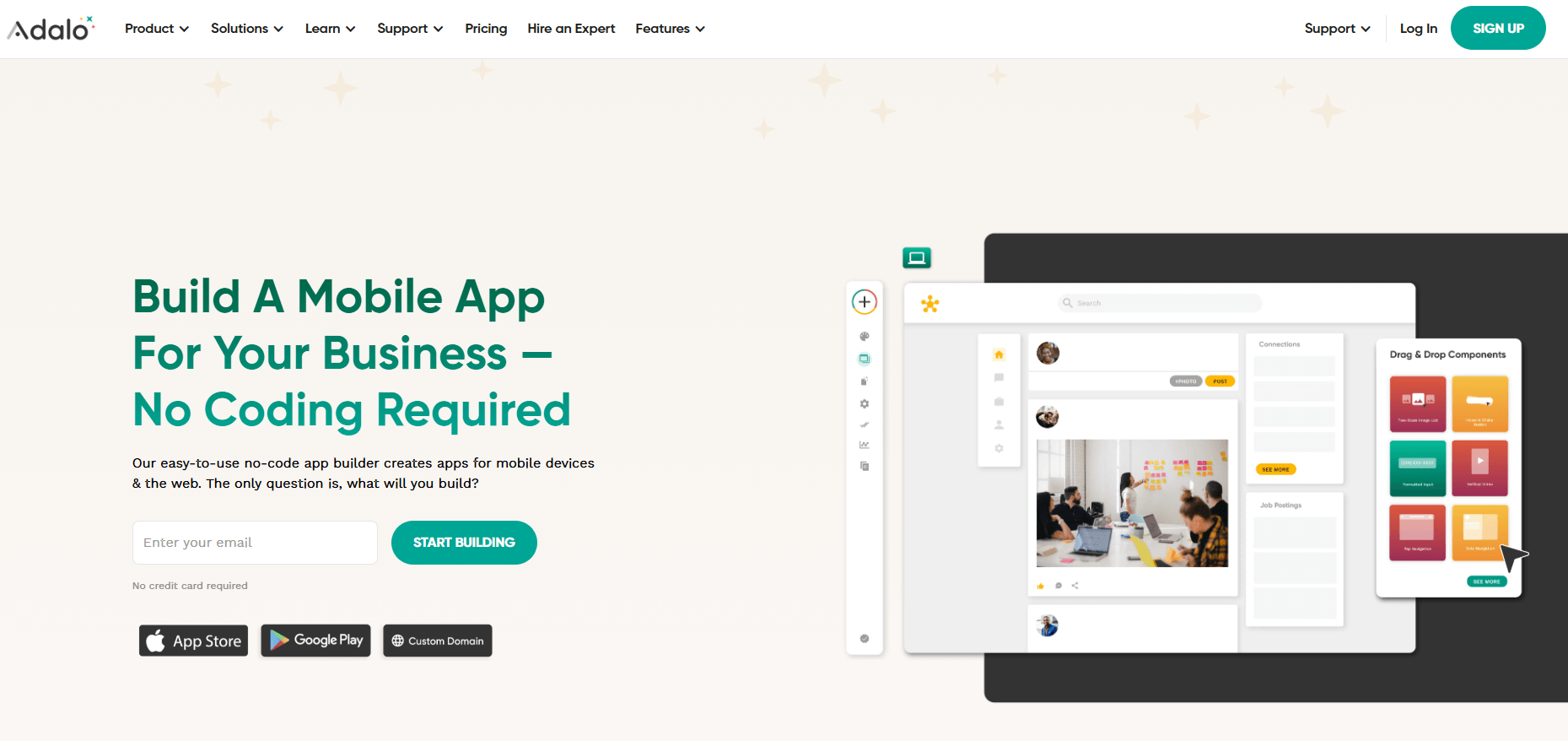
A drag and drop platform for building native mobile and web apps with direct publishing to the App Store and Google Play or as PWAs. Strong for founders who need to ship and learn with a native presence.
- Best for: Founders and SMBs that want native publishing without code and can keep app logic moderate.
- Key Features: Visual builder, internal database plus external connections, marketplace components, push notifications, app store builds.
- Why we like it: It lowers the barrier to native store distribution, which helps validate ideas that require app store presence or push.
- Notable Limitations: Reviewers cite performance degradation with large datasets and complex screens, limited code level customization, and no source code export.
- Pricing: Public pricing is listed by the vendor. As of November 2025, Starter often begins around $36-45 per month billed annually, with higher tiers for Professional, Team, and Business. Pricing may change, verify on the vendor site.
GoodBarber

A no code platform for creating native mobile apps and progressive web apps with a design system driven UI, push notifications, and an optional concierge submission service.
- Best for: Non technical teams that want polished templates, push, and hands on guidance through app store submission.
- Key Features: Native iOS and Android app generation, PWA support, push notifications, built in themes, optional "we submit it for you" service.
- Why we like it: It is friendly for non developers and includes support options to navigate the Apple and Google review process.
- Notable Limitations: Reviews mention customization ceilings, add on costs, and slower ticket based support compared to live chat.
- Pricing: Capterra lists plans such as Content at €36 per month, eCommerce at €50, and Reseller at €280, check plan details and currency on Capterra's pricing page (Capterra pricing summary).
Appery.io

A cloud based builder for HTML5 and hybrid mobile apps using web tech and frameworks like Ionic and Cordova, with a visual editor and back end services.
- Best for: Teams that prefer hybrid web views and need Cordova or Ionic packaging with a visual builder.
- Key Features: Drag and drop UI, cross platform hybrid builds, Cordova plugin support, API integration, built in back end services.
- Why we like it: It supports hybrid apps with an approachable editor and a long standing plugin ecosystem.
- Notable Limitations: Reviewers cite dated docs in places, a steeper path for heavy CSS customization, and fewer third party specialists compared to newer no code tools.
- Pricing: G2 lists Beginners at $25 per month, Pro at $70, Team at $135 per month when billed annually. See G2's pricing page for current details (G2 pricing for Appery.io).
Low-Code Mobile App Builders Tools Comparison: Quick Overview
| Tool | Best For | Pricing Model | Free Option |
|---|---|---|---|
| FlutterFlow | Native apps with code export and handoff | Tiered per seat | Yes |
| Glide | Spreadsheet driven internal tools and portals | Tiered per account | Yes |
| Adalo | Non dev teams needing native store presence | Tiered per account | Yes |
| GoodBarber | Non technical creators with store submission help | Flat plan pricing | Trial |
| Appery.io | Hybrid apps with Cordova or Ionic | Tiered per seats/apps | Trial |
Additional Highlights:
- FlutterFlow: Visual Flutter UI, source code export, optional one click store deploy
- Glide: Sheet or DB as backend, AI blocks, PWA delivery
- Adalo: Native builds, push, marketplace components
- GoodBarber: Native and PWA, themes, optional concierge submission
- Appery.io: Visual editor, Cordova plugins, web plus mobile hybrid
Low-Code Mobile App Builders Platform Comparison: Key Features at a Glance
| Tool | Code Export | Native App Store Build | Spreadsheet/DB First |
|---|---|---|---|
| FlutterFlow | Yes | Yes | Connectors |
| Glide | No | No | Yes |
| Adalo | No | Yes | Built in DB plus APIs |
| GoodBarber | No | Yes | Content and integrations |
| Appery.io | Hybrid web code | Yes, via Cordova/Ionic | APIs |
PWA Support: All platforms support PWA
Low-Code Mobile App Builders Deployment Options
| Tool | Cloud API | On-Premise | Air-Gapped |
|---|---|---|---|
| FlutterFlow | Yes | No, code export allows local builds | No |
| Glide | Yes | No | No |
| Adalo | Yes | No | No |
| GoodBarber | Yes | No | No |
| Appery.io | Yes | No | No |
Integration Complexity:
- FlutterFlow: Medium, expands with custom code
- Glide: Low, spreadsheet centric
- Adalo: Low to Medium
- GoodBarber: Low
- Appery.io: Medium
Low-Code Mobile App Builders Strategic Decision Framework
| Critical Question | Why It Matters | What to Evaluate |
|---|---|---|
| Do you need App Store distribution, or is a PWA enough? | App store rules change timelines and cost | Native build support, submission guidance |
| Do you need code ownership? | Audits, custom extensions, vendor risk | Code export and CI/CD paths |
| What is your data source today? | Speed depends on aligning with your data shape | Spreadsheet first vs API first vs hybrid |
| How complex is your logic and scale? | Builders have ceilings | Limits on relations, workflows, and performance |
Red Flags:
- PWA only if you require App Store listing
- Closed platforms without exports
- Heavy ETL to fit your tool
- Vendor forums full of performance workarounds only
- Sudden plan shifts without alternatives
Low-Code Mobile App Builders Solutions Comparison: Pricing & Capabilities Overview
Prices below reference third party listings and public pages linked in this guide, taxes and currency differences excluded. Always confirm current pricing.
| Organization Size | Recommended Setup | Monthly Cost |
|---|---|---|
| Solo creator, internal tool | Glide Maker tier for PWA, spreadsheet backend | About $49 per month, per G2 pricing |
| Solo creator, native MVP | Adalo Starter tier for store publishing | About $36 to $45 per month, vendor posted |
| Startup team needing code ownership | FlutterFlow Basic or Growth with manual CI/CD | About $39 to $80 per seat per month |
| SMB with concierge submission | GoodBarber Content or eCommerce plus submission credits | €36 to €50 per month plus submission credits |
Annual Investment:
- Solo creator, internal tool: About $588
- Solo creator, native MVP: About $432 to $540
- Startup team: About $468 to $960 per seat
- SMB with concierge: €432 to €600 plus credits
- Hybrid web plus mobile: About $840 (Appery.io Pro plan at $70 per month)
Problems & Solutions
-
Problem: "We must publish a mobile app to the Apple App Store and Google Play next quarter."
- FlutterFlow: Supports native builds with either one click deployment on higher tiers or manual pipelines. Users document end to end pipelines with GitHub and Codemagic when not on the one click tier, see community threads for real world paths (community deployment thread).
- Adalo: Designed for non devs to ship native builds and push notifications, aligned with app store presence per user reviews and docs, with ongoing performance updates for larger apps (Adalo performance updates).
- GoodBarber: Offers an optional team to handle app store submissions and re submissions using your developer accounts, which reviewers corroborate as part of their experience (G2 review noting store publishing, Trustpilot experiences).
- Glide: Does not support direct App Store or Play publishing, it ships PWAs, which multiple third parties explain, so choose Glide only if a PWA fits your distribution model (independent review explaining no native publishing).
-
Problem: "Security review requires source code access and long term ownership."
- FlutterFlow: Exports Flutter source so you can store in your own repo and extend with code, reinforced by third party listings and user reviews on G2 (G2 feature highlights mentioning code ownership).
- Adalo and GoodBarber: Closed platforms without source export, better for teams that do not require code audits, see independent breakdowns of Adalo's export limits and tradeoffs (export limitation explained).
- Appery.io: Generates hybrid projects with Cordova and Ionic, which multiple users reference as their packaging path (G2 reviewer citing Cordova deployment).
-
Problem: "Our non technical team needs a working app this week, with live data in a spreadsheet."
- Glide: Built exactly for sheet to app with real time sync and AI blocks that speed up content and classification, validated by third party reviews and user stories (Trustpilot sentiments).
- Adalo: Also workable for quick MVPs, but evaluate performance tips when lists and relations grow to avoid slow screens (Adalo performance tips).
- FlutterFlow: Faster than coding from scratch but has a steeper learning curve than Glide, a common theme in reviews (G2 reviewer noting learning curve).
-
Problem: "Budget planning is at risk from changing plan tiers."
- FlutterFlow: Pricing and plan names changed in mid 2025 with a formal migration in August, plan for that and re validate feature gating before renewal.
- GoodBarber: Public Euro priced plans are visible on third party sites, helpful for budgeting in advance.
- Glide: Current tier names and starter prices are listed on G2, use that for approvals while confirming any usage caps.
- Appery.io: Third party pricing pages outline beginner, pro, and team tiers for forecasting.
Bottom Line: Pick by Distribution, Code Ownership, and Data Shape
Low code works when it aligns with how your app must be distributed, how your data already lives, and how much ownership you need after launch. It fails when those questions are postponed.
If you need native App Store and Google Play distribution with a future path to full ownership, FlutterFlow is the most flexible starting point, as long as you plan the CI/CD transition once the product stabilizes. If a PWA is sufficient and your source of truth is a spreadsheet or Airtable, Glide is the fastest way to ship and iterate, but it is not designed for app store publishing. If you want a non technical builder that includes help navigating store submissions, GoodBarber’s templates and concierge services reduce friction, with predictable pricing visible on third party sites. For hybrid web stacks that rely on Cordova or Ionic, Appery.io remains a viable option, especially for teams already comfortable with web technologies.
The macro trend is clear. Low code adoption is accelerating, as Gartner’s forecasts show, but ROI still comes from fit, not features. Start by locking down distribution requirements, code ownership expectations, and data shape. Then choose the builder that matches those constraints, rather than the one with the longest feature list.