
Updated: September 13, 2026
Founders who want finished work while the laptop is shut keep ending up with Grok Bot and Claude on the same shortlist. Both promise agents that finish jobs, not only smarter chat replies.
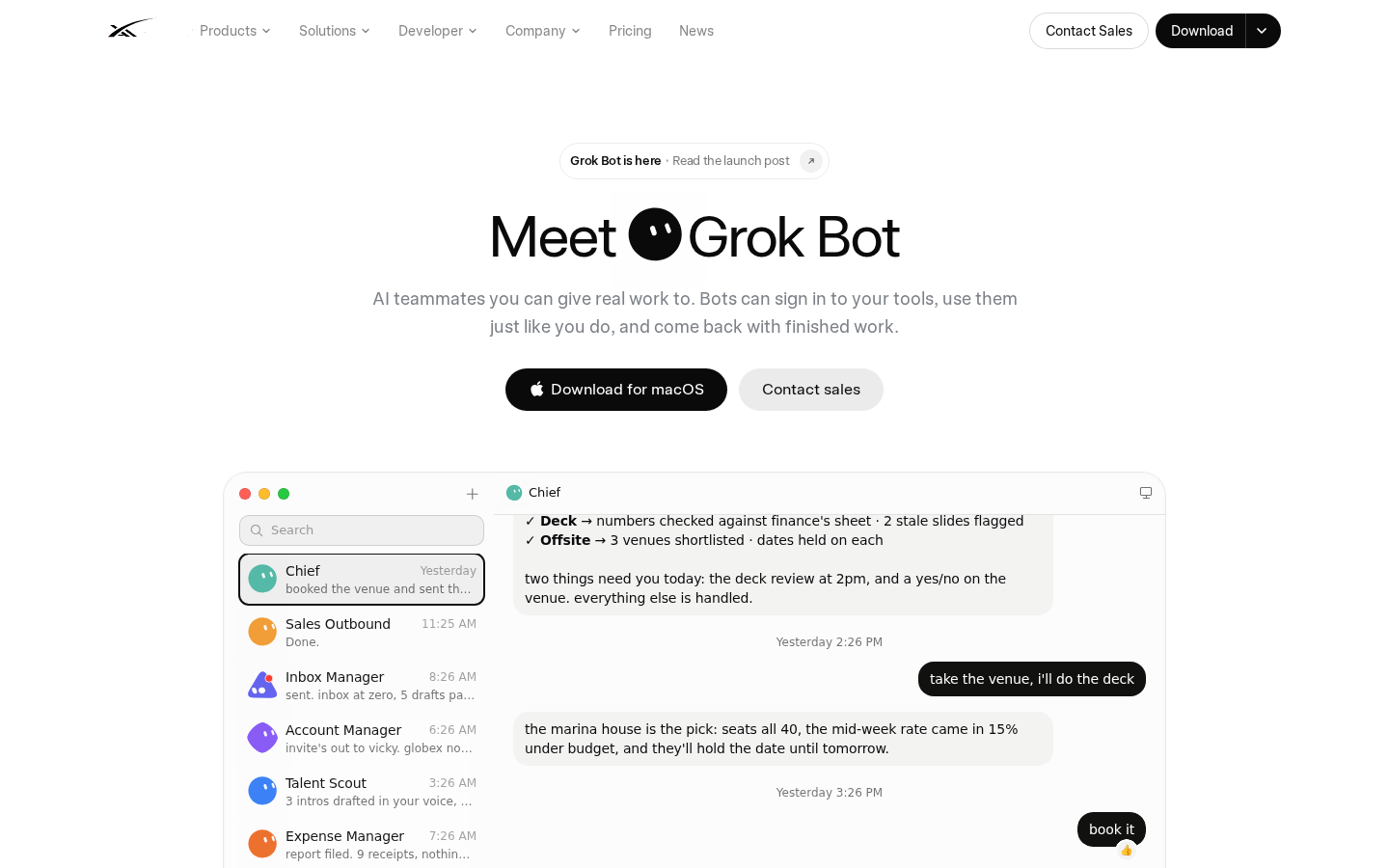
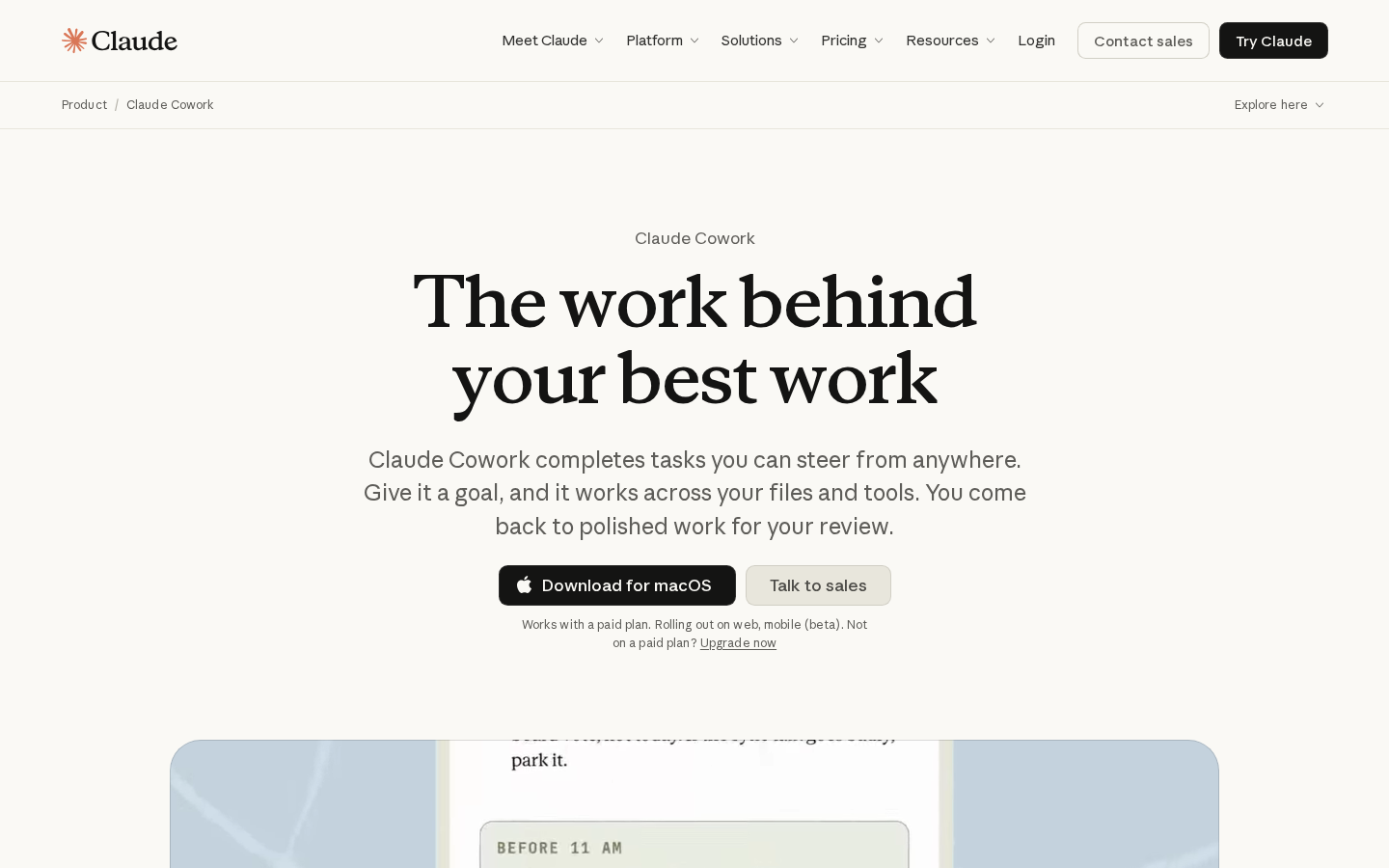
They do not mean the same thing by it. Grok Bot, from xAI, is a roster of named bots on one shared cloud Linux computer that signs into your tools and keeps going after you leave. Claude, from Anthropic, is chat plus Claude Code and Claude Cowork, working from your terminal, your folders, and your connectors inside your own account.
So the real fork is whose computer does the work. That choice sets the price path, the security model, and which jobs each product can take without you watching.
Plan floors, computer ownership, and job fit fill out the tables below, checked against both vendors' pages on September 13, 2026.
What each one is
Grok Bot (xAI) is an AI teammates product: you message named Bots on desktop or iOS, they share one always-on cloud computer, sign into your apps, learn routines, and keep working in parallel. There is no standalone Bot checkout. Access is bundled on SuperGrok, SuperGrok Plus, and SuperGrok Heavy, and on Cursor Pro, Pro+, Ultra, and Teams. Product home is x.ai/bot.
Claude (Anthropic) is a chat assistant plus Claude Code for engineering and Claude Cowork for knowledge work and local folders. Free covers chat surfaces. Paid Pro and above unlock Code, Cowork, Design, Science, and higher usage. It sells to individuals and teams who want one Anthropic account for chat, terminal, and desktop agent work.
Snapshot: job, where it runs, how it signs in, and whether work continues when your laptop is closed.
 Grok Bot |
Claude |
|
|---|---|---|
| Job | Always-on agent teammates that work inside your apps on a shared cloud computer | Chat plus Claude Code for engineering and Claude Cowork for knowledge work and files |
| Runs on | Vendor-hosted cloud computer. Mac/Windows desktop app and iOS clients | SaaS chat; Code in terminal, IDE, and desktop; Cowork on desktop with web/mobile beta |
| Sign-in | Bot signs into your tools on the cloud computer; takeover for passwords and 2FA | Connectors and MCP first; built-in Cowork browser; computer use on your screen as fallback |
| Works while offline | Yes. The cloud computer keeps working when your laptop is closed | Cowork cloud continuation on web/mobile beta; desktop Cowork needs your machine for local folders |
Editions and pricing
Read Public free and Paid self-serve first. Bundled plan ladders and weekly usage sit in What paid unlocks.
| Grok Bot |
Claude |
|
|---|---|---|
| Public free | No free Bot line. One-time individual trial called out at launch | Free chat on web, mobile, and desktop. No Claude Code or Cowork on Free per the pricing table |
| Paid self-serve | Bundled, no Bot SKU. SuperGrok / Plus / Heavy and Cursor Pro / Pro+ / Ultra / Teams. Marketing cards from about $20/mo (Cursor Pro) and $30/mo (SuperGrok) | Pro $20/mo or $17/mo annual; Max from $100/mo; Team from about $20 to $25/seat |
| What paid unlocks | Cloud computer, tool sign-in, routines, desktop/mobile clients, weekly Bot usage (on-demand after) | Pro and up: Claude Code, Cowork, Design, Science, projects, more models |
| Enterprise | Waitlist / sales path on launch materials | Custom. Cowork included with admin controls on the Cowork product page |
Grok Bot has no checkout of its own. Founders buy through either ladder:
- SuperGrok, SuperGrok Plus, or SuperGrok Heavy (link the Grok account from the Bot plan screen), or
- Cursor Pro, Pro+, Ultra, or a self-serve Cursor Teams seat (sign in with the same Cursor account).
Cursor's Grok Bot plans help states access is included on those Cursor paid plans and via linked individual SuperGrok tiers. Cursor and SuperGrok usage grants do not stack. Weekly Bot usage is included; past that, on-demand bills through Cursor if enabled, so a heavy week costs more than the plan floor.
Claude is simpler, with one trap. Team Standard and Premium seats differ in what they carry for Claude Code, so check the seat before you staff a whole org. Numbers above follow Anthropic's pricing page. Both vendors move these numbers often; ours are from September 13, 2026.
Where the computer lives
Shared sessions, local folders, and how each product reaches awkward UIs.
| Grok Bot |
Claude |
|
|---|---|---|
| Shared across agents | Yes. Every Bot shares files, browser sessions, and logins on that box | One Claude account/org. Not marketed as many bots sharing one cloud Linux desktop |
| Local desktop folders | Work lands on the cloud computer and in connected tools | Desktop Cowork reads and writes folders you choose on your machine |
| Browser for hard UIs | Computer use on the Bot's cloud browser when Plugins are not enough | Built-in Cowork browser in the side panel; computer use on your screen in research preview |
For buyers, that means Grok Bot names are not a security boundary: treat the shared box like one trusted machine with many hands on the keyboard. Claude's Cowork docs stress folder grants, approvals, and admin controls on Team/Enterprise, so the trust model differs even when both products ask you to decide what the agent may touch.
Desktop Cowork still leans on a machine you own for deep folder work. That hardware cost sits on you; Grok Bot's always-on cloud setup does not.
Coding vs knowledge work surfaces
Primary surface, engineering, knowledge work, and how parallel workers show up.
| Grok Bot |
Claude |
|
|---|---|---|
| Primary surface | Teammate chat to named Bots (desktop and iOS) | Chat, Claude Code, and Cowork as separate modes in one plan family |
| Software engineering | Can work repos and tools via the cloud computer; not positioned as Claude Code | Claude Code is the engineering product (terminal, IDE, desktop) |
| Knowledge work | Routines and multi-Bot jobs across signed-in apps (GTM, support, ops examples on marketing) | Cowork for docs, sheets, research, scheduled readouts; same agentic approach as Code |
| Parallel workers | Multiple Bots on one shared computer, with threads between them | Cowork splits work into parallel sub-agents inside a task |
Which product owns which job:
- Merge conflicts and PRs: Claude Code, on your machine.
- Monday decks rebuilt from Amplitude and Drive: Cowork.
- Long-running work that must stay signed into your team's tools: Grok Bot.
Grok Bot is a weak Claude Code substitute. Claude Code is a weak always-on teammate desk.
Pros and cons
Grok Bot
Pros
- Cloud computer keeps working after you close the laptop.
- Bundled on SuperGrok and Cursor paid plans with no separate Bot checkout.
- Many named Bots can share context and hand work between threads.
Cons
- Every Bot shares one computer, so Bot names are not a security fence.
- Weekly usage then on-demand spend can outrun the plan floor.
- When the shared box stalls, every Bot fails together until vendor recovery.
Shared sessions are the limit operators miss in demos. It hits anyone who wanted a read-only research Bot next to a Bot signed into finance tools. Ask which credentials will sit on that computer, and who can revoke a session without deleting every Bot.
Claude
Pros
- Claude Code is a first-class engineering surface in terminal and IDE.
- Cowork grants local folders on a machine you already own.
- Published Free chat plus clear Pro / Max / Team ladders.
Cons
- Free excludes Code and Cowork.
- Paid usage limits still cut heavy Code or Cowork days short.
- Deep folder work still needs a machine you keep online.
Usage ceilings are the complaint that survives Pro upgrades. That hits founders who treat Claude like an all-day agent, not only Free-tier browsers. Ask how many hours of Code or Cowork your real week needs before Max, and what happens when the rolling window resets mid-ship.
Verdict
Start from whose computer must stay signed in, then buy the plan ladder that unlocks that surface.
- Buy Grok Bot when the work must stay signed into your apps on a machine you are not babysitting. Budget for weekly usage plus on-demand, and treat shared sessions as a hard limit, not a persona setting.
- Buy Claude Pro or above when the work is a repo or a folder of documents on your stack. Confirm Free is not enough, and pressure-test usage limits on a real Code or Cowork day before you assume Max is optional.
- Run both only if someone owns approvals, spend, and failure review for each, so a stalled Bot box and a Claude usage reset do not land on the same owner by accident.
FAQs
Is Grok Bot the same as Grok chat?
No. Grok Bot is xAI's agent teammates product with a shared cloud computer. Generic Grok chat is a different surface.
Does Free Claude include Code and Cowork?
No. Anthropic's public pricing table shows Claude Code and Cowork as No on Free and Yes on Pro and Max.
Which plans include Grok Bot?
Both ladders: SuperGrok, SuperGrok Plus, and SuperGrok Heavy, and Cursor Pro, Pro+, Ultra, and Cursor Teams. There is no standalone Bot checkout. See x.ai/bot and Cursor's Grok Bot plans help.
Do Cursor and SuperGrok Bot usage stack?
No. Cursor's plans help says a Cursor plan and a SuperGrok link do not add Grok Bot usage on top of each other. Pick one grant path, then use on-demand if you need more.
More from Startup Stash
Method: How we review tools. More side-by-sides on the Compare hub. Shortlists under Top Tools. Related: Grok Bot, Claude alternatives, Cursor alternatives, and the Cursor tools listing.
Coverage of the Grok Bot launch: Digital Trends, August 2026. Cowork beyond desktop: TechCrunch, July 2026.

 Grok Bot vs Claude: cloud teammate computer or Claude’s stack?
